
School Brochure Templates
We offer dozens of editable and printable school brochure templates to help you promote your school, kindergarten, college, or course and share its story. Our school brochure designs are available in multiple formats, including Google Docs, Word, Google Slides, and PowerPoint. You can find many free options as well as premium alternatives with an affordable subscription. Download or make a copy of our school brochure templates, customize them to fit your needs, and print them out or use a digital version.
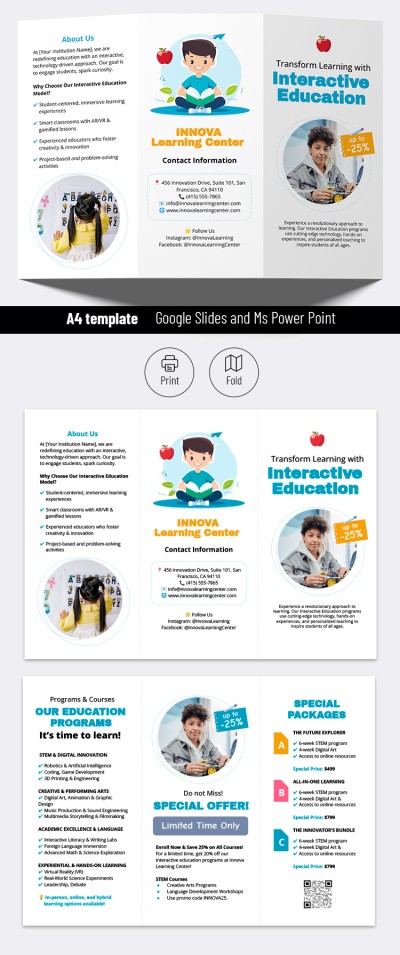
Interactive School Brochure
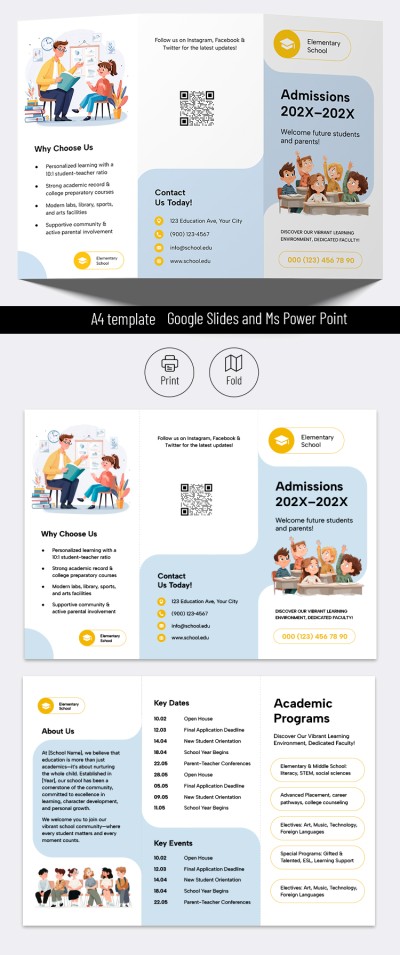
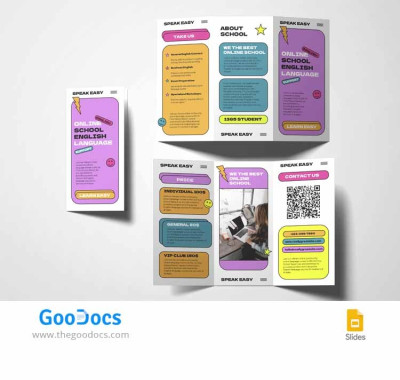
Online School Brochure
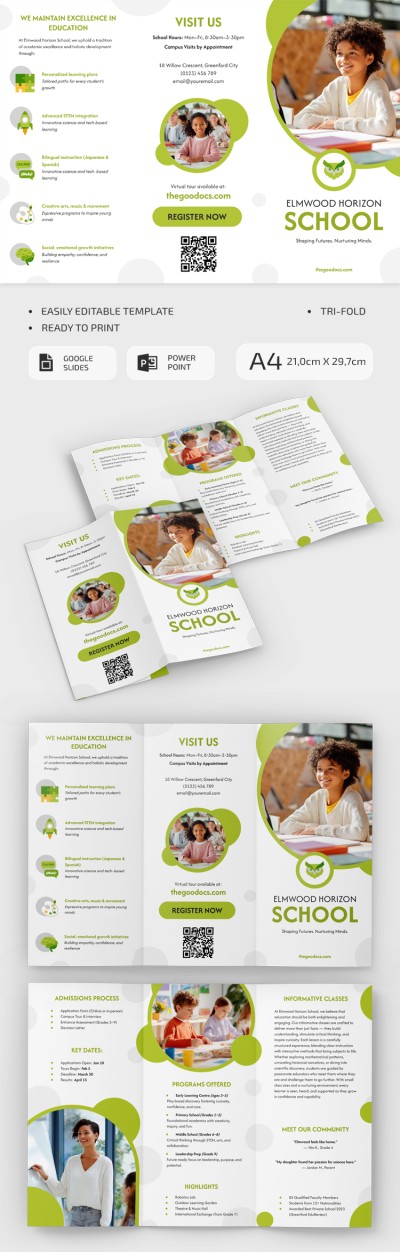
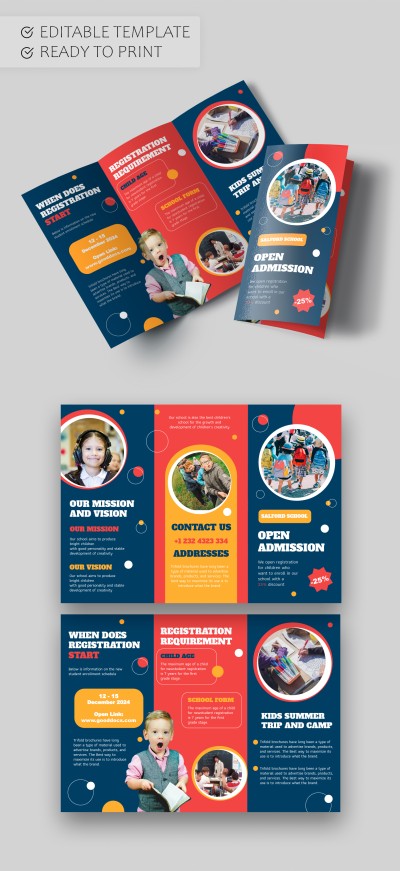
School Admission Brochure Template
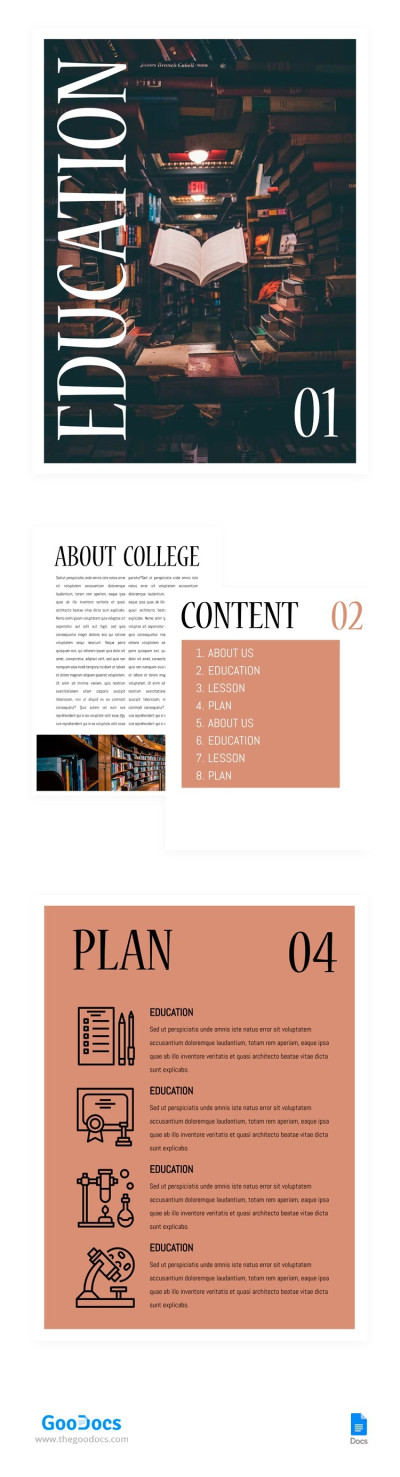
College Brochure
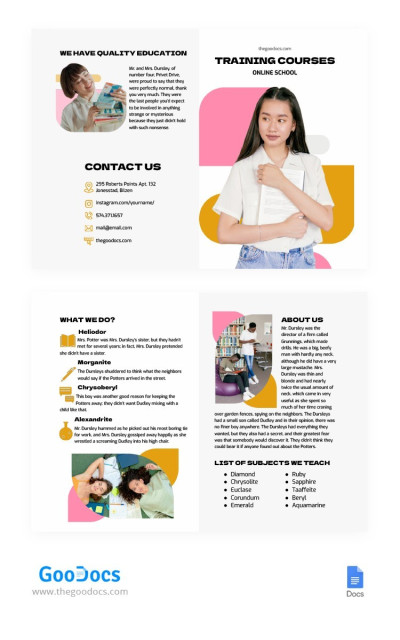
Bi-fold School Brochure
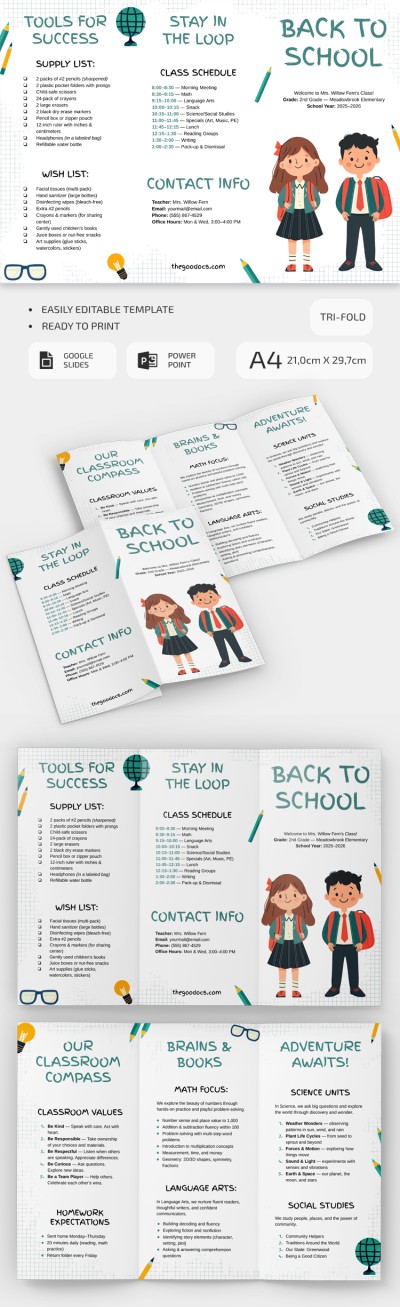
DIY Editable Back to School Brochure
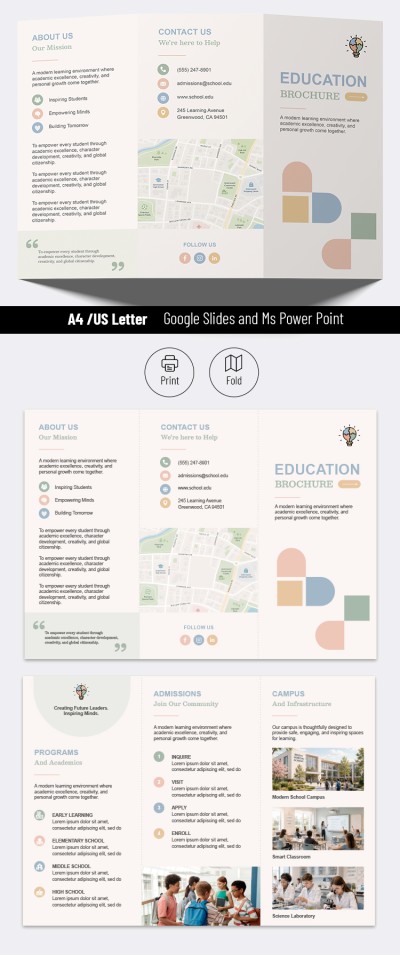
Modern School Brochure Template
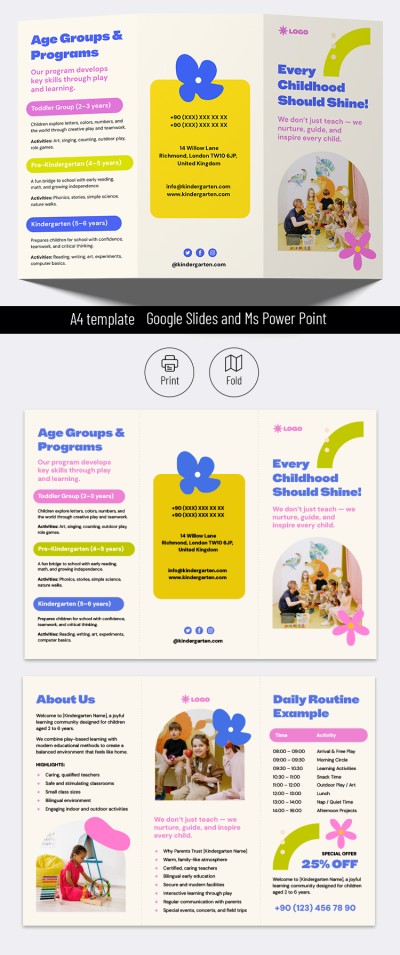
Kindergarten School Brochure Template
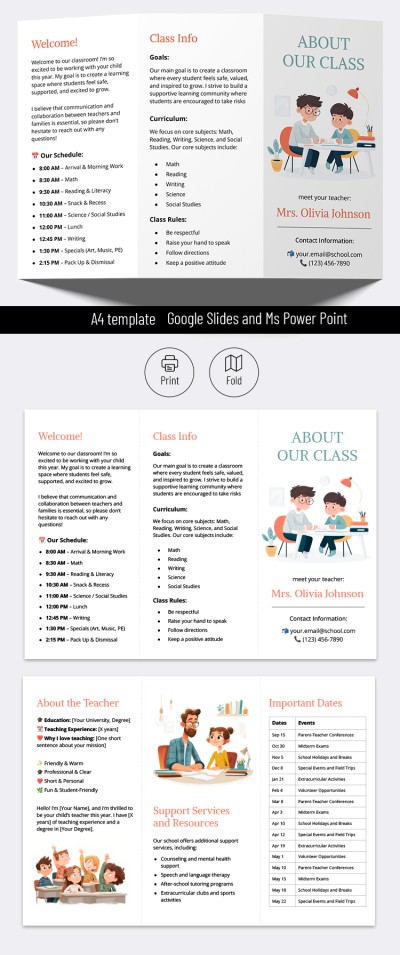
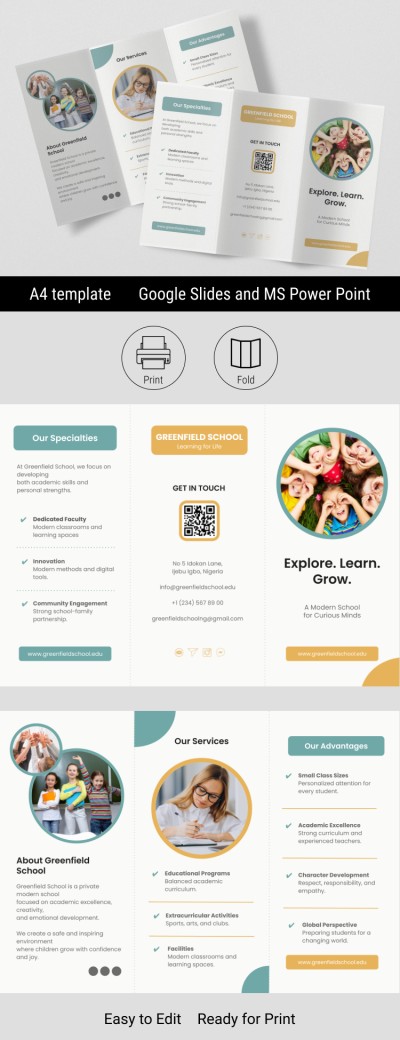
Private School Trifold Brochure Template
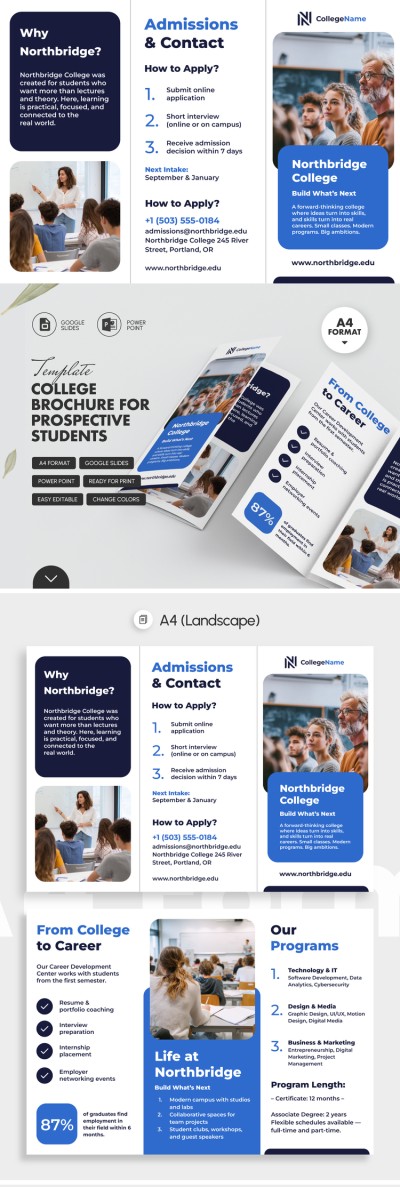
College Brochure for Prospective Students
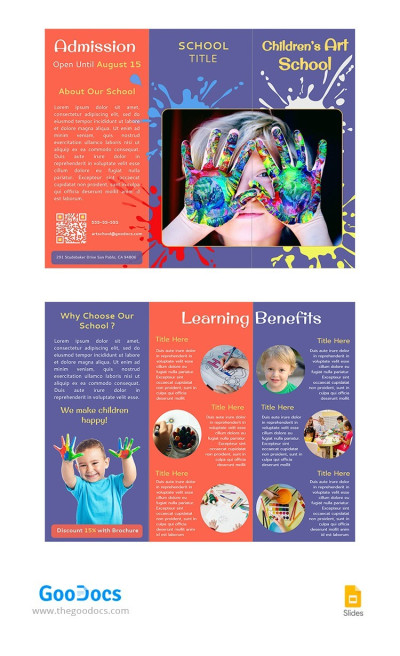
Bright Art School Pamphlet
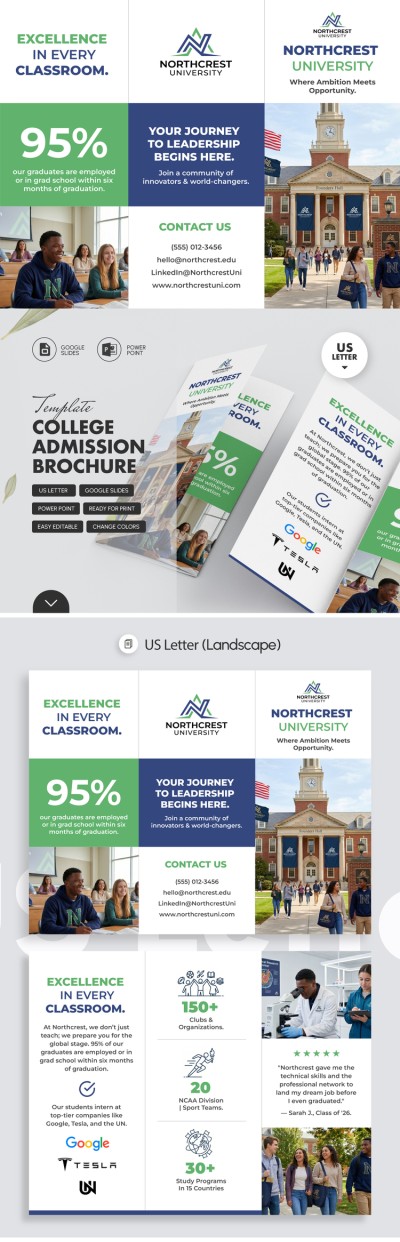
College Admission Brochure Template
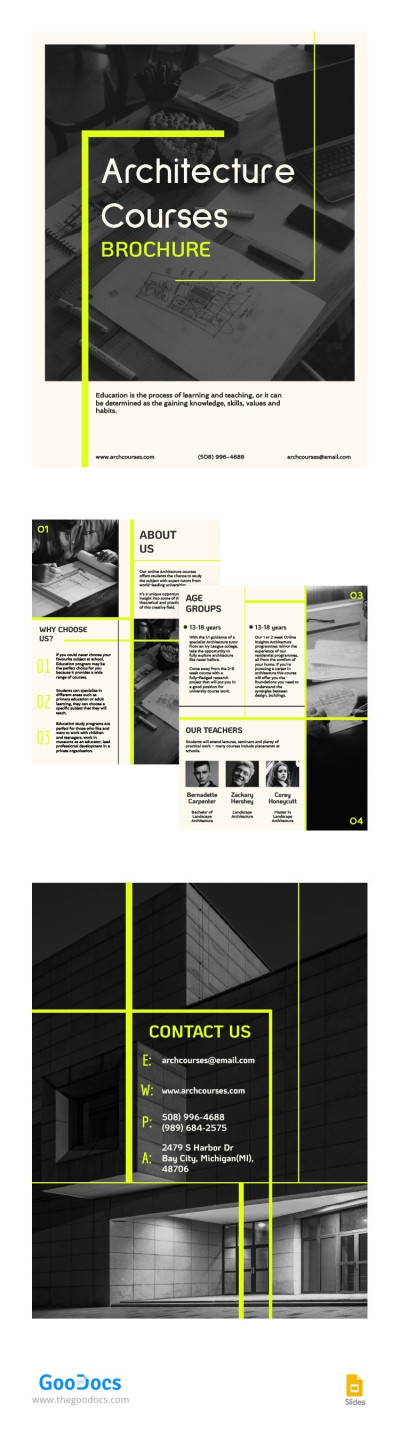
Architecture Courses Brochure
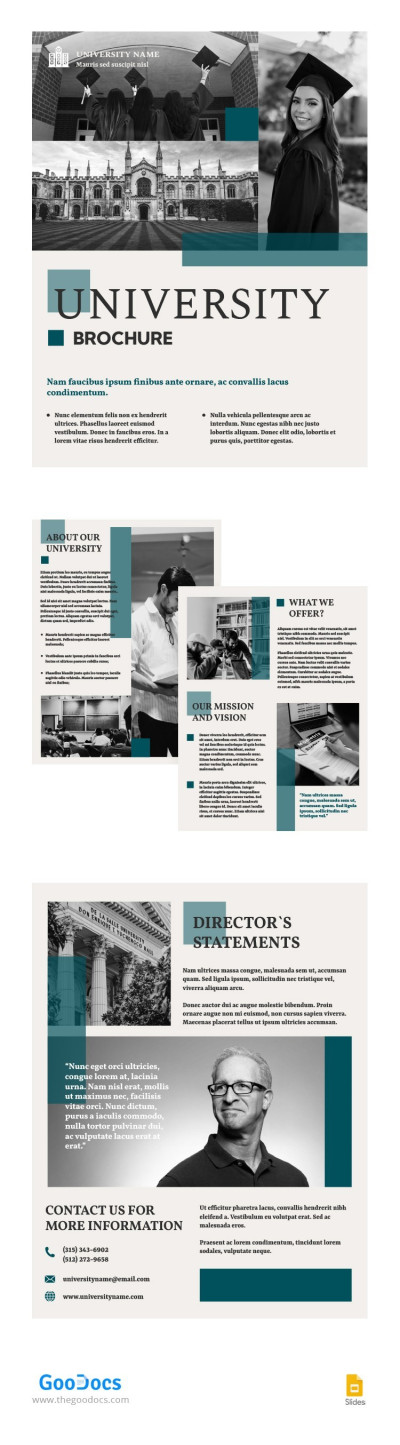
University Bifold Brochure
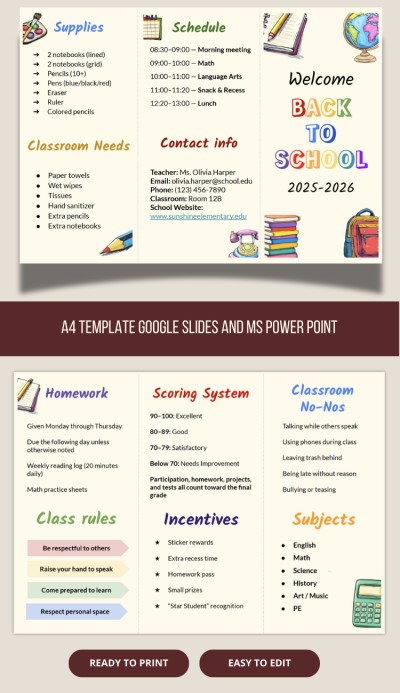
Back To School Brochure
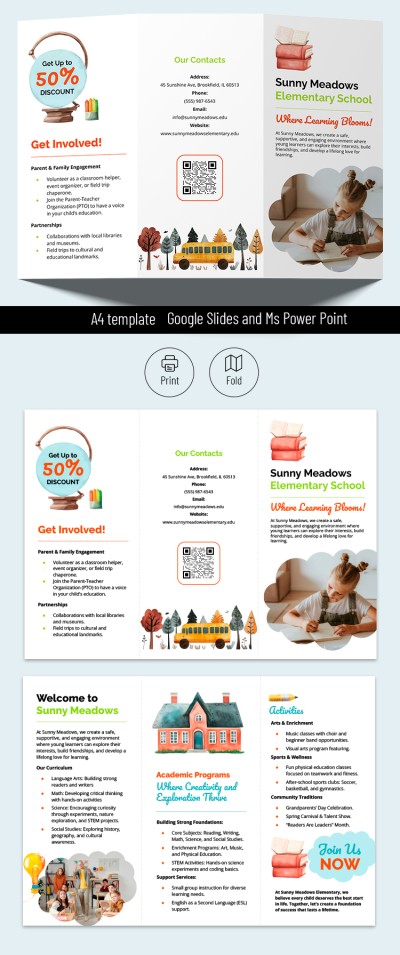
School Brochure
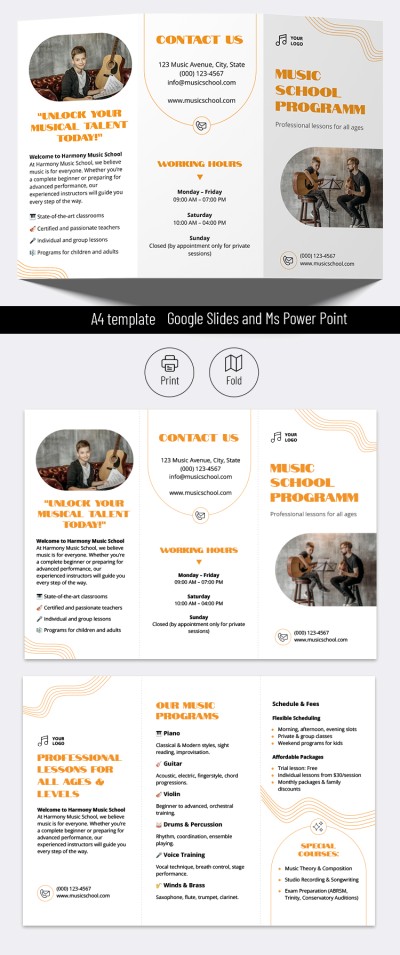
Music School Programs Brochure
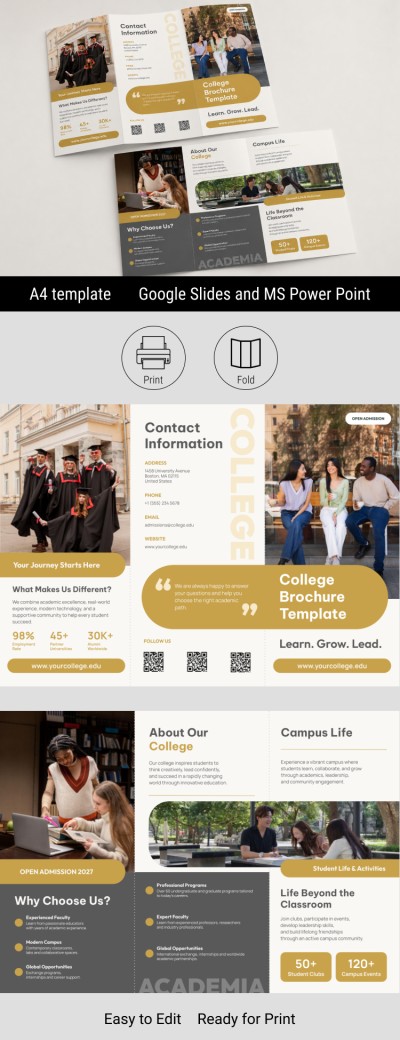
Trifold College Brochure
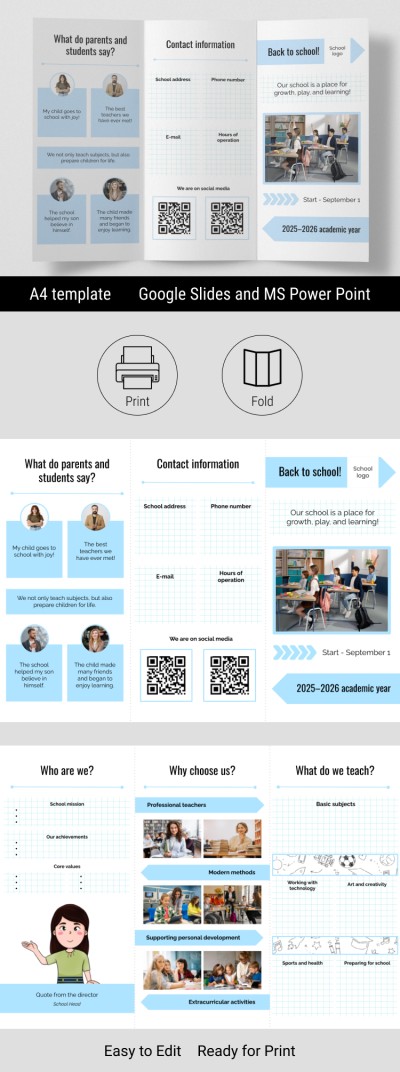
Editable Back to School Brochure Template
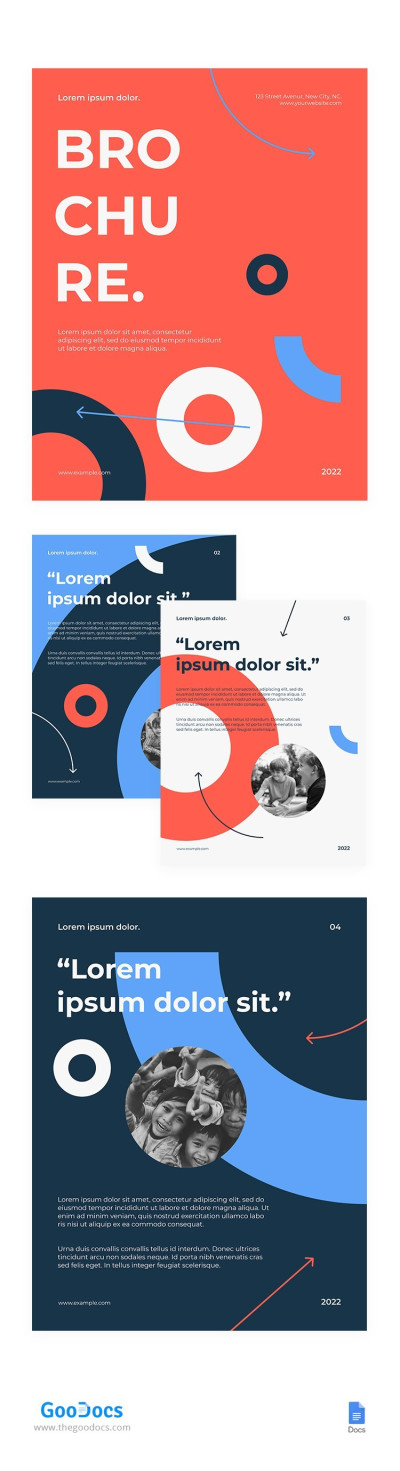
Modern Bi-fold School Brochure
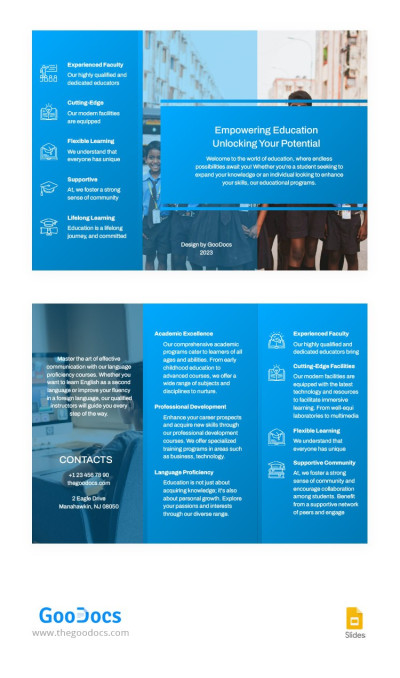
Editable School Pamphlet

First Day of School Time Brochure Editable
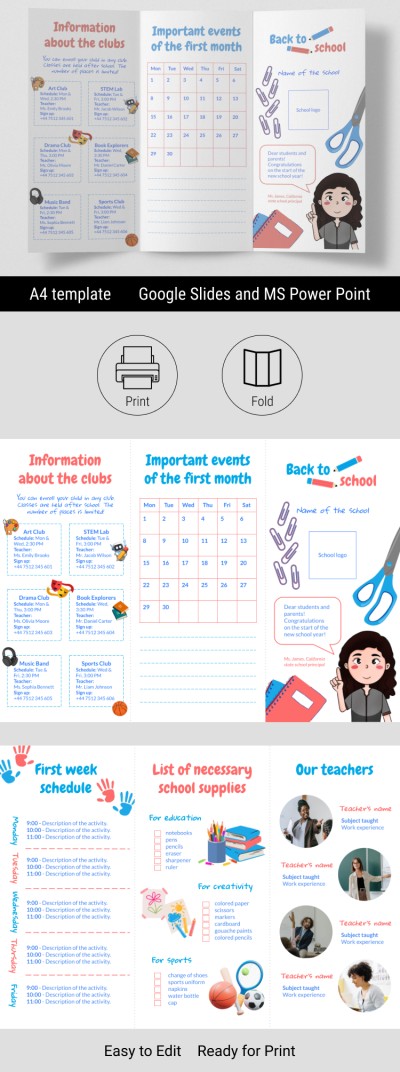
Back to School Brochure | First Week of School
Our school brochure templates will help you create professional informational brochures about your school, kindergarten, college, or specialized courses. Use ready-made layouts with distinctive designs to effectively promote your institution. This collection of college brochures is available for free in convenient formats, so you can easily customize, fill out, and print your template right away without wasting time creating a design from scratch.
Explore more benefits of our school brochure templates:
- Use professional designs for free. Choosing a school, preschool, or course is a major decision for parents and students, and a professionally designed brochure plays a crucial role in making a strong first impression. This page features free, distinctive designs for a wide range of needs, from vibrant online school brochures to options for college admissions. Your brochure is also guaranteed to look clean both in print and on-screen.
- Fill out and edit brochures in familiar applications. Our school brochure templates are available in Google Docs, Word, Google Slides, and PowerPoint formats. Using a standard editor interface, you can easily replace placeholder text and headings, add photos of your campus, include logos, and customize fonts or colors.
- Print your finished brochure without extra setup. All bifold and trifold school brochures are print-ready. The layouts feature fold guidelines, and the panel sizes are precisely calibrated to ensure perfect alignment when folding. Simply fill the template with content, save it as a PDF, and print it double-sided on US Letter or A4 paper.
Choose from dozens of school brochure templates for any age group and learning format on this page. Use professional editable and printable layouts for free today, or choose another relevant product brochure template on our website.
School Brochures Templates FAQ
The easiest and most effective way to create a school brochure is to use a ready-made template from TheGoodocs and customize the layout to suit your needs. You can find templates with a professional structure and placeholders for logos, photos, and text on our website.
How to make a school brochure using our templates:
- Choose the right design on this page. We offer pre-made templates for schools, colleges, kindergartens, online schools, courses, and other educational institutions. Each design is distinctive and meets the expectations of the target audience and the standards for presenting information about your institution.
- Download or get a copy. To begin customizing, you need to download the template in Word or PowerPoint formats or make a copy in Google Docs or Google Slides. To do this, click the corresponding button to the right of the preview on the template page. The download will begin automatically after a few seconds.
- Fill the front panel with relevant content. The front panel is the first thing a person will see, so it should be attractive, contain key information, and encourage further reading. You can include your school logo, name, slogan, photos of the school, and more.
- Complete the template's interior panels. On the interior panels, you should include a brief history and mission of the school, main educational programs, student and teacher achievements, extracurricular activities, and feedback from parents and graduates.
- Add all relevant contact information. On the back panel, add the school's address, website, social media, email, and phone numbers. Most templates also include a placeholder for a QR code for quick access.
- Print or share your school brochure digitally. To preserve the colors after printing, save the file as a PDF (File => Save as PDF). Then print both sides of the brochure on US Letter or A4 landscape sheets; all printing settings are already included.
On our website, you can find examples of school brochures with sample text in Google Docs, Word, Google Slides, and PowerPoint formats. Most of them can be downloaded for free! After that, you can insert your text and pictures. No special skills are required for editing and printing!