
Auto Repair Invoice Templates
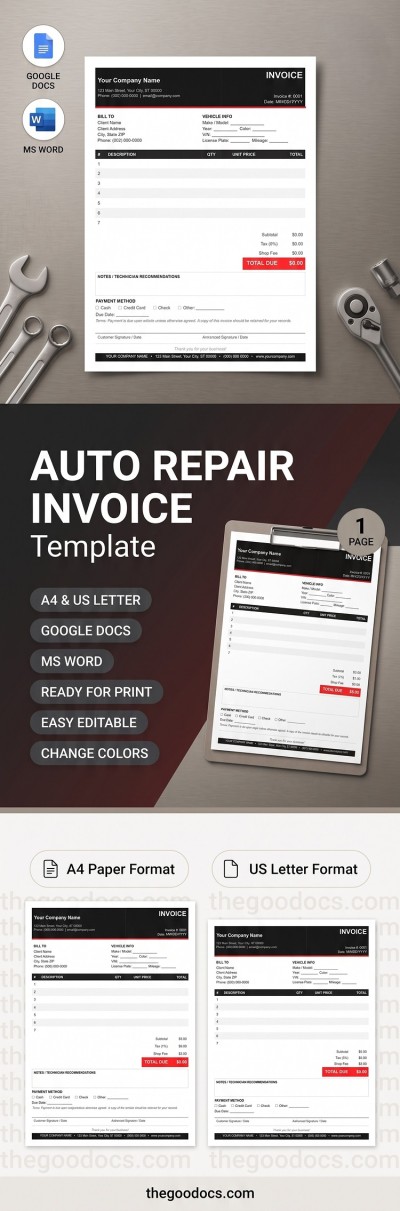
Our ready-made auto repair invoice templates will help you quickly create invoices for auto repair and maintenance work. The templates already include structured tables where you can enter the parts costs, labor hours, work performed, taxes, and the total amount. Just fill in the customer’s information, the vehicle’s make, model, and VIN, along with any other details required for official documentation. Customize the design to match your workshop’s style, then fill out the templates in Google Docs or Word for printing or digital sharing.
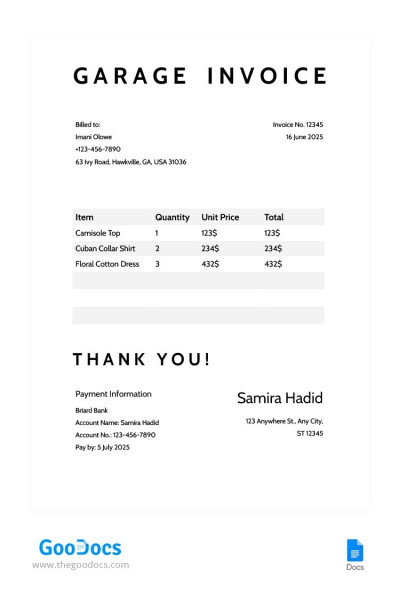
Garage Invoice
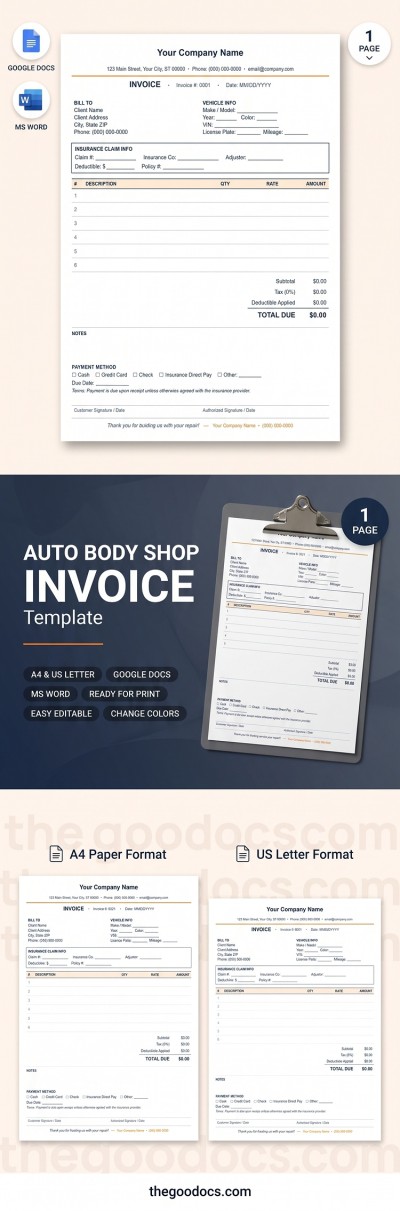
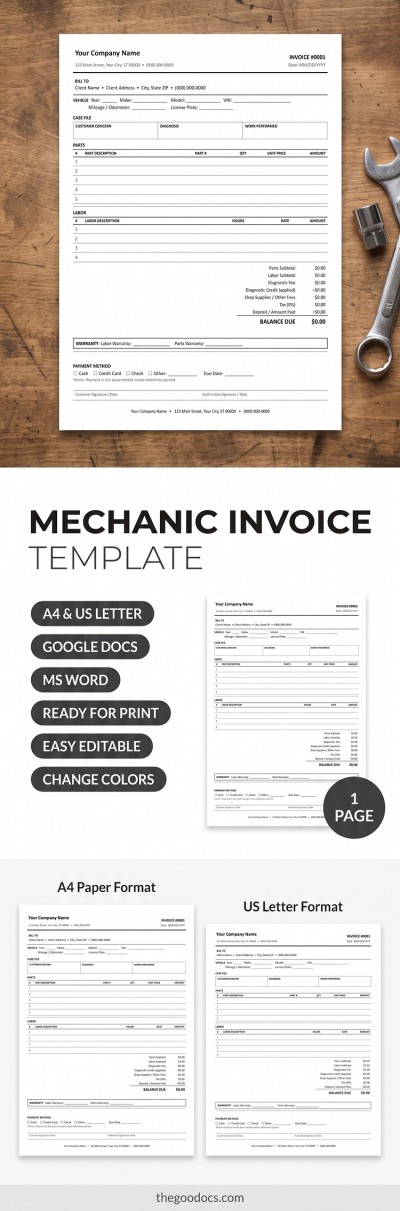
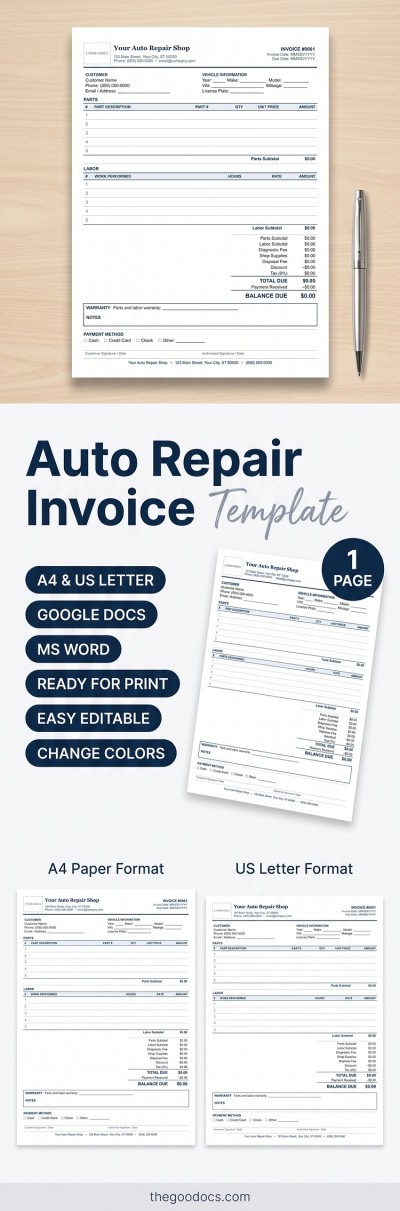


Please try different filters or clear all to start over.
Our auto repair invoice templates are designed to simplify the invoicing process for auto repair shops, private mechanics, and service stations. Our ready-made templates help you quickly create a professional invoice for auto repair, detailing, tire services, spare parts, and other vehicle maintenance.
Get more out of every auto repair invoice template you choose:
- Use an industry-specific structure. Each template includes placeholders where you can specify the invoice number, spare parts used, service included, and vehicle information. In the header section, you can add the make, model, VIN or serial number, and mileage. In the table, you can include the cost of labor and services as well as the cost of spare parts, with a dedicated section below for warranties, recommendations, and payment terms.
- Choose the template that suits your workshop. Most templates follow a standard, convenient structure for auto repair shops, but differ in design. You can choose a modern layout with contrasting colors, a minimalist black-and-white version better suited for printing, and many others. This page features dozens of blanks, so you can easily find the perfect one.
- Fill out and customize mechanic invoice templates on any device. Our invoice templates are available in Google Docs and Word formats. You can choose any of them to fill out online in your browser or customize the offline version. All templates are fully editable, so you can add your shop logo, name, address, and contact info, and personalize the invoice for each new client.
Issue your invoices in a few minutes, without complicated accounting software. After filling out your template, you can save the invoice as a PDF to send a digital version to your client or print it directly on your office printer. Find even more invoice templates at the link.
Auto Repair Invoices Templates FAQ
Every auto repair invoice you issue to a client should include:
- The invoice number, issue date, and completion date.
- Mechanic or auto repair company information (name, address, contact details, and license number).
- Customer information (full name, phone number, and billing address).
- Vehicle information (year, model, color, VIN, license plate number, and odometer reading).
- A complete list of services and materials (mechanic services with hourly rates and hours, plus separately listed auto parts and prices).
- Cost breakdowns (including the amount for each service, subtotal, and grand total).
- Payment terms (account number, bank details, due date, and more).
If you're still unsure what to include in your auto repair invoice, you can use templates from TheGoodocs. Our templates feature all the necessary sections, so you can quickly fill out a form in Google Docs or Word and issue a professional, accurate invoice to your clients.
Creating an auto repair invoice using a ready-made template from TheGoodocs is much easier than starting from scratch:
- Download or make a copy of the template on this page. You can filter options by format and style, view a preview, and read the description to choose the right template.
- Fill in the business details of your repair service. Use the placeholders to add your business name, location, phone number, email, and license number.
- Enter the invoice number and issue date. This is essential for easy payment tracking and tax reporting.
- Complete the template for the recipient. Enter the customer's name, billing address, and contact information, as well as the vehicle's year, model, VIN, license plate number, and odometer reading.
- Enter all parts and labor costs. Use the built-in table to add part names, quantities, service descriptions, hourly rates, and hours worked.
- Calculate the total cost. First, enter the subtotal (the sum of labor and parts), then apply any discounts and tax rates to calculate the grand total.
At this point, your invoice is complete, but you can still add payment terms in the footer. For example, you can include the due date, bank account number, or other payment methods, warranty coverage, and extra notes.
Yes, you can download a free auto repair invoice template for Word on this page. Select one or more of your favorite options and click on the preview or title to go to the template page. Then select the Word format and your preferred paper size if you plan to print the invoice, and download the template. The download of the .docx file, fully compatible with MS Word, will start automatically. After that, open the file via the application or from your downloads folder.