
Flight Itinerary Templates
Rest assured that all the details of your flight itineraries are available via one convenient document. You can download or get a copy of pre-made, editable, and printable flight itinerary templates for free. We offer ready-made blanks and spreadsheets in various formats, from Word and Google Docs to Google Sheets and Excel. Personalize the design and include any schedule in just a few clicks.
ADVERTISEMENT
Categories
Refine by
Tap to add filters
Style
Cute
Professional
Trip Type
Business
Formats
1
Google Docs and Microsoft Word
Google Sheets and Microsoft Excel
Google Slides and Microsoft PowerPoint
MORE FILTERS
9 Templates
Sort by:
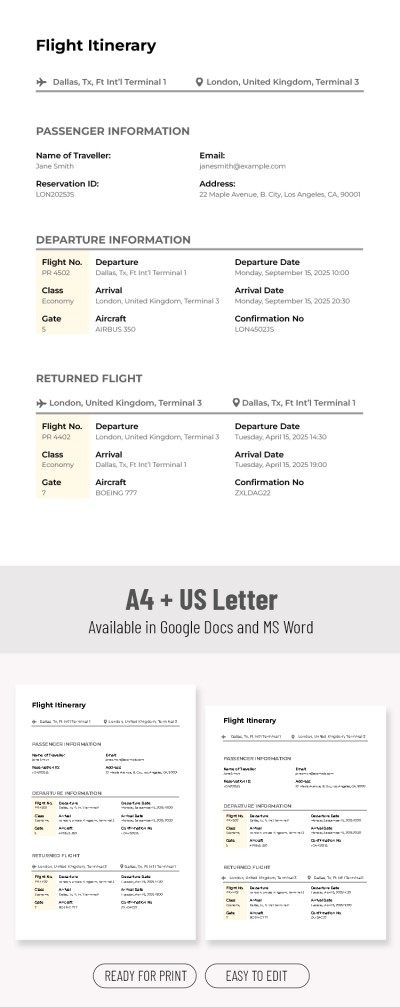
Editable Simple Flight Itinerary Template
Organize all your flight details in one place using the Editable Simple Flight Itinerary Template. This one-page form includes all the necessary placeholders for your notes.
Free
Google Docs
Word
Travel Trips
Professional
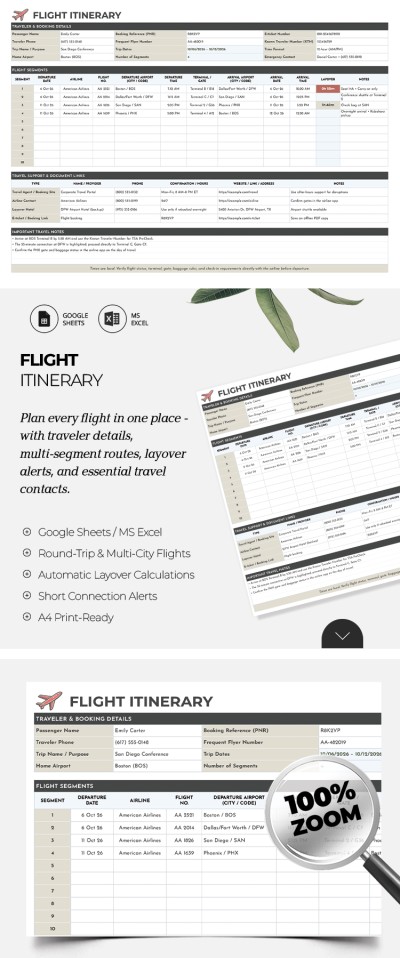
Free
Google Sheets
Excel
Travel Tours
Travel Trips
Professional
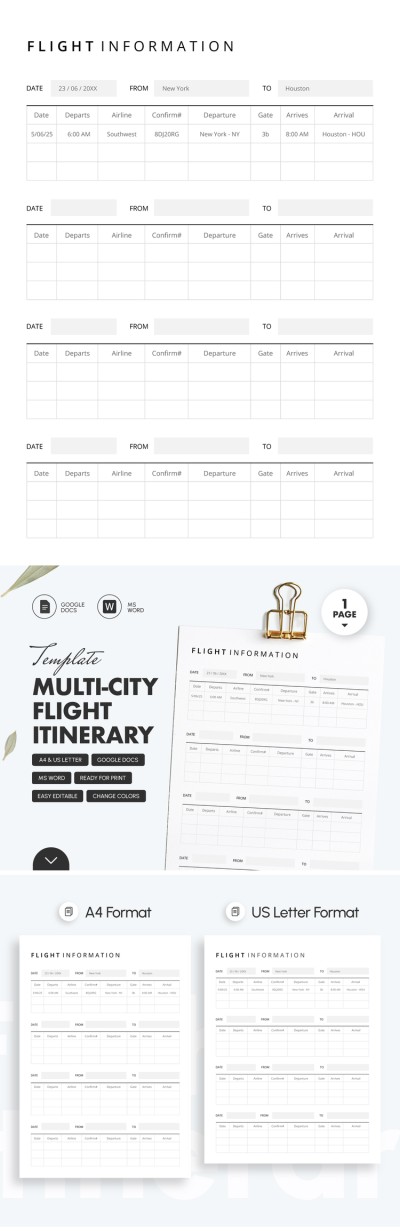
Multi-City Flight Itinerary Template
Gather important flight information in one place using our Multi-City Flight Itinerary Template.
Free
Google Docs
Word
Travel Trips
Professional
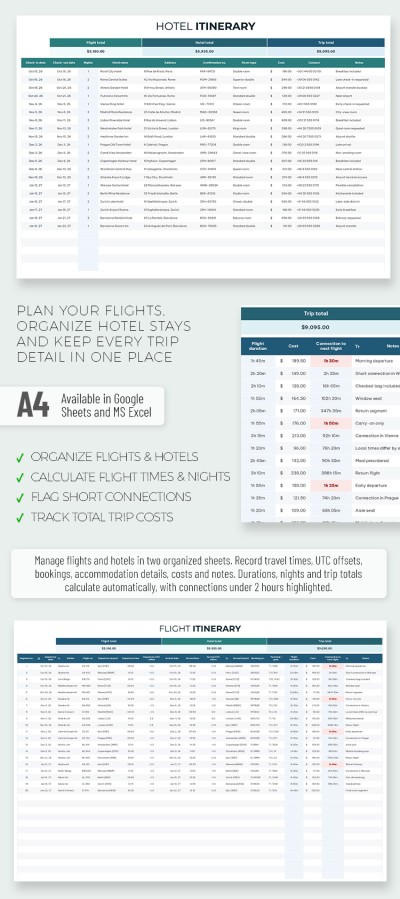
Free
Google Sheets
Excel
Travel Tours
Travel Trips
Professional
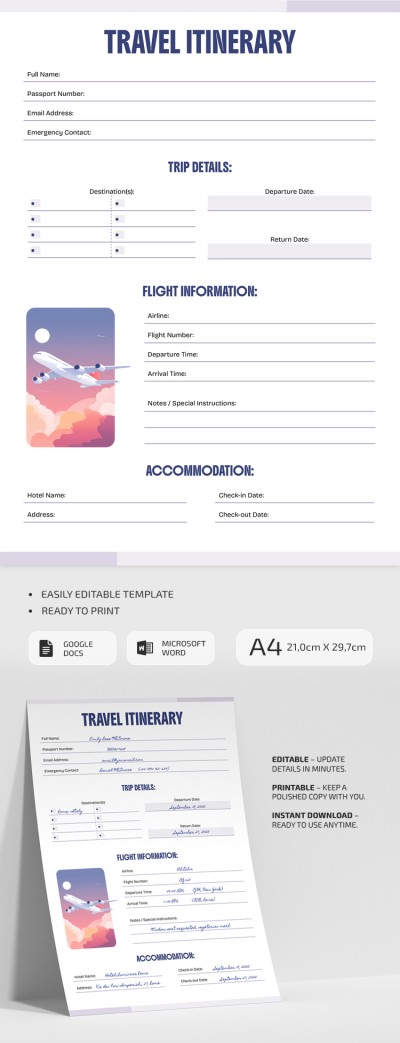
Flight Itinerary Template for Travel Planning
Travel planning is much easier with our Flight Itinerary Template. You can collect all your flight and accommodation information in one form.
Free
Google Docs
Word
Travel Trips
Cute
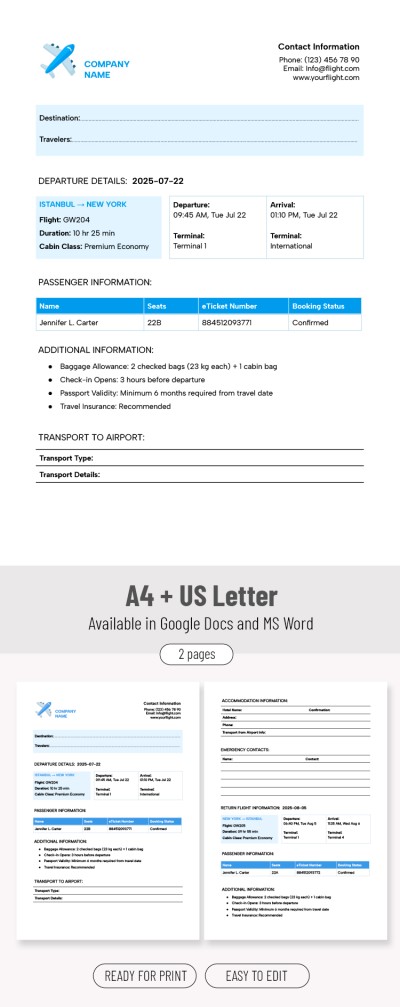
Business Trip Flight Itinerary Template
Tired of searching for PDF tickets in your mailbox when your internet connection is slow? Use our Business Trip Flight Itinerary Template.
Free
Google Docs
Word
Business
Travel Trips
Professional
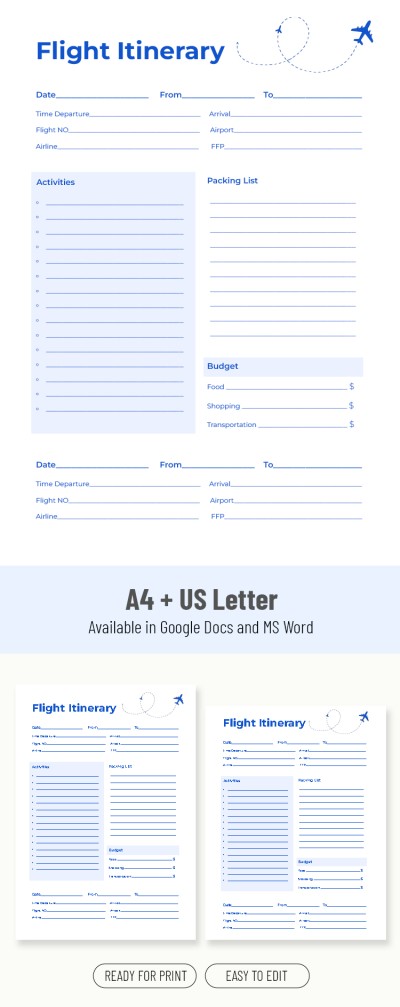
Simple Flight Itinerary Example for Families
The Simple Flight Itinerary Example is perfect for recording flight details and even activities for a family trip. Our user-friendly form is visually divided into five main sections.
Free
Google Docs
Word
Family
Travel Trips
Cute
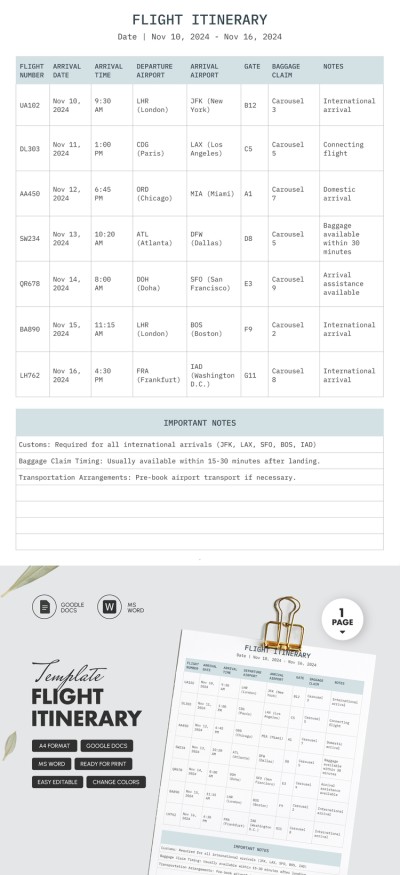
Client Flight Itinerary Template for Travel Agents
Propose actual routes for your clients or make yourself a comprehensive travel plan using our free Flight Itinerary Template!
Free
Google Docs
Word
Travel Trips
Professional

Orange Flight Itinerary
Are you constantly late for your plane change? To cope with this and many other related problems, you can use our free, modern, and easy-to-use Orange Flight Itinerary design.
Free
Google Slides
Travel Trips
Transit flights are always stressful. Yet, our flight itinerary templates will make their management more convenient. Find ready-made flight itinerary templates that will help you properly allocate time and keep all the necessary information in one document or spreadsheet.
Our templates offer many advantages:
- You can edit them effortlessly. Customize the design, add any details and schedule using simple and understandable formats. Our templates are available in Word, Google Docs, Google Sheets, and Excel.
- Our templates are suitable for any task. Flying alone, with family, or on a business trip? Here, you will find a template that can accommodate any information regarding your flights.
- All the necessary blocks are premade. It is to fill any flight itinerary template out because we have provided all the necessary fields. Fill in flight numbers, airline names, departure and arrival times, airports, transfers, reservations, and other details under one roof.
- No special skills or software are required. You can edit the template on any device or save it in PDF format for printing. Intuitive editor tools will help you cope with the task.
Choose a travel itinerary template on this page and start customizing it for free or with a premium subscription. Try our templates and learn about all their advantages first-hand.
Flight Itineraries Templates FAQ
How to write a flight itinerary?
It takes just a few steps to write a convenient and practical flight itinerary:
- Choose a suitable template on this page, download it, or get a copy.
- Open the template on your device or go to the automatically created copy in a new window (for Google Editors).
- Add all key information. You should include departure and arrival times, airlines, flight numbers, terminal, and gate details. Our templates also offer additional fields for important notes.
- Save your flight itinerary (for Microsoft Editors). In Google Editors, all changes are saved automatically when customizing online.
- Print the template or save a copy on your devices. To do this, you need to sign in to your Google account or send a copy of the Word / Excel file. To print a flight itinerary, it is better to save it in PDF format (File => Save as PDF).
Your flight itinerary is ready to use.
Now, you have access to the document on any device. Store and check all flight details in a convenient place.
What is included in a flight itinerary?