
Training Calendar Templates in Google Docs and Word
We offer editable, printable, and free training calendar templates in Google Sheets and Excel suitable for any sport. Use our versatile designs or ones specifically created for basketball and other activities. Now, you can structure your training process and track your progress more effectively.

Editable 2023-2030 Training Calendar
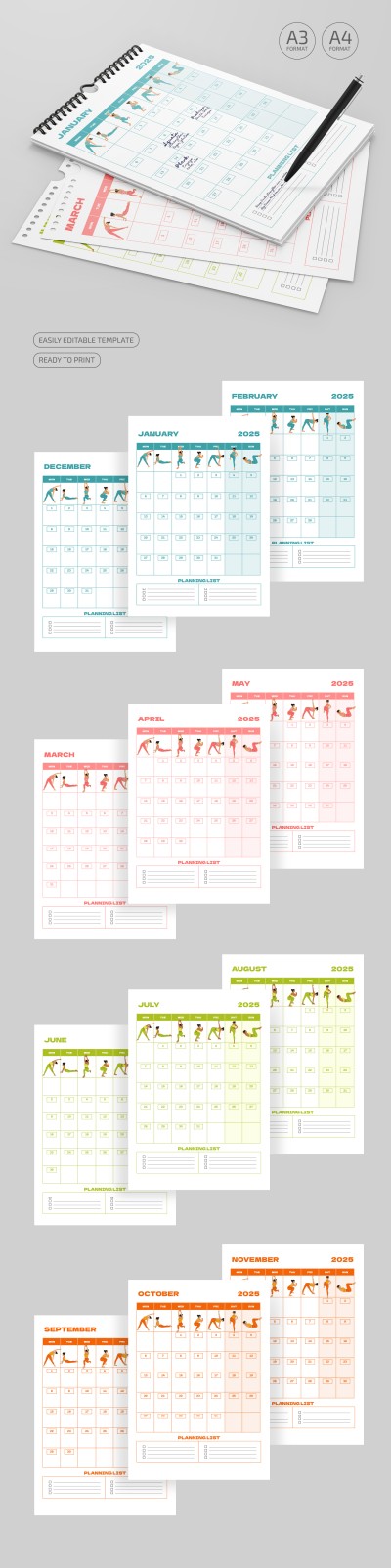
2025 Fitness Calendar
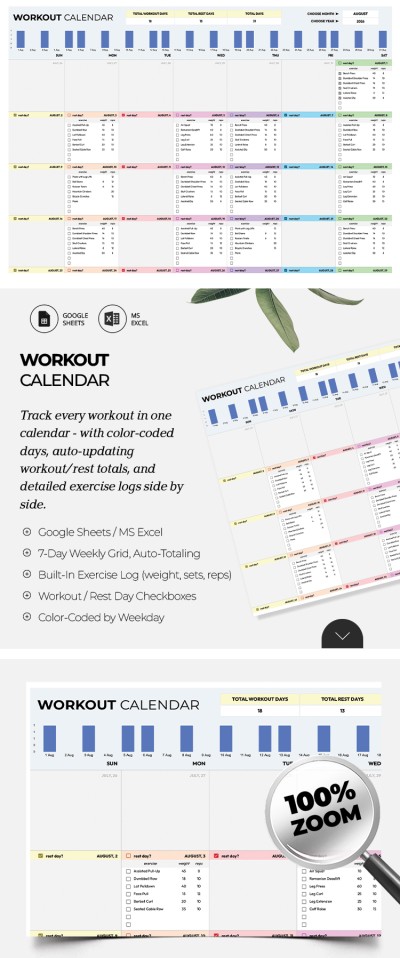
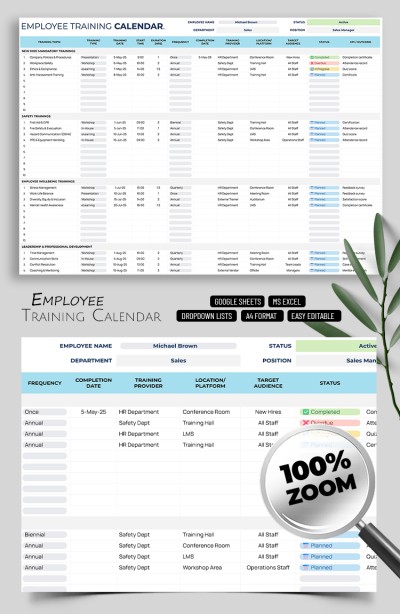
Employee Training Calendar Template – Corporate Planning Template
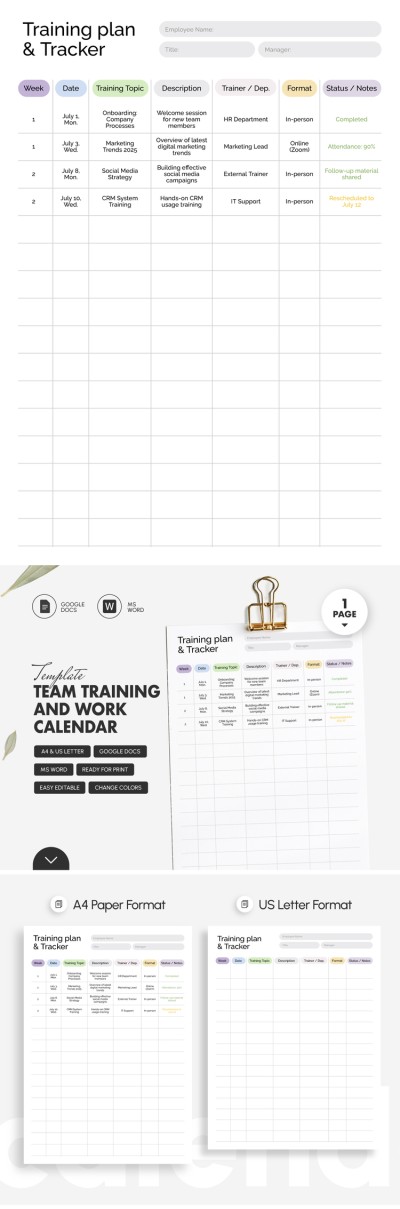
Team Training and Work Calendar Template
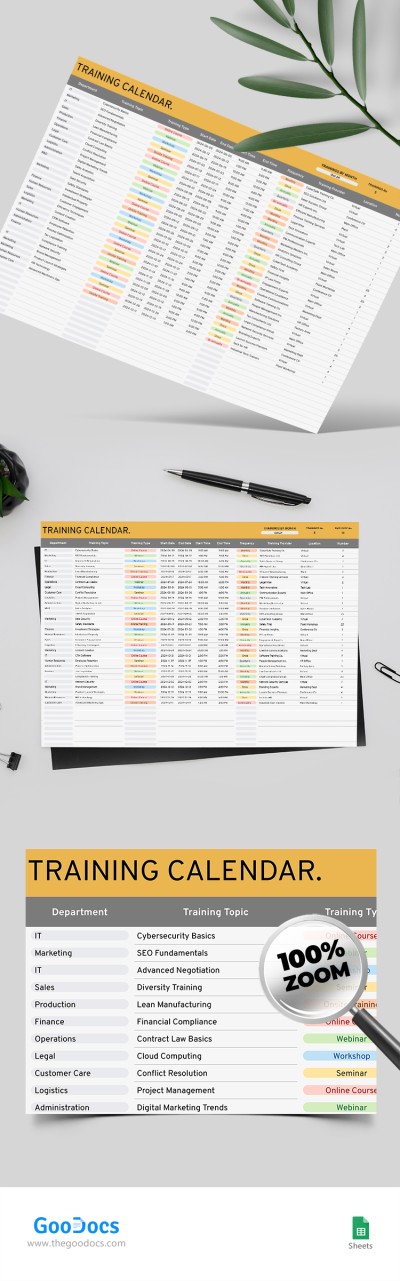
Employee Training Calendar
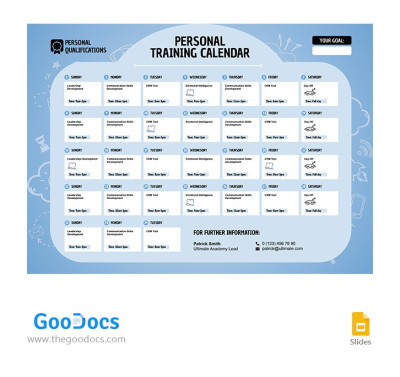
Training Calendar
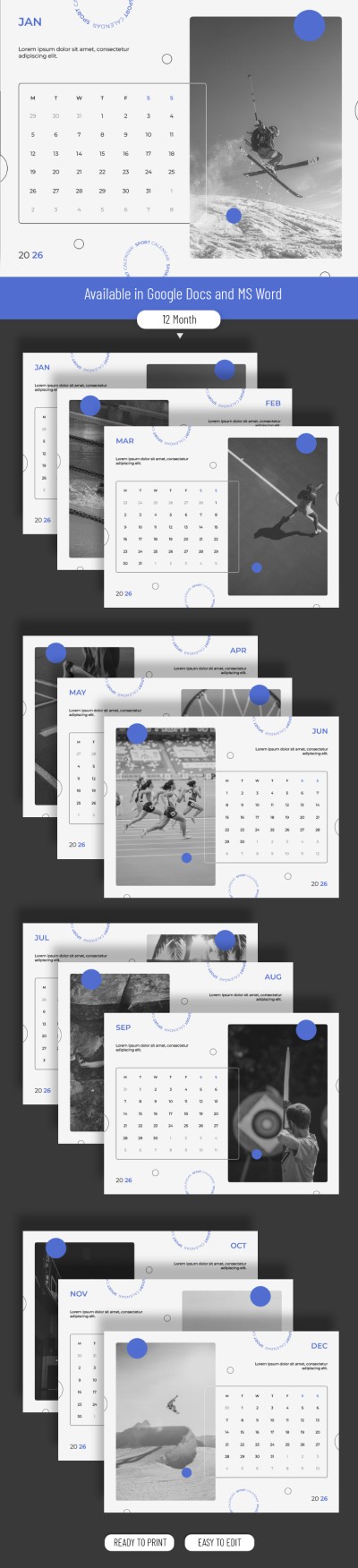
Modern White 2026 Sports Calendar
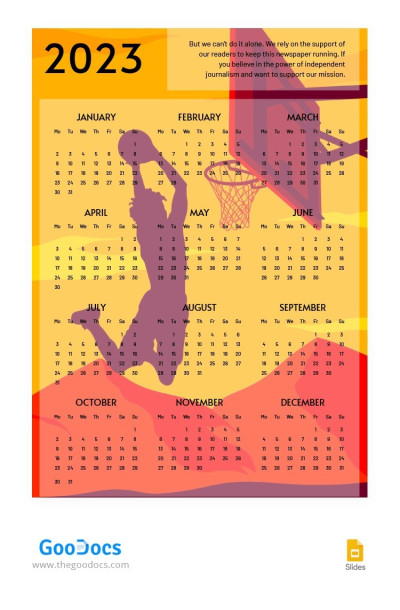
Bright Orange 2023 Basketball Calendar
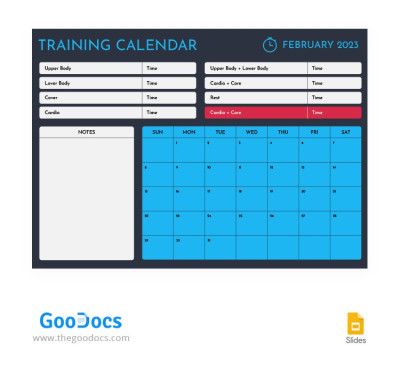
Minimalist Calendar Training
Please try different filters or clear all to start over.
Need calendars to help you plan workouts or track your progress? Or do you want to organize employee onboarding and training? Our collection of training calendar templates covers both needs. This page features universal options that can be easily customized for any purpose, as well as specialized workout and team training calendars.
Discover more advantages of our training calendar examples:
- Save time with a ready-made and fully structured layout. You can start filling it out right away instead of building a grid from scratch. Fill in the pre-made fields with your weekly or monthly schedule, workout type, notes, and more. Our calendars are fully editable, so you can easily find the perfect training calendar template in Excel or Google Sheets to download for free and customize.
- Choose from dozens of pre-made templates for sports and business. This page features options for a wide variety of needs. For example, you can choose a sports-specific option with a training grid, set and weight charts, preparation plans, and trackers tailored to your goals. We also offer training calendar templates for business and HR, with sections for onboarding schedules, internal workshops, performance reviews, and development programs.
- Enjoy built-in automation and an eye-pleasing design. You can choose a simple, comprehensive, or cute training calendar. We offer dozens of unique designs, yet that is just part of the template's convenience. Built-in drop-down lists for tasks, graphs showing goal progress, and color coding for key items are already included and fully automated.
Use training calendar templates in convenient formats completely free. Simply choose the option you like, download it or make a copy, and you can start editing right away. You are sure to find a suitable weekly, monthly, or yearly calendar template on our website!
Training Calendars Templates FAQ
There are different types of training, for example, employee training. In any case, a properly compiled training calendar has to show when you should train, what kind of training will be, and how it will be fulfilled.
To assemble this type of calendar, you should:
- Create a convenient table in one of the popular editors. You can use Google Sheets and Excel if it is more convenient to use digital tools or Word and Google Docs if you prefer a paper version.
- Add dates and days of the week in it. You can get by with a table featuring days of the week and create a new copy every month, so you do not have to include complex formulas.
- Include key details for each training. You should add training objectives, employee names, locations, times, names, and instructor positions.
- List the necessary resources. Think in advance about what platforms are needed and what employees need to have with them during the training.
- Add performance indicators. For example, you can include indicators showing the effectiveness of training, satisfaction rate, the percentage of module completion, etc.
It is much easier to create such a calendar with TheGoodocs.
Find free and premium templates for creating training calendars on this page. Our tools already include the necessary blocks for creating an effective schedule and monitoring progress. Download a template with a suitable design and structure on this page.
To create a basic training calendar in Excel from scratch, you need to:
- Open Excel and create a new spreadsheet.
- Assign training dates in the table. It is best to assign one training per column.
- Include employee names to the right of the training dates.
- Add the necessary topics, resources, location, timetable, and what must be ready before the start of each scheduled training.
- Use color-coded elements to highlight already held classes, KPIs, and employee attendance status.
- Save and update the calendar regularly.
Download a free training calendar template in Excel and forget about these steps.
You can get a ready-to-use training calendar template right on this page. Our spreadsheets already include a sample schedule, examples of filling out, and all the blocks you may need. This way, you will save time creating a calendar from scratch. As a bonus, all our templates have eye-pleasing designs. Try them for free today.