
Flip Book Templates
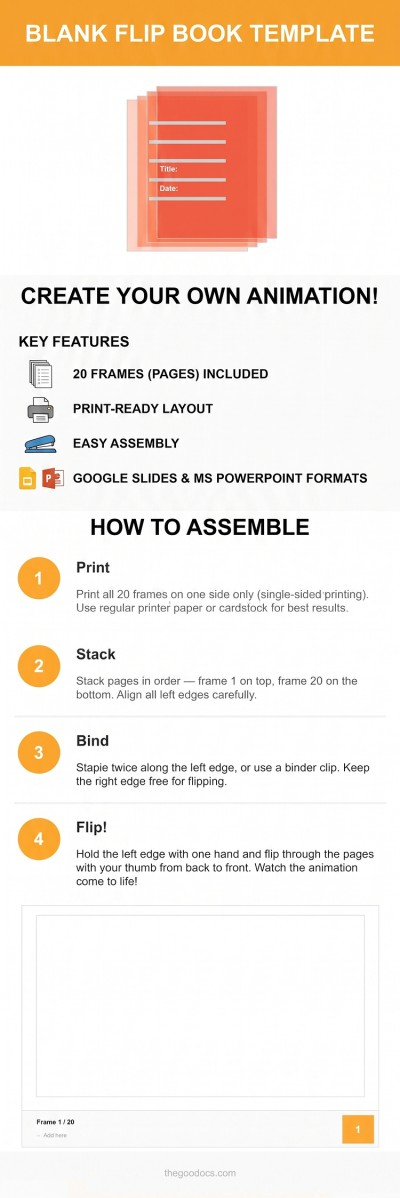
Our collection of flip book templates is a great starting point for creating an animation booklet, frame-by-frame story, or interactive mini-book. Use pre-made blank layouts to create as many frames as you need without spending time on page formatting, measuring margins, or other routine setup. Each flip book template includes areas for the spine and thumb grip to help keep your drawings aligned as you flip through the pages. Fully customizable in Google Docs, Word, Google Slides, PowerPoint, and other formats, these templates can also be saved as PDFs for quick and easy printing.


Please try different filters or clear all to start over.
Our versatile flip book templates will help you create a picture book or present information clearly. Use ready-to-use layouts with varying numbers of frames for free. All templates on this page are fully editable and ready for printing or digital sharing. Use familiar editors for customization right away, or learn more about the benefits of our templates below.
Explore more advantages of our flip book templates:
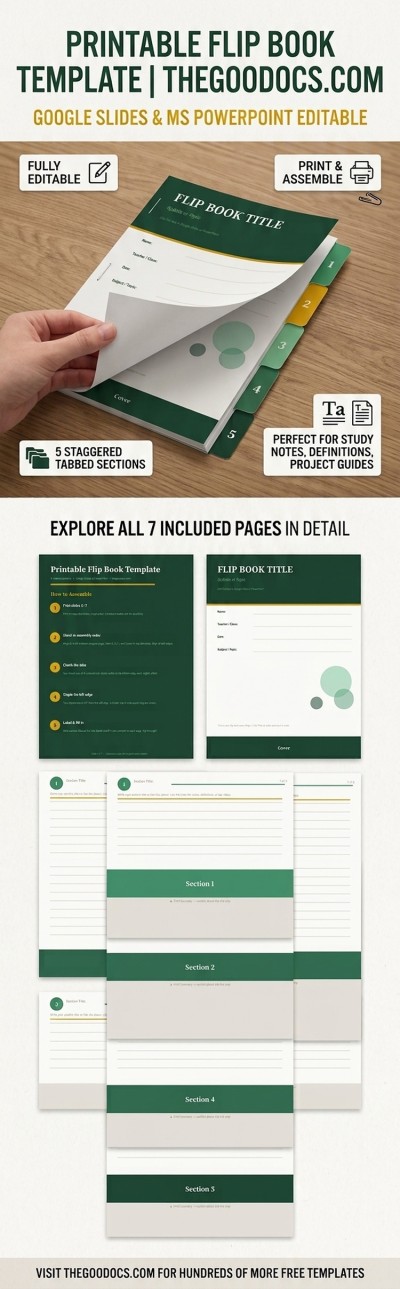
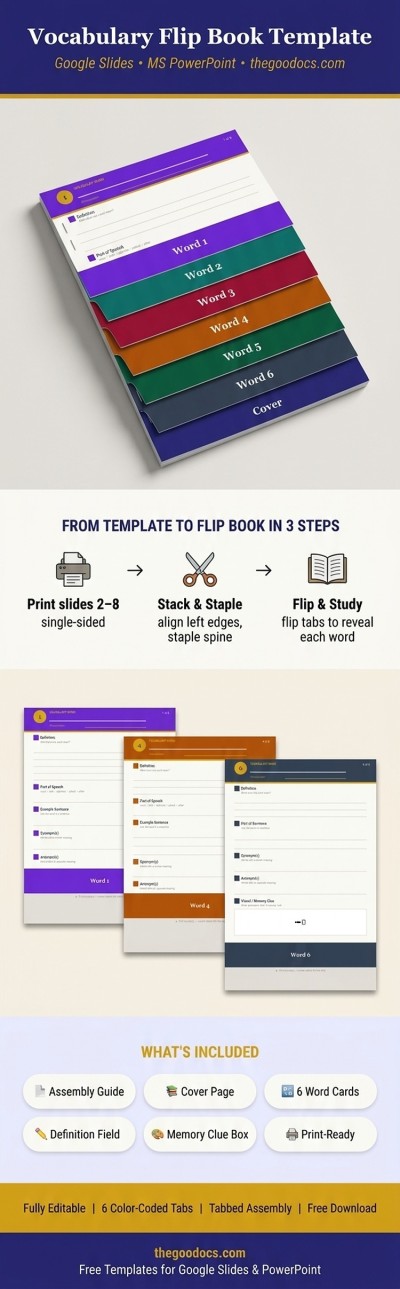
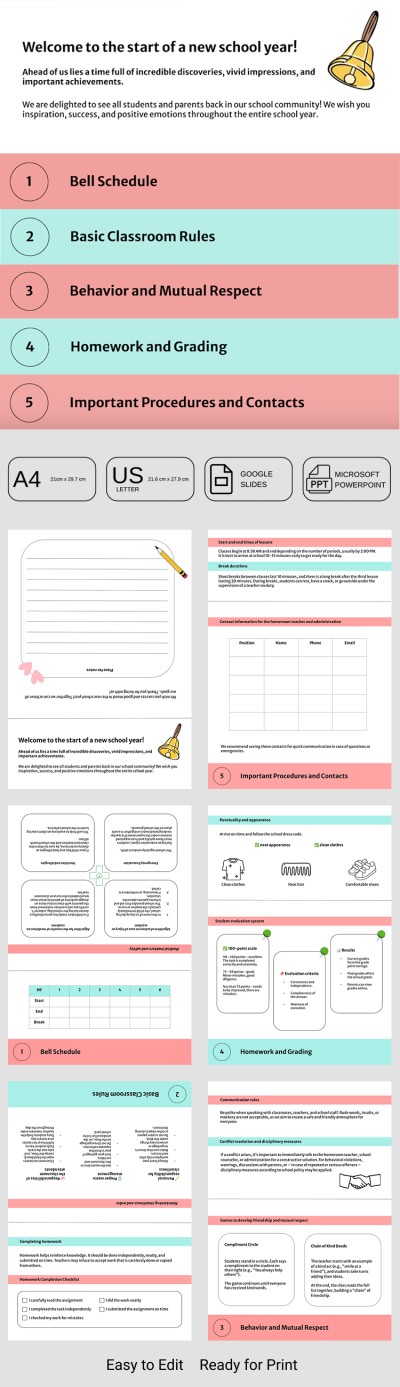
- Choose from a variety of flip book template ideas. This page features free options for back-to-school, vocabulary lessons, and interactive flip books for children. These not only offer convenient layouts for drawing and adding images to each page, but also help you organize information into color-coded sections for easy reading.
- Add your own drawings, images, and text. Use our flip book templates in Google Docs, Word, or Google Slides. All templates are compatible with user-friendly editors that allow you to easily adjust page sizes, add text, change color palettes, select new fonts, and more. There are no restrictions on customization or content.
- Print the blank form or final version, or publish digitally. Each printable flip book template can be saved as a PDF for high-quality printing with no extra setup required. All templates come with pre-configured margins and page sizes like A4, A5, or US Letter. The final version can also be shared online in your preferred format.
Choose the right flip book template on this page now and start adding your own images or information today, or explore other free book templates on our website.
Flip Books Templates FAQ
A flip book template is a ready-to-use structure with multiple frames that can be used to add images or information. These templates can be used to create picture books that unfold as you turn the pages, or for educational purposes. We offer both layouts with blank pages and image spaces, as well as ready-made structured walkarounds, back to school, and flip books for children; all ready to be filled in with Google Docs, Word, Slides, or PowerPoint, and ready for printing and digital sharing.
Using our ready-made flip book templates in Google Slides or PowerPoint is easy:
- Get the template. On the template page, to the right of the preview, select the PowerPoint or Google Slides format and your desired page size, then click the corresponding button below.
- Start filling out the fields or print first. Right after downloading the template, you can add text to the pre-made fields, export pages as PNG or JPEG files, or save the file as a PDF for high-quality printing with pre-configured settings.
- Present your work. Using our templates, you can create high-quality printed flip books and share them on social media, blogs, or any other platform.
All flip book templates in Google Slides and PowerPoint come with a pre-made structure, size, and design. This way, you can focus on your creative ideas rather than technical formatting.
A standard flip book has a frame rate of 10 fps, so use this figure as a guide when developing your project. For example, if you want to create an animation that lasts 5 seconds, you'll need 50 frames (10 fps * time in seconds). Of course, you can add more detail by raising the frame rate up to 25 frames per second or more. The more frames per second, the smoother the animation will look.
Depending on the flip book's purpose, you can use A4, US Letter, or A5 paper to print your template. Most of our templates come in standard A4 and US Letter sizes, and you can choose between them before downloading or making a copy. Whether you fill out the template digitally or print it right away, you won't need to waste time adjusting the page size.