Get unlimited access to 5000+ Templates for Google Docs, Slides and Sheets
Unlimited Access
ADVERTISEMENT
ADVERTISEMENT

Editable Back to School Brochure Template

Use this free template with Google Slides and Microsoft PowerPoint
4.25 (1 reviews)
Last updated Updated July 11, 2026
Created by Nadia Sokolova
Type Trifold, Simple, Portrait, A4 / US Letter
ADVERTISEMENT

Template Specification

Format Google Slides, Microsoft PowerPoint
Created August 19, 2025
Last Updated July 11, 2026
Community Added to collections by 2 Users
Usage Stats 3 downloads this month

Key Features of This Template

About this template

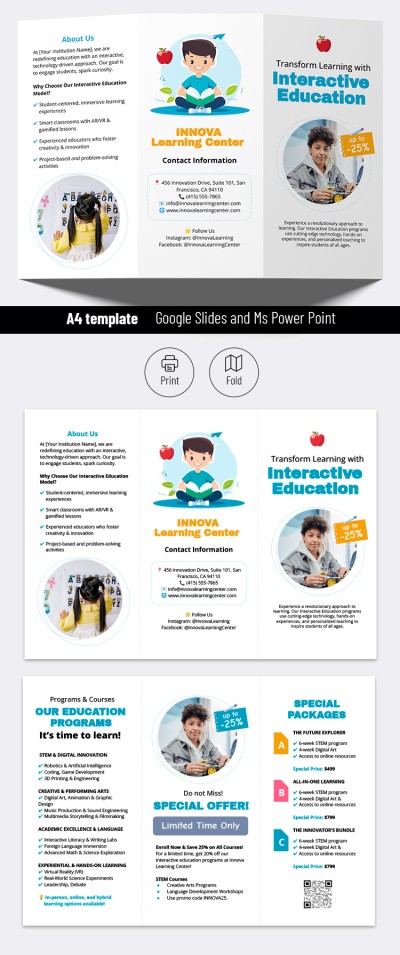
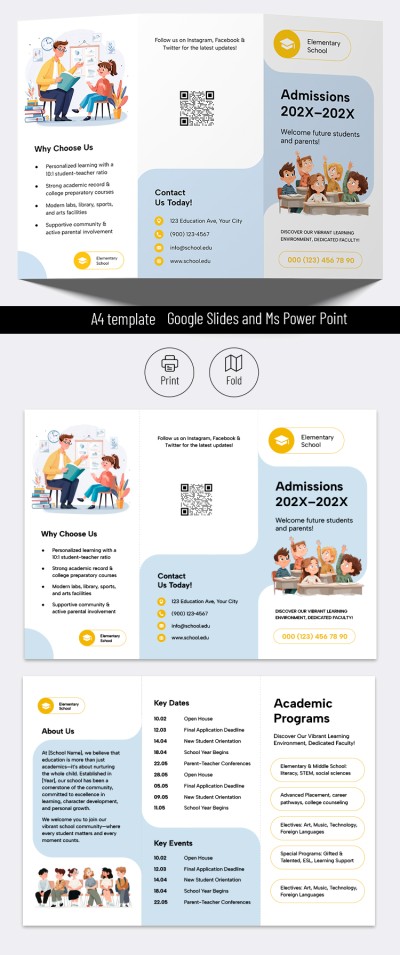
Our Editable Back to School Brochure Template will help you create a handout that truly draws attention to your brand. We've prepared a consistent design suitable for promoting schools, extracurricular activities, tutoring services, and more. Add your information to this Google Slides brochure template, and you're done.

Check Out the Features of This Back-to-School Brochure

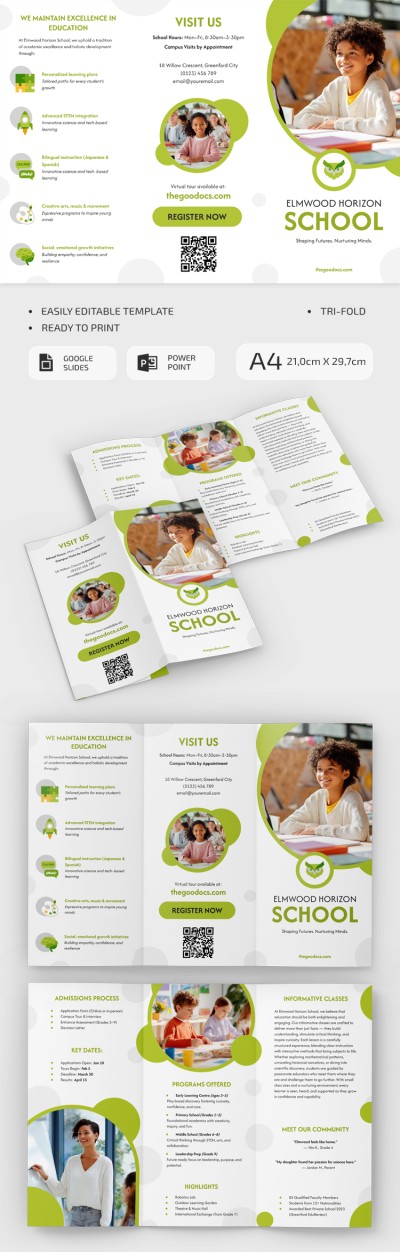
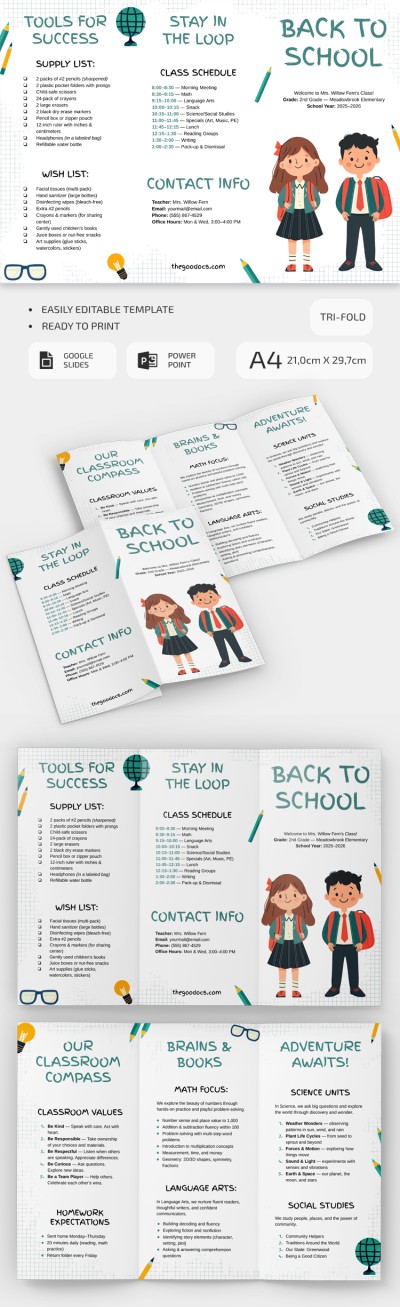
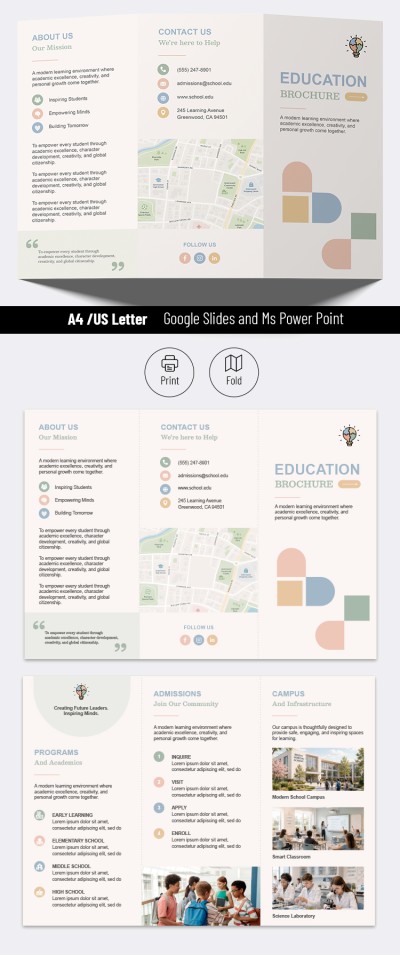
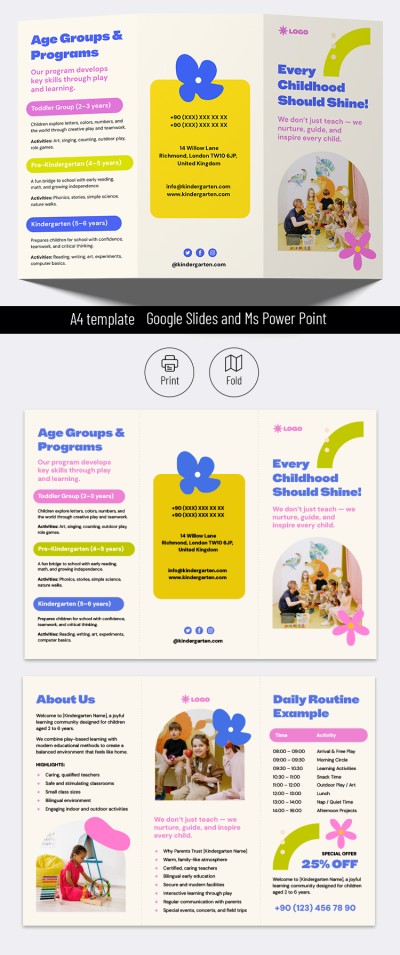
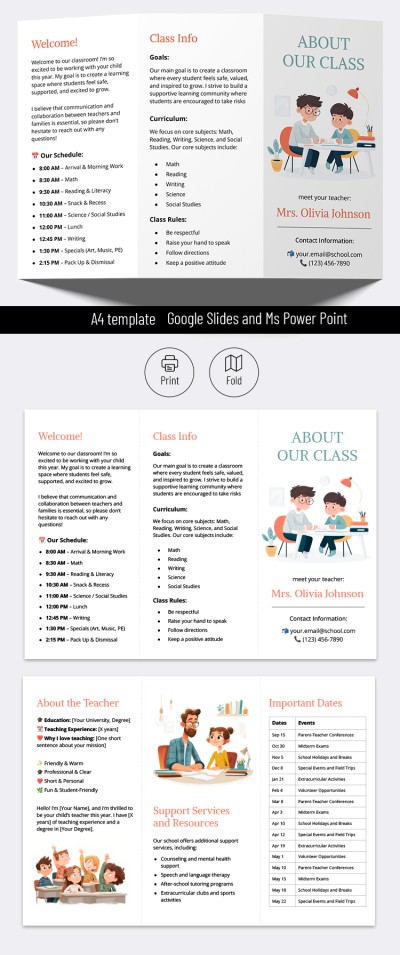
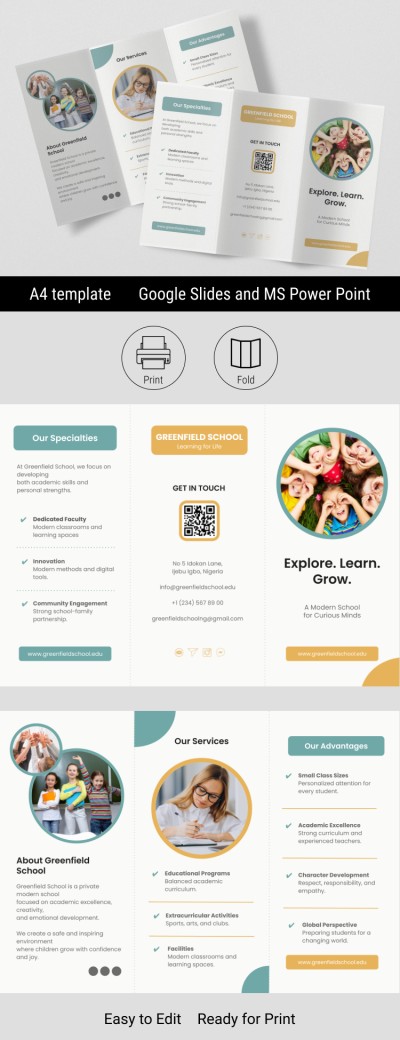
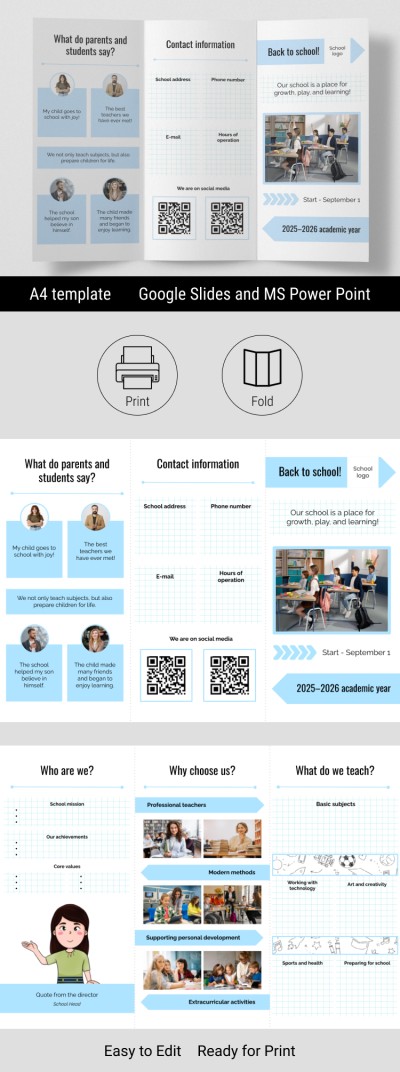
This fully editable template is ready for high-quality A4 printing. The tri-fold layout divides the brochure into six panels, with folds marked by subtle dotted lines. Each panel is already structured with separate titles and placeholders for your text and images.

The front panel includes space for eye-catching headlines, a large central photo, a logo, and class start dates. The remaining panels allow you to add contact info, a QR code, testimonials, school details, and your best offers.

In addition, our high school brochure:

  • Can be customized to match your school's colors.
  • Allows you to easily edit text, fonts, and design elements.
  • Can be reconfigured to suit your specific structure.
  • Is ready to print in high quality or publish online.

Download your finished design in PDF, JPEG, or PNG format for printing or posting on social media and your website. Our pamphlet examples make brochure creation much easier!

ADVERTISEMENT
Free Template

Download Free Template

Choose your platform and start editing right away
PLATFORM

Google Slides

Opens in browser

Microsoft PowerPoint

.pptx
PAPER SIZE
A4
Google Slides – A4
No account required • Attribution required

WHAT’S INCLUDED

Six customizable brochure sections
Space for testimonials and quotes
Integrated QR code placement
Editable contact and logo sections

Brochures & Pamphlet Tips

1
Customize colors to match your school's branding.
2
Include clear, concise information in each section.
3
Use high-resolution images for best print quality.
4
Test QR codes before distributing the brochure.

FAQ

Is the template compatible with PowerPoint? Yes, it works with Google Slides and PowerPoint.
Is it easy to customize? Absolutely, just replace the placeholders with your information.
Can I download it for free? Yes, the template is available for free download.
Can images be added easily? Yes, you can upload and insert images with ease.
Does it print in high quality? Yes, it's designed for high-quality A4 printing.
ADVERTISEMENT

How to Use and Edit This Template

Get Your Document

1

Get Your Document

Click the "Edit Template" button to create your own editable copy in Google Slides or download for Microsoft PowerPoint
Customize Everything
2

Customize Everything

Easily change colors, fonts, and layouts to match your unique style or brand identity
Add Your Content
3

Add Your Content

Fill in your data, upload images, and replace the placeholder text with your own information
Print, Export, or Share
4

Print, Export, or Share

Print, export as PDF, or share instantly

Related Templates

Recently Viewed