Kindergarten School Brochure Template
Use this free template with Google Slides and Microsoft PowerPoint
Template Specification
Key Features of This Template
About this template
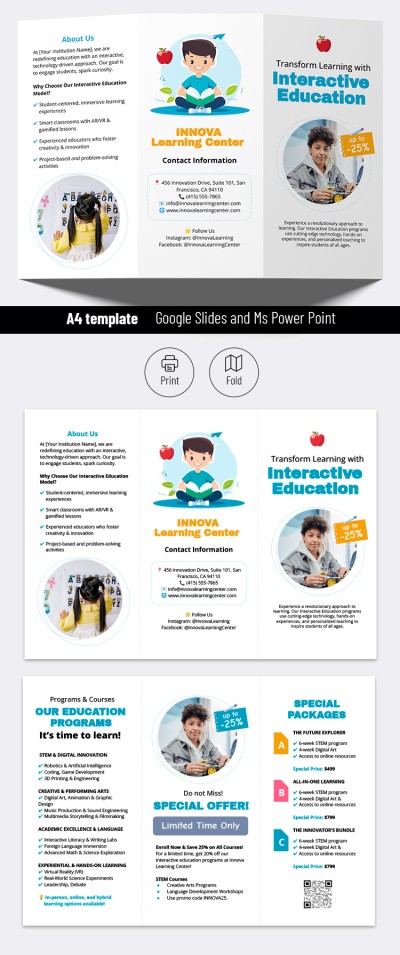
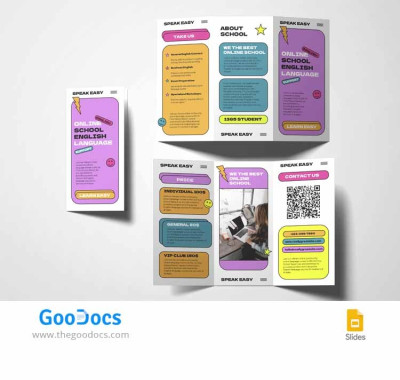
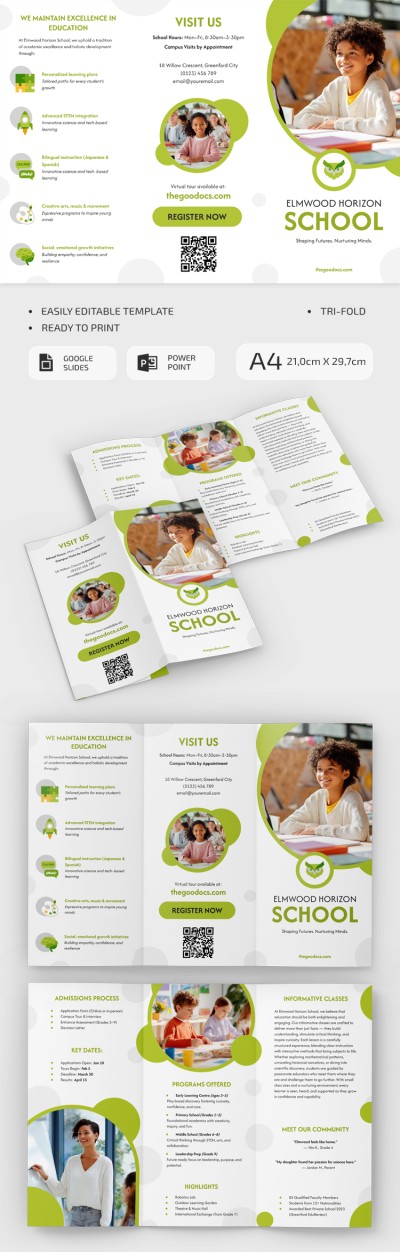
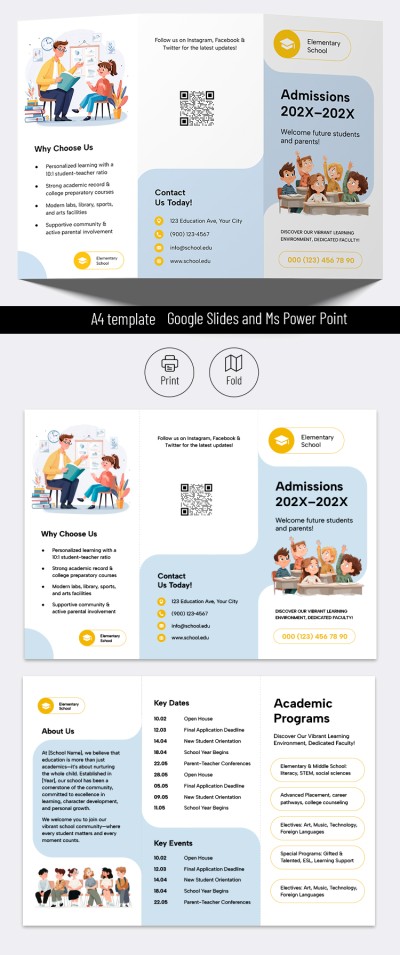
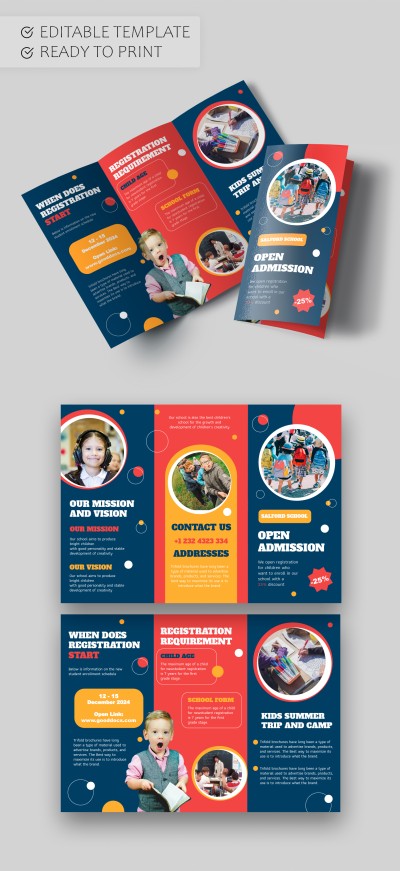
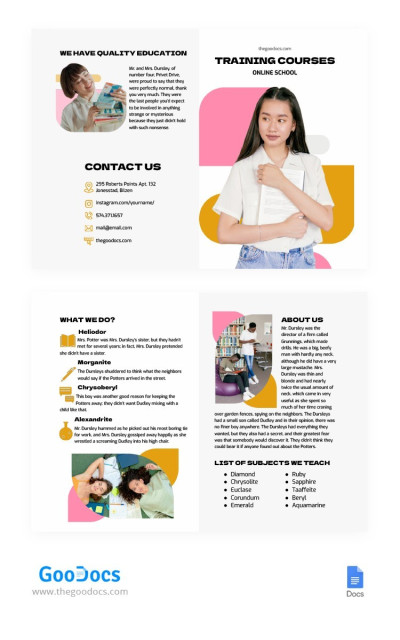
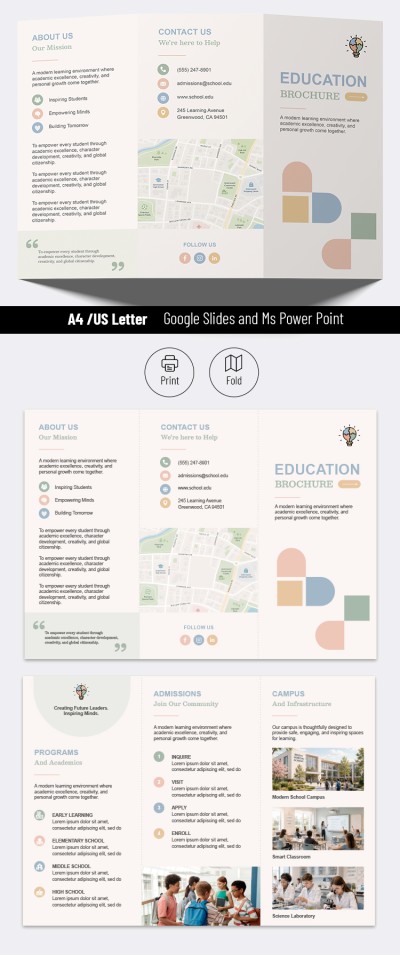
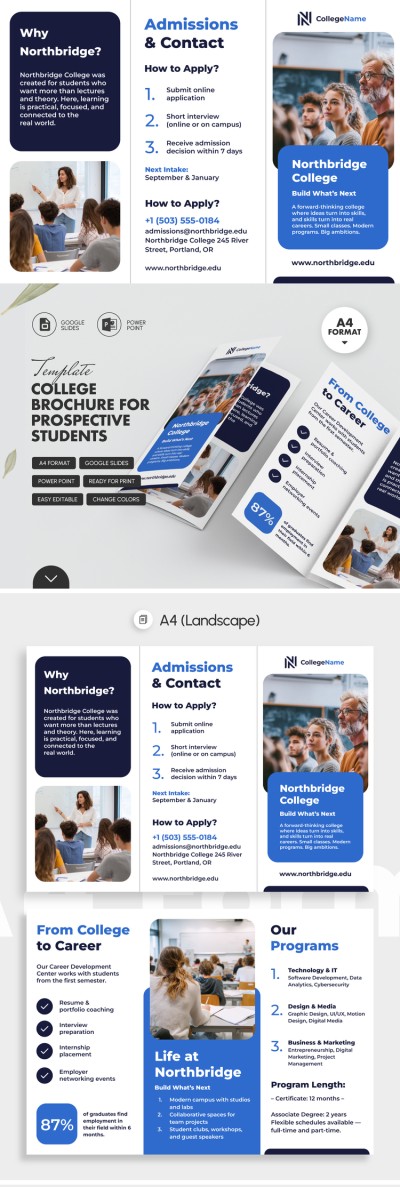
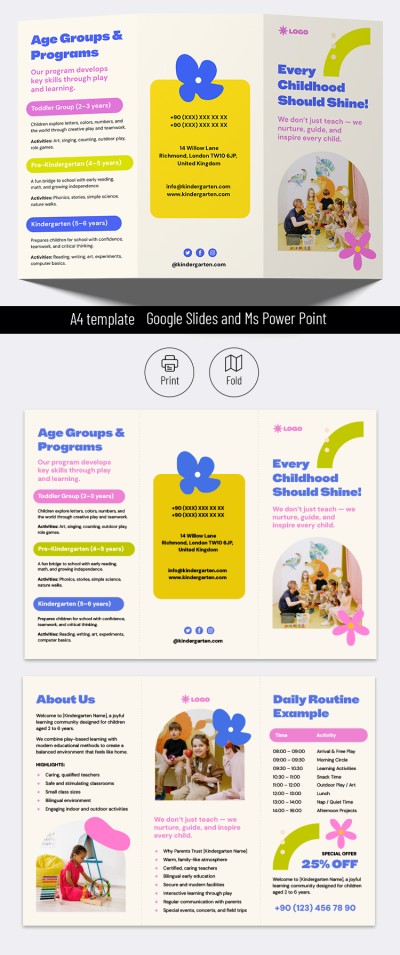
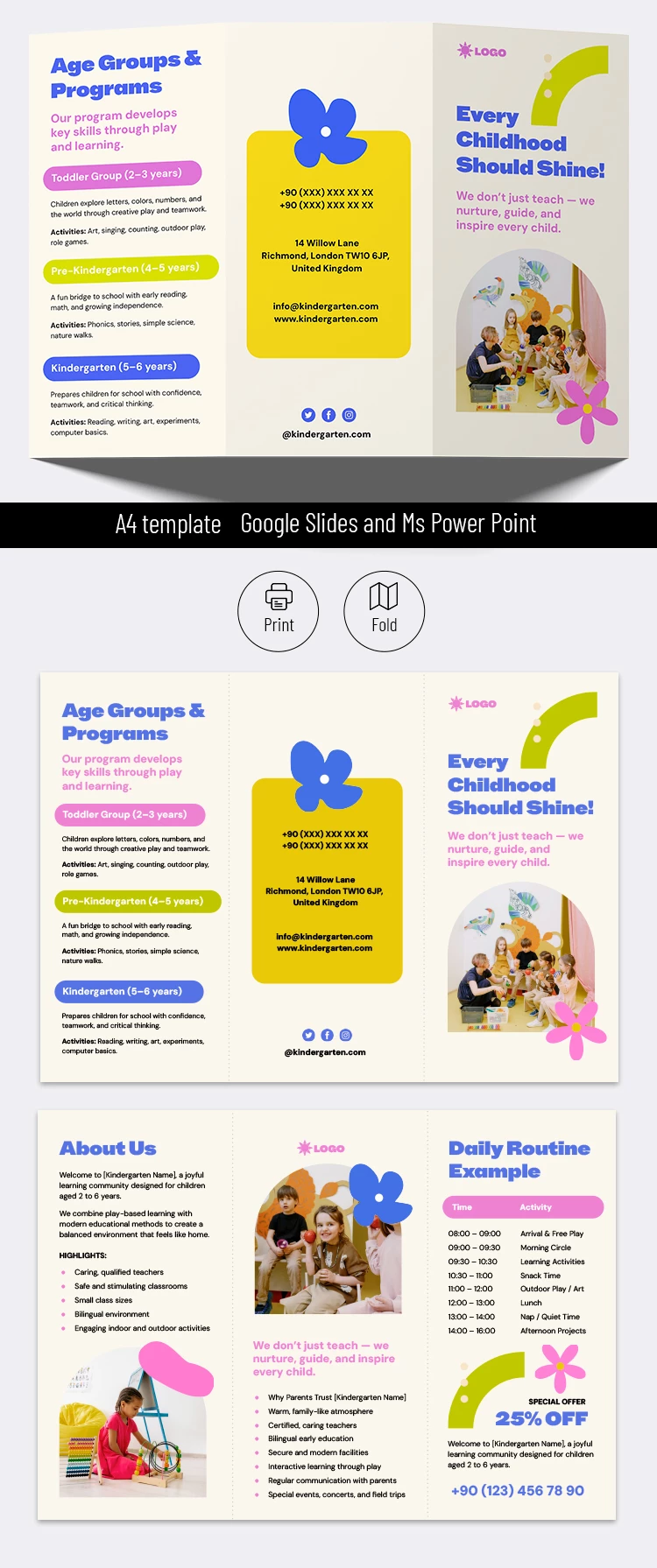
Our Kindergarten Brochure Template will help you design a playful and attractive pamphlet in just a few minutes. The layout features bright design elements that catch the eye of both children and parents. Multicolored flowers, paint strokes, and vibrant accents pair perfectly with easy-to-read fonts in our school brochure template.
Use Our Preschool & Kindergarten Brochure Template
Instead of a plain white background and boring headlines, this template is perfectly tailored to parents and their little ones. It instantly conveys the warm atmosphere of your preschool and the fun activities children will enjoy there. The headings are set in a friendly blue font, with cheerful pink, green, and blue accents highlighting different sections alongside custom icons for your social media.
Use our brochure template for free:
- Fill in the sections for "Age Groups and Programs," "About Us," "Why Parents Trust Us," "Daily Routine," and "Special Offers."
- Replace the placeholder images with real photos from your preschool or keep the default ones.
- Add your phone number, address, email, website, and social media handles to the dedicated contact panel.
Once you are done customizing, save the template as a PDF for double-sided printing on A4 paper. This template for a trifold brochure is completely free, and you can find even more options on our website.
Download Free Template
WHAT’S INCLUDED
Brochures & Pamphlet Tips
FAQ
How to Use and Edit This Template

Get Your Document

Customize Everything

Add Your Content