
Certificate of Completion Templates
Confirm the successful completion of your course, business training, or project with professional certificate of completion templates in Google Docs and Word. Find the perfect design idea in a classic style, with a green or white background and other options. We offer simple tools to download and customize any certificate sample template.
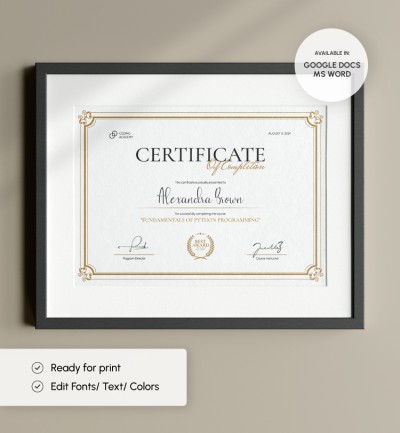
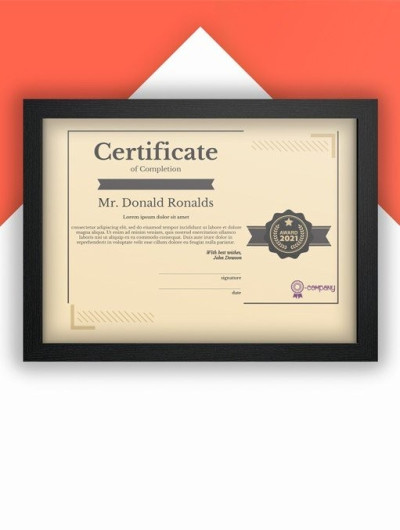
Printable Certificate of Completion
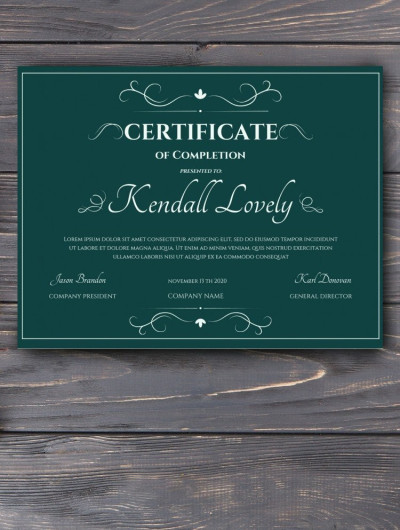
Dark Certificate of Completion
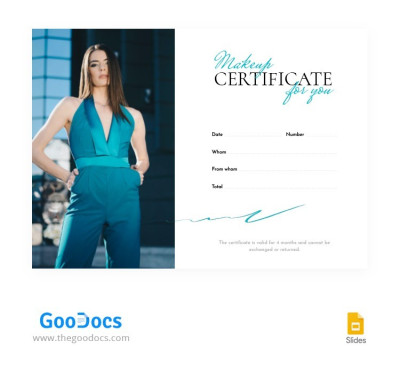
Makeup for You Certificate
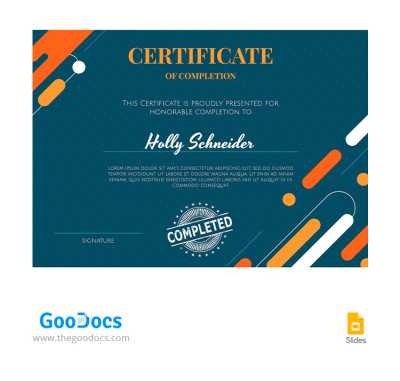
Green Completion Certificate
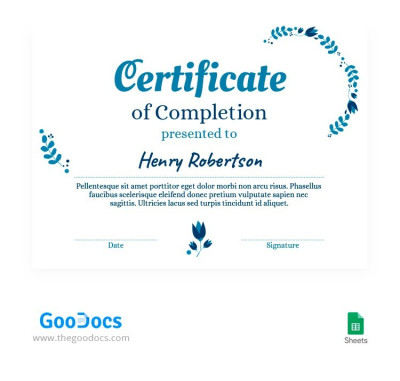
Blue Certificate of Completion
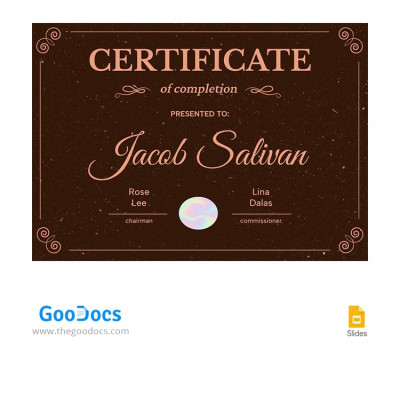
Classic Certificate of Completion
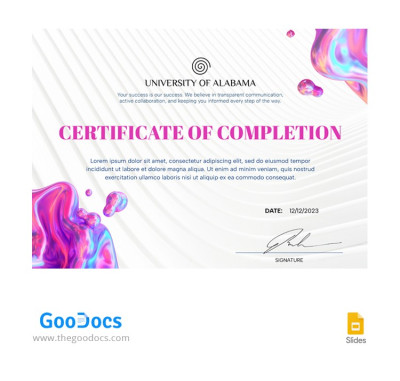
Splash Certificate of Completion
Please try different filters or clear all to start over.
Choose from dozens of our certificate of completion templates and easily create an official document confirming the successful completion of your training. This page features ready-to-fill and printable certificate templates for courses, workshops, masterclasses, professional development programs, and more. Explore a wide variety of options on this page or browse our certificate of achievement collections.
Explore more benefits of our certificate of completion templates:
- Choose from certificate templates for any field and training format. Our templates offer a wide range of options, including highly specialized and universal designs. You'll find a layout for any purpose, including templates for confirming training in online schools and e-learning platforms, modern and clean designs for the corporate sector, and layouts for practical workshops.
- Use a pre-made structure and design. Need an elegant, modern, clean, or even decorative design? You'll find it all and more on this page. Each certificate comes with sample text, which includes a title and a course name, and placeholders for the recipient's name, date, signature, and seal. Fill out free editable certificate of completion templates in Word, Google Docs, Slides, or PowerPoint and customize the design without any restrictions.
- Don't waste time adjusting print settings. Our certificate of completion templates look great both on-screen and in print. All settings, including colors, margins, page sizes, orientation, and more, are pre-set in the layout. After filling out the template, you can save the file as a PDF and immediately print it, or share it via email or messaging apps.
With ready-made certificate of completion templates, you can quickly add your logo and course or company name, enter the recipient's name, make the required number of copies, and print or send the certificates online. Start using our convenient templates now or explore our entire collection of free certificate templates.
Completion Certificates Templates FAQ
Yes, using our templates, you can create a certificate of completion for courses, online schools, training programs, or any other educational project you manage. The templates include sample text to help you write content relevant to your field of study, as well as placeholders for the recipient's name, issue date, your signature, and even an official seal. All of this comes in a professional design, so you can just fill in the essential fields and print your certificate without wasting time on layout or technical formatting.
A certificate of completion usually includes the following sections:
- A "Certificate of Completion" header at the top of the page.
- A "Presented to" heading above the recipient's name.
- The full name of the person receiving the certificate.
- The title and description of the course or educational program completed (our sample text will help you write this section).
- Information about the company, school, or issuing person (company name, logo, director's name, or issuer's name).
- Verification details (date, signature, seal, or QR code).
As for design, you can choose an elegant or modern certificate of completion in both a traditional landscape and a more innovative portrait orientation. You can see how a certificate should look in our examples or even download editable certificate of completion templates for Google Docs, Word, and Slides on our website for free.
You can use a ready-made certificate of completion template in Word from TheGoodocs to create your own version:
- Download a Word-compatible template from this page and open it (most of our templates are editable in MS Word).
- Fill in the recipient's name, issue date, company or school name, and add a logo.
- Use the sample text as a guide to fill in details about the completed training and program name.
- Save the completed certificate as a PDF for high-quality printing (File > Export > Save as PDF).
The ready-made design and layout will save you a ton of time, so all that's left to do is fill in the main details in Word and print your certificate of completion.
You can get an editable, ready-to-fill, and printable certificate of completion on this TheGoodocs page:
- Explore all available templates on this page.
- Choose a design that suits the style of your school, course, or company.
- Download the template in Word or PowerPoint, or save it to Google Docs or Slides in your Google Drive.
- Fill out the template using the sample text and include the recipient's name, issue date, company name, logo, and other details.
- Make the required number of copies and repeat the previous step.
- Save the template as a PDF and print it without any extra setup.
To get a certificate of completion, you can use a ready-made template, which can save you a lot of time.