
Paycheck Budget Templates in Google Sheets and Excel
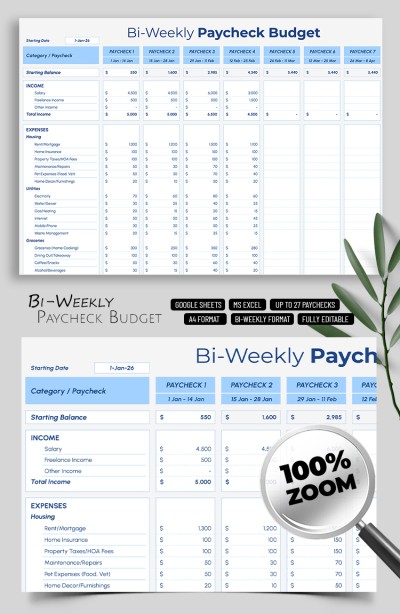
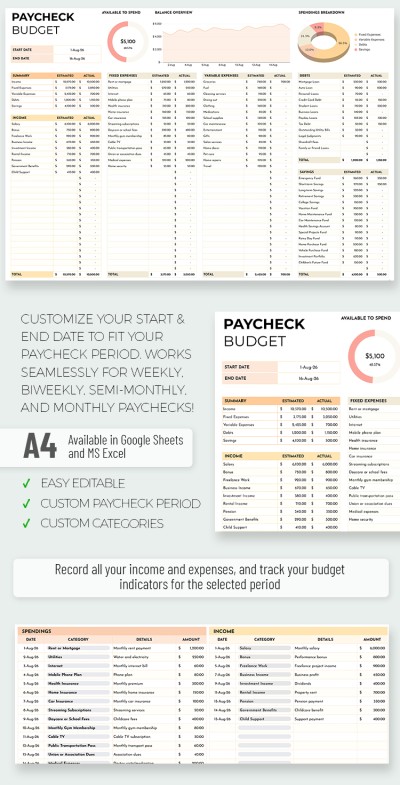
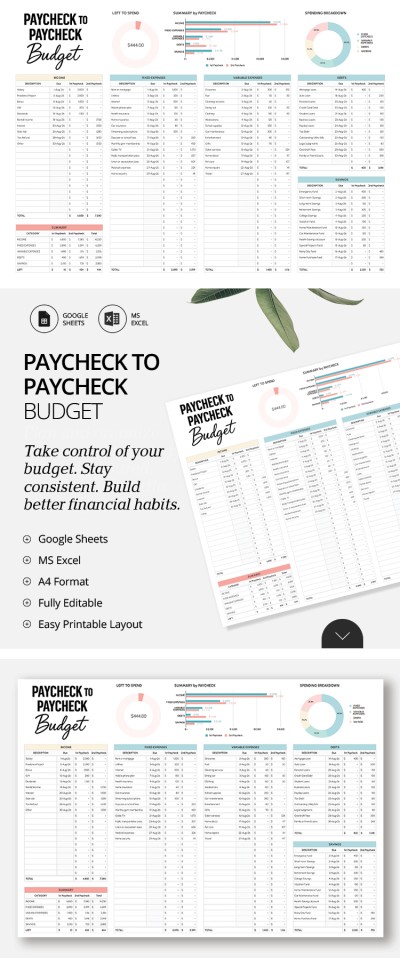
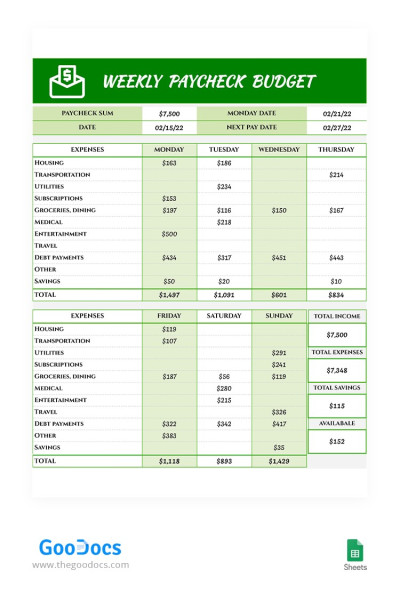
Take control of your finances with our dedicated paycheck budget templates. Choose from options for real-time transaction tracking with pre-made fields for expense categories, income, and automatic calculations. Select either a biweekly or monthly pay schedule, and get your copy in Google Sheets or download it for Excel.
Weekly Personal Paycheck Budget
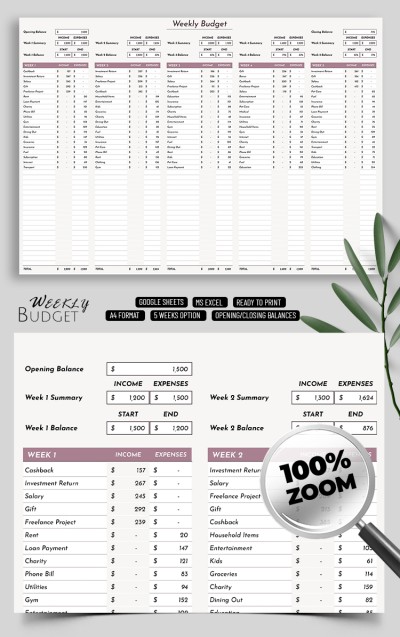
Weekly Paycheck Budget Template

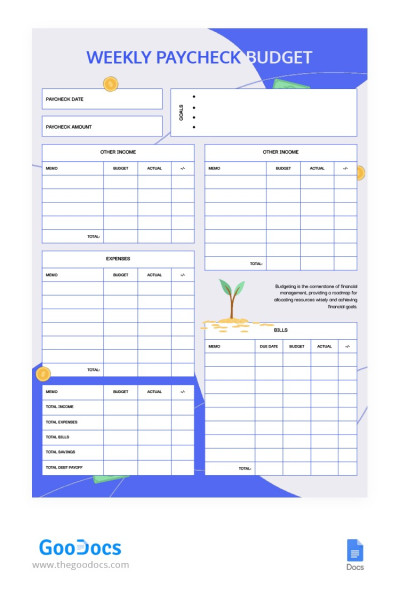
Illustrated Weekly Paycheck Budget

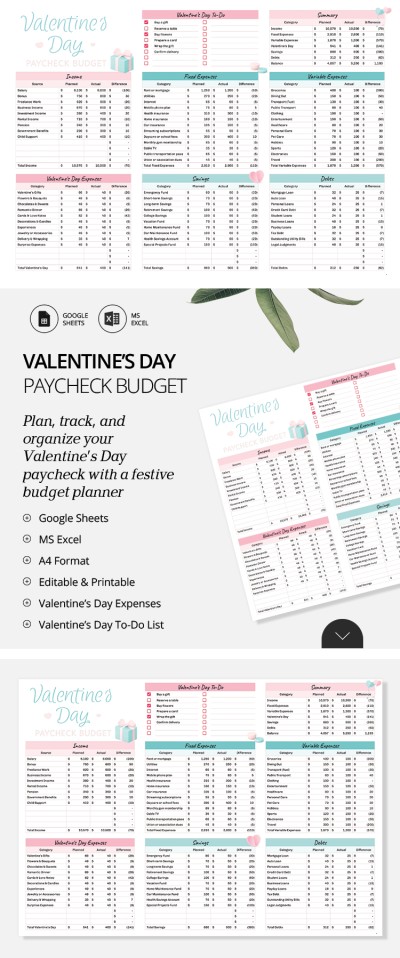
Please try different filters or clear all to start over.
Our paycheck budget templates help you stay on top of your finances. Unlike monthly budgets, this format allows you to manage your earnings in more detail and see your balance after every mandatory payment. These templates are ideal for anyone who gets paid weekly, biweekly, or monthly.
Experience the benefits of ready-to-use templates:
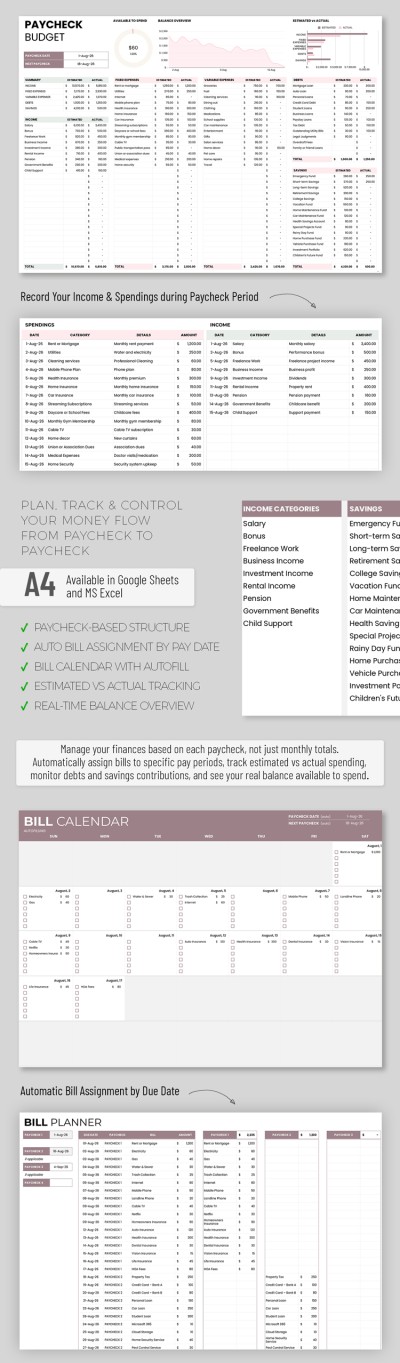
- Estimate your actual balance after all payments. Our paycheck-to-paycheck budgets show your balance after deducting all planned expenses, including rent, utilities, insurance, and loan payments. The pre-made structure allows you to list dozens of required fees, along with the amount and date for each. You'll know exactly how much money remains until your next payday.
- Get automatic calculations. You don't need to build spreadsheets or write formulas from scratch. Our Google Sheets and Excel paycheck budget templates come with automated features. You’ll get total expenses by category, account balances, and charts that highlight your spending trends.
- Track invoices, bills, and expenses with a single spreadsheet. A missed payment can lead to late fees, a bad credit score, or service interruptions. Our templates include plenty of fields to organize your bills, along with automated timelines, paycheck planners, and trackers. See what's been paid, what's due soon, and how much everything costs using a single spreadsheet.
Beyond the automated tools that make life easier, each paycheck budget template features a professional design with a clear structure and easy-to-read fonts. Choose the option that best suits your pay schedule, fill it out, and use it for free today. Explore more budget templates on our website.
Paycheck Budgets Templates FAQ
The paycheck budget template is a structured spreadsheet available in Google Sheets and Excel. The idea behind such a template is not to plan your finances months or quarters in advance, but to budget your money each time you get paid. After every paycheck, you simply open the template and allocate every dollar to specific expenses until your next payday. This format is very convenient because it prevents you from overspending early in the month. What's more, you can budget the actual amount you have on hand and track exactly where your money goes.
A biweekly paycheck budget involves planning your finances once every two weeks to cover the period until your next paycheck. A monthly paycheck budget assumes your salary arrives once a month, so you're planning expenses for the entire month in advance. The main difference is that biweekly paycheck budgeting gives you much more control, while a monthly approach is simpler and requires less frequent updates. This way: choose a biweekly paycheck budget if money is tight or you receive varying salaries, or a monthly paycheck budget when having a more stable income and expenses.
Yes, you can use our paycheck budget templates in Excel. This page features dozens of ready-to-use, fully editable templates designed specifically for Excel.
To start using a template, simply:
- Click on the preview image or the template name to go to its page.
- Find the "Download in Excel" button to the right of the preview and click it.
- Once the automatic download starts, the file will be saved to your device.
- Open the template through the Excel menu (File => Open) or double-click the file in your Downloads folder.
Our paycheck templates are fully compatible with Excel, ensuring that all formulas work and charts are automatically updated. You can fill in the fields and customize your template with no limitations.
Follow these simple steps to get a copy of our Google Sheets paycheck budget template:
- Go to the template page you’ve chosen by clicking on its title or preview image.
- Find the "Edit in Google Sheets" button to the right of the preview and click it.
- Wait a few seconds for the copy of the file to be generated automatically.
The template will open in a new window. To save your own editable version, go to the top menu and select File => Make a copy. Now, you can give your file a name, click OK, and you’re all set!
Our paycheck budget template is organized into different levels of expense categories. All expenses are divided into main categories, including Housing, Utilities, Groceries, Transportation, Discretionary Spending, Debt Payments, Health, and others. Each category includes up to six individual items. For example, housing expenses cover rent or mortgage, insurance, and maintenance, while the groceries section includes dining out, coffee, snacks, and beverages. All categories and items are fully editable, so you can easily tailor the template to your specific needs.
Paycheck-to-paycheck budgeting is a financial strategy where your entire salary is allocated down to zero before the next paycheck arrives. Right after you get paid, the money is divided into various expense and savings categories. This method guarantees you can cover all your basic needs, especially in situations where income is unpredictable. Paycheck-to-paycheck budgeting usually follows a weekly or biweekly schedule.
It's best to choose a budget period that aligns with how often you get paid, but there are other factors worth considering.
Which paycheck budget period should you choose:
- A weekly paycheck budget is the best choice for those who receive their income weekly. This option allows for very precise planning and gives you the most control over your spending for each short period.
- A bi-weekly paycheck budget is similarly ideal for those who get paid every two weeks. This format helps you align your expenses with exactly when your money arrives.
- A monthly paycheck budget is recommended only if your income is stable and you don't need to track every tiny detail. Even if you receive your paycheck monthly, it’s better to apply weekly or biweekly limits to keep your spending on track.
Weekly and biweekly budgets are the most versatile options. Keep in mind that, regardless of your pay frequency, it’s important to always prioritize your bills and mandatory payments first.
Yes, paycheck budget templates are one of the best tools if you have an irregular or variable income. You can use the template to allocate your money as it arrives to cover any bills due between now and your next paycheck. To do this, you should enter the income amount and distribute it among the expense categories until the remaining balance is zero.