
Rental Invoice Templates
We offer rental invoice templates in Excel, Google Sheets, Word, and other formats. You can find car or property rental invoice designs for free on this page. Download an editable and printable invoice template with a creative, simple, basic, or modern design. Edit our blanks in different convenient formats and send them out.
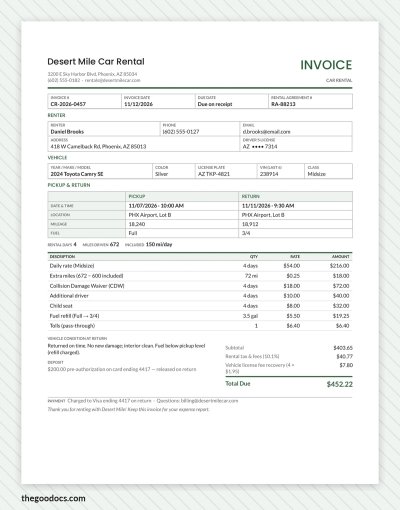
Car Rental Invoice Template – Example and Blank
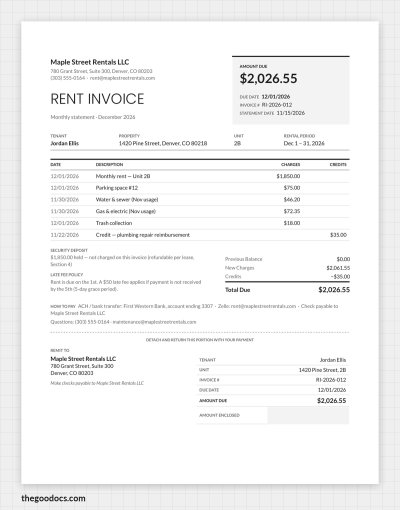
Rent Invoice Template (Example and Blank)
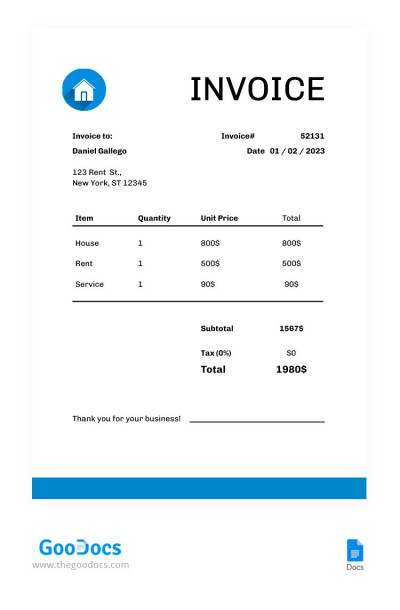
Minimal Rental Invoice

Orange Rental Invoice

Apartment Rent Invoice
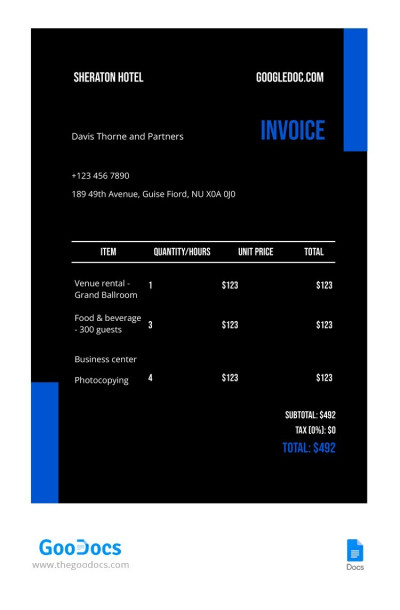
Dark Rental Invoice

Clear Rental Invoice
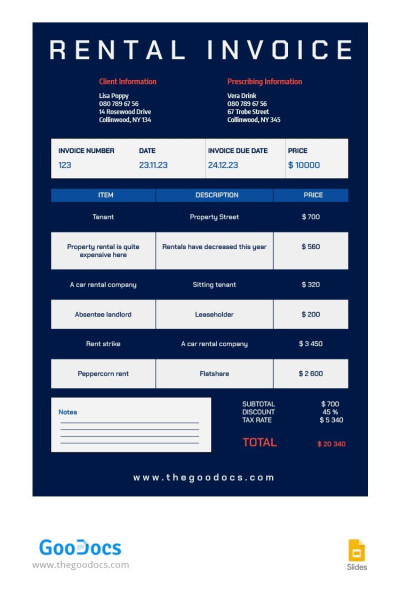
Dark Blue Rental Invoice
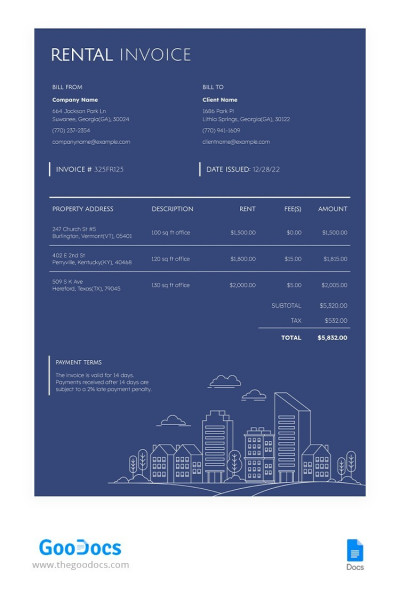
Blue Rental Invoice

Mist Green Rental Invoice
Our rental invoice templates are a convenient solution for rental companies, property owners, car rental services, and other businesses. Create an order-specific invoice, featuring a professional design, in just minutes. Using our free templates, you can immediately start entering rental rates instead of creating a design and structure from scratch.
Take advantage of our rental invoice templates:
- Choose the suitable template. Our page features dozens of universal and specialized layouts. You can use ready-made car rental invoice templates for cars, vans, motorcycles, and other vehicles, or select a suitable equipment rental invoice template for tool rentals, photo and video kits, event decorations, and more.
- Start with a ready-made structure, not a blank sheet. Our rental invoice templates are designed specifically for the rental industry. You can enter exact dates and times for pickup and return, calculate the cost by hourly, daily, or monthly rates, and specify security deposits, delivery fees, insurance, and late return fees.
- Fill out templates in familiar editors. Our templates are easy to use because they are available in standard formats ready for printing and digital sharing. You can choose a rental invoice template for Google Docs, Google Sheets, Word, or Excel, all fully compatible with your preferred software. Easily fill out the form, add your logo and branding elements, and then send the invoice.
Need a user-friendly, creative, dark, or minimalist design for your rental invoice that can be quickly filled out and sent to any client? Browse all the options on this page, choose the one that suits you best, and start customizing and filling it out now. You can also find a relevant invoice template at the link.
Rental Invoices Templates FAQ
Create a rental invoice in just a few simple steps using a template from TheGoodocs:
- Download or make a copy of the template on this page. You can edit our Google Sheets, Google Docs, Excel, or Word templates for free.
- Fill out the header section. Include the unique invoice number, issue date, due date, company or landlord name, address, contact info, tenant's full name, billing and contact details, and rental period.
- Fill out the line item table. Enter the rental details (name and description of equipment, car, or property, plus utility charges or parking fees). Include the rate or price for each item in the table.
- Enter the total amounts. Calculate the subtotal (the sum of all charges before taxes and discounts), then apply the tax rate and discounts to calculate and enter the grand total (the final amount due).
- Specify payment terms and conditions. In the footer, add payment instructions (accepted payment methods), provide all necessary account numbers, and note any other payment terms.
- Save the rental invoice and send it. Once completed, you can save the file as a PDF (File - Save as - PDF Document). This is the best format for printing, and you can also attach it to an email.
Using a ready-made template for creating a rental invoice is the easiest approach. You can start filling it out right away and even use sample text and calculations to ensure you don't miss any important details. Try our free templates now.