
Welcome Book Templates in Google Docs and Word
This category of welcome book templates includes designs for Airbnb, vacation, rental, and many other needs. We prepare consistent designs for books and editable cover samples, table of contents, and page layouts. Use ready-made printable blanks in Google Docs, Google Slides, MS Word, and PowerPoint for free.

Printable Airbnb Welcome Book Template
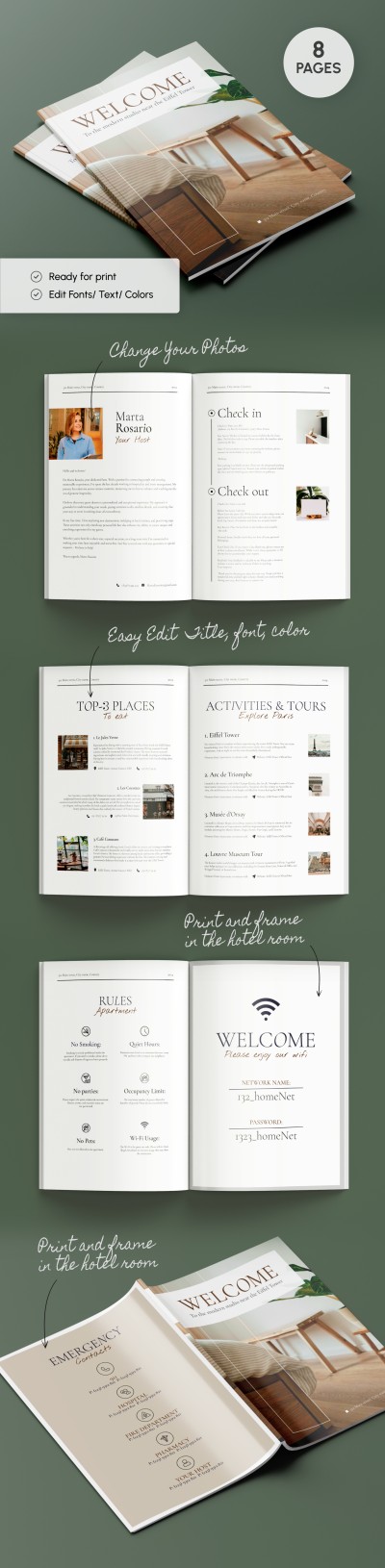
Sleek Airbnb Welcome Book
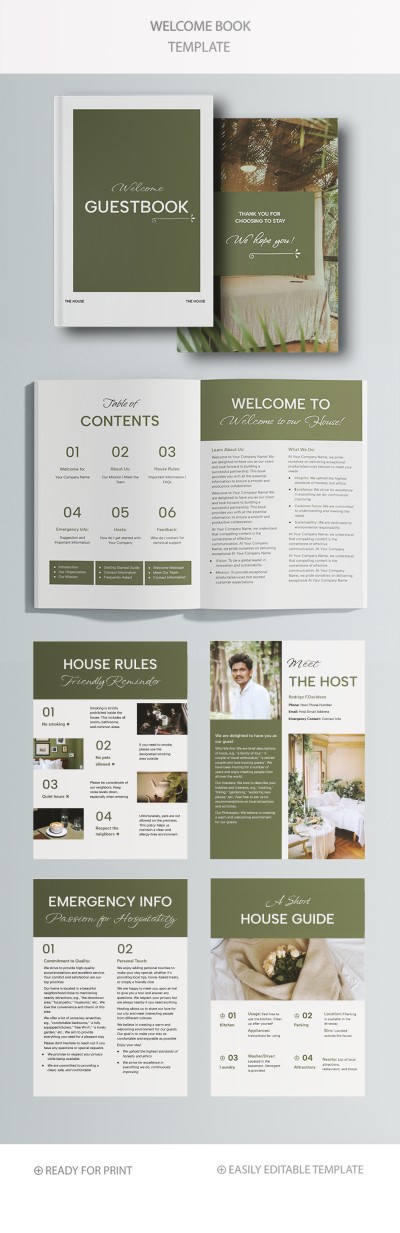
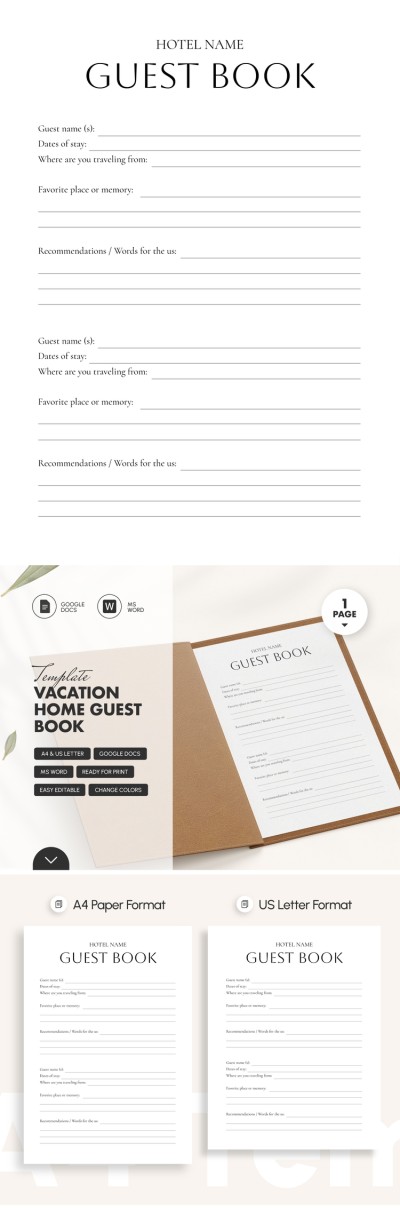
Hotel Guest Book

Classy Airbnb Welcome Book

Welcome Book Template for Airbnb or Boutique Hotels

Beautiful Airbnb Welcome Book

Airbnb Welcome Book
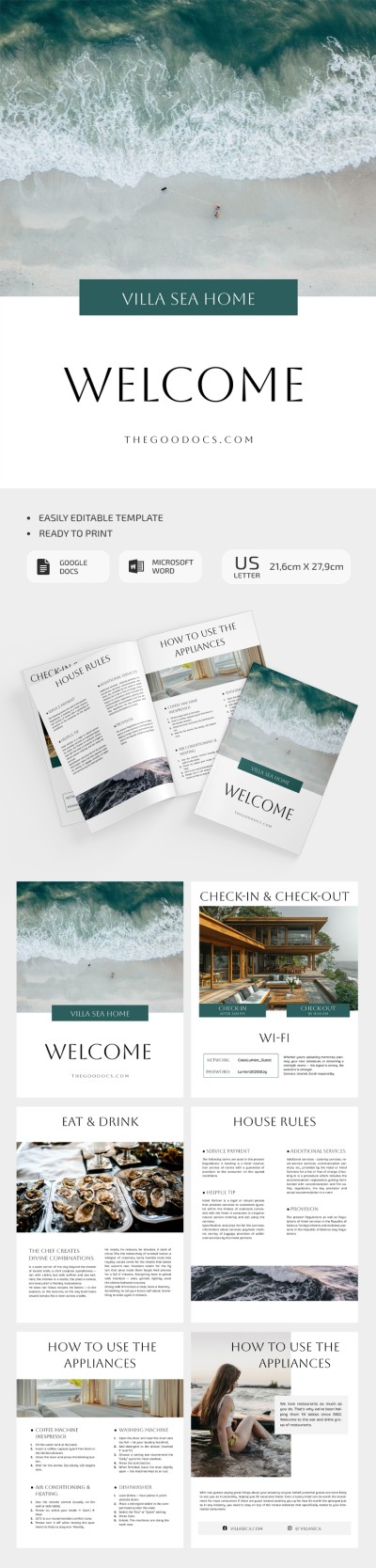
Stylish Airbnb Welcome Book
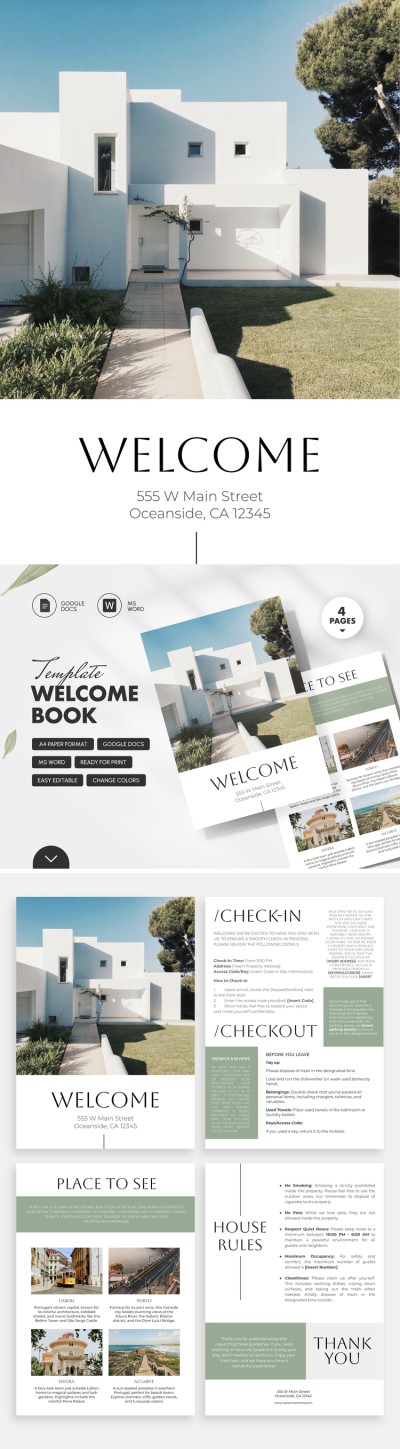
Welcome Book

Airbnb House Manual Template
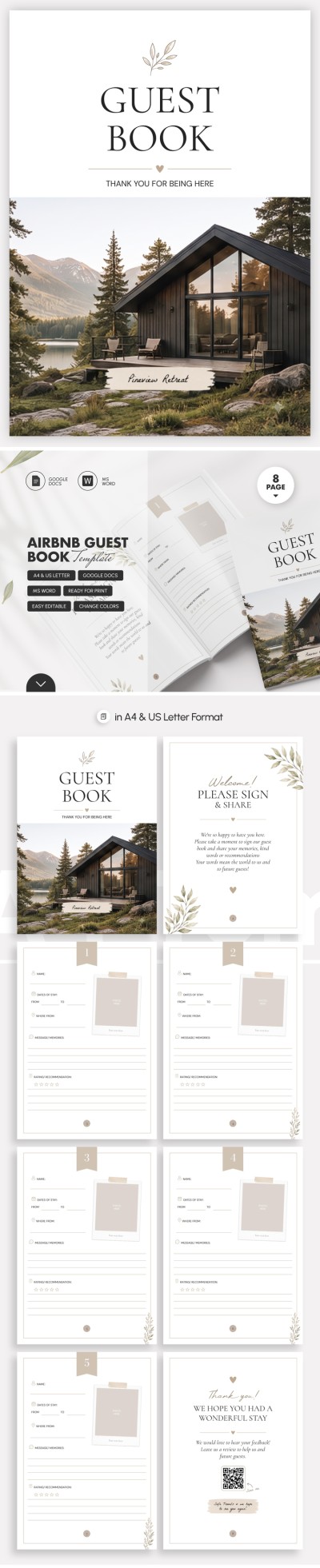


Luxury Airbnb Welcome Book
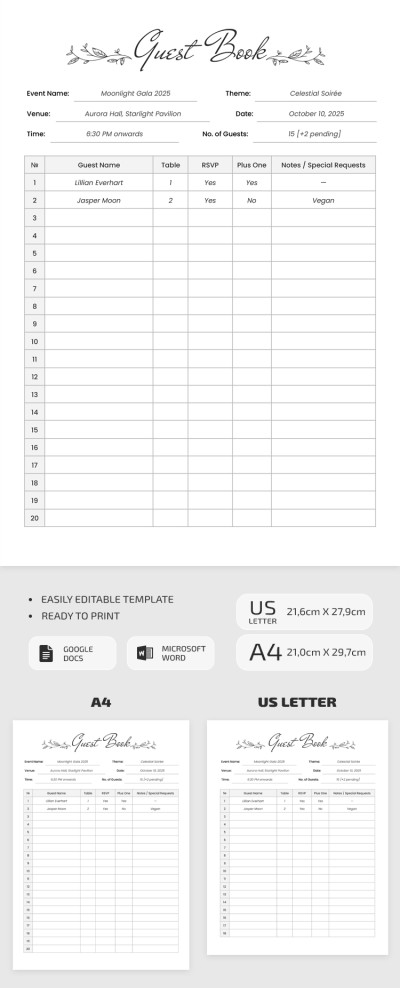
Editable Guest Book Template With Minimalist Design

Aesthetic Airbnb Welcome Book Template
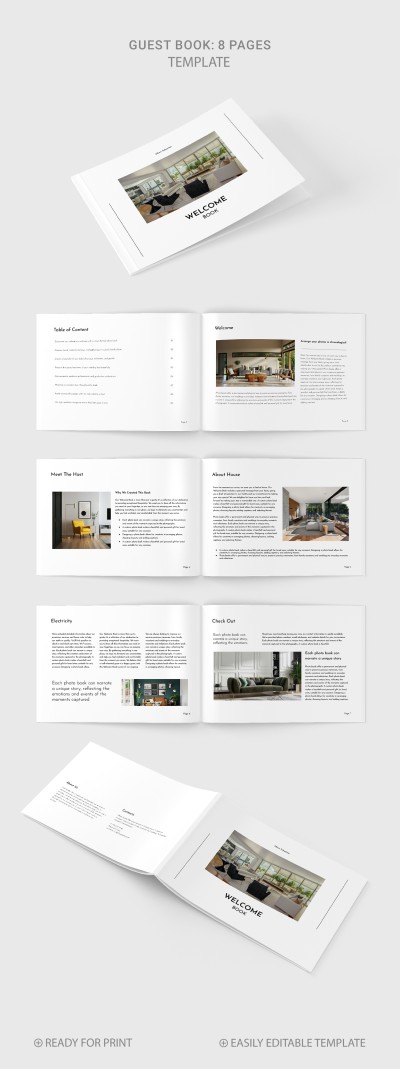
Simple Guest Book
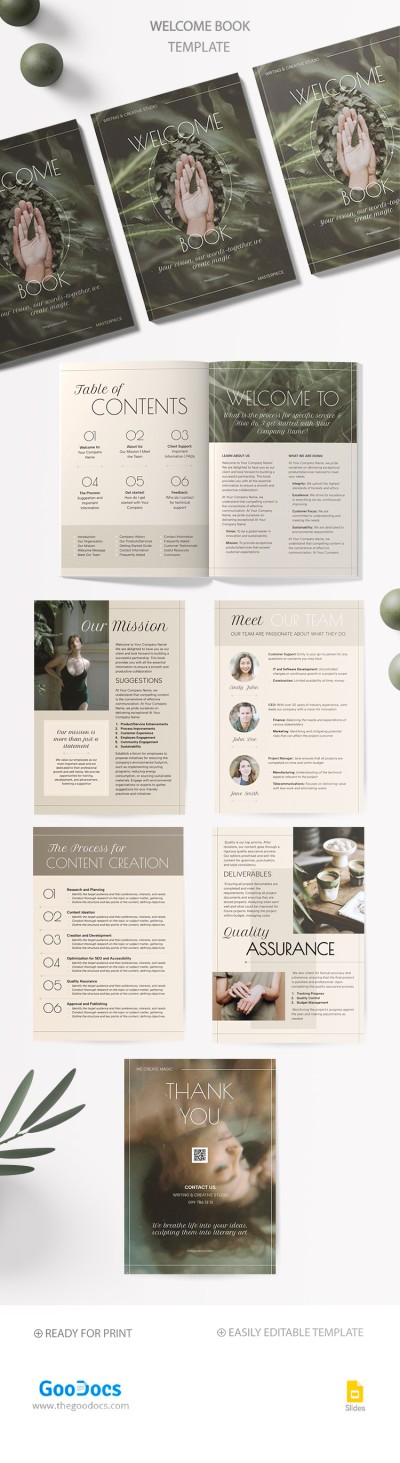
Client Welcome Book
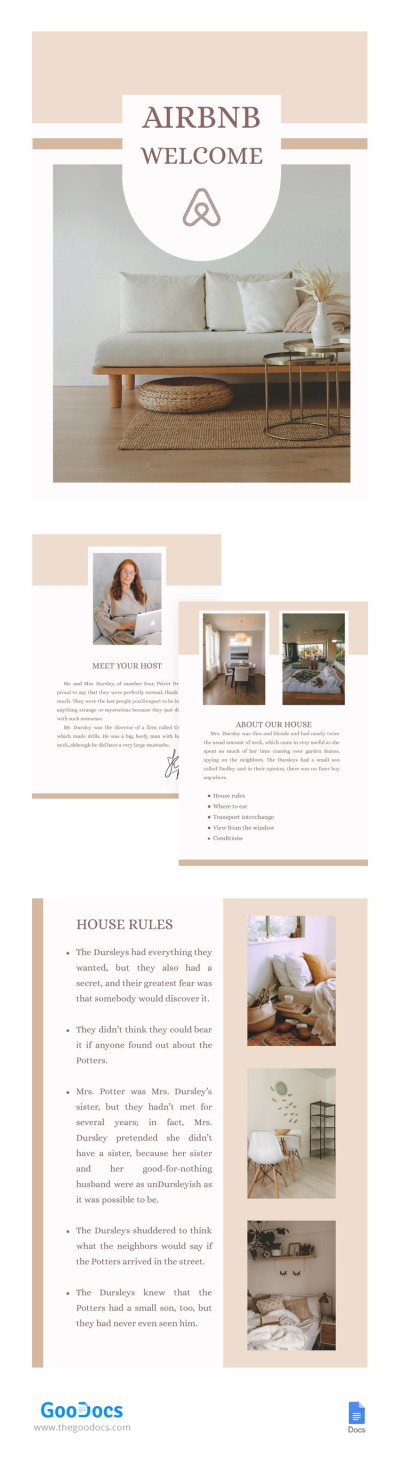
Comfortable Airbnb Welcome Book
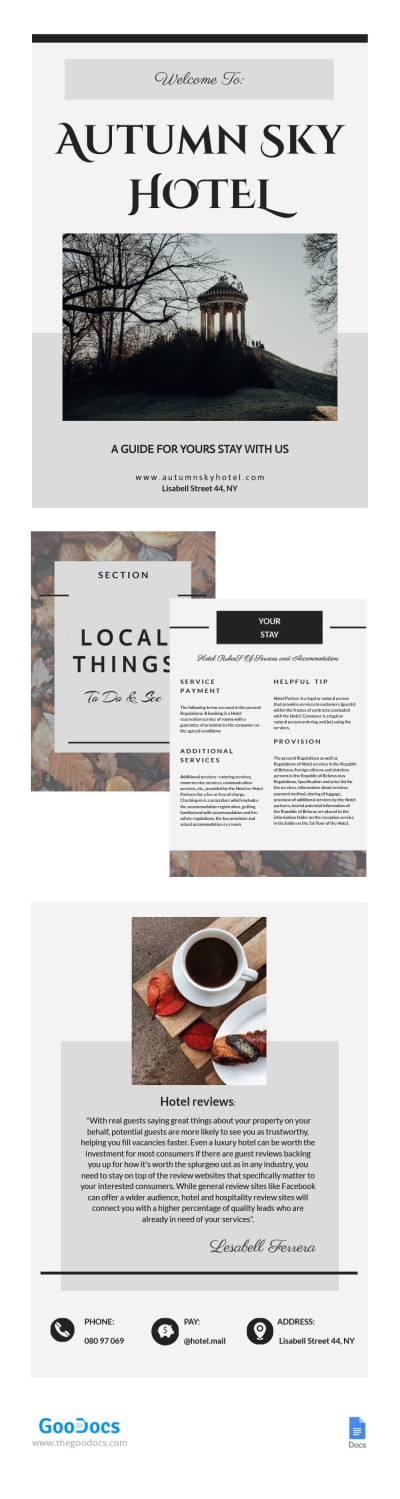
Elegant Airbnb Welcome Book
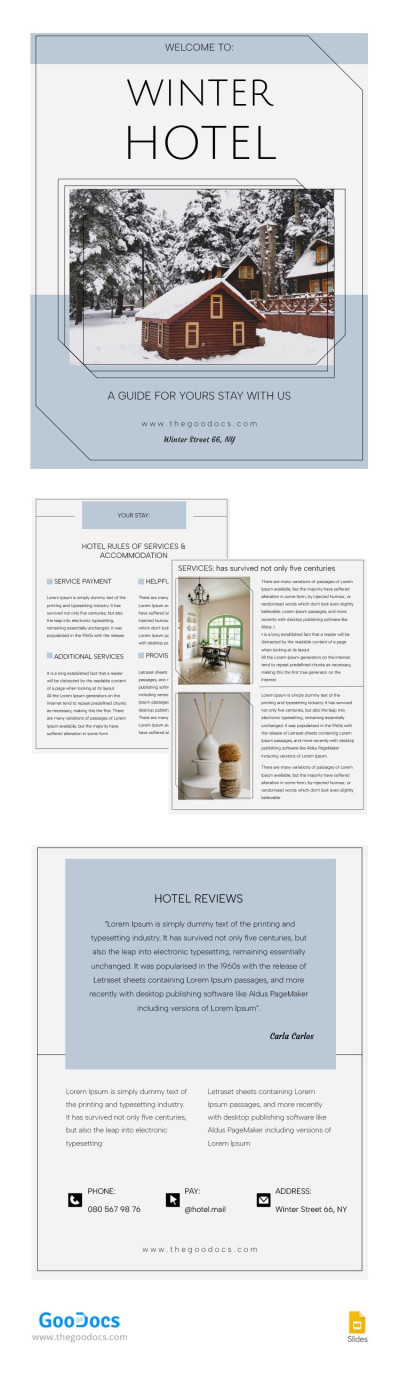
Elegant Pastel Welcome Book
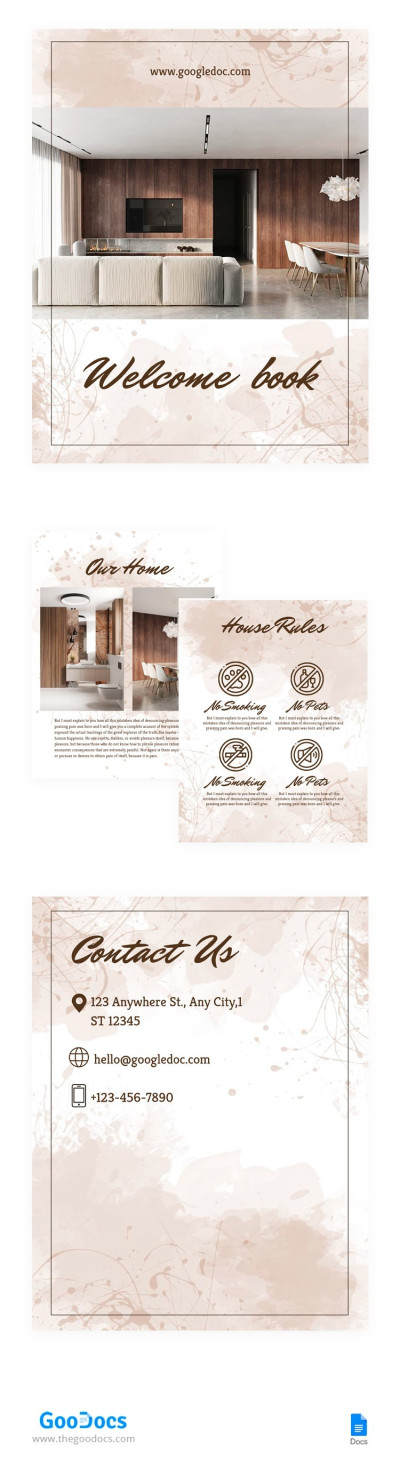
Splashes Welcome Book
Do you sell real estate, or do hospitality or rental business? Then you need a welcome book, with the help of which the visitor will not only learn about the advantages of your apartments but also study the essential rules for using the place that you rent. If you want to create a new design and a convenient, understandable structure for a welcome book, then you have come to the right place. We offer you a wide range of book templates for Google Docs for any subject and for creating any documents!
Experience the benefits of using ready-made templates:
- Use a structured layout and sample content. Each Airbnb guest book template, as well as other options in this category, already includes standard sections and even sample text to help you write an effective description of the rules and information about the property. Simply add house rules, check-in/check-out procedures, Wi-Fi name and password, emergency information, appliance guides, local tips, and more to the template.
- Customize our welcome books for any type of accommodation or business. All options are easily adaptable to the specifics of Airbnb, guesthouses, boutique hotels, vacation rentals, and more. This is made possible by the professional design that allows you to add your logo and by the ease of use offered by Google Docs and Word editors for filling in templates.
- Use welcome books in digital or printed format. Each template can be saved as a PDF and printed in A4 or US Letter format without any loss of quality. You can also send your guests the PDF file via messenger or email, or attach it to the listing of your property on any platform. Visitors can open it on their smartphone, tablet, or laptop.
Discover a perfect Airbnb welcome book with a matching design for your apartments, cottage, or hotel. All our options are 100% editable and printable, so you can easily customize any design and content in a convenient format! Use our free welcome book template with cover right now, and you will experience all the benefits of professional templates from TheGoodocs.
Welcome Books Templates FAQ
Creating a helpful welcome book is not that easy. Here is what you should definitely include in your Airbnb welcome book:
- Personalized greeting. Start with a warm greeting to your guests. Say hello, thank them for choosing your place, and express your joy at their arrival. You can also tell a little about your house, what views open, what interesting things there are in the garden or yard, and what little things will make their stay pleasant.
- Information about arrival and departure. Be sure to include check-in and check-out time, what needs to be done upon check-in and before departure, where to park the car, and how to get inside (for example, how to use the electronic lock or where the key is).
- List of amenities. Include the Wi-Fi password and network name, where are the towels, robes, and extra pillows. If you have a sauna, pool, or other equipment, be sure to specify the rules for their use.
- How to use the equipment. This part helps avoid misunderstandings. You should tell how to turn on and adjust the heating or air conditioning, how the thermostat works, and how to open the tap for hot or cold water. Also, if necessary, write instructions for using the washing machine, stove, and other equipment.
- Local shops. It is also useful to indicate where the nearest shops, pharmacies, ATMs, cafes, or gas stations are.
- Things to do in the city. Give recommendations on restaurants and bars, main attractions, parks, museums, excursions, leisure options (cinema, spa, active recreation), transportation, and how to get to interesting places.
- Safety & emergencies. In this section, you should describe what to do in an emergency. Include clear instructions on how to quickly and safely leave the house or apartment. Indicate where the fire extinguishers and first aid kit are located. Also, you should provide contact information for emergency services, such as the fire department, police, and ambulance. Don't forget to add your phone number or the number of the person responsible for the accommodation.
- Frequently asked questions. Think about the most common questions that guests ask you and answer them in advance. For example, explain where to find an extra blanket, how to turn on or adjust the coffee machine, and whether it is possible to invite friends or relatives over.
Our ready-made templates, available in Google Docs, Word, Slides, and PowerPoint formats, will help simplify the process of creating an Airbnb welcome book. They are easy to adapt to your needs, print, or send to guests digital versions.
Each template includes examples of filling out, a ready-made structure and design, a cover, and placeholders for photos of your location. Use them for free or with a cheap premium subscription and create a welcome book much faster!