Teacher Brochure Template
Use this free template with Google Slides and Microsoft PowerPoint
Template Specification
Key Features of This Template
About this template
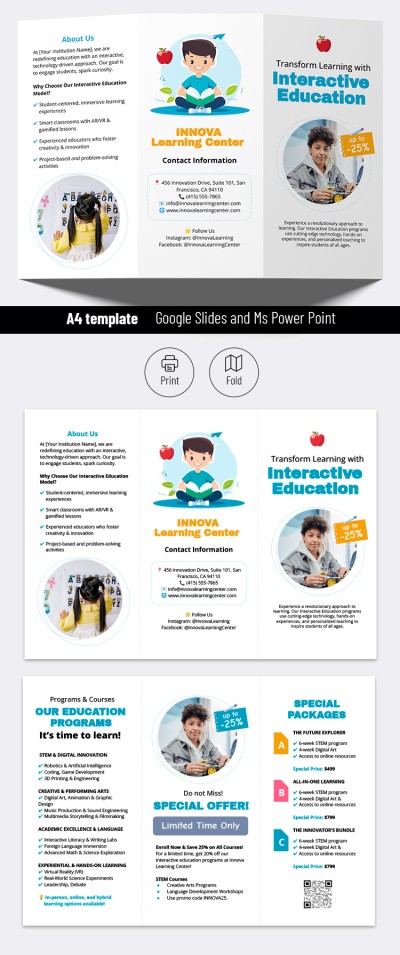
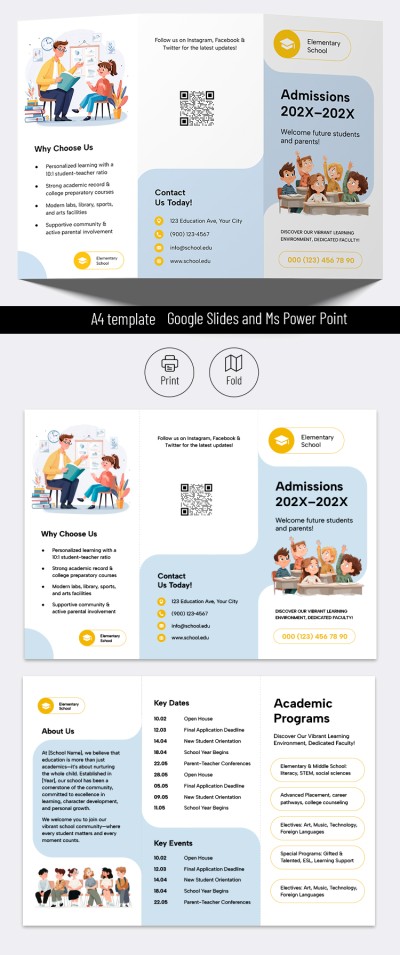
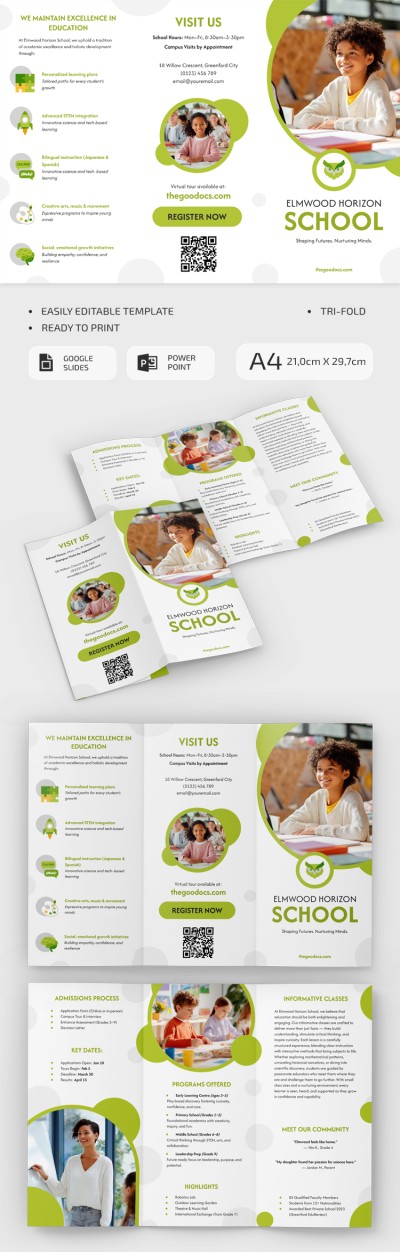
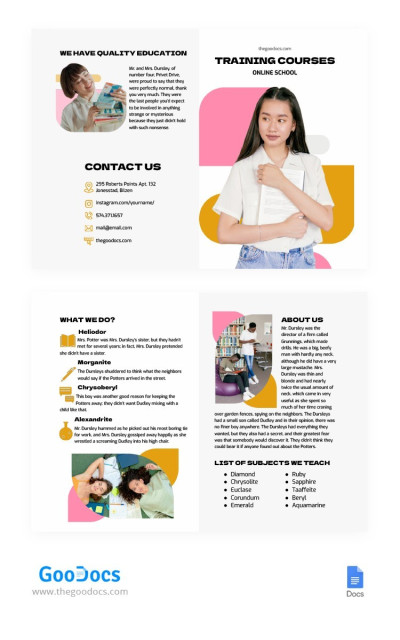
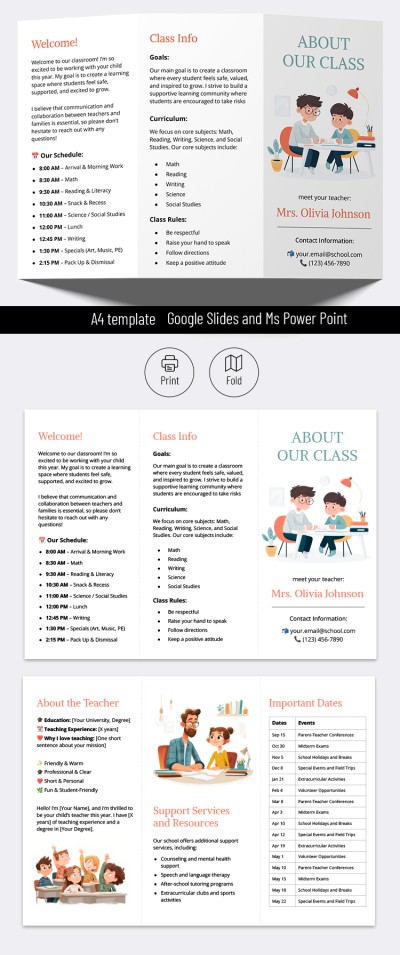
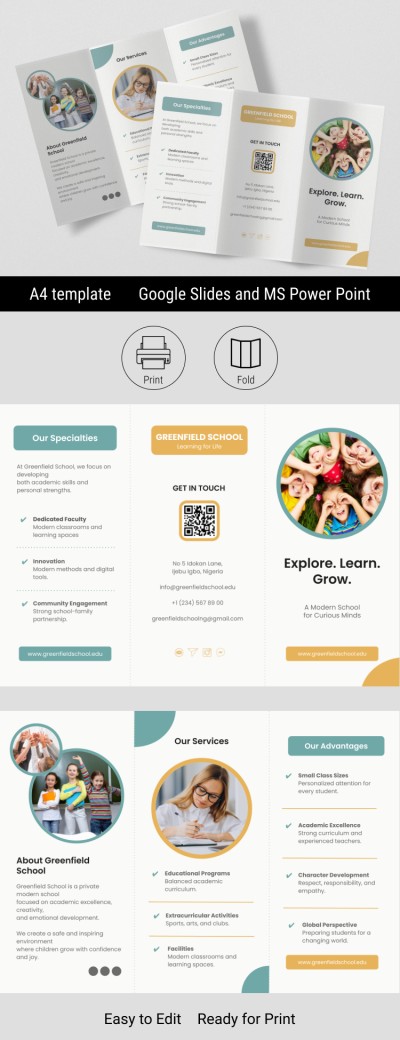
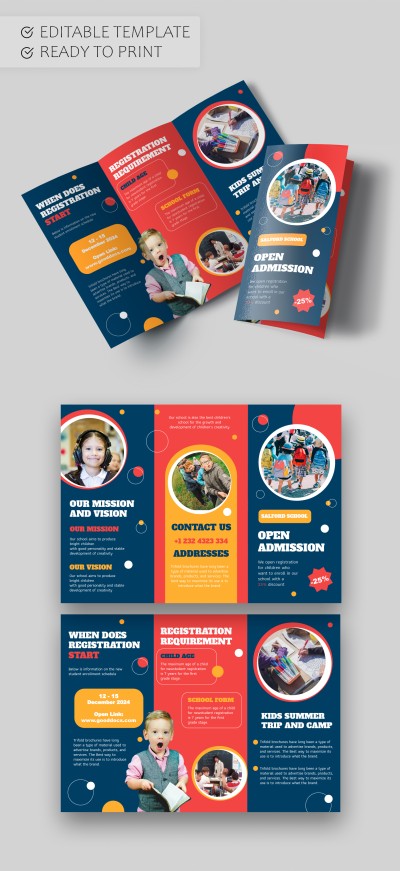
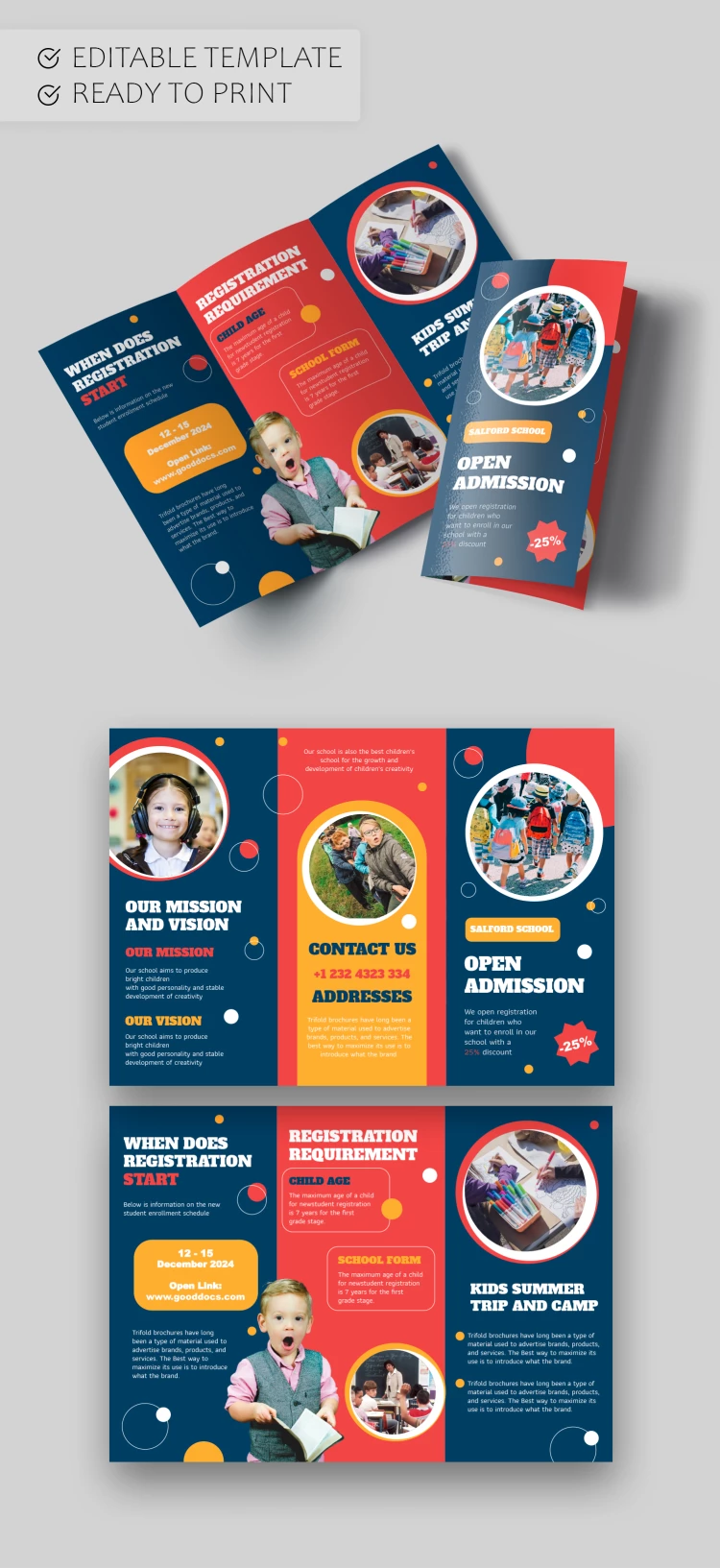
Our multifunctional Teacher Brochure Template is perfect for private teachers, tutors, schools, and kindergartens looking to inform parents and children about the benefits of their educational services. This brochure design is specifically tailored to catch the eye of students and their families.
Professional Design for Your Teacher Brochure
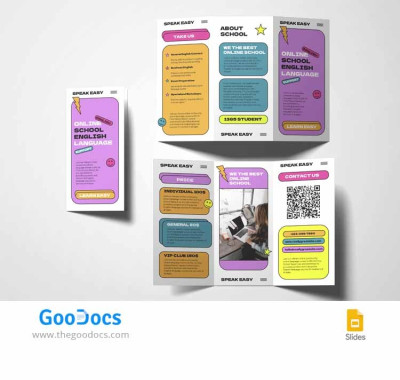
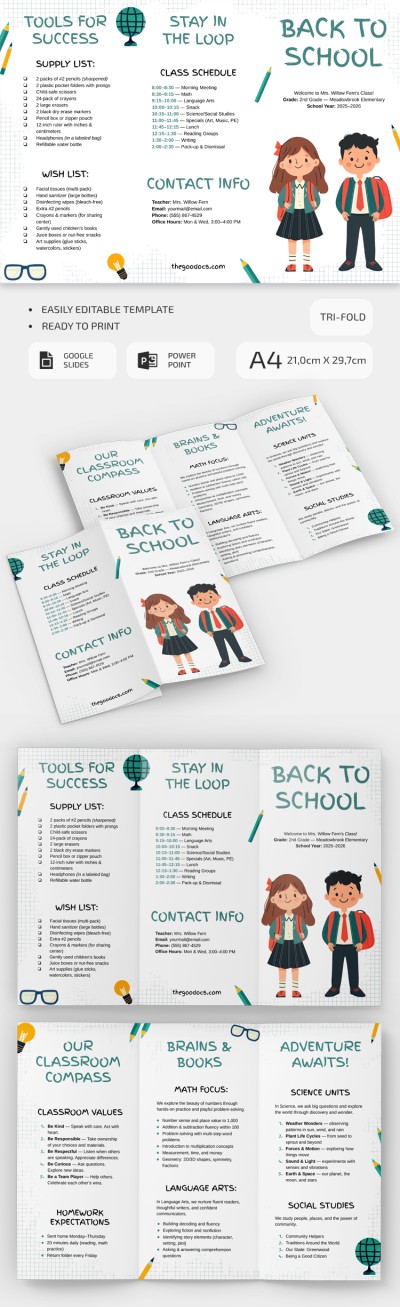
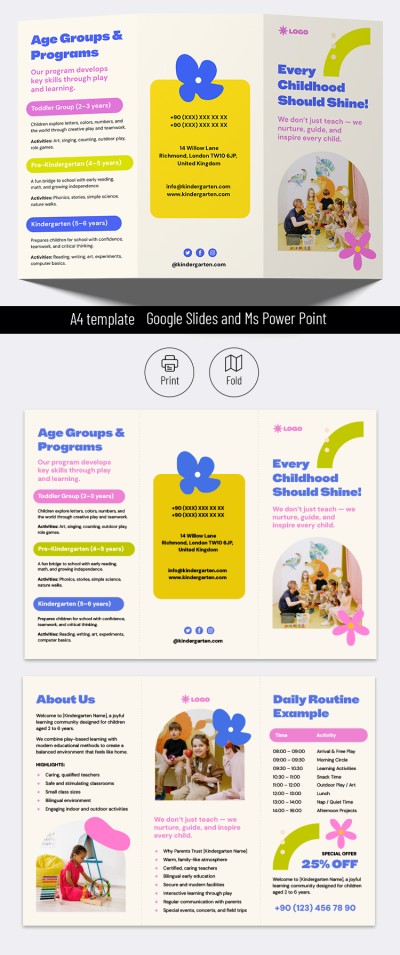
Our school brochure features a layout that appeals to both children and adults. Large, easy-to-read fonts pair perfectly with rounded placeholders for student and teacher photos, all set within a vibrant red, yellow, and blue color palette. Each panel is organized to provide a clear structure for information about your school.
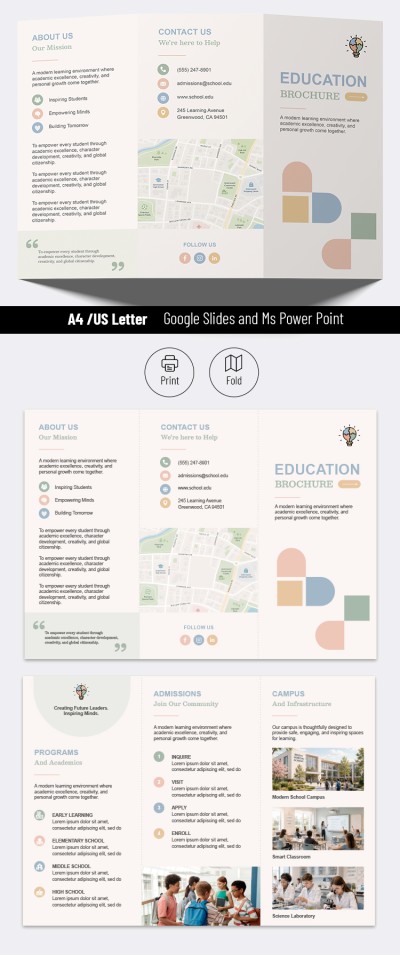
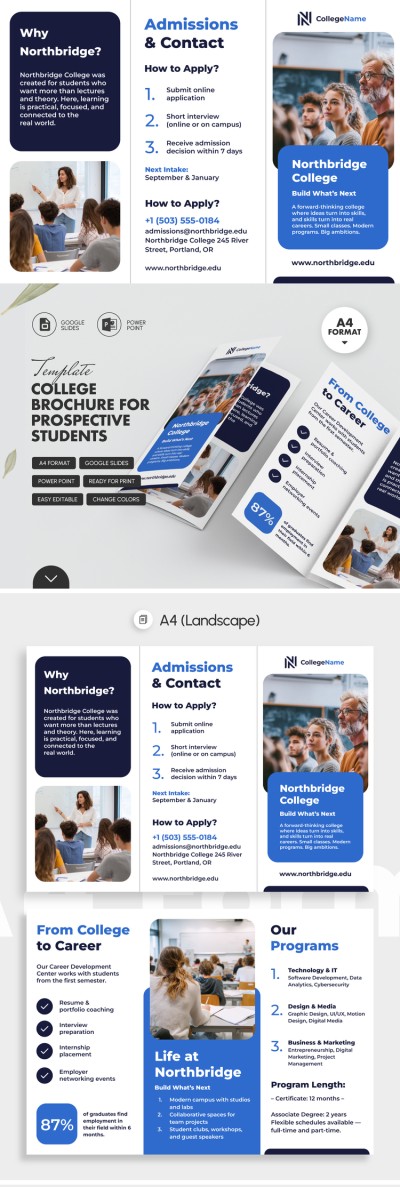
The structure of our tri-fold brochure template is thoughtfully designed:
- Add the school name and special discounts for early registration on the front panel.
- Include contact details, address, mission, registration dates, and requirements on the other panels.
- Adjust the layout to best suit the specific needs of your school.
The template is fully editable. You won't have to start from scratch, and you can use our sample content as inspiration for your own personalized brochure.
Still not sure if this option is right for you? Choose another pamphlet template via the link.
Download Free Template
WHAT’S INCLUDED
Brochures & Pamphlet Tips
FAQ
How to Use and Edit This Template

Get Your Document

Customize Everything

Add Your Content