Get unlimited access to 5000+ Templates for Google Docs, Slides and Sheets
Unlimited Access
ADVERTISEMENT
ADVERTISEMENT

Back to School Brochure | First Week of School

Use this free template with Google Slides and Microsoft PowerPoint
4.25 (1 reviews)
Last updated Updated July 18, 2026
Created by Nadia Sokolova
Type Trifold, Cute, Portrait, A4 / US Letter
ADVERTISEMENT

Template Specification

Format Google Slides, Microsoft PowerPoint
Created July 18, 2025
Last Updated July 18, 2026
Community Added to collections by 2 Users
Usage Stats 2 downloads this month

Key Features of This Template

Suitable For School Managers

About this template

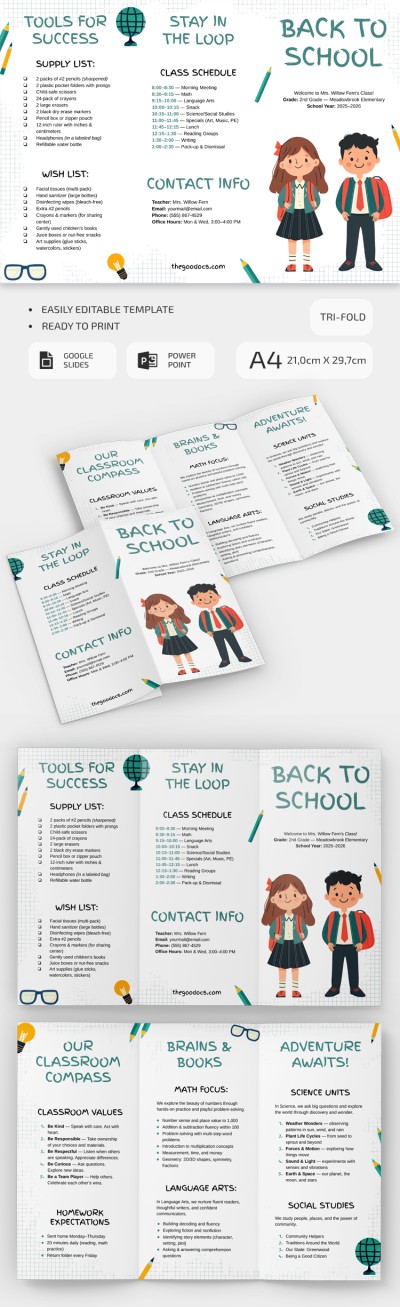
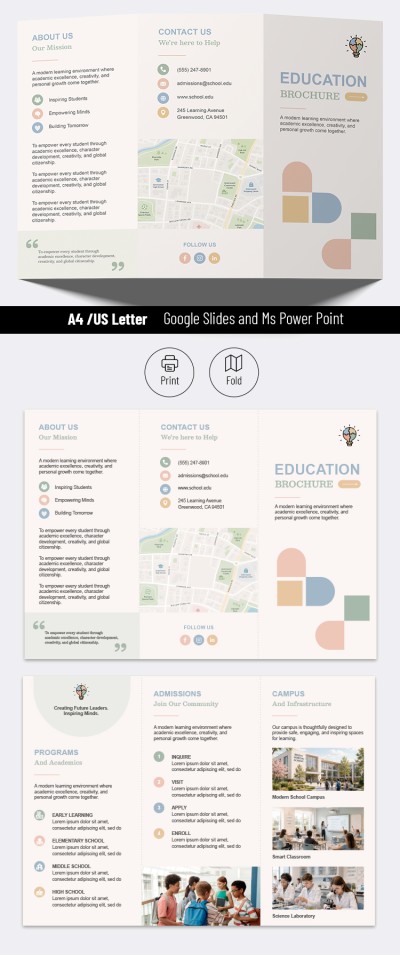
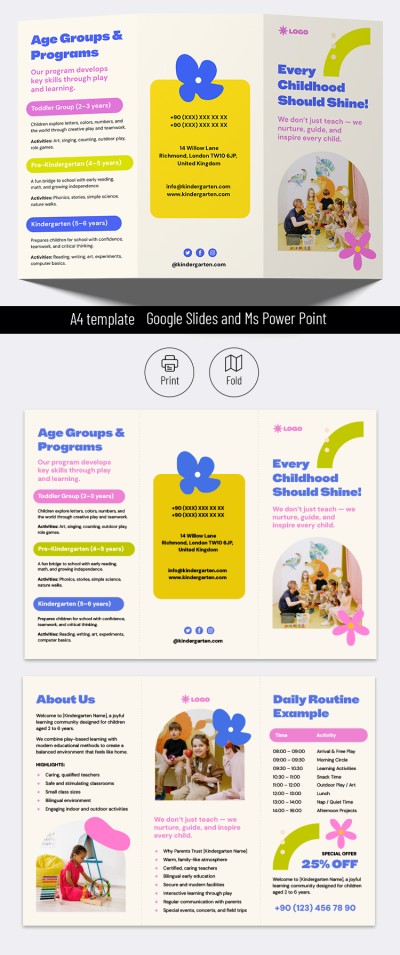
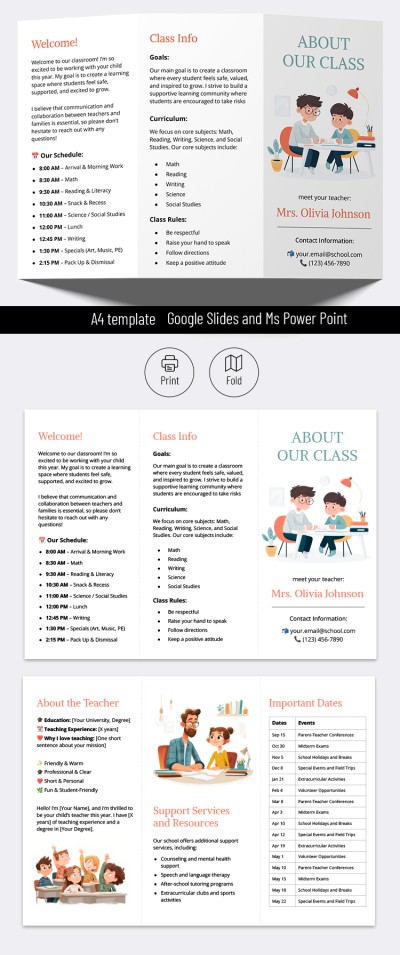
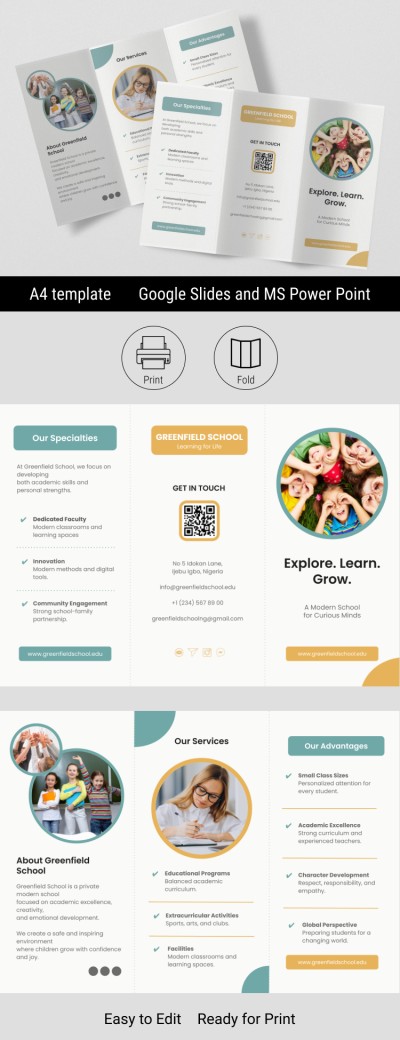
This Back-to-School Brochure is designed specifically for schools looking to inform students about important updates, news, and schedules. The first week of a new school year can be stressful and confusing for students. Make it easier and more welcoming with our design.

Back-to-School Made Easy

We offer a school brochure template that's easy to use and features a professional pre-set design.

With custom illustrations, a well-thought-out structure, and a print-ready A4 layout, you'll save a ton of time:

  • No need to take photos or search for stock illustrations.
  • The template's tri-fold layout provides a clear and organized structure.
  • Sample text and blocks will inspire you to include the information students need most.

Using this pre-made layout, all you need to do is add your school logo (optional) and include information about school clubs, important first-month events, a list of school supplies, and more. Our pamphlet template is fully editable and printable. This means you can use the existing structure or completely remake it.

Find even more brochure templates in Google Slides on our platform.

ADVERTISEMENT
Free Template

Download Free Template

Choose your platform and start editing right away
PLATFORM

Google Slides

Opens in browser

Microsoft PowerPoint

.pptx
PAPER SIZE
A4
Google Slides – A4
No account required • Attribution required

WHAT’S INCLUDED

Tri-fold design with organized sections
Editable text for school information
Monthly calendar for important events
Custom illustrations and icons

Brochures & Pamphlet Tips

1
Add school-specific details to personalize the template.
2
Use the calendar to highlight key events.
3
Ensure contact information for clubs is accurate.
4
Print in color for a more engaging look.

FAQ

Is this template compatible with PowerPoint? Yes, it's compatible with both PowerPoint and Google Slides.
Can I easily customize this template? Yes, it's fully editable for your needs.
Do I need to pay for this template? No, this template is offered for free.
How easy is it to use? It's designed to be user-friendly and intuitive.
Can I add school logos? Yes, you can easily add your school logo.
ADVERTISEMENT

How to Use and Edit This Template

Get Your Document

1

Get Your Document

Click the "Edit Template" button to create your own editable copy in Google Slides or download for Microsoft PowerPoint
Customize Everything
2

Customize Everything

Easily change colors, fonts, and layouts to match your unique style or brand identity
Add Your Content
3

Add Your Content

Fill in your data, upload images, and replace the placeholder text with your own information
Print, Export, or Share
4

Print, Export, or Share

Print, export as PDF, or share instantly

Related Templates

Recently Viewed