
Book Summary Templates
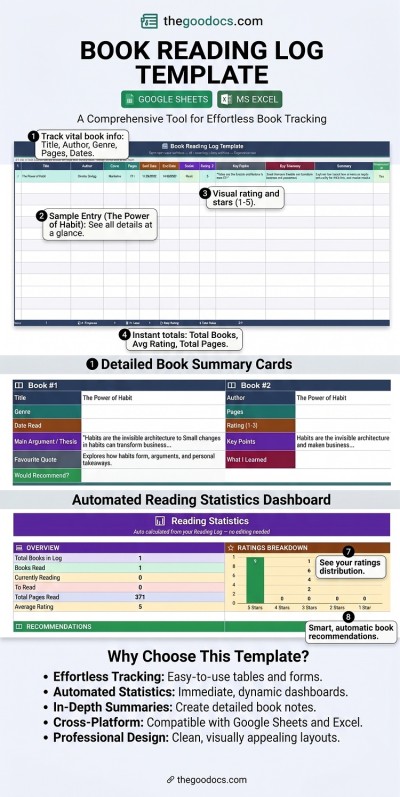
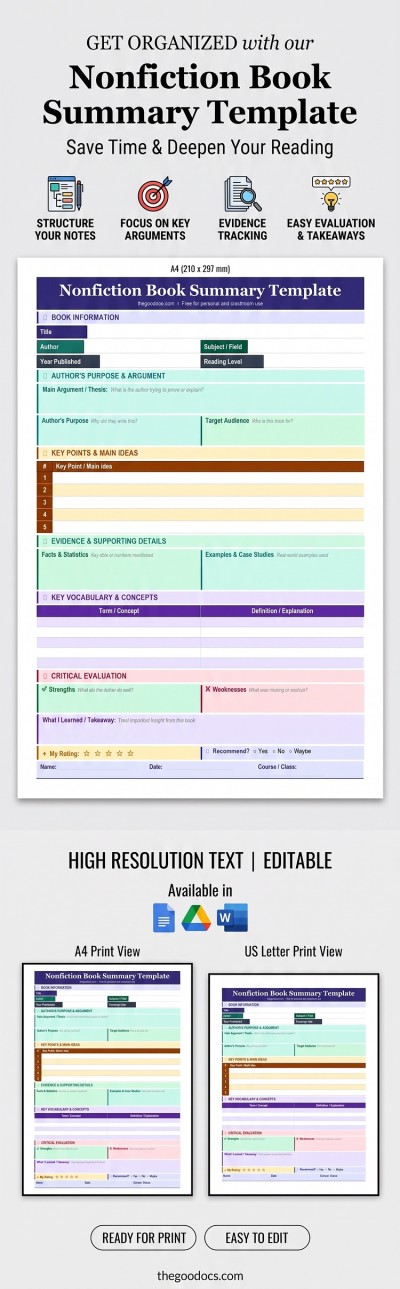
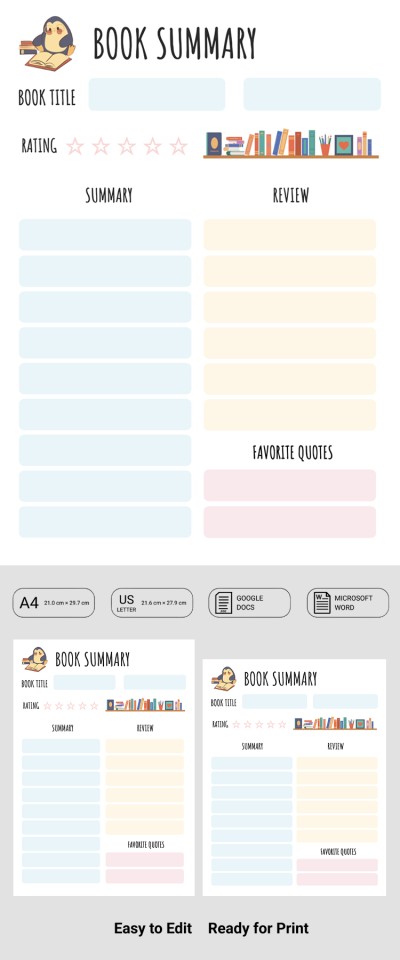
Our collection of book summary templates makes it easy to summarize any book and keep the most important information organized. Use ready-to-fill layouts with dedicated sections for key takeaways, important notes, memorable quotes, personal ratings, and main plot points. You can easily capture the crucial details of a book on a single page thanks to a well-thought-out structure of each blank. Fill out these book summary templates in convenient formats like Google Docs and Word, save your summaries in the cloud or on any device, or print them without any extra setup.
Please try different filters or clear all to start over.
Find a book summary template on this page. Choose from dozens of universal and specialized layouts designed to help you start creating your book summary right away. Utilize ready-made sections and structured layouts to transform hundreds of pages of text into a clear summary without losing key points.
Discover the benefits of our book summary templates:
- Use a time-tested structure. Create fiction and non-fiction book summaries that help you remember key aspects of your reading. Our templates feature a proven framework where you can outline the author's main arguments, key concepts, and critical evaluation for non-fiction works, or the plot, main characters, setting, and resolution for fiction books.
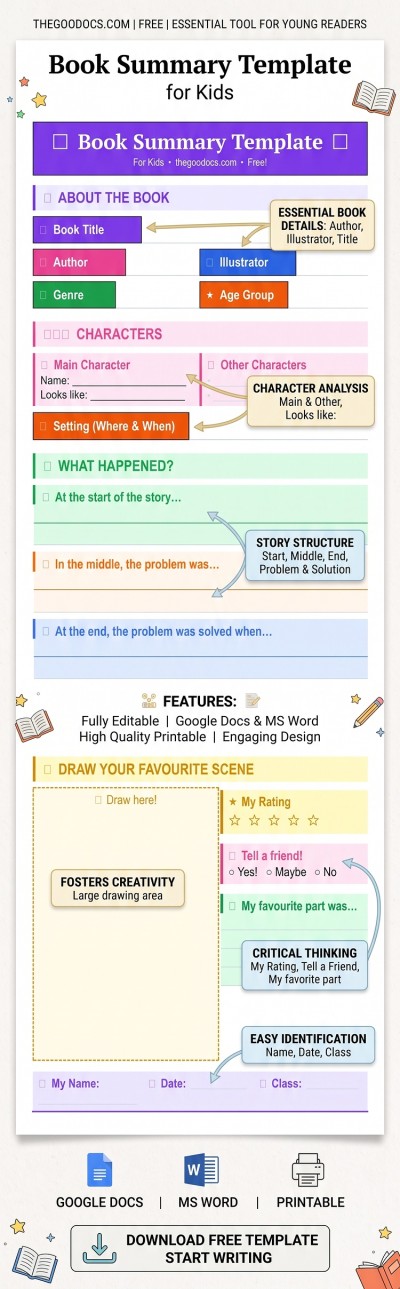
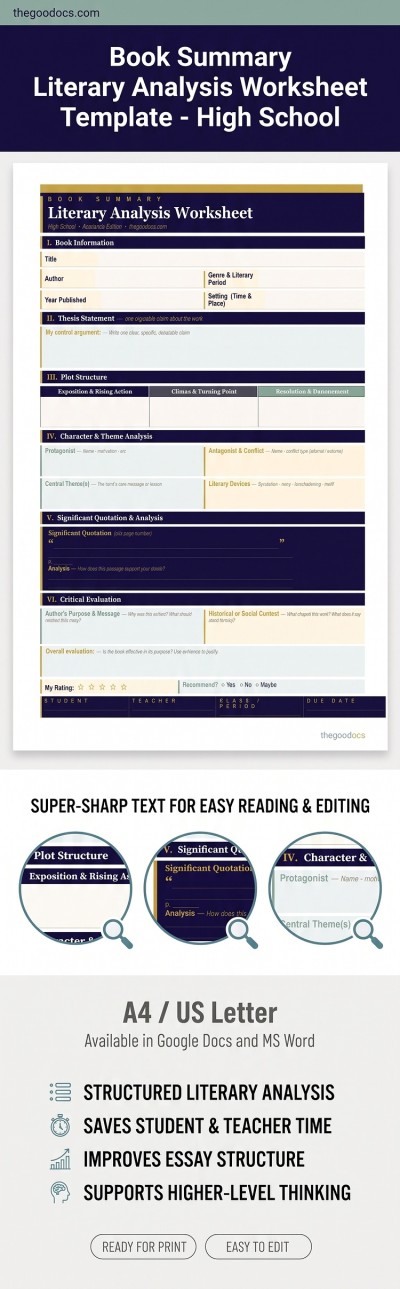
- Find the layout that fits your needs. This page features dozens of book summary templates, so that everyone can find a suitable layout. You can choose between fiction and non-fiction, book summaries for kids, or templates for high school students. Each example is tailored for a specific task with a matching design.
- Edit and customize in popular formats. Our Word and Google Docs book summary templates are fully editable. You can open a template in your preferred editor and start filling it out right away, adjust section titles, change fonts and colors, format tables, and add your summary much faster.
Use ready-made book summary templates for free at TheGoodocs. Customize them, save them as PDFs for printing and digital sharing, or store them in the cloud. Download or make a copy of your favorite layout now, or find a suitable Google Docs book template at the link.
Book Summaries Templates FAQ
You can easily create a book summary using a pre-made template from TheGoodocs:
- Download or save a copy of the book summary template. You can save a copy directly to your Google Drive in Google Docs or download the template to use in Microsoft Word. Simply head to the template page and click the format button to the right of the preview.
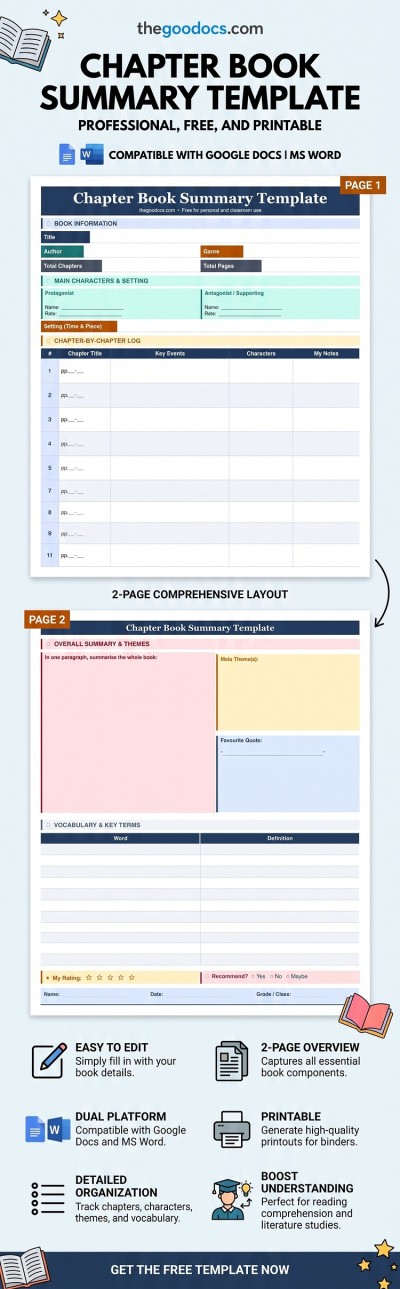
- Fill out the introductory section. Add the book title, genre, and author to the header. Some templates also include dedicated fields for chapter and page counts.
- Provide details about the characters. Use the protagonist and antagonist sections (or other pre-designed fields) to describe key characters and evaluate their development arcs.
- Summarize the plot and main themes. Our templates feature sections to write a brief and spoiler-free one-paragraph plot overview, highlight the central theme, and type in key quotes.
- Add your evaluation and rating. Outline the author's core message, relevant context, and your personal takeaways, along with a star rating.
A book summary structure can vary depending on whether the book is fiction or non-fiction and your primary goal (whether it's an elementary school assignment, a college project, or personal reading notes), so we offer dozens of free book review templates. Choose the option that fits your needs best and start filling it out today!