
Finance Templates
Explore our collection of free finance templates in Google Sheets and Excel. Find a personal finance tracker, business expense tracker, or expense sheet template that suits your needs on this page. Choose from ready-made, editable, and printable templates with built-in formulas, charts, and additional features. Try our solution for both personal and business use today.
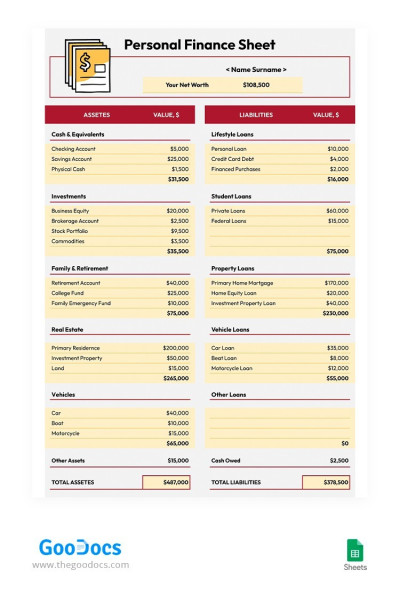
Personal Finance Sheet
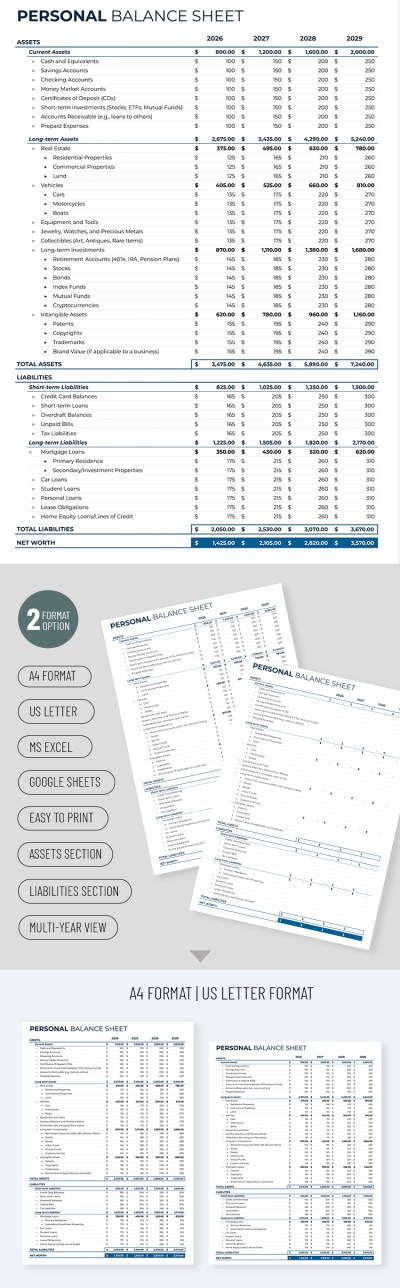
Professional Personal Balance Sheet
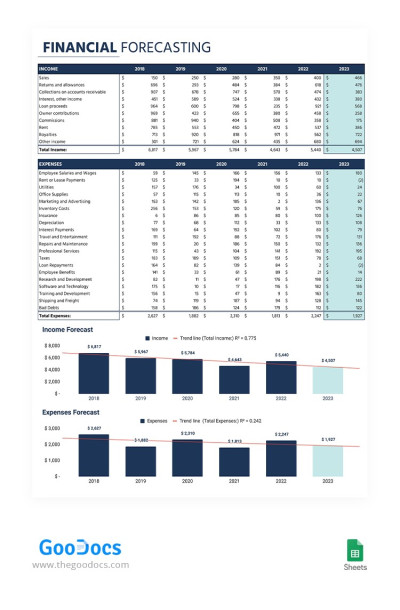
Financial Forecasting
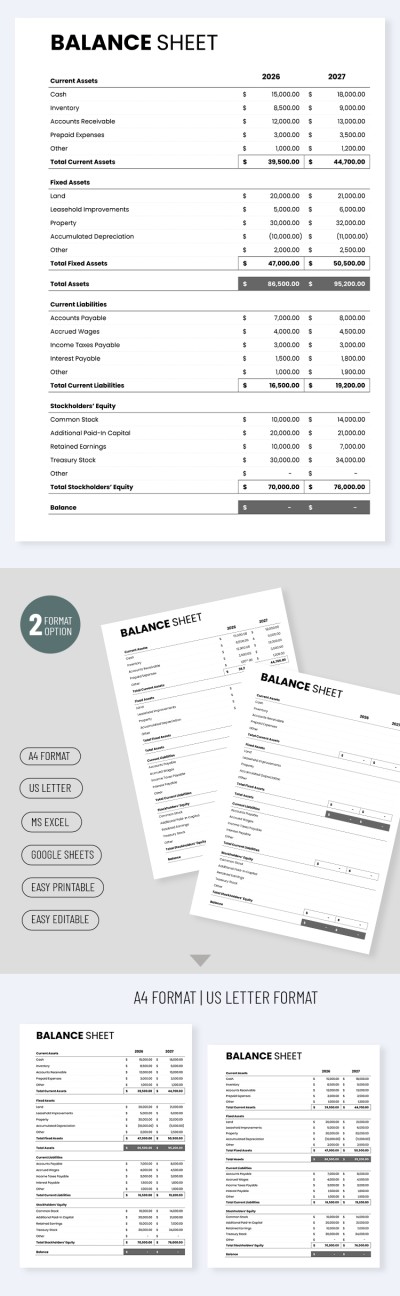
Simple Balance Sheet Template
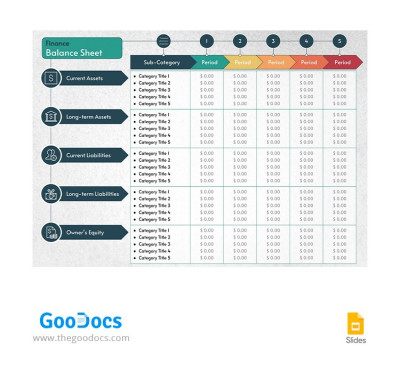
Finance Balance Sheet
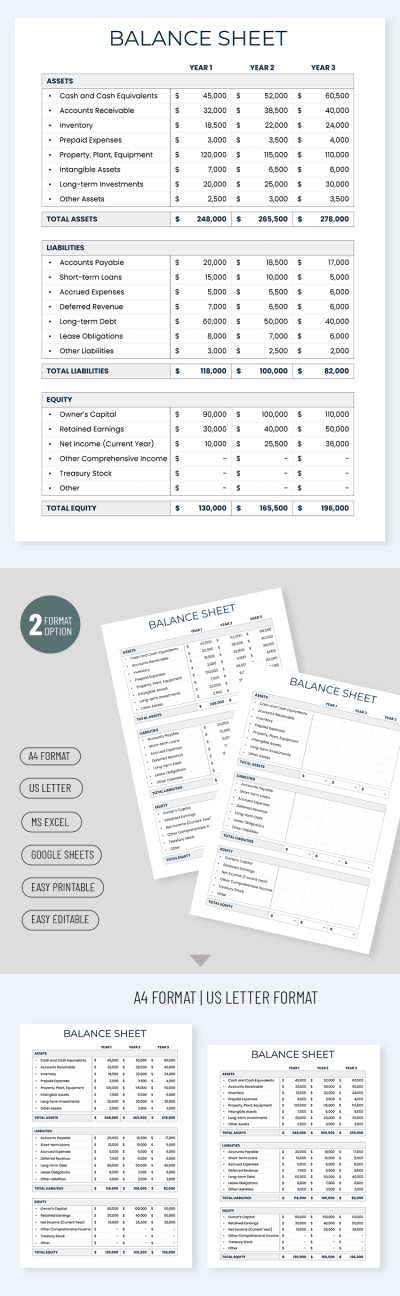
Minimalist Balance Sheet Template
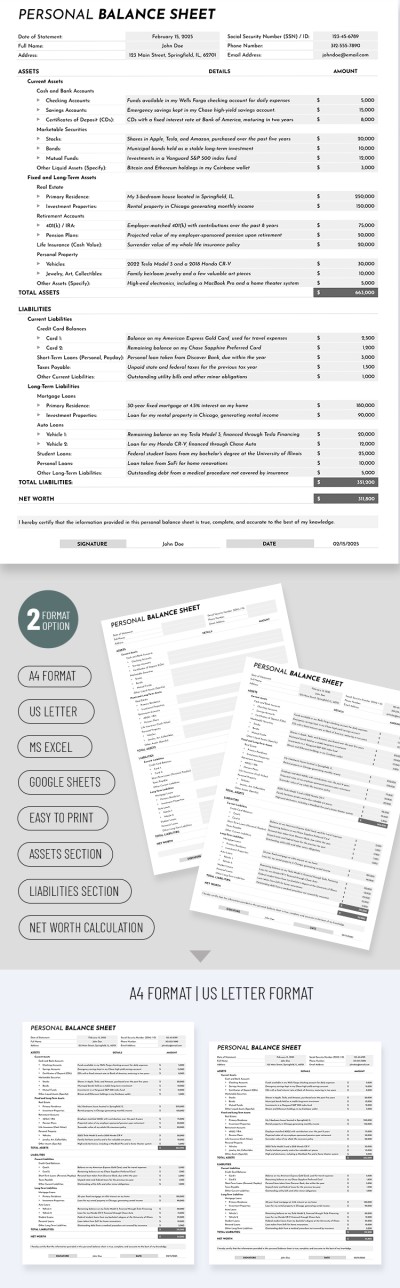
Personal Finance Balance Sheet
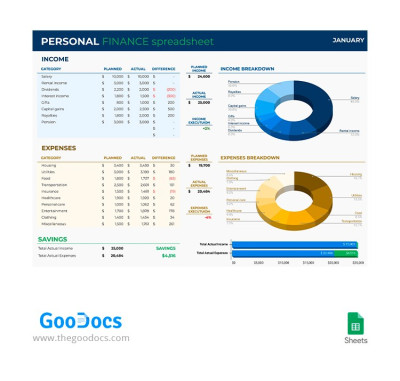
Personal Finance Spreadsheet
Please try different filters or clear all to start over.
Are you looking for a convenient finance tracker in Google Sheets or Excel formats? We offer dozens of spreadsheets for personal and business needs, saving you time and energy on creating finance sheets from scratch.
Take advantage of our finance trackers and sheets:
- Our templates are suitable for a variety of tasks. Whether you're looking for a specific template to track your business income and expenses or want a universal sample, we've got you covered. You'll find dozens of finance templates available for free, including financial forecasting, balance sheets, expense sheets, and trackers.
- We offer options with modern and convenient features. Each template has a clear structure and is ready to fill out. Most free and premium options also include charts to visualize your expense and income statistics and give a complete picture of your financial situation.
- You can edit and customize them without restrictions. Finance trackers and sheets are available in Excel and Google Sheets, offering complete freedom of customization and security for you. Any element, from category placeholders to values, can be changed in just a few clicks. Built-in charts and formulas will automatically work with the entered values.
Use the best financial tools from professional designers for free or with an affordable premium subscription. Take full control of your finances by combining these options with Google Sheets budget templates.
Finance Templates FAQ
Creating a personal finance tracker in Google Sheets from scratch is a thing of the past. It's better to use templates from TheGoodocs to make the process much easier and faster. Be sure that you will get a professional finance tracker with us.
To create a personal finance tracker based on our templates, simply:
- Choose a suitable finance tracker on this page. There are many options available, from weekly to monthly ones, with various additional features.
- Visit the template's page and click the "Edit in Google Sheets" button. A copy will be automatically created within 10 seconds and opened in a new window.
- Use your template to the fullest. It already includes placeholder text, finance tracking items, sample entries, and automatic charts. You only need to tailor it to your financial situation. Add new values, finance categories, etc.
- Customize the design. You can adjust the color scheme, choose new fonts available in Google Sheets, add more expenses or income to track, etc.
- Fill it out and review regularly. Add new expense or income categories as they come in. After just a month of regular use, you'll have a detailed overview of your financial situation. Then it will be much easier to update the template based on the data you receive.
Your personal finance tracker in Google Sheets is now ready! Find a suitable option on this page and start using it.