
Social Media Calendar Templates
Our social media calendar templates allow you to plan your posts across all channels in one convenient spreadsheet. We've compiled a variety of versatile options that help SMM specialists and content marketers share the workload across their teams and plan each publication. You can not only map out your content plan for the week or month ahead, but also use the calendar to track its performance and key metrics. Our templates are available in Google Sheets and Excel formats to help automate your workflow.
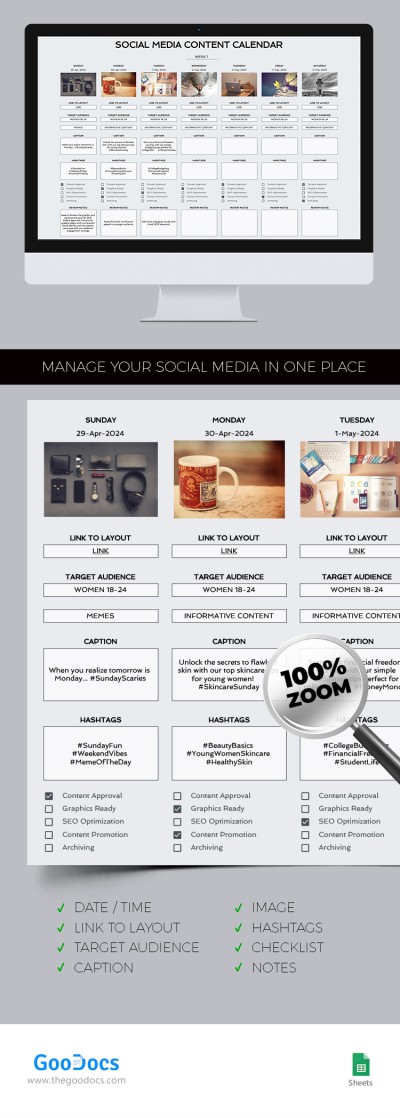
Social Media Content Calendar
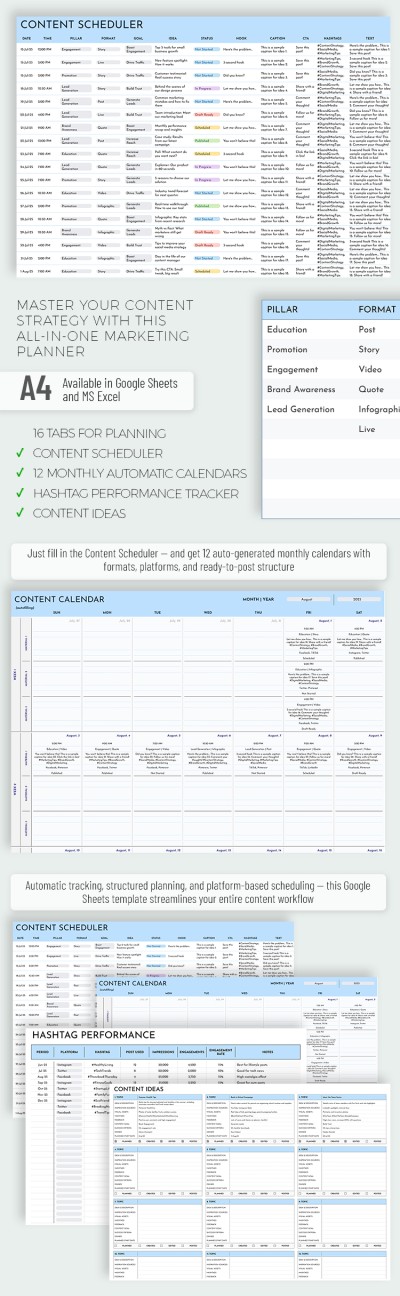
Social Media Calendar Template for Marketers
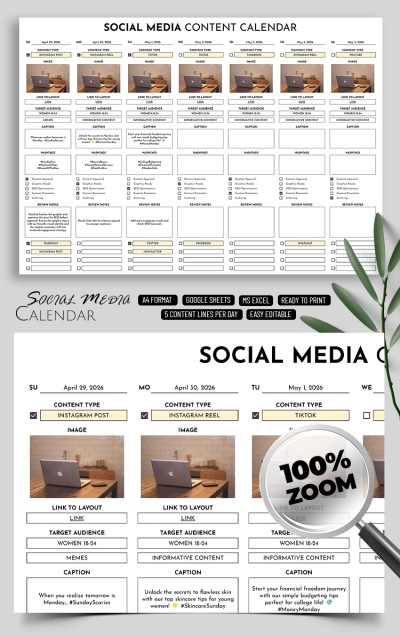
Editable Social Media Content Calendar
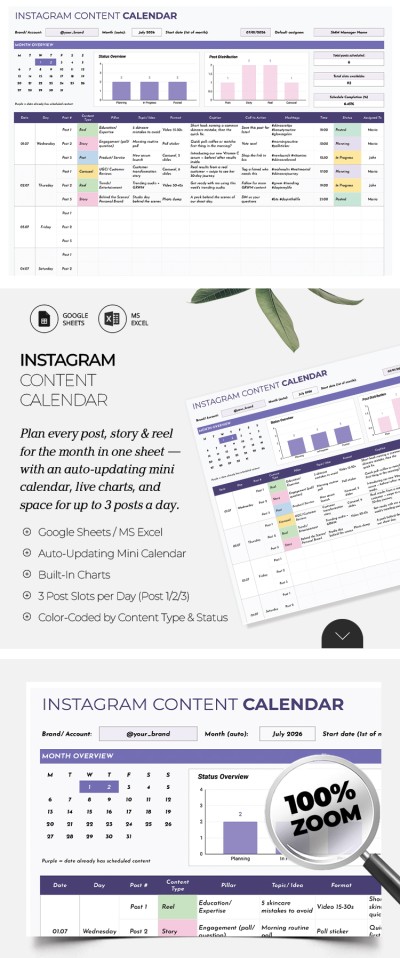
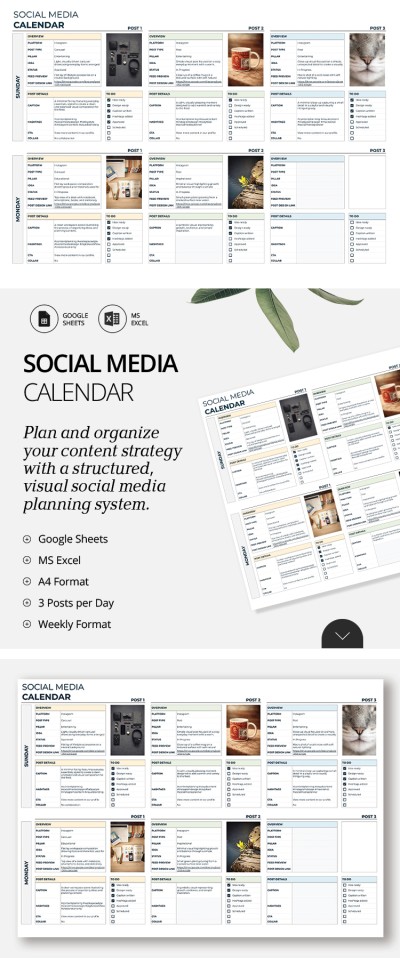
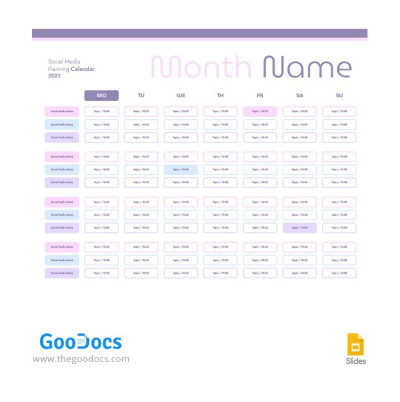
Social Media Planning Calendar
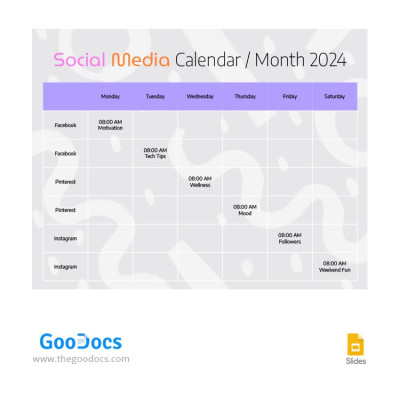
2024 Social Media Calendar
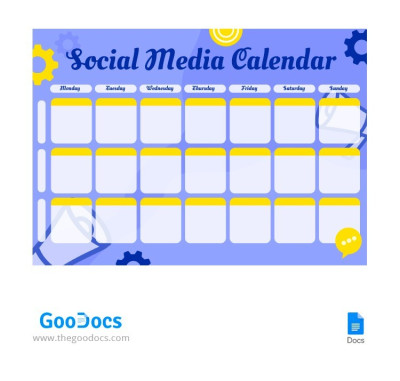
Social Media Calendar

2024 Social Media Content Calendar
Please try different filters or clear all to start over.
Schedule regular publications across all your channels using our free social media calendar templates. Each layout allows you to easily organize and track key details for your posts across various platforms, from Instagram and TikTok to YouTube and Facebook. Furthermore, our templates let you plan content, monitor key metrics, and measure post performance all in a single file.
Discover more benefits of our social media content calendar templates:
- Organize every detail of each post. Effective social media planning requires tracking numerous metrics, and our templates come with pre-set categories for all of them. In a single file, you can specify the platform, content type, post link, caption, hashtags, target audience, and campaign goals. After posting, you can easily add performance notes and ideas for future improvements.
- Manage all types of social media content. The main advantage of our templates is their comprehensive layout structure, designed to handle any campaign. You can organize your content by sales funnel stages, map out publications around product launches, or align posts with promotions and influencer partnerships.
- Use familiar applications to customize and fill out templates. Our social media calendar templates are fully editable in Google Sheets, Excel, Google Docs, and Word. Choose a spreadsheet version with pre-configured drop-down menus, automated formatting, and checkboxes, or opt for a document layout with a clean calendar grid ready for printing.
Our social media calendar templates are easy to use, fully editable, print-ready, and stylishly designed. Among the dozens of options on this page, you are sure to find a calendar that matches both your functional needs and your brand vibe. Explore more relevant content calendar templates on our website today.
Social Media Calendars Templates FAQ
You can create a social media calendar template from scratch via a convenient platform:
- Choose a suitable editor. Popular platforms include Google Sheets and Excel. In addition, some users prefer printed calendars, and Google Docs and Word are better suited for this.
- Add the necessary sections to your calendar. You will definitely want to track links to posts after publication, hashtags, performance indicators, and publication dates. You can add additional categories, such as content type, notes, and approvals (for teamwork).
- Fill out your calendar. It is most convenient to schedule your posts by days of the week. For each day, it is worth including all of the above categories.
Want an eye-pleasing design and a ready-to-use layout?
TheGoodocs is here to provide you with the best free social media calendar templates. You do not need to create a structure from scratch or use complex formulas.
Choose a suitable template from dozens of options on this page and fill it out. Sample text will help you use the calendar correctly, even if you are doing this for the first time.
The best content types depend on your target audience, brand voice, and current trends, but there are a few core options every calendar needs:
- Promotional content is the foundation for any brand. You can showcase your products, services, special offers, and new launches.
- Entertaining content, such as memes, contests, and viral challenges, is a great way to grab attention and keep your audience coming back for more.
- Interactive content, like polls, quizzes, and Q&As, gets people talking and boosts overall engagement.
- User-generated content, including customer reviews, testimonials, and community posts, builds real trust in your brand.
- Educational content, like practical tips, industry insights, and how-tos, offers solid value and shows off your expertise.
- Situational content covers quick reactions to trends, popular TikTok sounds, current events, and holidays relevant to your niche.
You don't need to use every single type, so focus on testing what works for your audience. Try mixing promotional, educational, and entertaining posts, while using trends to keep your feed fresh.
To make your social media calendar clear and easy to follow, our templates come with built-in sections for all the key details:
- Content basics. The calendar should cover essential post details: date and time, platform, format, image or video links, caption, hashtags, and link.
- Task management. For teams, use fields for the task owner, current status, and promotion type like paid vs. organic.
- Review and performance tracking. Fields for review deadlines, goals vs. actual metrics, feedback notes, and links to top-performing posts help you fine-tune your strategy.
Our templates give you everything you need to plan and schedule your content smoothly. Whether you're collaborating with a team or running your own project, you'll easily find a template that fits your workflow on this page.
For most solo creators and marketing teams, the ideal planning calendar should cover two weeks in advance. This timeframe gives you enough space to organize your ideas clearly, while still leaving room to jump on new trends or timely news.
Social media moves fast, and if a trending topic that could boost your brand pops up, you can always swap out your planned evergreen posts. Planning your topics, visuals, hashtags, and details ahead of time is great, but keeping your schedule flexible is just as important.
Google Sheets and Excel remain the best options for a social media calendar. Spreadsheets offer the most convenient tools for planning and scheduling posts while keeping everything organized and easy to read. You can find plenty of ready-made, free templates in these formats right here on TheGoodocs.
Our templates feature a clean structure for your content, customizable drop-down menus, automatic formatting to highlight posting times, and much more. All you need to do is fill in your details, and you are good to go.