
Content Calendar Templates
Our editable content calendar templates greatly simplify content planning for editors, content managers, copywriters, and website owners who need to organize content creation and stay on schedule. Use the ready-made structure within each template to keep complete control not only over posting times and deadlines but also over every stage of production, from topic selection, writing, and proofreading, to choosing visuals. These templates are available in Google Docs, Word, Google Sheets, and Excel formats and also help distribute tasks among authors, coordinate teamwork, and more.
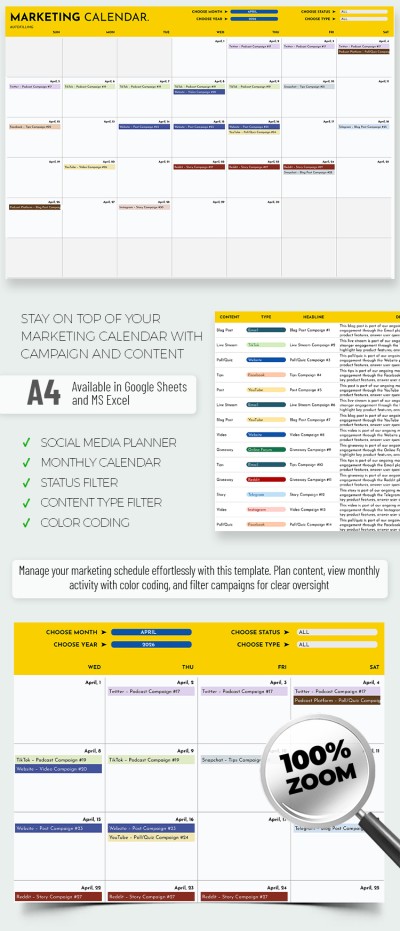
Content Marketing Calendar Template
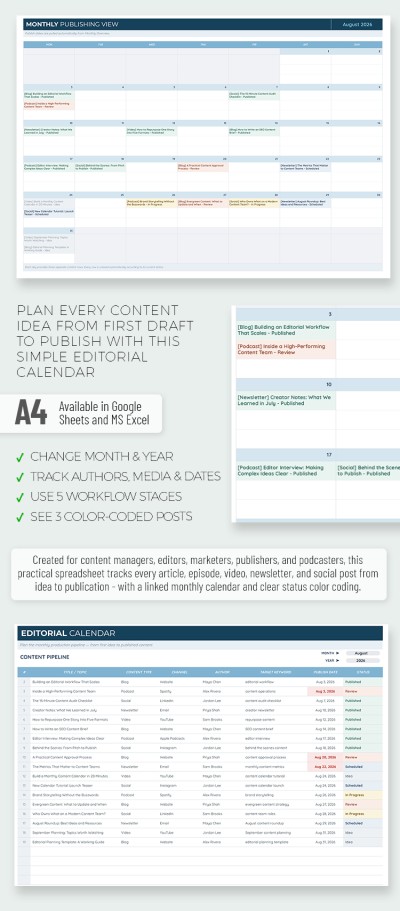
2023-2030 Purple Content Calendar
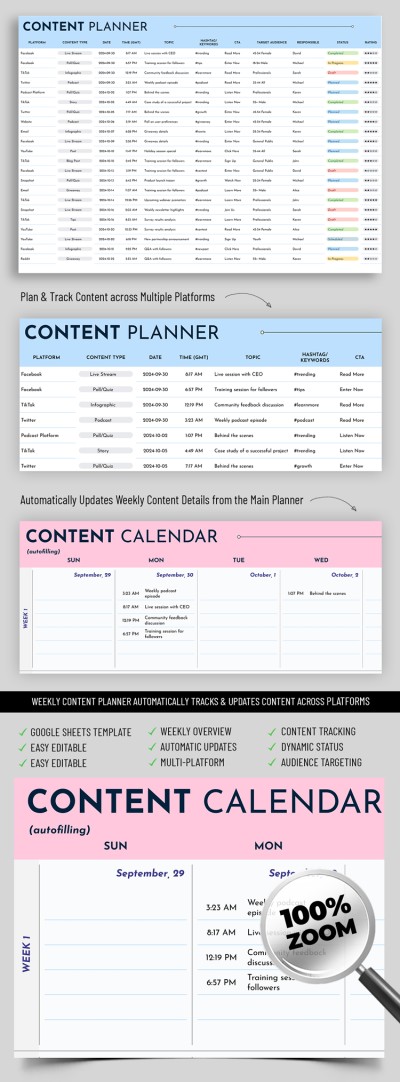
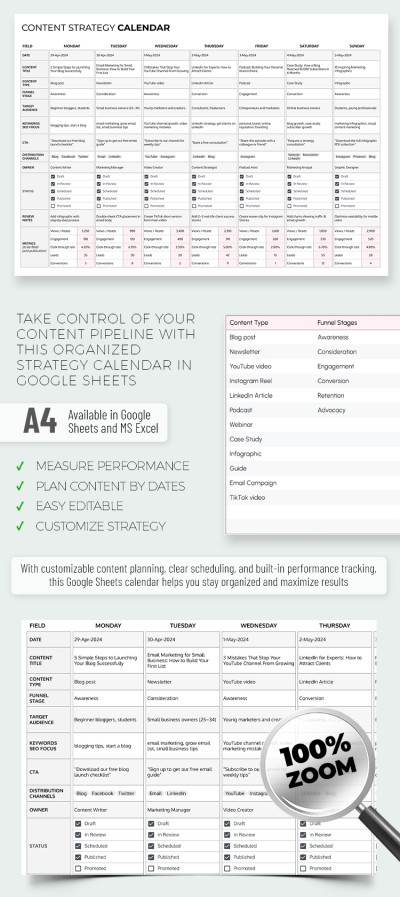
Content Strategy Calendar Template for Bloggers & Marketers
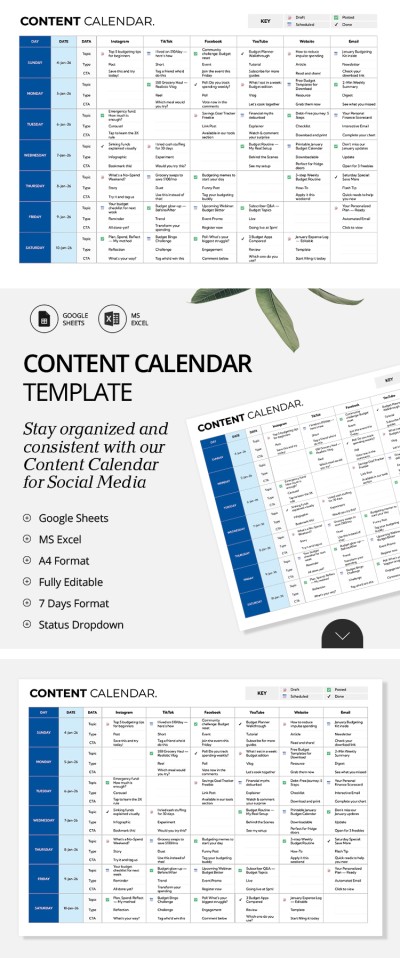
Professional Content Calendar
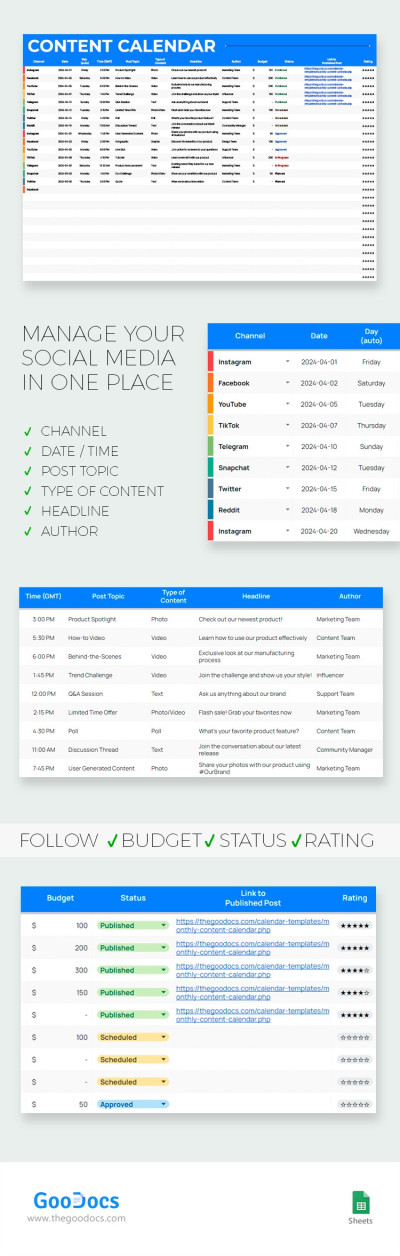
Monthly Content Calendar
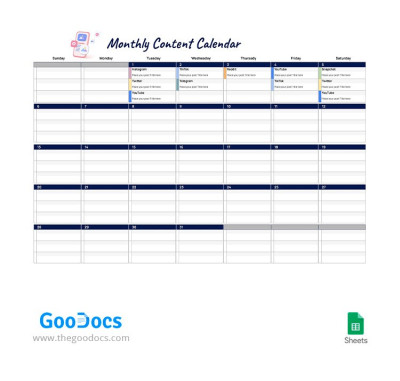
Monthly Content Calendar
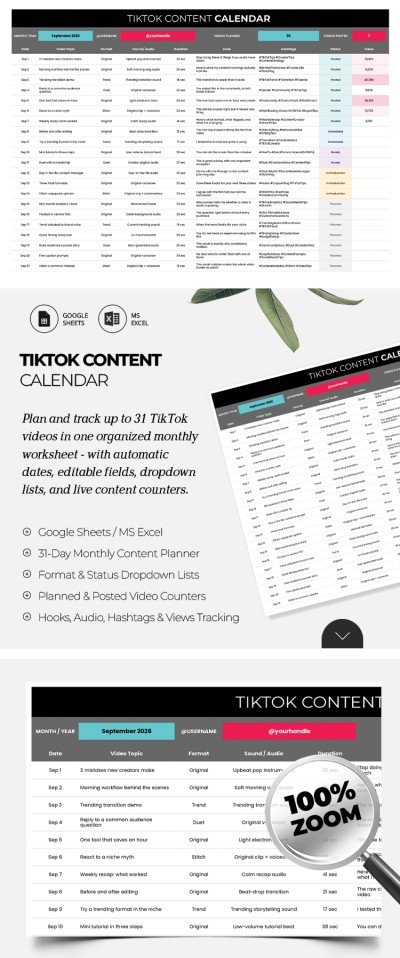

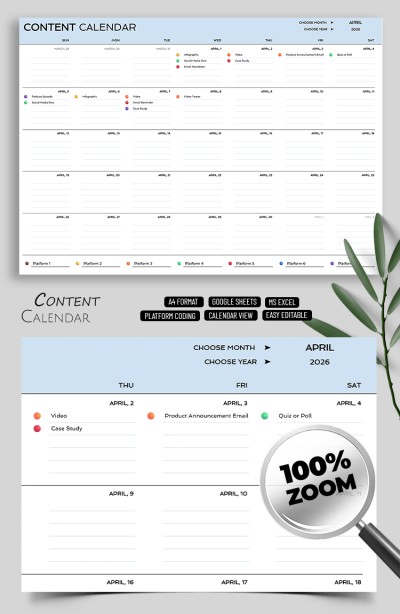
Content Calendar
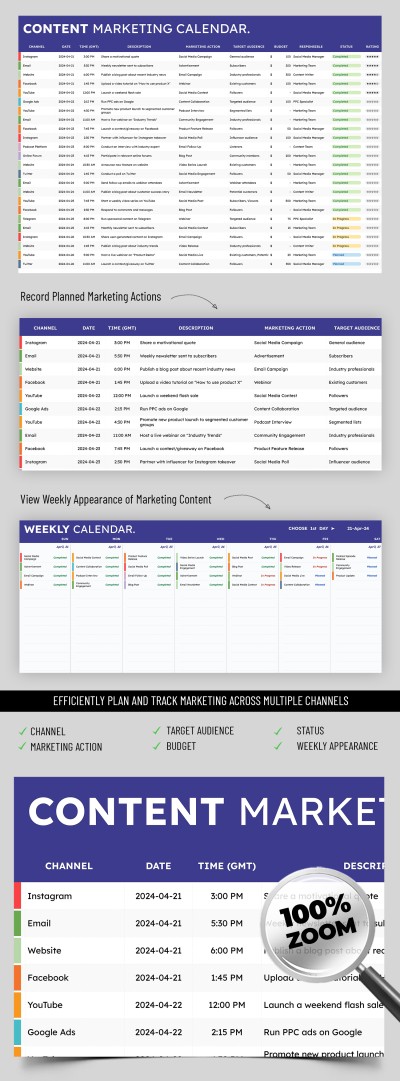
Content Marketing Calendar
2024 Content Calendar
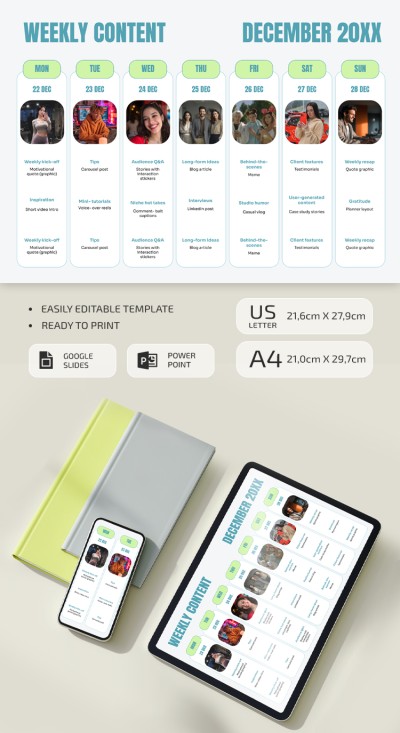
Modern Weekly Content Calendar Template
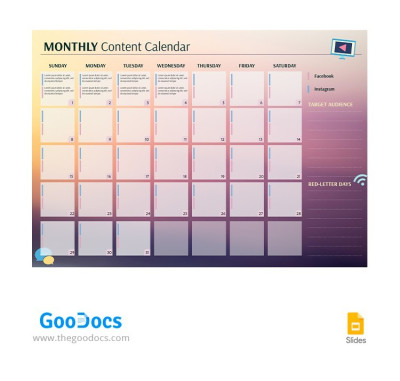
Gradient Monthly Content Calendar
Please try different filters or clear all to start over.
Plan your content strategy using intuitive content calendar templates. Our collection of free templates features dozens of unique designs with grids for weekly, monthly, and annual planning. Oor editable marketing content calendar templates are available in versatile formats and are ready to use, so all you need to do is fill them with your ideas.
Discover more benefits of our content calendar templates:
- Use comprehensive layouts to plan everything. Our calendars allow you to quickly plan and organize your posts and campaigns in one place. Use a pre-set layout where you can track the platform, content type, posting schedule, topic, objective, hashtags, priority, target audience, and other key details for every post.
- Get templates in your preferred format. Choose the format that best fits your workflow, including our content calendar template in Google Sheets, Excel, Google Docs, and Word. Spreadsheet templates let you leverage built-in formatting, drop-down menus, and automated formulas, while document layouts are print-ready in standard paper sizes.
- Collaborate with your entire team in a single file. A cloud-based editorial calendar template allows you to easily share a link with team members or collaborate in real time during brainstorming sessions. This ensures copywriters, social media managers, ad specialists, and designers stay completely aligned on their upcoming tasks.
Start using our free content calendar templates with stylish, functional designs today. Streamlining your team's content workflow is much easier with a professionally structured layout. Be sure to also explore the collection of social media calendar templates on our website.
Content Calendars Templates FAQ
You can try creating a content calendar template in Google Sheets from scratch. To do this, you need to:
- Create a new spreadsheet in Google Sheets. Go to their website and click Create Blank Spreadsheet for this.
- Add dates. First, select the content calendar period. It can be a week, a month, or even a year. Weekly and monthly calendars are easier to use and allow you to distribute tasks more efficiently.
- Add a schedule by the days of the week. If you don’t want to delve into formulas, just create columns from Monday to Sunday without dates. If you need dates, you have to use complex compound formulas (this can be avoided with our ready-made templates).
- Add formatting and the necessary blocks. Depending on the tasks, you can add different blocks to your content calendar. For example, add a block for links to the post, target audience, post type, signature, hashtags, checklists of processes for each post, notes, budgets, etc.
- Fill in and review your content calendar. Check your tasks and checklists every day to make sure you haven't forgotten about crucial posts. You can also print the calendar after saving in PDF (File => Download => PDF).
Don't waste time creating a calendar from scratch!
With ready-made content calendar templates from TheGoodocs, you don't have to figure out how to use complicated formulas or come up with a design from scratch. We have ready-made layouts for every month and year. You can choose the date you need and start customizing. Get a free copy of the calendar in Google Sheets and try it yourself!
A content calendar template should include everything you need to keep your planning detailed yet straightforward:
- Publishing information. Keep your schedule clear with essential details, such as the platform, content type, publication date and time, and topic.
- Workflow and ownership. Adding sections for the assigned team member, post status, priority, and links keeps everyone on the same page.
- Strategic elements. Depending on what you publish, it is also helpful to include call-to-action details, hashtags, keywords, and target audience notes.
- Performance tracking. To measure success over time, include sections for your main goals and performance metrics.
You can grab a ready-made content calendar template from TheGoodocs to start filling in these details right away or use it as a starting point.
This page offers dozens of customizable options built for different platforms and team sizes. Plus, most of our templates come with helpful tools like drop-down menus, filters, and automatic formatting.
A content calendar template is a ready-to-use spreadsheet or document layout featuring a weekly or monthly grid to help you organize posts across multiple channels. Templates from TheGoodocs help you set up a smooth workflow for your team, plan content in advance, stay consistent, and collaborate with everyone in a single file. They are available in popular formats like Google Sheets and Excel, complete with pre-set columns, automatic formatting, customizable drop-down menus, and more.
Content calendar templates can be useful for anyone looking for a convenient way to plan and schedule posts across different channels. Freelancers, bloggers, social media managers, content creators, copywriters, and even business owners can use our ready-made content calendar templates to map out and create each post with confidence.
With a ready-made layout and plenty of handy features, it's much easier to organize key details like the channel, topic, target audience, hashtags, or copy length. You can also set publication times and assign tasks to your team or manage them on your own.
Yes, most of our templates are versatile and designed to help you plan posts across every platform you use. You can easily pick a layout with a dedicated column or tab to track your channels. Many options also feature handy drop-down menus where you can select where your post will go, including TikTok, Facebook, Instagram, blogs, websites, landing pages, affiliate sites, and more.