
Report Card Templates
Our report card templates are a time-saving tool for classroom teachers and school administrators. You can use the pre-designed layout to enter student names, grades for each subject, attendance records, and more. The files are available in Google Docs, Word, Google Sheets, and Excel formats, allowing you to work in your favorite editors on any device. Margins and page sizes are preset for printing, so all you have to do is fill out the template and print it out, or save the digital version.
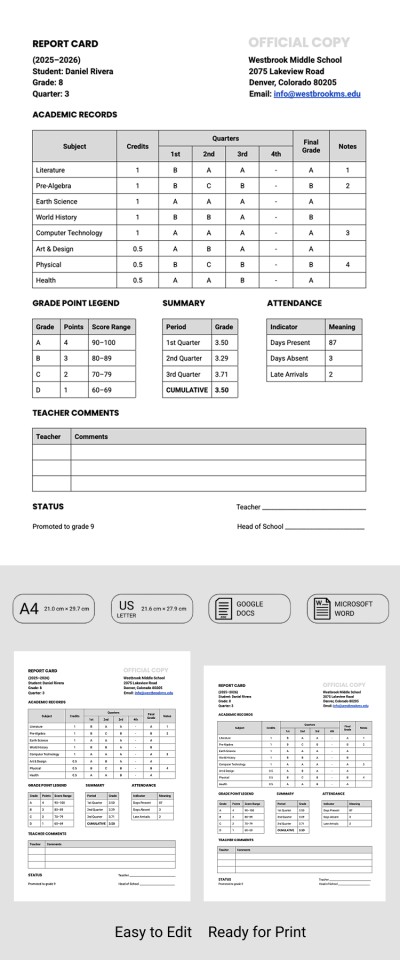
Editable School Report Template
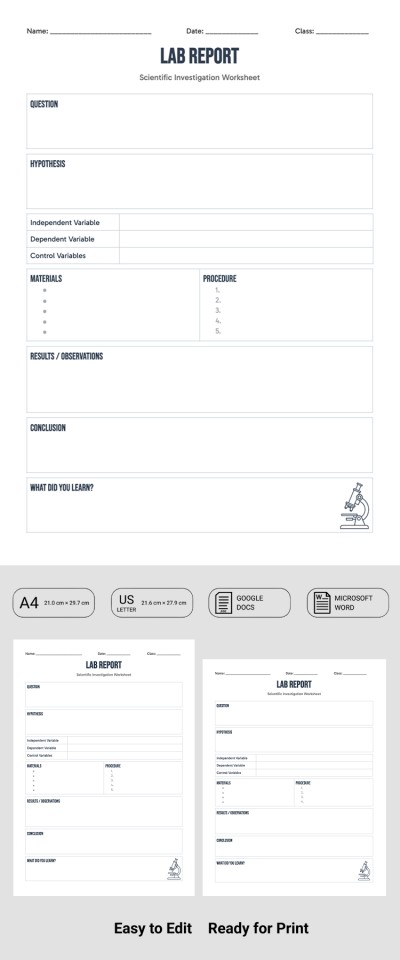
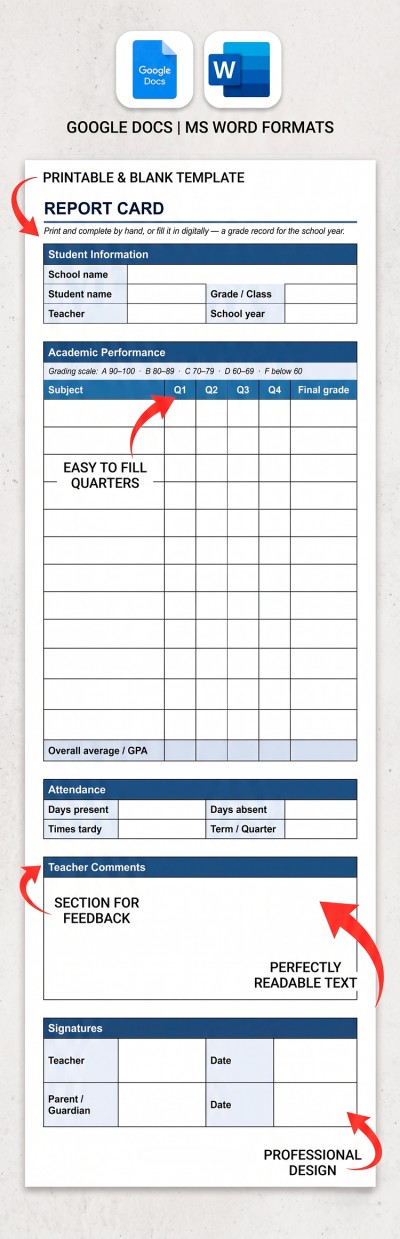
School Report
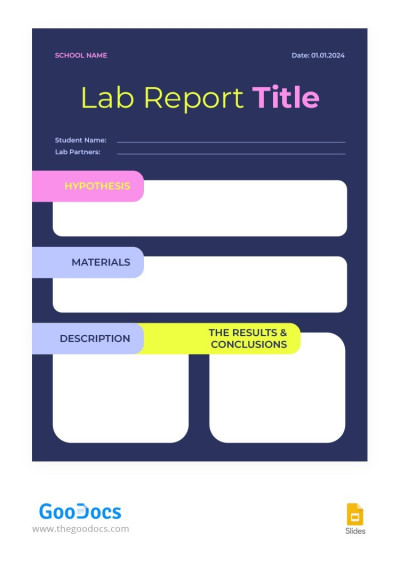
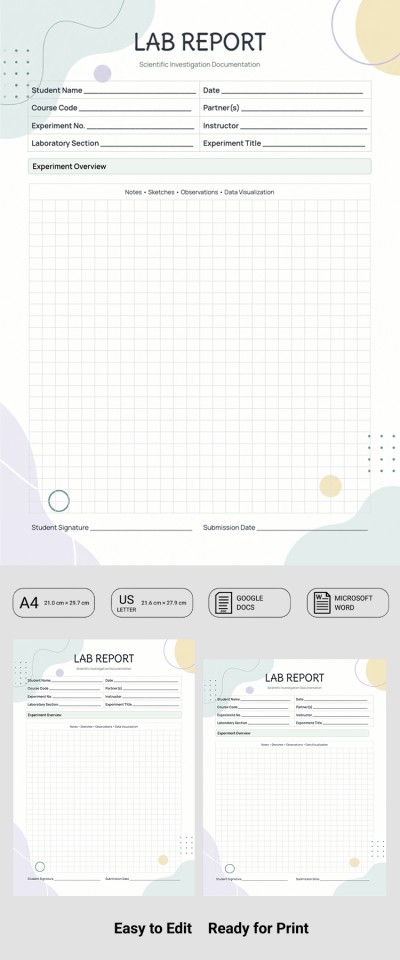
Bright School Lab Report
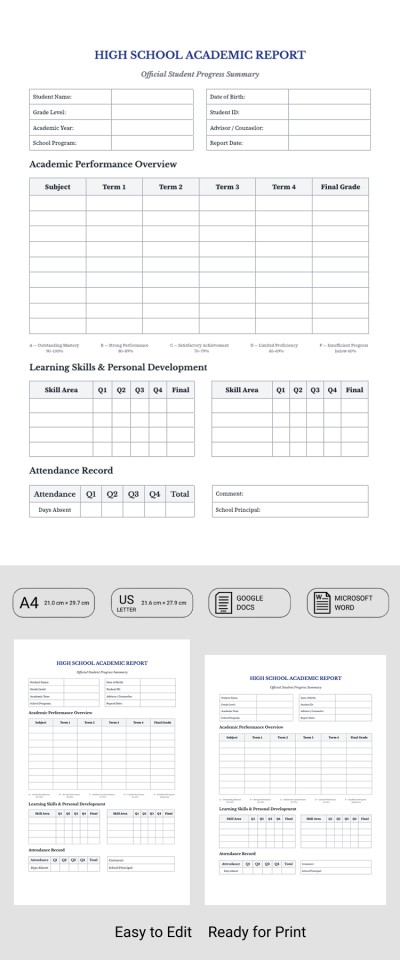
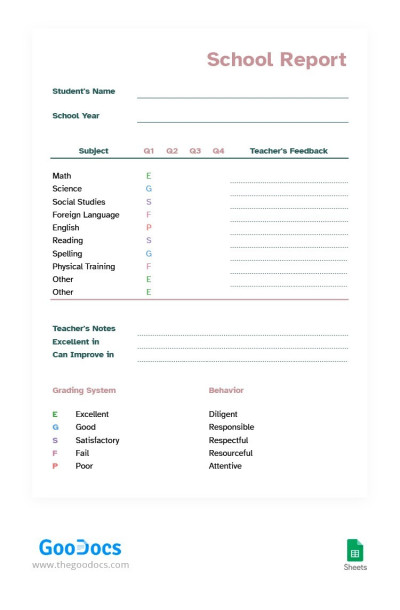
Soft Colors School Report
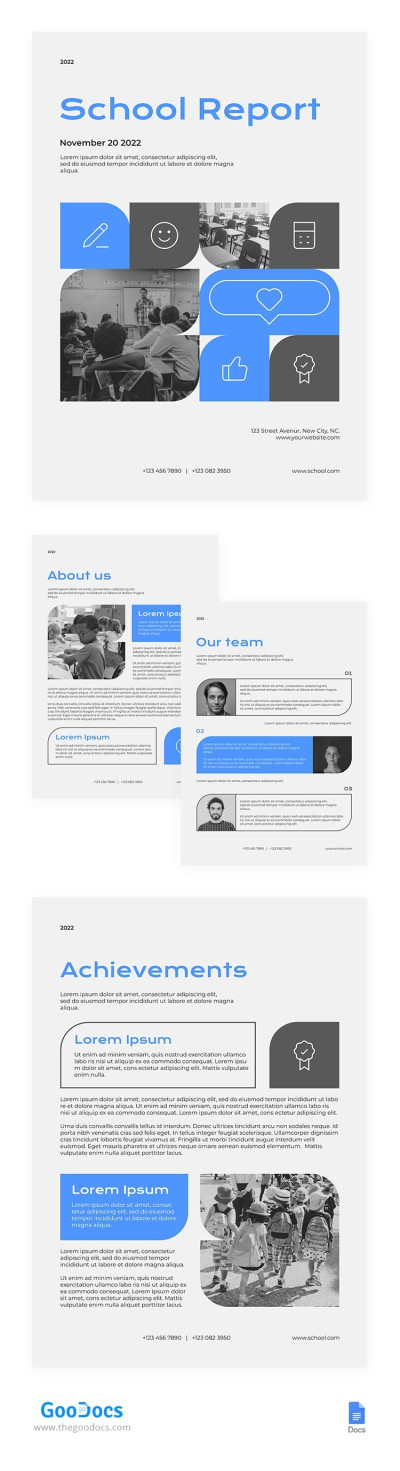
Blue School Report
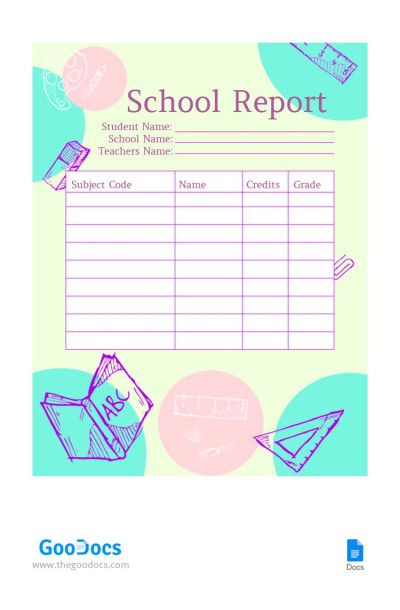
Colorful School Report
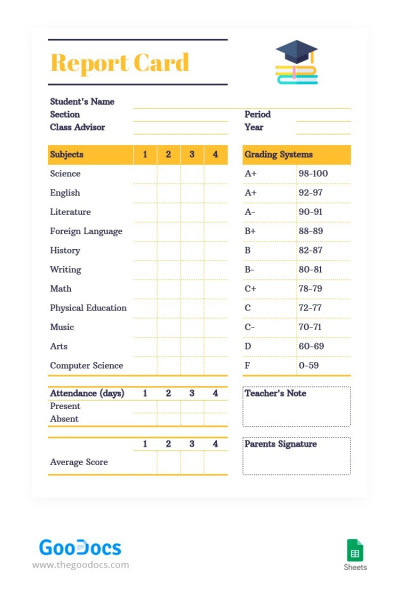
Modern Style School Report
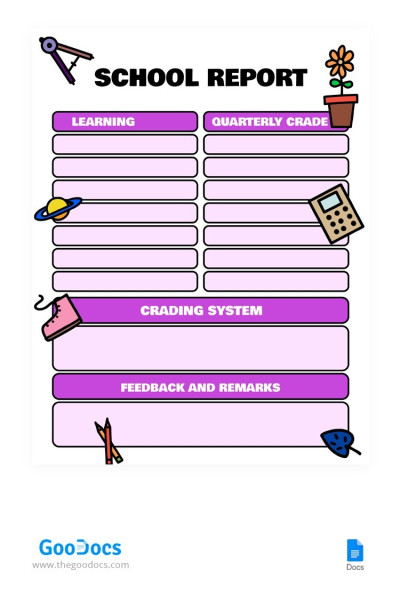
Violet School Report
Please try different filters or clear all to start over.
Our report card templates will help simplify the student evaluation process and make it much more organized. Our school report card templates feature convenient structures that allow you to immediately begin recording each student's progress and preparing a comprehensive report, rather than creating a document from scratch. Forget about routine paperwork and save dozens of hours each semester with our report cards.
Explore more benefits of our report card templates:
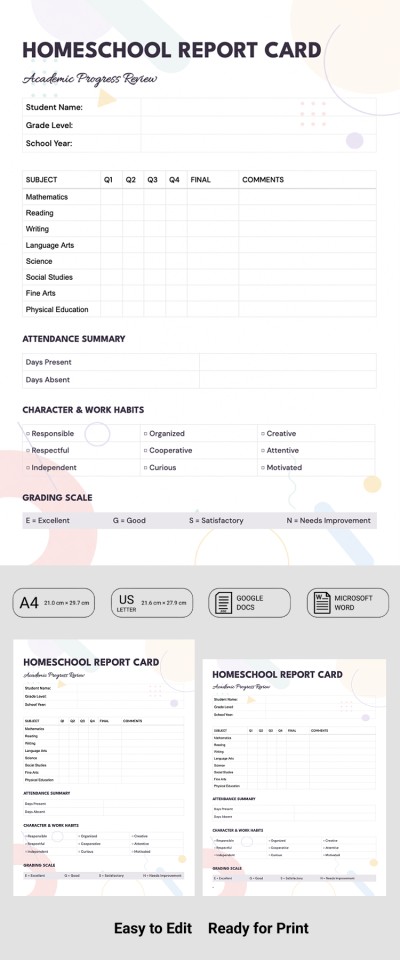
- Choose from dozens of templates with pre-designed structures. You can easily find a school or homeschool report card template tailored to your needs. You can immediately begin filling them out with the student's name and grade level, subject grades, overall GPA, teacher notes, attendance, and quarterly totals.
- Save time on formatting and layout design. Report cards are vital for communication between schools and families, so our templates feature thoughtful designs, clean grading grids, clear tables, and easy-to-read fonts. Parents can assess their child's strengths and see overall progress throughout the quarter, semester, or school year at a glance.
- Fill out templates in familiar office formats. You can choose the layout that is most convenient for your workflow. This page contains report card templates for Google Docs, Word, Google Sheets, and Excel. Text editors are ideal for creating classic report cards, while our spreadsheets come with built-in formulas for automatically calculating grade point averages and overall academic performance.
Choose the suitable report card template, make a copy, or download it to your device to start filling it out right away. The final document can be saved as a PDF for immediate printing on standard A4 or US Letter paper. Download report templates for any task on our website today.
Report Cards Templates FAQ
You can easily create a custom report card using the free templates from TheGoodocs.
Here is a quick step-by-step guide to get started:
- Decide on a format. This page offers Google Sheets and Excel report cards with built-in formulas for calculating grades, as well as printable Google Docs and Word options.
- Download or make a copy. Head to your chosen template page, select your preferred format, and click the button next to the preview.
- Fill in the header details. Use the built-in placeholders to add the school year, student name, grade level, term, and school details.
- Enter academic records. In the grading table, enter the subjects, credits, quarterly marks, and final grades.
- Use extra sections if needed. You can choose a template that includes space for teacher comments, attendance tracking, learning skills, personal development, or a grade scale key.
- Print or save a digital copy. You can save your completed report card as a PDF for printing on A4 or US Letter paper, email it directly to parents, or upload it to a school portal.
Using ready-made templates is the easiest way to make a clean report card without wasting time on layout design. Pick a template from TheGoodocs and start for free today.
You can build a report card in Word from scratch or save time by using a ready-made template from TheGoodocs.
Here are the basic steps if you want to create one from scratch:
- Set narrow margins. Go to the Layout tab, click Margins, and choose Narrow to give yourself more workspace on the page.
- Add school and student details. Near the top, add your school name, address, and contact info. Alongside it, enter student name, grade level, school year, and grading term.
- Create a grade table. Insert a table by going to the Insert tab and selecting Table. Include columns for subjects, credit hours, quarterly marks, and final grades.
- Add extra tables for notes and attendance. You can set up smaller sections for overall term GPA, attendance records, and teacher comments.
An even simpler option is using a ready-made Word report card template from our collection. Our templates come with proper formatting and clean tables already built for tracking student progress. Just download your favorite layout from this page and start editing right away.
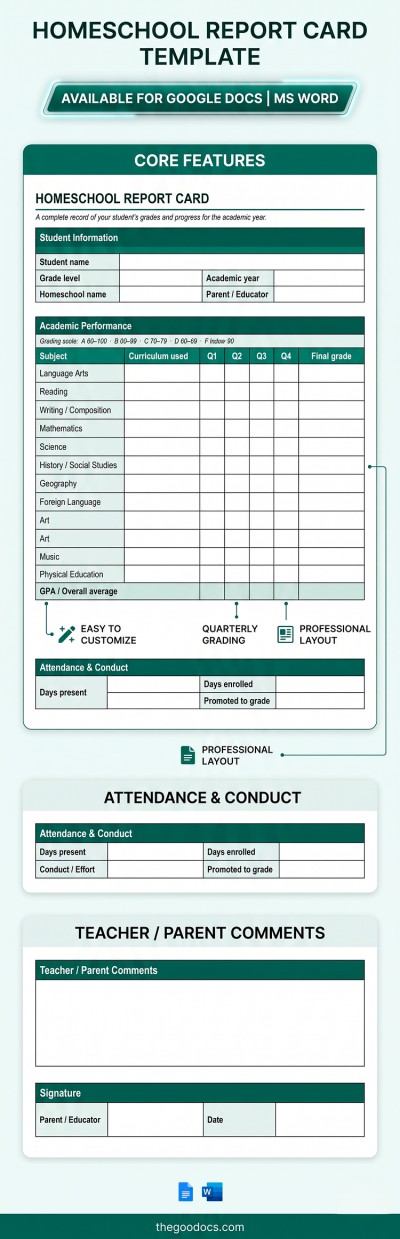
Creating a homeschool report card is quick and easy when you use ready-made templates from TheGoodocs:
- Choose a suitable template on this page. We offer options in Google Docs, Word, Excel, and Google Sheets.
- Fill in the details. Use the built-in placeholders to enter school info, student details, grade level, subject list, term grades, and your grading scale.
- Add your feedback. Use the extra sections to note attendance days, comments on progress, and extracurricular activities.
- Print and sign. Once filled out, save your report card as a PDF from the File menu, then print it to add your signature and date at the bottom.
Using a pre-formatted layout saves you the hassle of building a document from scratch. Explore the collection on TheGoodocs to find a suitable homeschool template.