Interactive School Brochure Template
Use this free template with Google Slides and Microsoft PowerPoint
Template Specification
Key Features of This Template
About this template
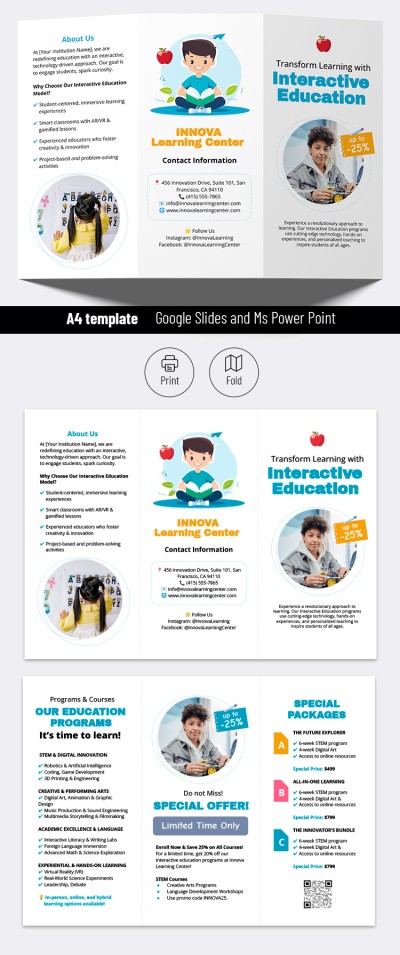
Check out our Interactive School Brochure Template in Google Slides and PowerPoint. You can get a free, editable, and printable brochure example in a few clicks!
Premade Trifold School Brochure
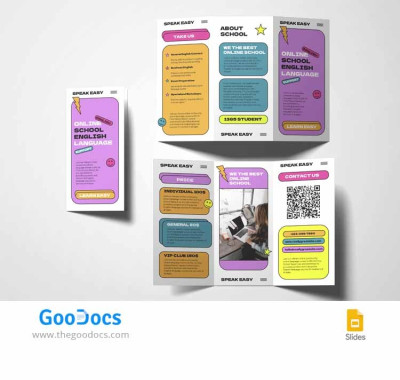
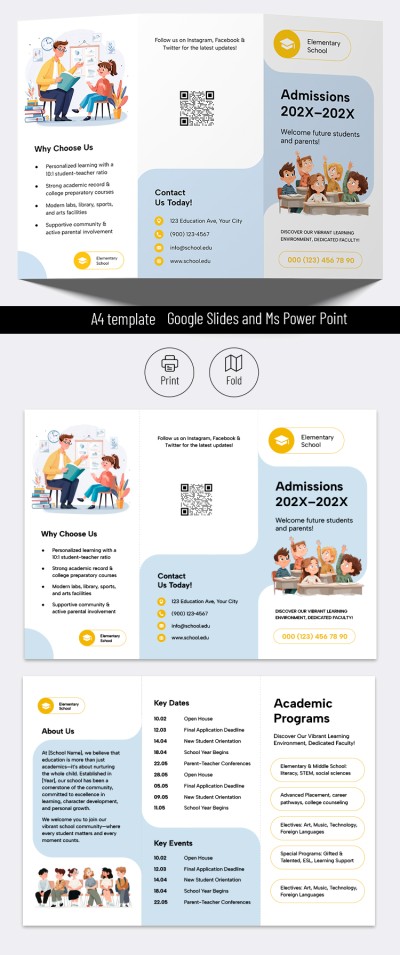
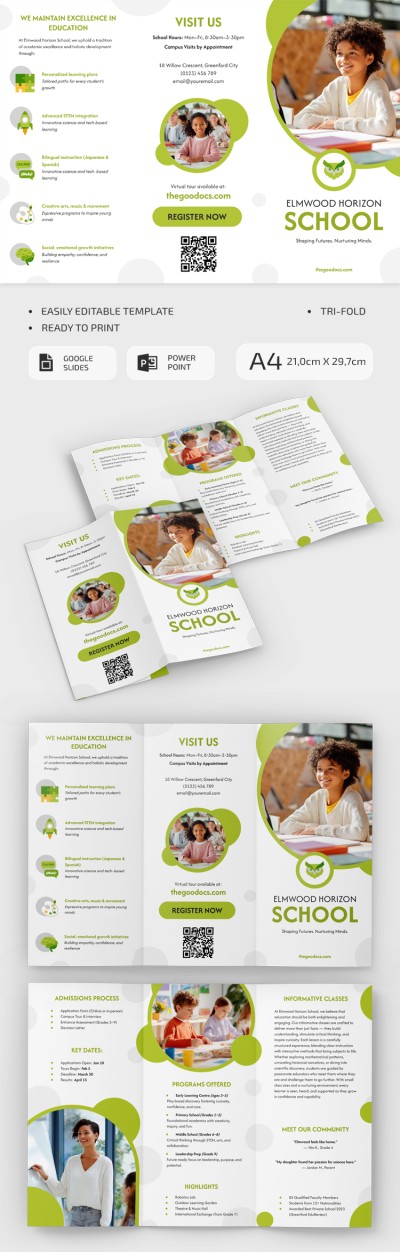
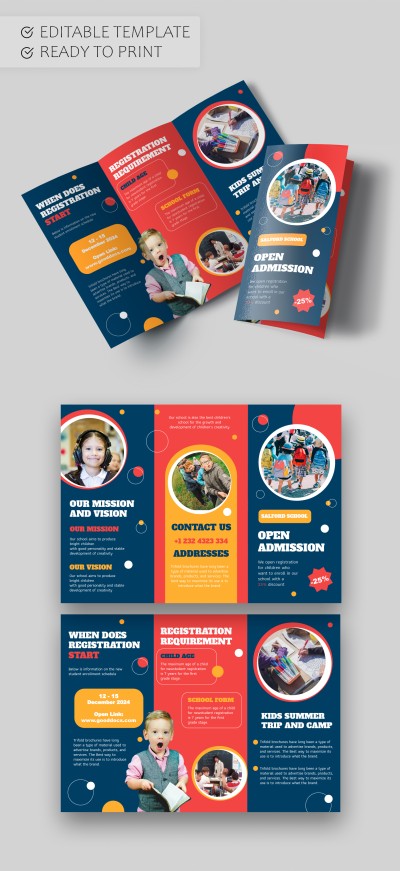
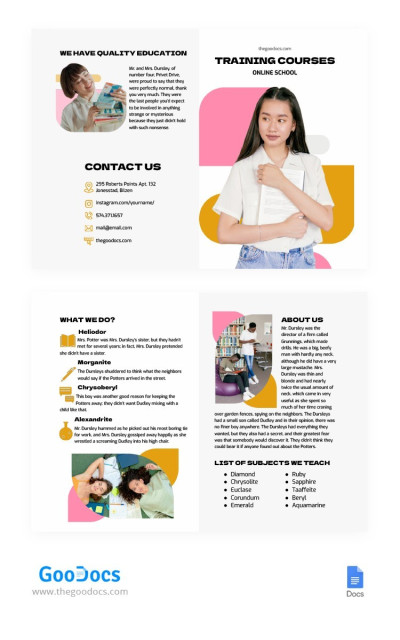
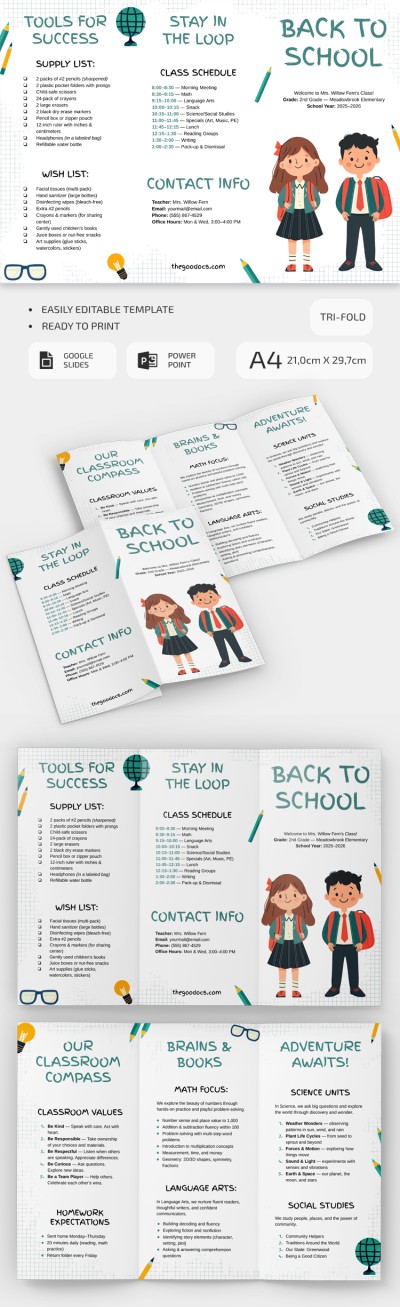
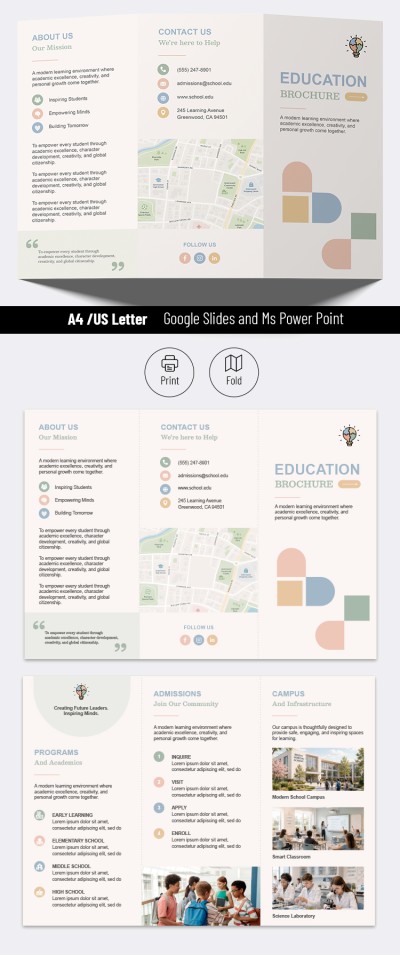
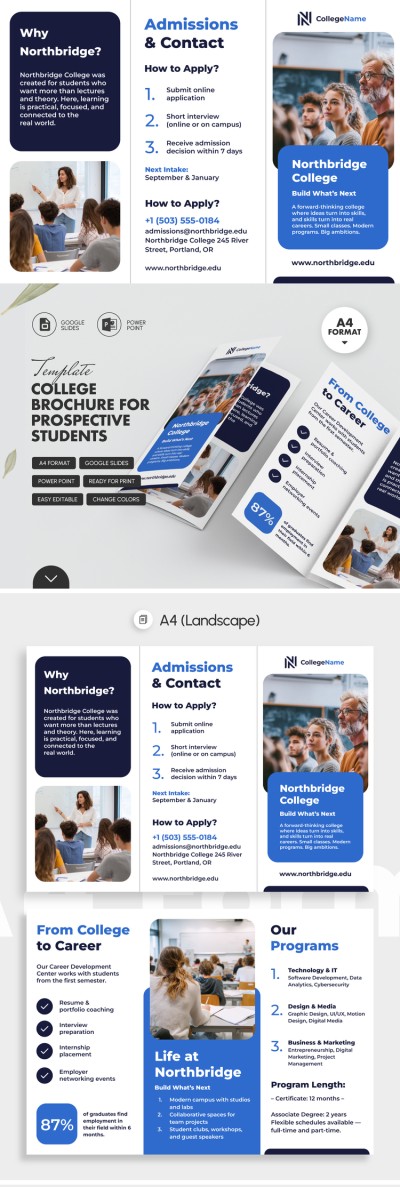
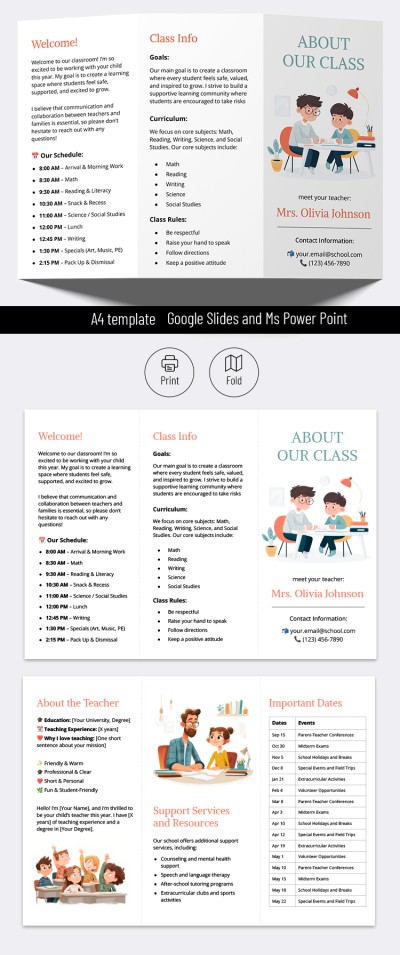
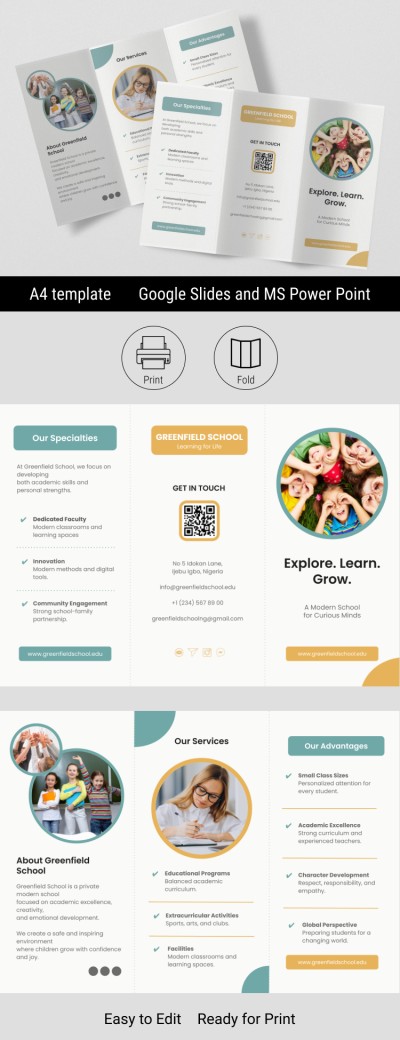
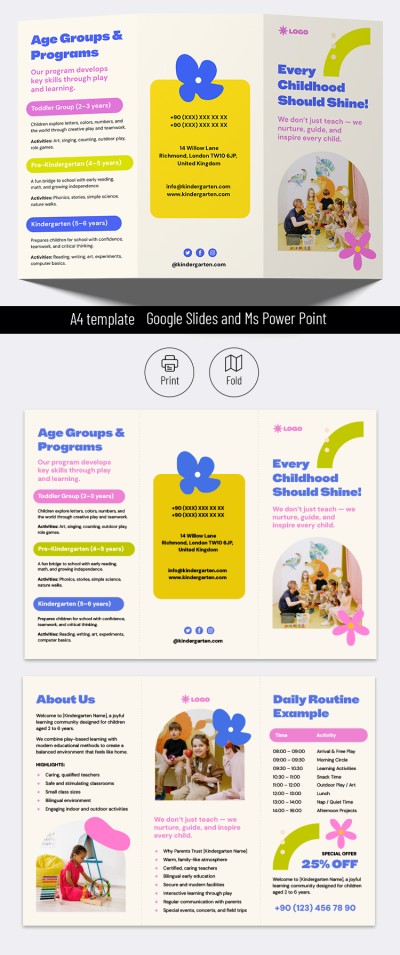
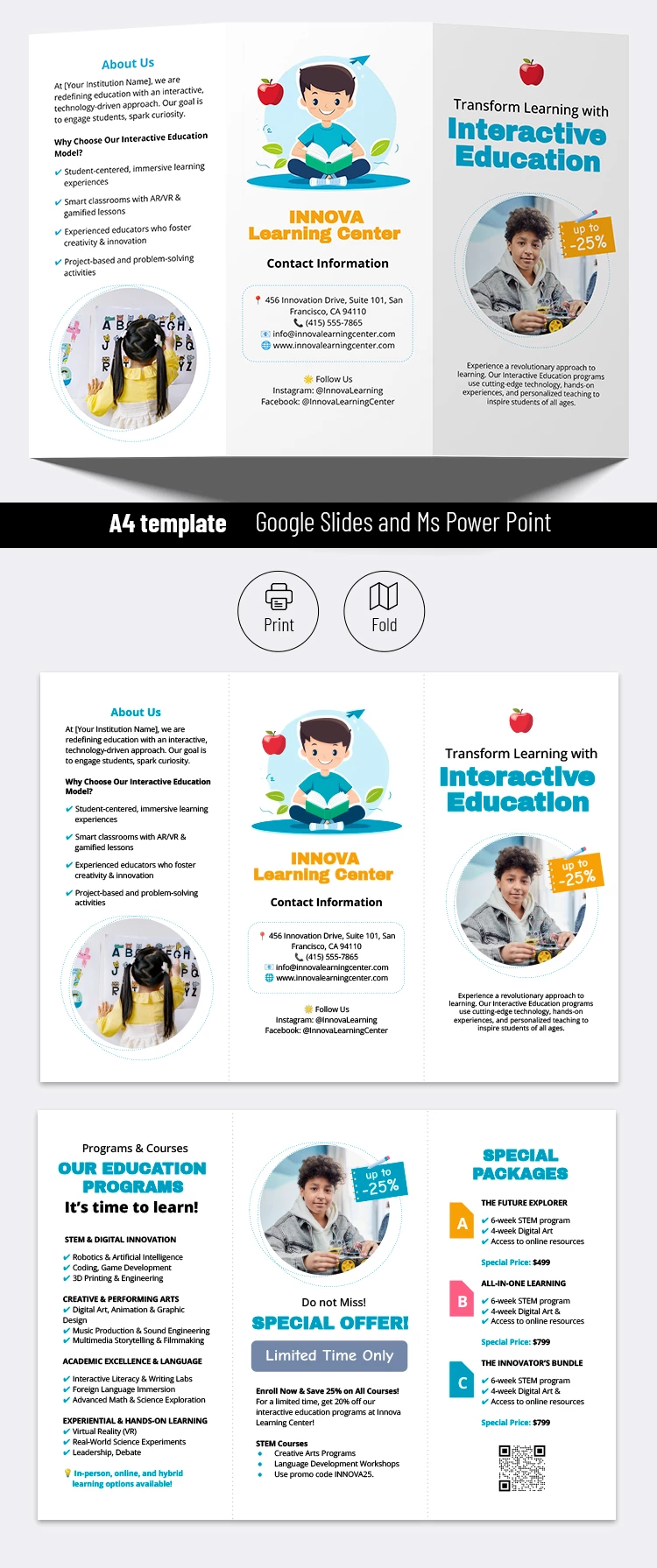
This double-sided template features a trifold layout. Numerous brochures use this layout choice daily because it offers the most convenient format for structuring information.
We have added placeholders for photos of your school, teachers, or students. Also, the template includes sample text that will help you fill your brochure out correctly!
Professional Structure and Design
The design of our school brochure is simple but functional. The template has a white background and easy-to-read fonts. Headings are highlighted in yellow and blue to attract attention.
Our template consists of six different sections (each on a separate panel of the brochure). For example, you can use Our Education Programs, Special Offer, Special Packages, Cover, and About Us sections. Alternatively, you can replace them with headings and text that is more relevant to your school! Find more relevant brochure templates for Google Slides and PowerPoint formats on our website!
Download Free Template
WHAT’S INCLUDED
Brochures & Pamphlet Tips
FAQ
How to Use and Edit This Template

Get Your Document

Customize Everything

Add Your Content