
Certificate of Participation Templates
Choose your ideal certificate of participation templates in Google Docs and Word and get their copies to customize and download for free. We offer tropical, pastel, light gray, modern, and more editable design ideas and blanks. You can start the editing process right away with these ready-made samples.
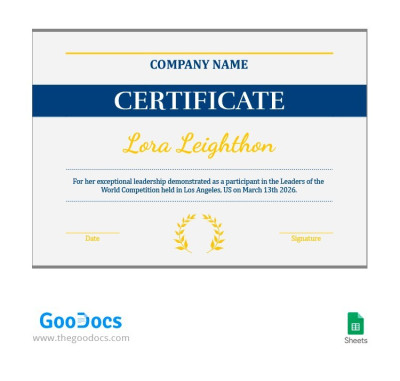
Simple Participation Certificate
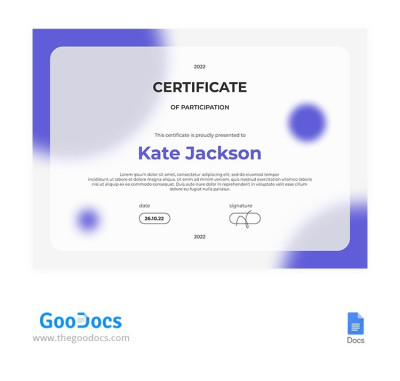
Modern Purple Participation Certificate
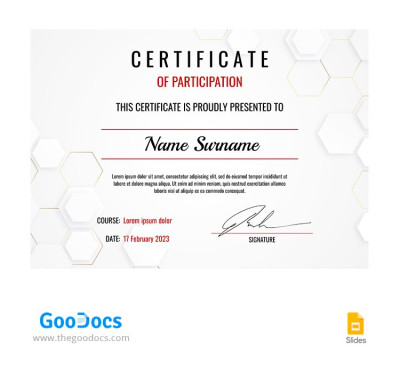
Light Gray Participation Certificate
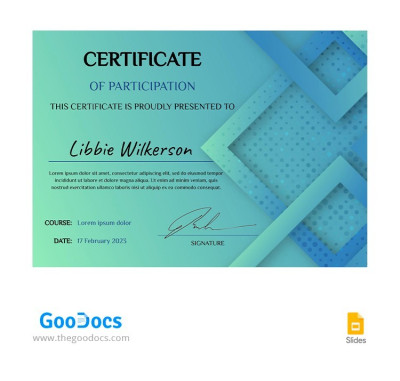
Turquoise Certificate of Participation
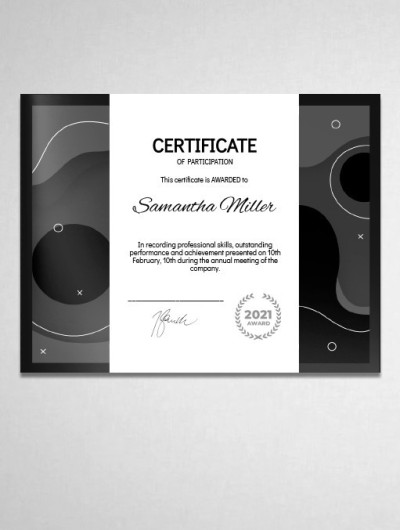
Participation Certificate
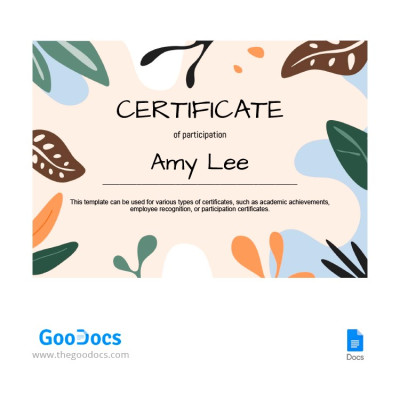
Tropical Participation Certificate
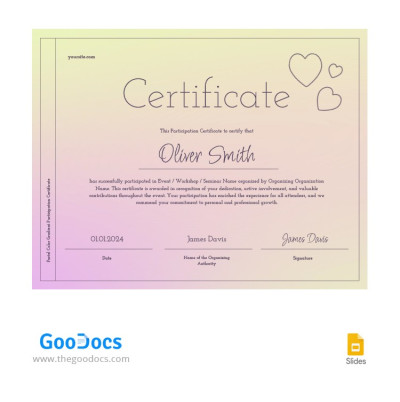
Pastel Color Gradient Participation Certificate
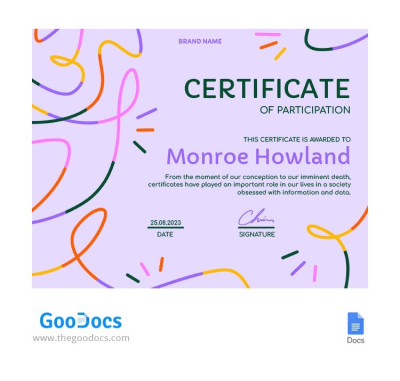
Exciting Purple Certificate
Please try different filters or clear all to start over.
Get free participation certificate templates for your conference, seminar, webinar, sporting event, festival, or any other event. You can choose from dozens of unique designs, customize them easily in familiar formats, and generate as many copies as you need. Also, find a award certificate template for free right on our website.
Discover the advantages of our participation certificate templates:
- Save time with our ready-made templates. You can easily skip the effort of creating a certificate from scratch. We offer distinct designs for business and educational events, sports activities, and creative projects. Each design comes with the template's purpose in mind, ranging from modern, gradient styles to formal, understated options.
- Use examples, edit, and brand our templates. You don't have to create a structure either with our templates. The header features the title "Certificate of Participation," followed by sample text, placeholders for the recipient's name, event details, your organization's logo, and space for signatures. Simply fill in the fields using Google Docs, Microsoft Word, Google Slides, or PowerPoint.
- Print as many copies as you need. You can create a master version with blank spaces or fill in all the details digitally before generating individual files for each participant. Just save your file as a PDF for high-quality printing. Our templates are fully configured for A4 and US Letter paper in both portrait and landscape orientations.
A certificate of participation adds value to your event and keeps participants motivated, while creating one is effortless with our templates. Download a free certificate template for your next project at the link.
Participation Certificates Templates FAQ
A certificate of participation is a document issued by organizers of conferences, competitions, sports, or charity events to all participants. It typically features the title "Certificate of Participation," the host organization's name, an event description, placeholders for the recipient's name, and space for signatures.
On this page, you can find certificate of participation templates for Google Docs, Word, Google Slides, and PowerPoint. They serve as a great starting point for creating your own certificates. Each layout comes with a ready-made structure and design, so you can choose from dozens of free examples instead of building one from scratch.
A certificate of participation should confirm that the recipient took part in a specific event. For this purpose, it must include a clear title, the participant's name, the event title and description, the date, the name of the host organization, and verification details such as the organizer's name, signature, or stamp.
If you are not sure how to design one, you can use ready-made certificate of participation templates from TheGoodocs. Our templates come with editable sample text and layouts, making customization fast and easy. All templates are available in popular formats, including Google Docs, Word, Google Slides, and PowerPoint.
To create a certificate of participation on behalf of your organization, you can use a ready-made template from TheGoodocs:
- Download the file or make a copy of the template.
- Fill in the pre-made fields, including the recipient's name, organization name, organizer's name, and event title with a short description.
- Add signatures or a stamp, which can also be done by hand after printing.
- Print the certificate by saving your file as a PDF and sending it to a printer.
You can use our templates for inspiration or edit them directly in your preferred editor. Download one right now to see how simple it is, as most options are available for free.