
Medical Certificate Templates
Our medical certificate templates in Google Docs and Word cover various areas. Choose your design in a minimalist, modern, or light style. You can download, customize, and print each medical certificate sample for free or with a subscription.
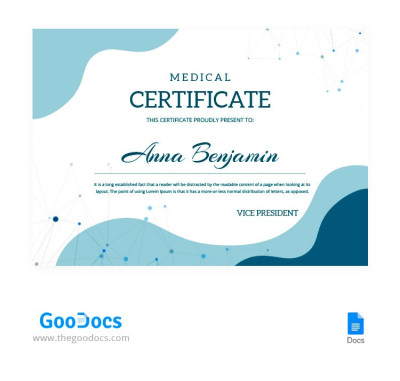
Modern Medical Certificate
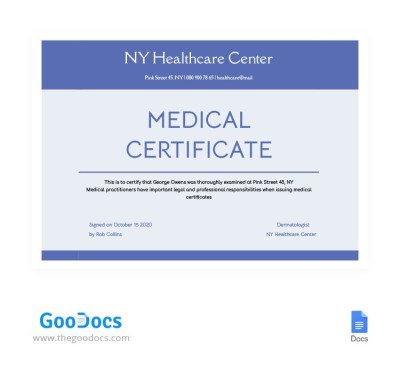
Professional Medical Certificate
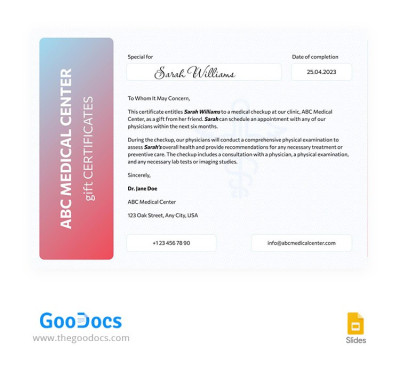
Minimal Medical Certificate
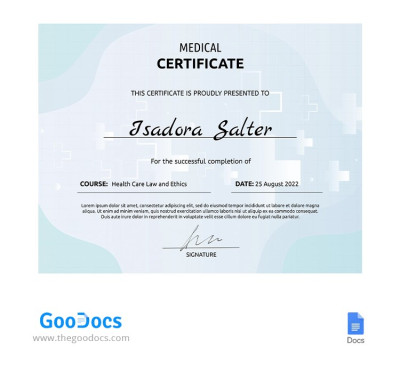
Light Medical Certificate
Please try different filters or clear all to start over.
Our medical certificate templates are the go-to choice for clinics, private practitioners, diagnostic centers, and other medical institutions. This page features layouts for various purposes, ranging from staff appreciation certificates to qualification confirmations. Our templates also feature a professional medical aesthetic suitable for a wide range of uses.
Explore more details about our medical certificate templates:
- Save time by using ready-made designs. Whether you need certificates for your diagnosis center or medical assistant certificate templates, you’ll find the perfect option right here. These designs are made to meet professional medical standards. We use classic blue, green, and gray tones, highly readable fonts, and clean spacing to ensure your document looks professional.
- Our templates come with pre-set fields for all necessary information. The structure includes text fields for every detail required, such as the certificate title, recipient's name, date of issue, purpose of the award, and more. Use the sample text in each template to create your own personalized version without wasting time searching for the right words.
- Customization is easy and flexible. Edit and adjust our medical certificate templates in Google Docs, Word, Google Slides, or PowerPoint; no complex design software required. Simply click on a section to replace the text, insert your clinic's logo, describe the medical assisting program or the reason for the award, and you're all set.
Use our free medical certificate templates right away, with no restrictions. Plus, once you've filled in the details, you can easily save the final version as a PDF and print it on A4 or US Letter paper without extra setup. Find more relevant free editable certificate templates at the link.
Medical Certificates Templates FAQ
A medical certificate template is a pre-designed layout that serves as a starting point for creating various medical certificates. Our templates feature a clean structure where you can add the recipient's name, description, title, official signatures, stamps, and other key details for a professional look. Each design uses traditional colors and clean typography tailored to the healthcare field.
With our medical certificate templates, you get a ready-made layout you can easily customize in Google Docs, Word, Google Slides, or PowerPoint. It is much faster and simpler than building a certificate from scratch. Best of all, our templates are completely free to download right now.
You don't need to create a medical certificate template from scratch because you can use ready-made layouts from TheGoodocs:
- Choose a suitable template on this page. Filter options by format and style, and the preview images show the title, so you can choose the certificate that best suits your needs.
- Download the file or make a copy. You can download certificates to use them in Word or PowerPoint, or save a copy directly to your Google Drive for Google Docs and Google Slides. Simply go to the template page and choose your preferred format and paper size, such as A4 or US Letter.
- Fill out and customize the layout. Use the initial layout as your starting point, and replace the medical certificate title in the header, adjust the sample text, and add the recipient's name and the description.
- Brand your certificate. Insert your clinic or company logo, add your name, position, and signature area at the bottom, and tweak the color palette if desired.
And you're all set. Your master medical certificate template is ready. You can easily duplicate it by going to File and selecting Make a Copy, or save it as a PDF by going to File, then Download, and choosing PDF Document to print and sign by hand.
Yes, you can freely use medical certificate templates from TheGoodocs for your clinic, medical practice, or company. Our certificates are fully editable, which means you can keep the initial design or add your own branding, make unlimited copies after saving to Google Drive or downloading, and quickly fill them out in Google Docs, Word, or PowerPoint. Best of all, most of the templates on this page are completely free, so you can try them out right now.