Get unlimited access to 5000+ Templates for Google Docs, Slides and Sheets
Unlimited Access
ADVERTISEMENT
ADVERTISEMENT

Online School Brochure Template

Use this free template with Google Slides and Microsoft PowerPoint
4.25 (1 reviews)
Last updated Updated July 11, 2026
Created by Zhanna Pitsina
Type Trifold, Creative, Portrait, A4 / US Letter
ADVERTISEMENT

Template Specification

Format Google Slides
Created January 11, 2024
Last Updated July 11, 2026
Community Added to collections by 11 Users
Usage Stats 17 downloads this month

Key Features of This Template

About this template

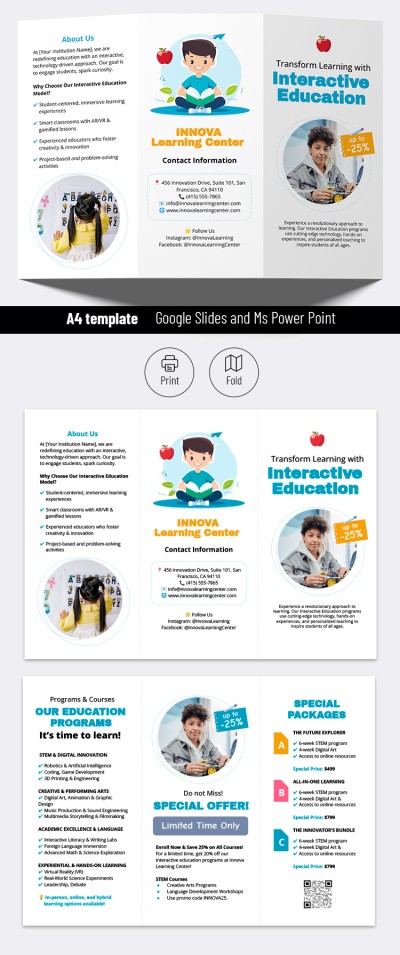
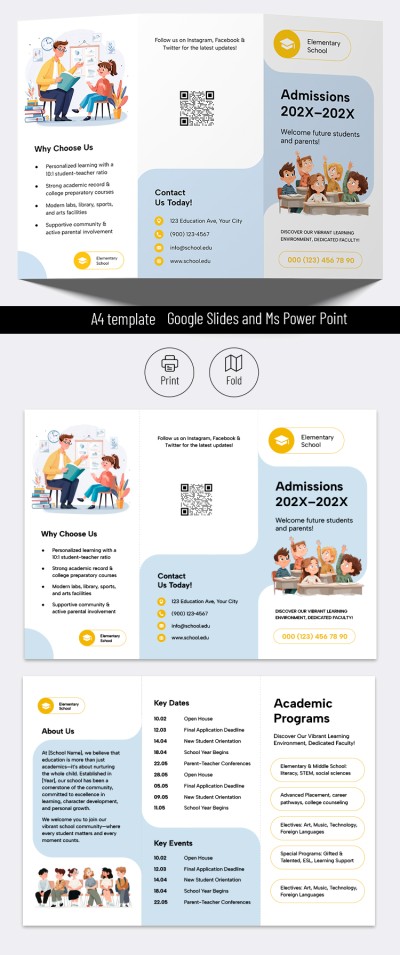
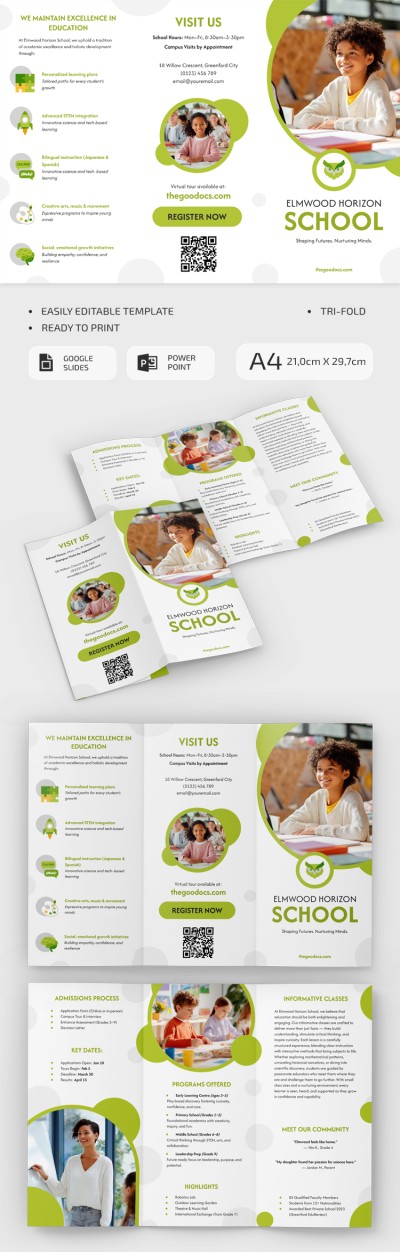
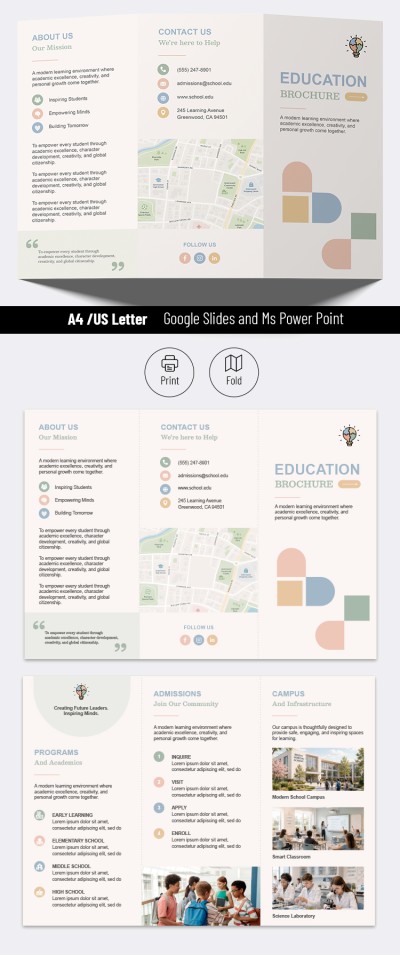
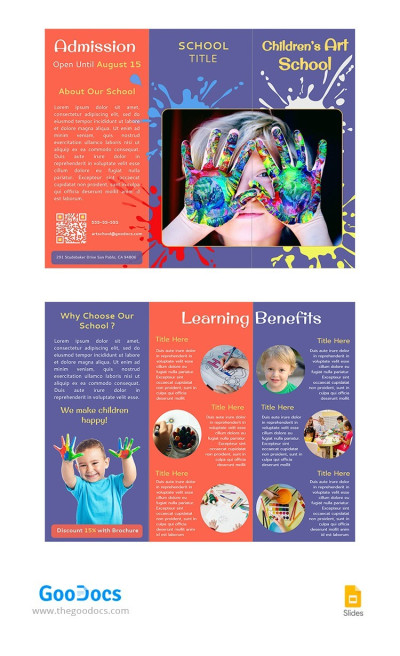
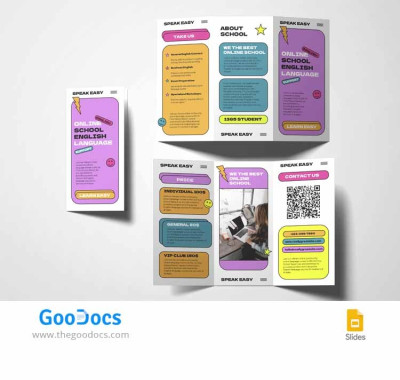
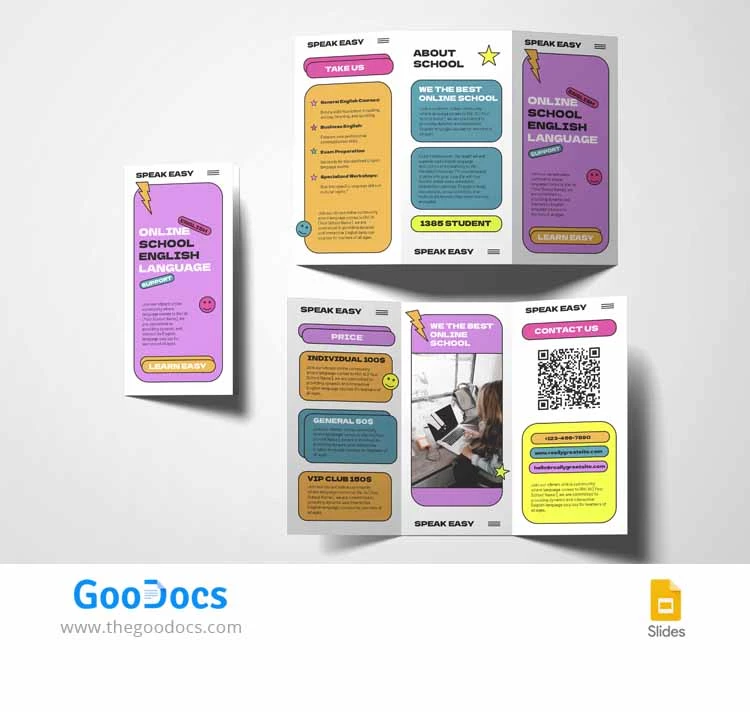
Take advantage of this modern and stylish Online School Brochure Template! Our bright and convenient school brochure template will bring you more new students with its captivating visuals.

High-Quality and Modern Design

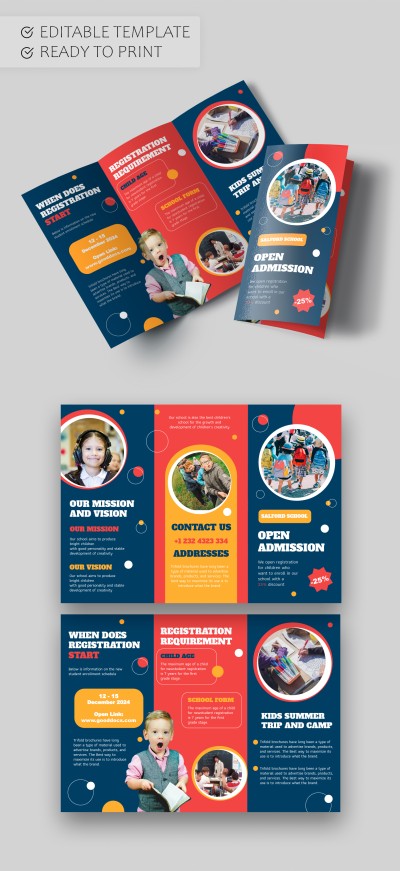
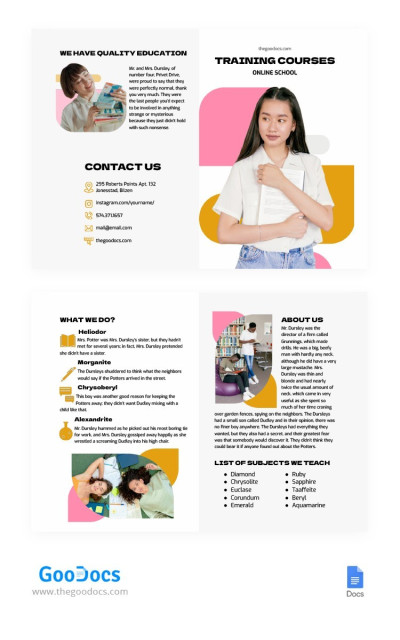
Three main colors were chosen to design this school brochure. It features purple, dark green, and orange shades. Together they look stunning, and between the fields for the main entries, there is a simple white background, which makes the contrast even more noticeable.

Also, the design includes placeholders for photos, QR codes, and additional elements (emotes, stars, flashes of lightning).

Unique School Brochure Template

This brochure was created for advertising a language school, but it is also 100% editable. This way, all our brochure templates for PowerPoint can be customized to suit the needs of your educational programs and more.

Get a copy in Google Slides or download this template in PowerPoint to add personalized text, new images, headings, your QR code, and any other elements. Find the best brochure template in Word and other format options only with TheGoodocs.

ADVERTISEMENT
Free Template

Download Free Template

Choose your platform and start editing right away
PLATFORM

Google Slides

Opens in browser
PAPER SIZE
A4
Google Slides – A4
No account required • Attribution required

WHAT’S INCLUDED

Three vibrant color schemes available
Customizable text and image placeholders
Space for QR code positioning
Unique emotes and design elements

Brochures & Pamphlet Tips

1
Utilize QR code for direct website access.
2
Highlight key points with engaging emotes.
3
Incorporate school photos for authenticity.
4
Personalize colors to match your branding.

FAQ

Is the template free to use? Yes, it is free for download and customization.
Can I edit it in Google Slides? Yes, easily edit with Google Slides or PowerPoint.
How customizable is the template? You can edit text, images, colors, and design elements.
Is it easy to use for beginners? Yes, the intuitive layout makes it beginner-friendly.
Does it include placeholders for photos? Yes, there are designated spaces for adding your photos.
ADVERTISEMENT

How to Use and Edit This Template

Get Your Document

1

Get Your Document

Click the "Edit Template" button to create your own editable copy in Google Slides or download for Microsoft PowerPoint
Customize Everything
2

Customize Everything

Easily change colors, fonts, and layouts to match your unique style or brand identity
Add Your Content
3

Add Your Content

Fill in your data, upload images, and replace the placeholder text with your own information
Print, Export, or Share
4

Print, Export, or Share

Print, export as PDF, or share instantly

Related Templates

Recently Viewed