
Wedding Program Templates
A wedding program isn't just about creating an event plan for guests; it's also about stylish design. On this page, we've collected wedding program templates that will help you detail the ceremony script, the reception schedule, and even introduce the wedding party. Aesthetic and fully customizable layouts are available in Google Docs and Word, allowing you to easily tailor every design element to your wedding style. Our templates are optimized for printing, so you can easily create a high-quality program without the need for a designer.
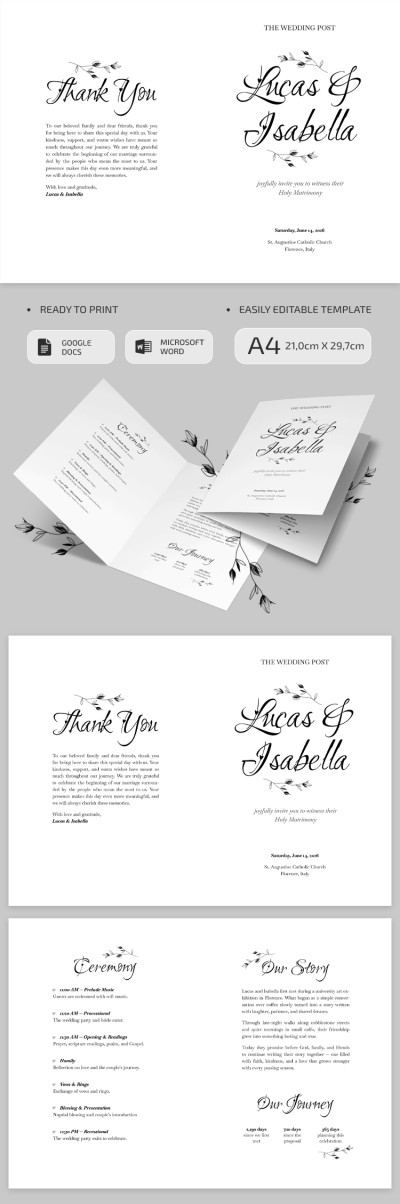
Catholic Wedding Program Template
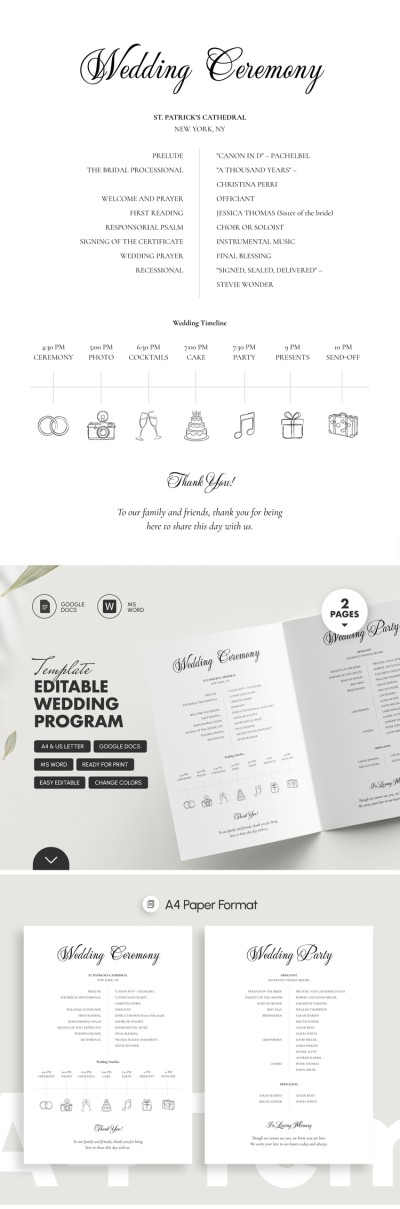
Editable Wedding Program Template
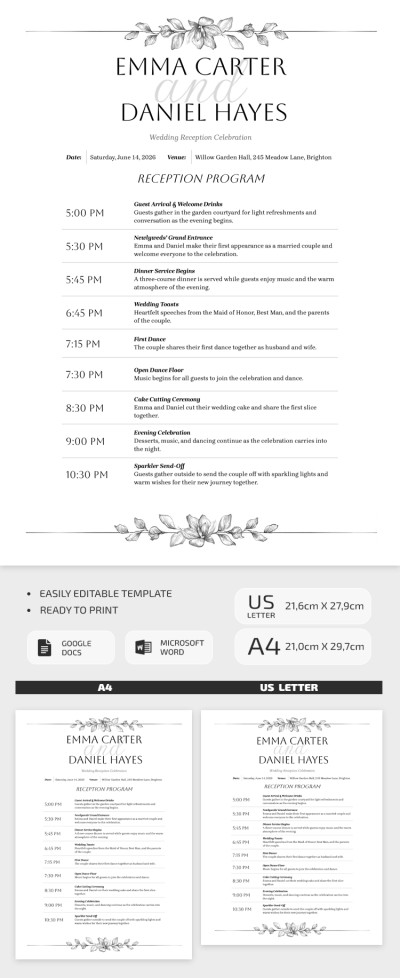
Wedding Reception Program Template
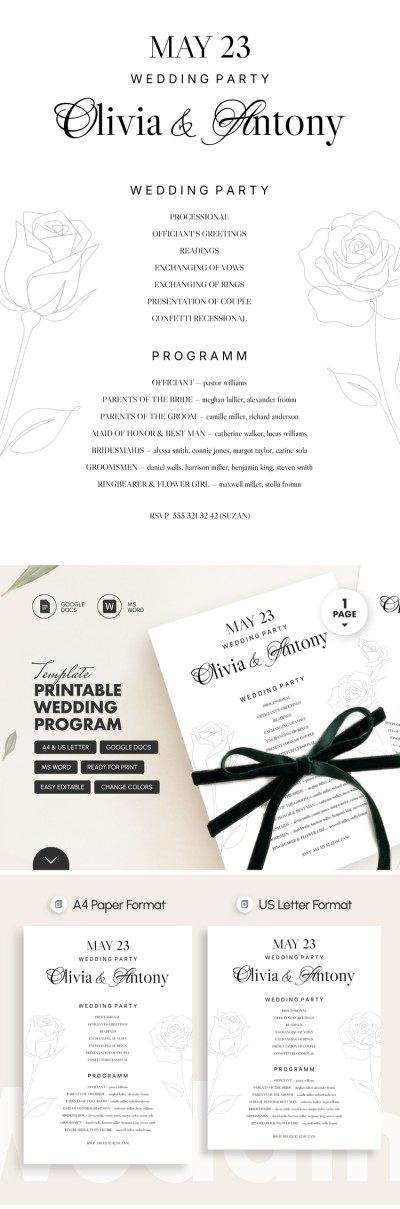
Printable Wedding Program Template
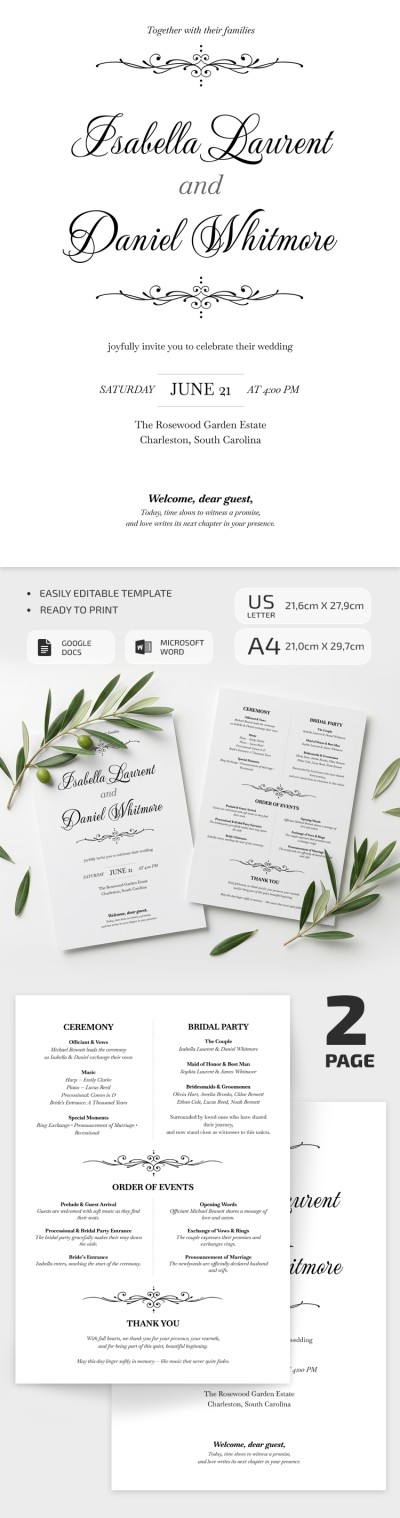
Elegant Wedding Program Template
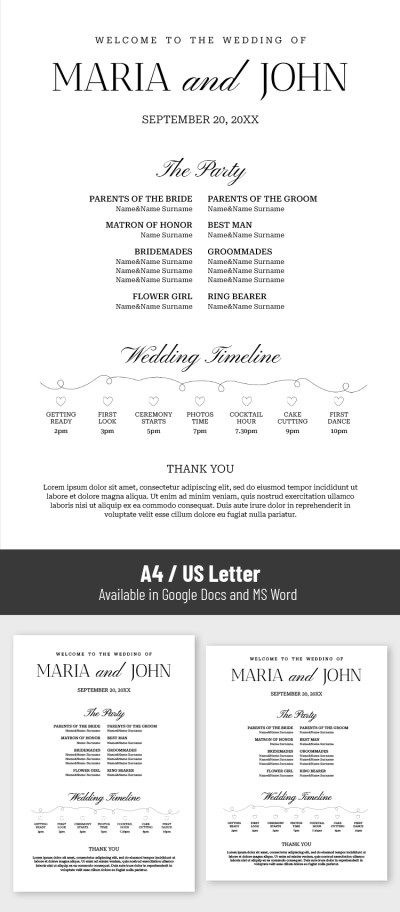
Wedding Ceremony Program Template
Please try different filters or clear all to start over.
Our wedding program templates will help you design a beautiful guide that matches your ceremony theme. This page features dozens of wedding program designs that can be easily filled with your timeline, events, and photos, without wasting time on formatting or starting from scratch. Keep your guests informed and your day running smoothly with no additional costs or stress.
Discover more benefits of our wedding program templates:
- Download distinctive designs for any wedding concept. The program design should complement the overall theme of your wedding, which is why you can choose from a wide collection of unique templates. We've prepared layouts in the most popular styles, from classic and elegant to minimalist, boho, and Art Deco options. Choose a solution that perfectly matches your wedding decor and invitations.
- Utilize a ready-made, editable structure. Our wedding program templates are incredibly versatile. A pre-made layout allows you to include a timeline of the day with a schedule of important events, including the ceremony, cocktail hour, reception, and fireworks. They also include dedicated sections for thanking your parents, sharing a touching story of how you met, and more. Simply fill the placeholders with your photos and text in Google Docs, Word, Google Slides, or PowerPoint.
- Get print-ready layouts with no extra setup. Hiring a wedding designer or creating a layout from scratch can be an expensive hassle, but our print-ready options let you create a personalized program that perfectly reflects your style. Simply save the completed file as a PDF and print it on A4 or US Letter paper at any print shop or right at home.
Get a premium design for free with our wedding program templates today. Download your favorite template or make a copy to start customizing it on any device right away. More program templates for any event are available on our website today.
Wedding Programs Templates FAQ
The easiest way to create a wedding program is to download or make a copy of a ready-made template from TheGoodocs, fill in your details, and print it.
Here is how you can easily build your wedding program with our templates:
- Choose a suitable template. This page features elegant wedding ceremony programs that combine stylish design, carefully selected fonts, and a ready-to-fill layout.
- Choose your preferred format. To open a template in Google Docs, Word, or PowerPoint, simply go to the page of the template you like, select your program, and click the green button.
- Fill in the ceremony details and acknowledgments. Our templates include placeholders for welcoming remarks, the names of the newlyweds, and the date and time in the header. In the main section, you can add acknowledgements for parents, the maid or matron of honor, the best man, bridesmaids, groomsmen, the ring bearer, and the flower girl.
- Fill in the timeline. We offer templates with various timeline layouts, including simple text columns, horizontal, or vertical schedules. Just enter the time, title, and brief description for each event.
- Add thank-you notes. Use the dedicated section at the bottom to write a personal message of appreciation to your guests.
Get a print-ready wedding program without having to design anything from scratch.
A standard wedding program should include the following sections:
- A header with a welcome message, the couple's names, and the date and venue location.
- A wedding party section listing the officiant, parents, honor attendants, bridesmaids, groomsmen, ring bearer, and flower girl.
- An order of events outlining the timeline of the ceremony so guests know what to expect.
- An optional section for a thank-you note, an in-memoriam tribute, or reception details.
A fully composed and completed wedding program should consist of three to four mandatory sections that guide guests through the program while introducing the key participants of your big day.
The most common option for a wedding program is the single-page format. On a single sheet of US Letter or A4 paper, you can fit everything you need, including the welcome message, ceremony order of events, wedding party list, thank-you notes, and reception details.
For those who need more space or want a more traditional layout, the bifold format is another popular choice. It is printed on standard US Letter or A4 paper in landscape orientation and folded in half.
On this page, you will find ready-made single-page and bifold wedding templates that you can edit right away or use as inspiration for your own design.
You can use templates from TheGoodocs to create a wedding program in Word. This way, you'll get a professional and elegant design for your big day for free.
Here is how to create a wedding program in Word with our templates:
- Choose a suitable template and download it. You can browse dozens of unique designs, then click on the title or preview to go to the template page. On the right, select Word and your paper size (US Letter or A4), then click the download button.
- Open the wedding program template in Word. You can do this through the application interface (File => Open => Open files from this device) or simply open your downloads folder and double-click the file.
- Fill in all sections. Our templates feature placeholder text. To replace it, simply highlight it and start typing. Update the couple's names, ceremony location, and event timeline, then complete the thank-you sections.
- Customize the design to match your wedding theme (optional). While we offer a wide variety of unique options, you can adjust the design so it feels completely personal. Change fonts and backgrounds, or rearrange elements using Microsoft Word.
- Print your completed wedding program. Click File => Export => Download as PDF (this is the best format for printing). You can then send your file to a print shop or print it at home.
With ready-made templates, you can create a personalized and elegant wedding program in Word in just a few minutes.
A consistent style is key when designing wedding program templates. You can use free editable templates from TheGoodocs to create your own personalized wedding program:
- Choose a suitable format, such as a single-page or bifold wedding program.
- Fill in sections such as the introduction, ceremony timeline, wedding party, and special notes.
- Use the template's default fonts or choose other matching complementary fonts such as Montserrat or Open Sans for body text and Great Vibes for headings and couple names.
- Stick to our default floral illustrations and wedding timeline designs, or add your own personal touches.
- Don't overload the page with text and information, leaving ample space between sections.
Either way, you can start with a ready-made wedding program template and build on the initial design to create a personalized version for your wedding day.