
Sports Certificate Templates
Choose from sports certificate templates in Google Docs and Word for soccer, volleyball, yoga, pilates, and other tournaments and courses. We have special and versatile designs for any activity. You can get a copy of premium, green, gray, and other samples. Download and customize for free or with a prem access!
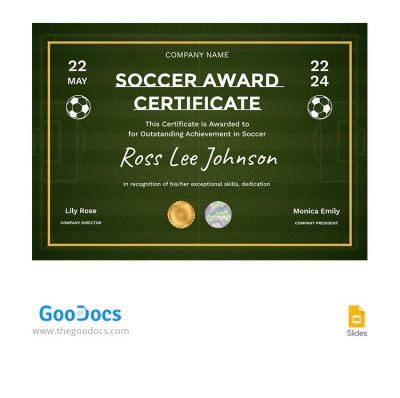
Green Soccer Award Certificate
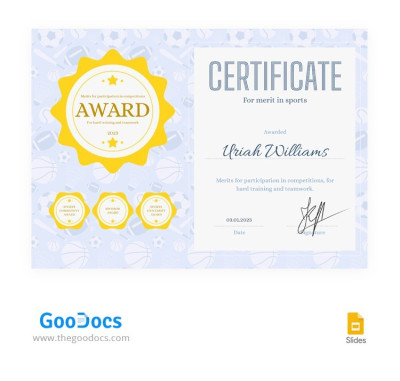
Premium Sports Certificate
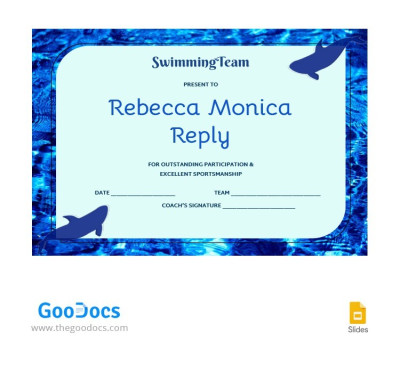
Swimming Certificate
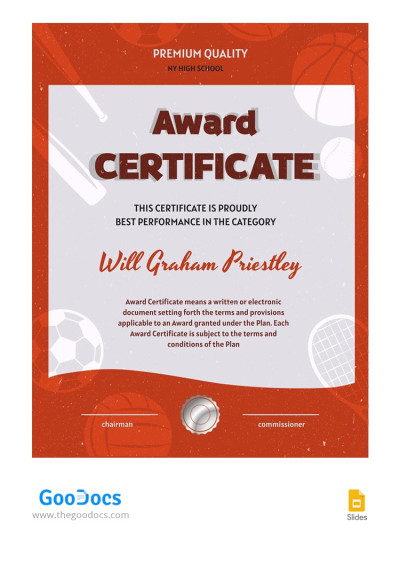
Sports Star Award Certificate
Please try different filters or clear all to start over.
Our sports certificate templates are the go-to choice for anyone looking to create professional certificates without spending a lot of time or hiring a graphic designer. Find many options right on this page, including soccer certificate templates, baseball certificate templates, and tailored designs for other sports. Using our templates as a starting point, your sports club, federation, or school can create a customized certificate in just a few clicks. You can also find even more certificate award templates on our website.
Discover all the advantages of our sports certificates:
- Download a ready-made layout for your sport. This page features many templates, with new options added regularly. You can use various basketball certificate templates, football certificate templates, as well as tailored volleyball designs. Each template includes elements specific to the chosen sport, such as balls, court or pitch backgrounds, and themed graphics. We also offer universal options suitable for any sporting event.
- Customize the template in your preferred format. Our sports certificates are fully editable in Google Docs, Word, Google Slides, or PowerPoint depending on the template you choose. Open the layout on any device to add the winner's name, specify the award or place, include your organization's name, and add signatures or seals. Customizing fonts, background colors, and margins is just as easy.
- Print or send digital certificates. Our sports certificate designs look great both on screen and in print. Print settings are pre-configured, so you don't need to worry about bleed margins, orientation, or page sizes (A4 and US Letter options are available). Save your completed file as a PDF to print it immediately or send it digitally to participants.
Choose our free sports certificate templates for tournaments, school games, or team awards right now. Use our ready-made designs and print-ready layouts instead of starting from scratch. Be sure to check out even more editable certificate templates in our main category.
Sports Certificates Templates FAQ
A sports certificate template is a pre-made layout you can use as a starting point to create your own sports certificate. Our free templates cover various sports certificates, so you can use them to create awards, certificates for participants in sporting events, tournaments, and more. This page features templates for various sports, which already include placeholders for the certificate title, the winner or team name, the name of the tournament or organization, sample text, and official signatures.
All sports certificate templates from TheGoodocs feature ready-made, attractive designs tailored for specific sports and are fully editable in Google Docs, Word, Google Slides, or PowerPoint. All print settings, such as page size, orientation, and margins, are also included. Browse our free sports certificates for inspiration or start editing your favorite option right now.
Yes, we offer a variety of specialized free sports certificate templates, including options for basketball, baseball, football, soccer, volleyball, and other sports. This page also features universal designs suitable for any sport. Furthermore, you can edit any template and customize the design for any school, team, or federation in convenient formats, with no design skills required.
Yes, our sports certificate templates are suitable for a wide range of uses, including local leagues and youth competitions. To use a template for your competition or youth league, simply find a suitable design for your sport, download it or make a copy, fill in the placeholders with the official details (team name, federation, winner, and more), save it as a PDF, and print it to award to the winners or participants.