
Travel & Trip Budget Templates in Google Sheets and Excel
Get the most out of your trip using our travel budget templates in Google Sheets, Docs, Word, and Excel formats. Plan all your expenses, including plane tickets, apartment or hotel booking, visas, car rental and others with our premade trip budget template. Choose from dozens of editable and printable spreadsheets in different colors! Grab a vacation budget template for free or opt for premium options.
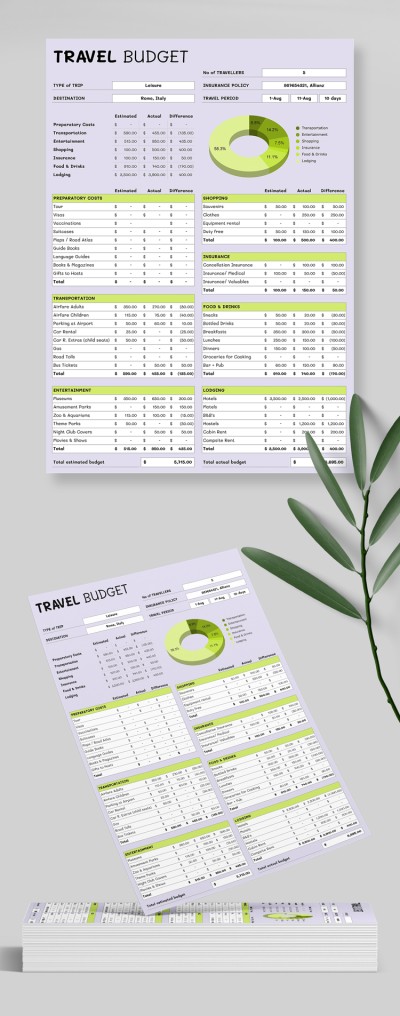
Simple Travel Budget
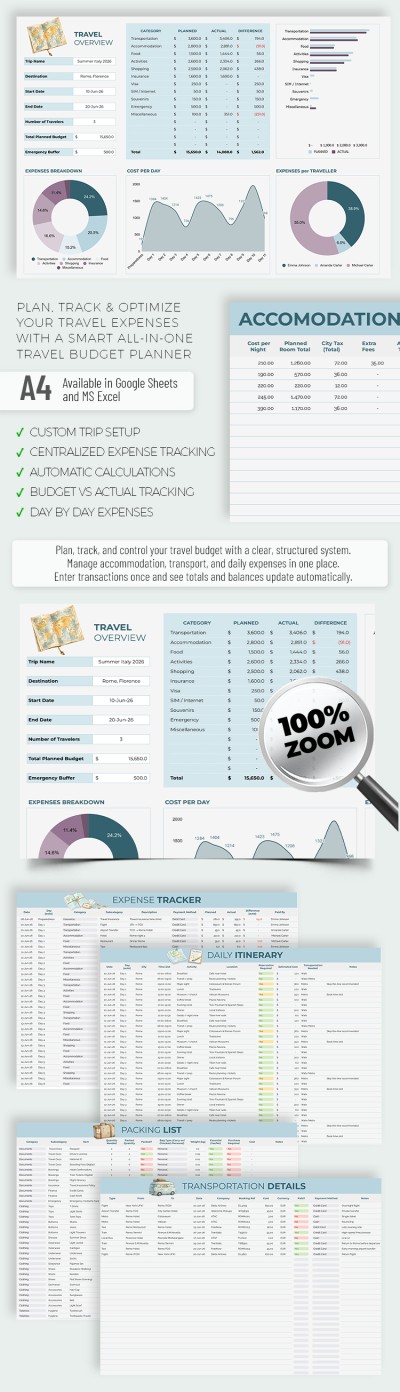
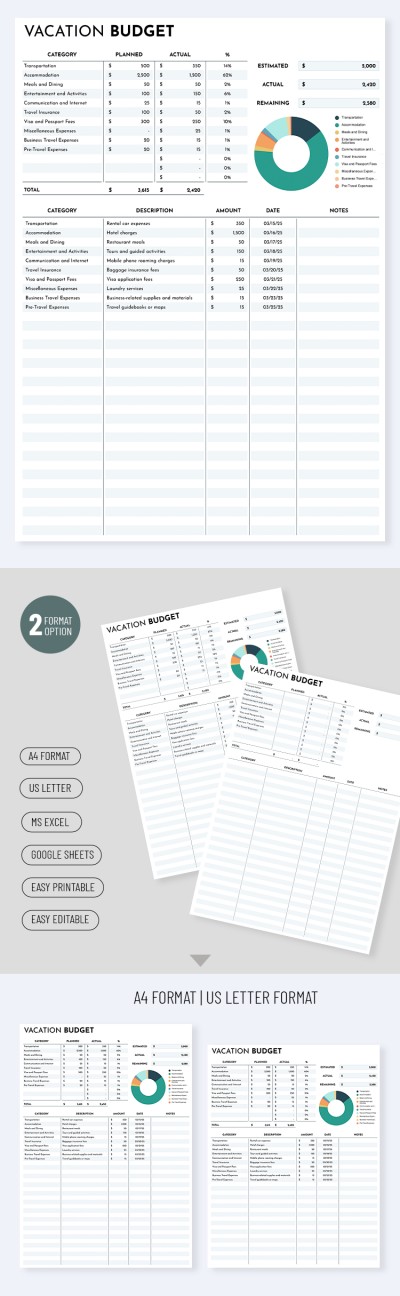
Simple Classic Vacation Budget Template
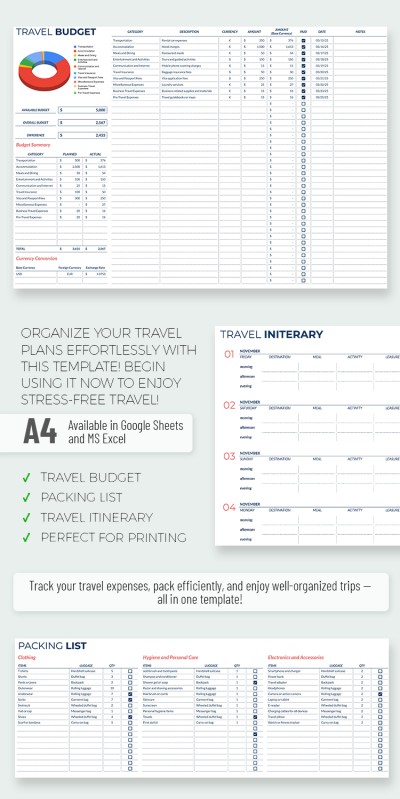
Professional Travel Budget
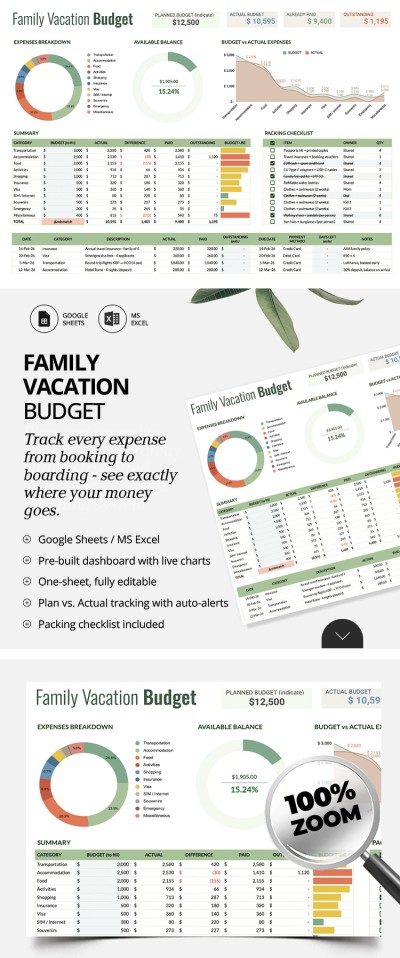
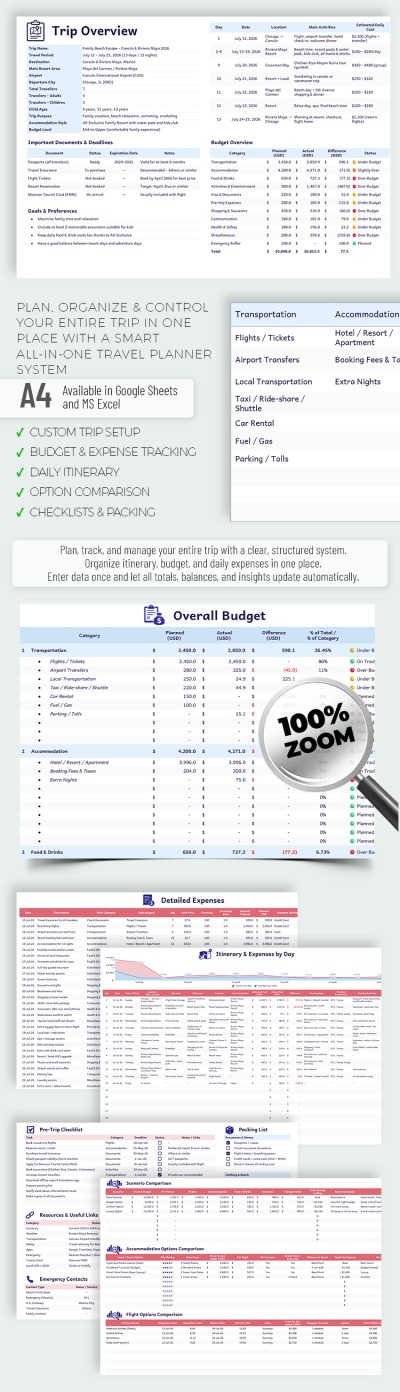
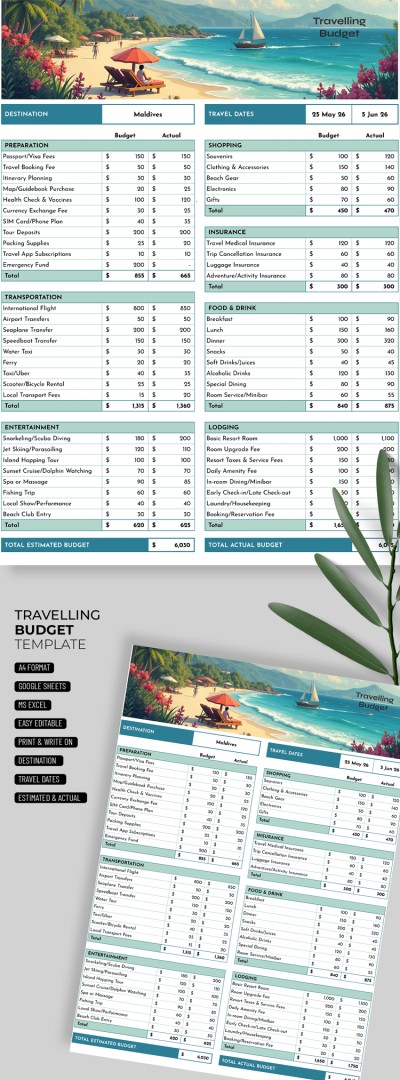
Simple Travelling Budget
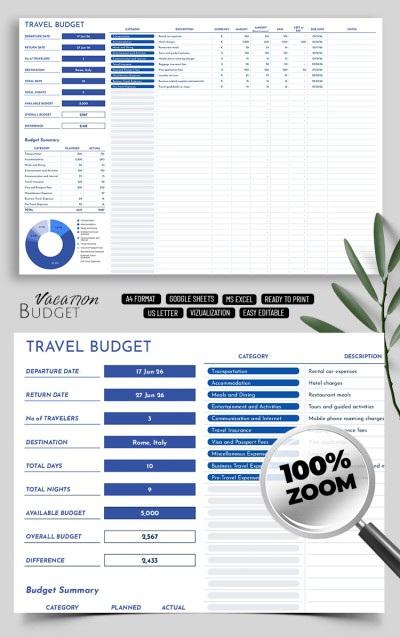
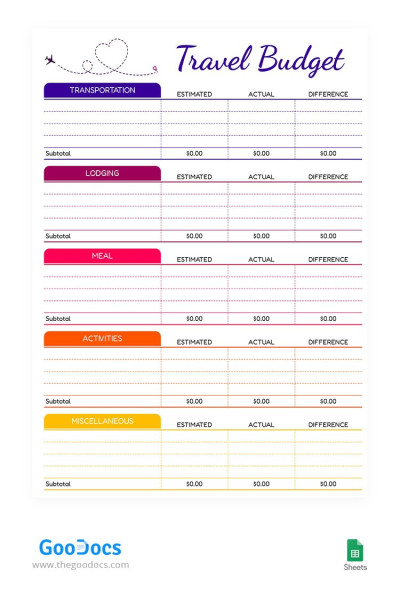
Cute Travel Budget


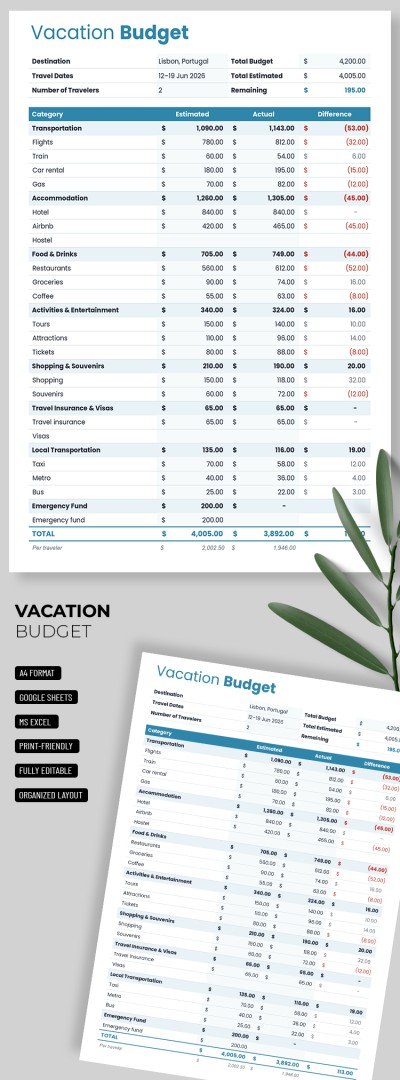
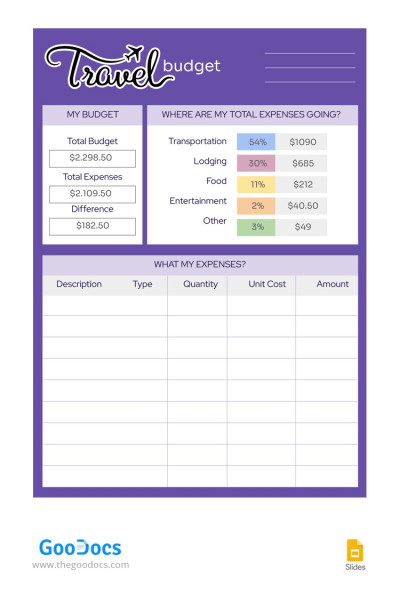
Travel Budget
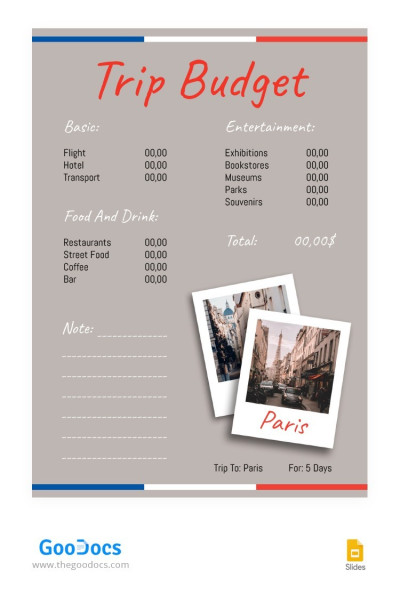
Paris Trip Budget
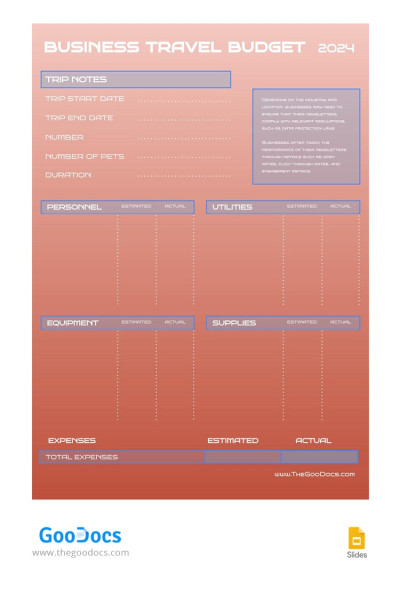
Orange Business Travel Budget

Bright Travel Budget
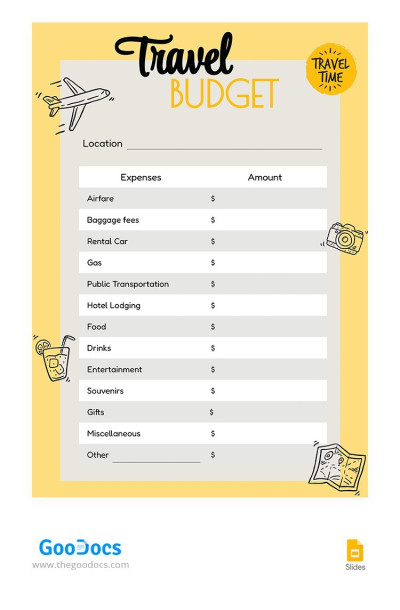
Yellow Travel Budget
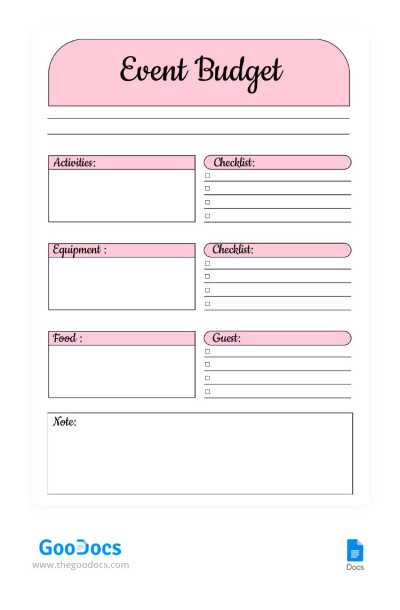
Minimal Travel Budget
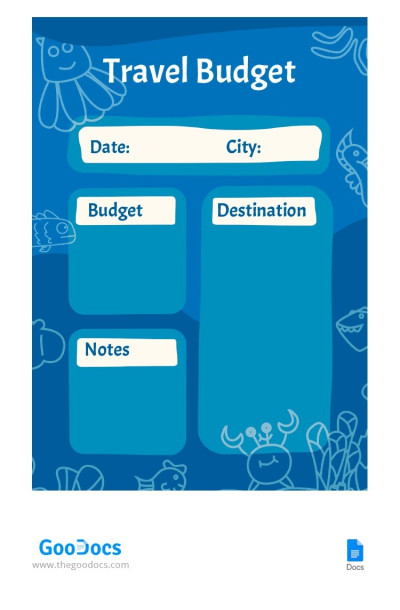
Sea Travel Budget
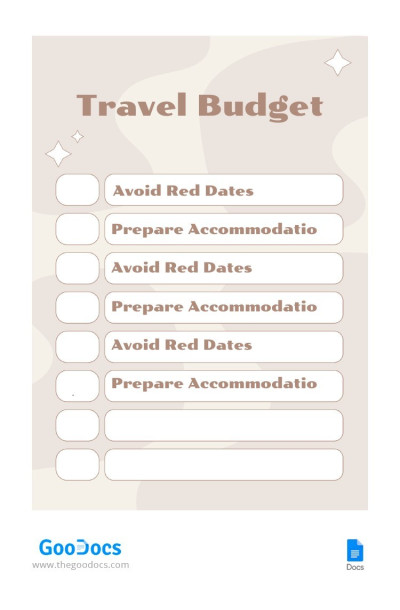
Pastel Travel Budget
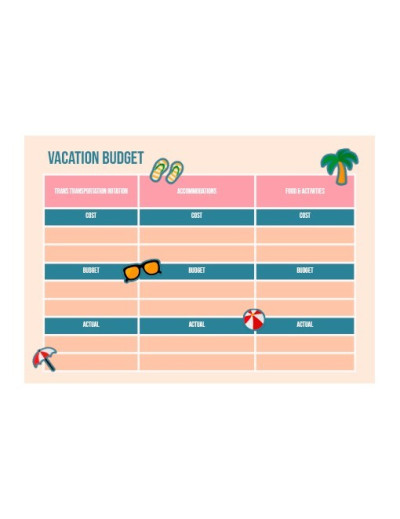
Illustrated Vacation Budget
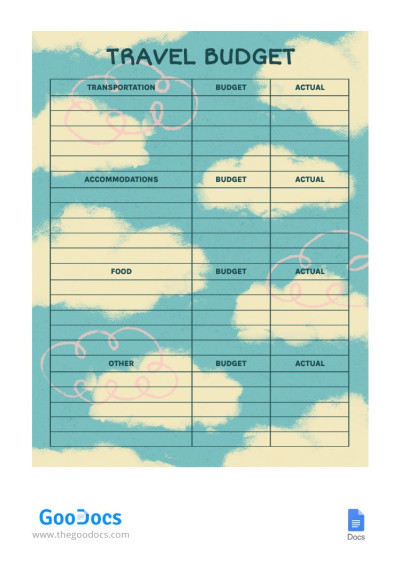
Travel Budget With Clouds
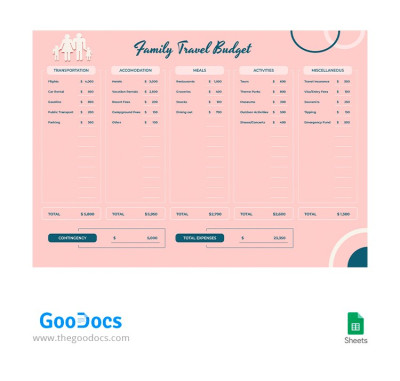
Year Travel Budget for Family
Are you planning a business trip, a family getaway, or a solo adventure? Use our travel budget templates to easily map out your expenses for your entire trip. Manage your budget without hassle thanks to pre-built structures, automated formulas, clean designs, and full compatibility with popular spreadsheet editors. Our vacation budget template can help you stay focused on what matters most, whether it is a relaxing getaway or an important business meeting.
Experience the benefits of our travel budget templates:
- Account for all your expenses in one convenient file. Our templates offer a pre-built structure divided into key travel expense categories. You can log all your upfront bookings (flights, hotels, insurance, visas), your daily travel expenses (meals, transportation, excursions), and an emergency fund. You can access your travel budget template in Google Sheets or Excel at any time from your phone, tablet, or laptop.
- Make the most of built-in formulas. Take advantage of automated templates that perform all necessary calculations as soon as you enter your planned and actual expenses. For every category, from food and shopping to lodging, you get clear totals and see the difference between your budget and actual spending. Dedicated charts also break down your expenses by category.
- Choose from dozens of ready-made options. Our collection meets the needs of every traveler, so it is extremely easy to find a template tailored to your specific trip. Group travelers can track shared expenses and log each participant's share; business travelers can use streamlined layouts with itinerary tasks, and vacationers can enjoy colorful thematic designs.
Download or make a copy of your favorite travel budget spreadsheet completely free, or explore our premium options with an affordable subscription at TheGoodocs.
Travel & Trip Budgets Templates FAQ
Creating a travel budget template for any trip is quite simple:
- Allocate a general budget for the entire trip. To do this, you need to decide on the maximum amount of money you are willing to spend on your journey.
- Enter this amount in the spreadsheet using Google Sheets or Excel. You will start from it when distributing funds.
- Create expense categories: flights, visas, medical insurance, food, hotel payments, entertainment on-site, etc.
- For each expense category, enter the amount you can spend.
- Set aside some money for unexpected expenses. They are not always related to problems during the trip, but you should be prepared for this too.
Want to make the process easier?
Our travel budget templates offer a ready-made structure, categories of your expenses, and formulas that will allow you to quickly and effectively distribute your budget. Most templates are free and available in Google Sheets and Excel formats for quick filling! Download or get a copy to start creating a travel budget.