
Project Budget Templates
Manage your project budget effortlessly using our free project budget templates in Google Sheets, Excel, Google Docs, and Word formats. Find fully editable, printable, and downloadable spreadsheets and blank layouts. We offer dozens of options ranging from specialized film budgets to versatile templates for any project. Take advantage of built-in formulas, visual charts, drop-down lists, and a clear budget structure.
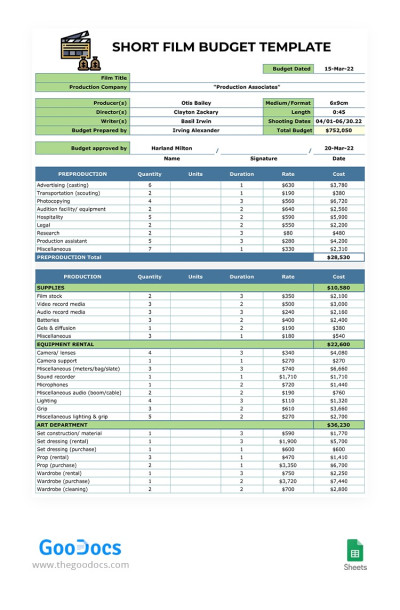
Short Film Budget
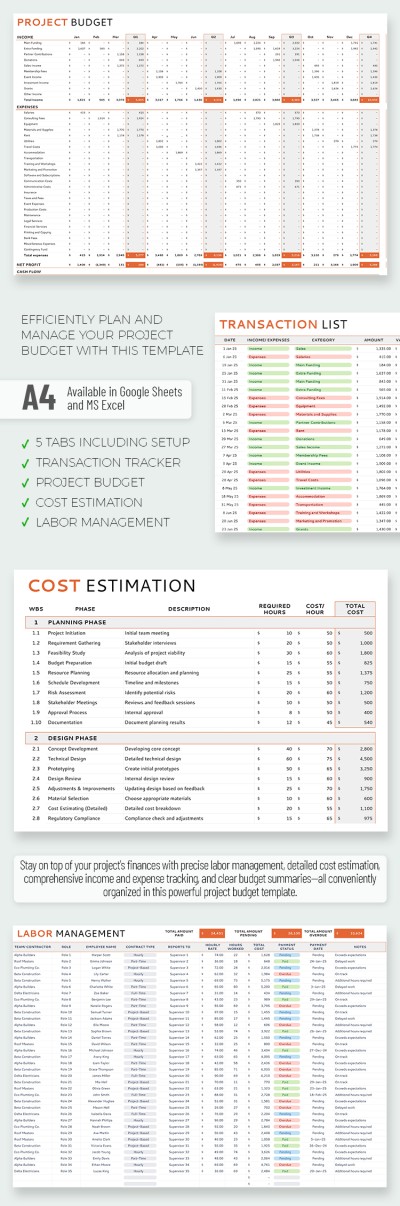
Project Management Budget Template For Marketers
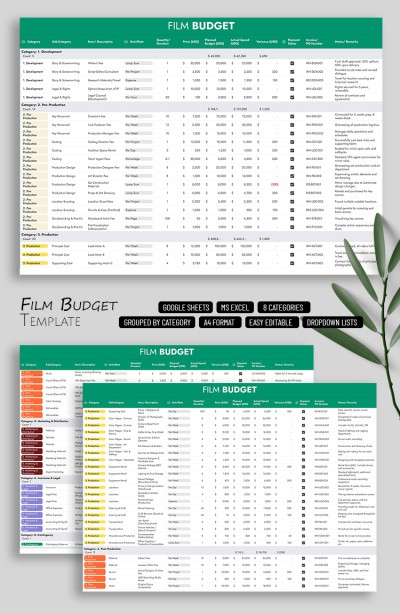
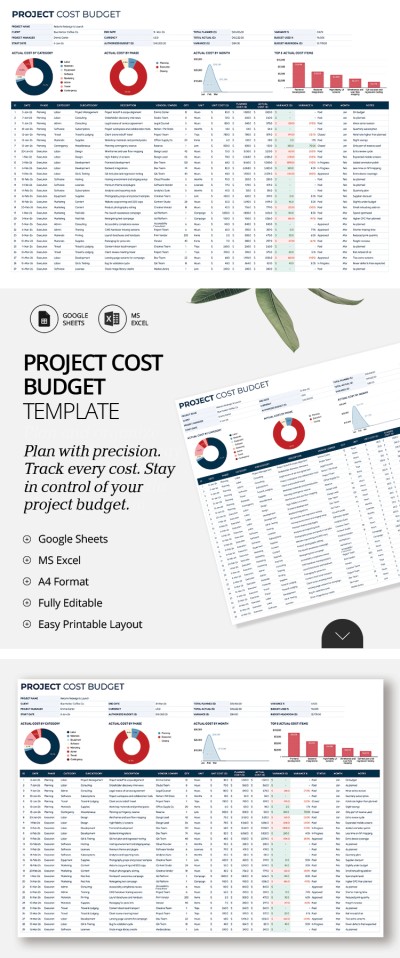
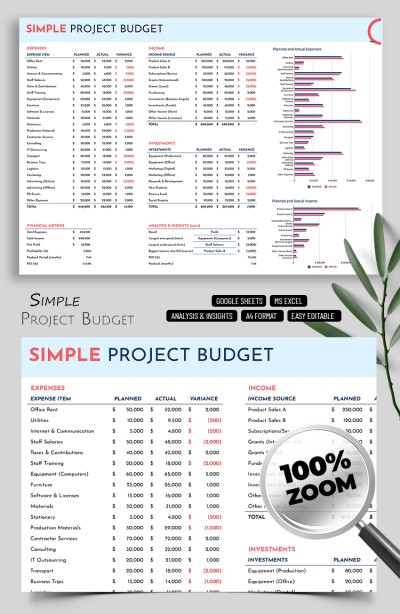
Simple Project Budget Template Spreadsheet
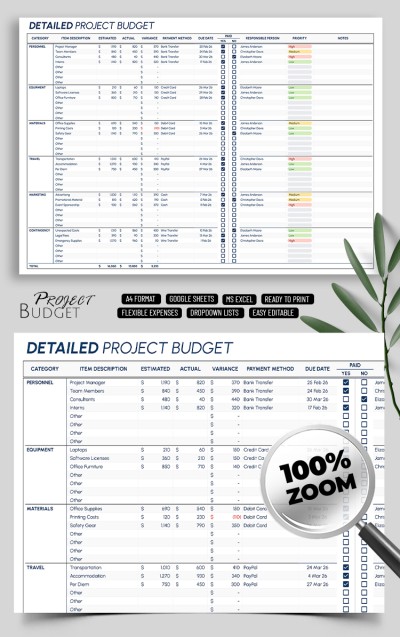
Detailed Project Budget
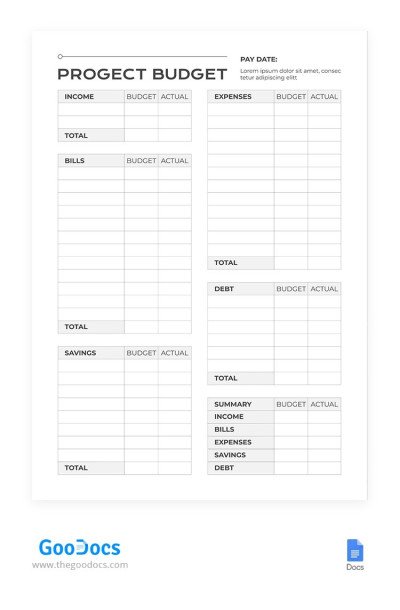
Simple Project Budget
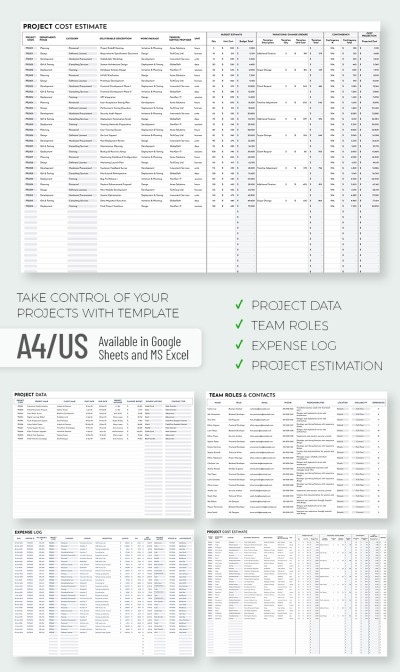
Project Budget Report Template
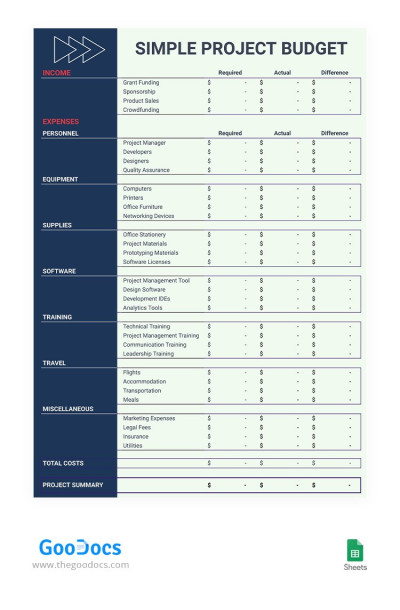
Simple Contrast Project Budget
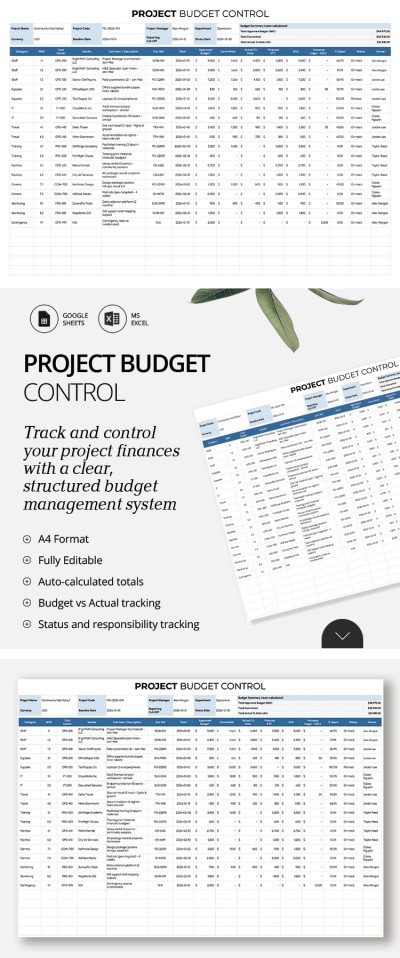
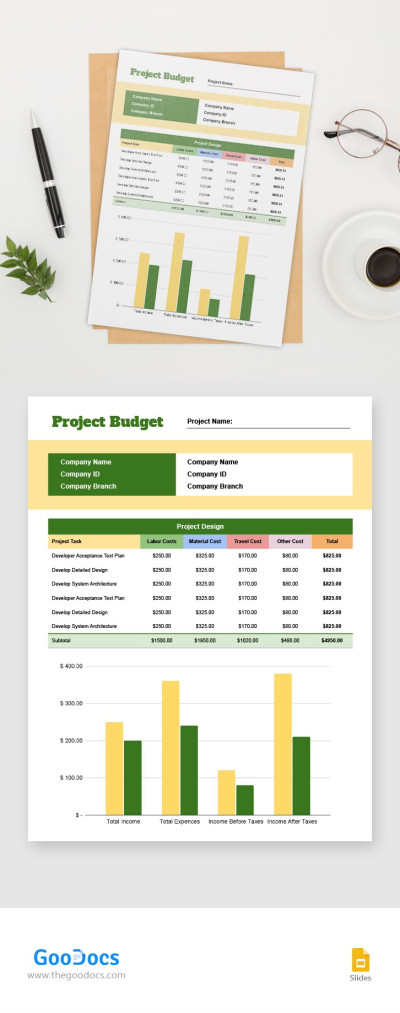
Project Budget
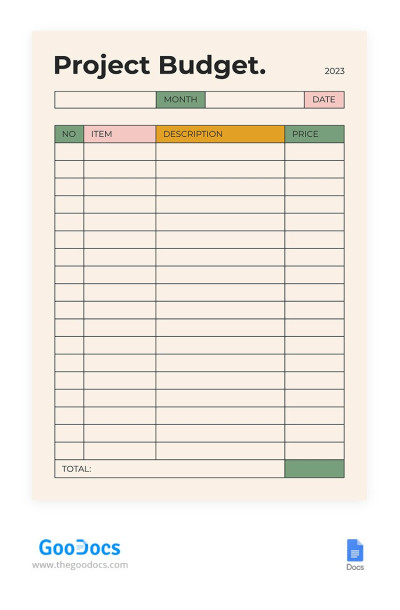
Cute Beige Project Budget
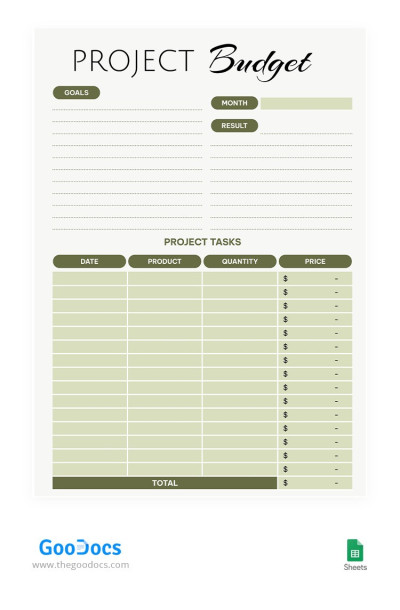
Green Project Budget
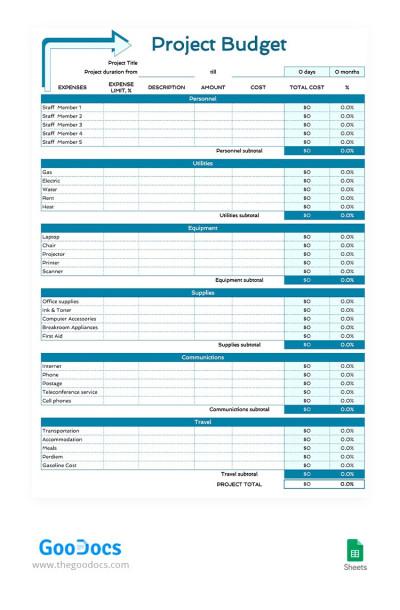
Basic Project Budget
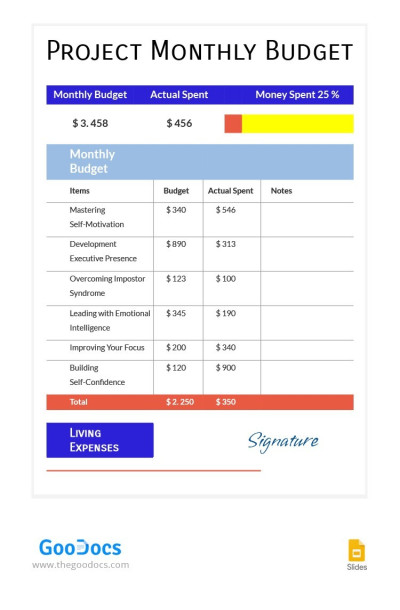
Project Monthly Budget
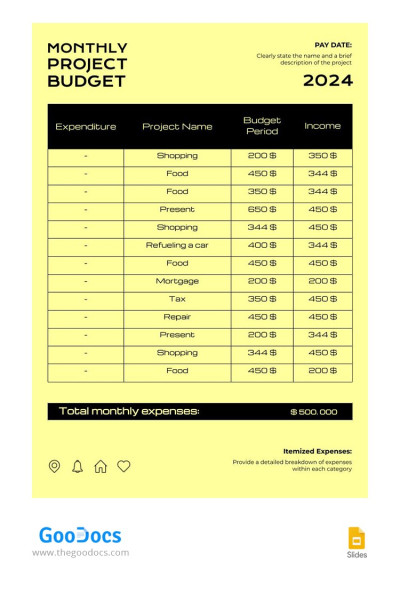
Yellow Simple Monthly Budget
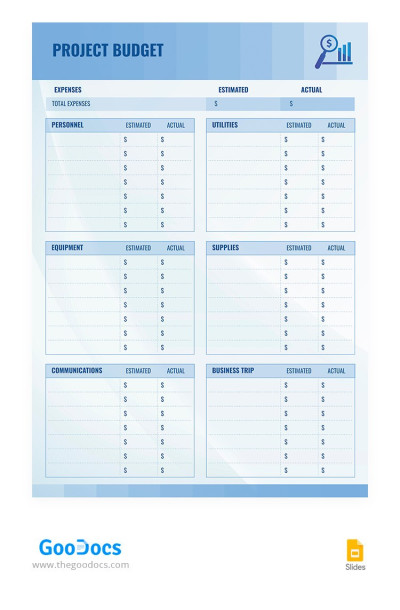
Light Blue Project Budget
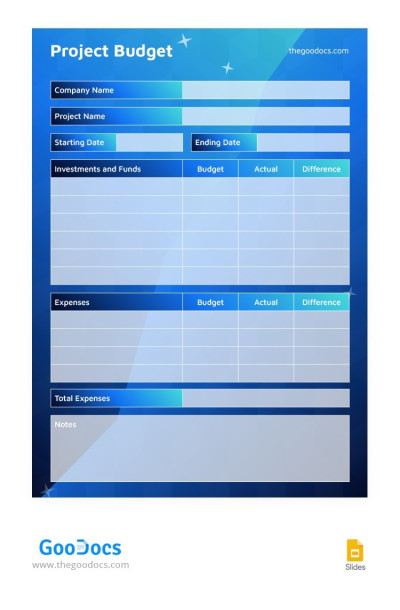
Modern Blue Project Budget
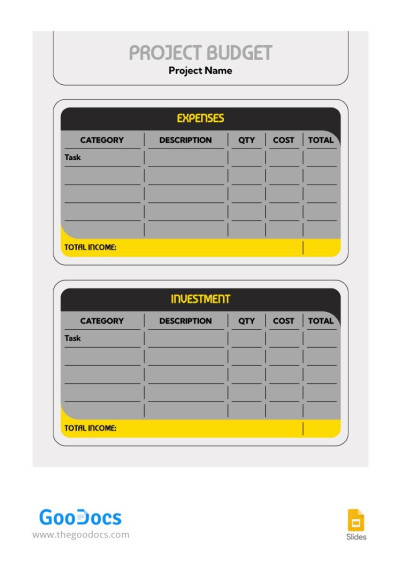
Simple Grey Project Budget
Please try different filters or clear all to start over.
Plan a budget for any project with our ready-to-use project budget templates. Our collection includes versatile spreadsheets suitable for any industry, as well as specialized options for short films, marketing campaigns, and more. Each project budget template in Google Sheets or Excel comes with built-in features that make costing faster and more efficient.
More advantages of our project budget templates:
- Budget management becomes easier. When planning a project, you need to consider numerous expense items, which our spreadsheets already account for. Enjoy a layout covering direct costs (salaries, materials, software, services), indirect costs (overhead and administrative expenses), and budget allocation across all project phases from initiation to completion.
- Automatic calculations and charts. Our project budget spreadsheets feature tested formulas that calculate totals automatically and eliminate manual errors. Based on your planned and actual numbers, you can track tax estimates, category balances, labor costs based on hourly rates, and overall progress. Built-in charts also highlight your cost distribution across categories and phases.
- Available in popular spreadsheet editors. You can easily customize any project budget template in Excel or Google Sheets. These platforms make it easy to collaborate with your team across devices, back up your work in the cloud, and work with pre-installed formulas.
Choose a suitable project budget example from dozens of free options available at TheGoodocs. Use a ready-made solution to map out income and expenses, or print out copies for reporting.
Project Budgets Templates FAQ
Creating a project budget from scratch is a challenging task. Yet, we're going to explain how to cope with it.
So, to create a project budget, you need to:
- Define the final project goals. Use the SMART methodology for this, which shows that the goal should be specific, measurable, achievable, relevant, and time-bound.
- Understand your project scope. To do this, you need to set boundaries, deadlines, and restrictions. If you have a specific budget amount for the entire project, then you need to take it and other resources into account.
- Create a list of necessary equipment and additional services needed to complete the project. For example, working with marketing teams, external services, extra PCs, or additional staff training.
- Estimate the cost of each service or equipment. There are several options for estimating, but the most popular are comparison with previous projects (if this is not your first experience), limited budget (how much you can do within the allocated amount), or bottom-up (to calculate each task separately).
- You should allocate additional funds for unexpected situations. Most companies and teams allocate 10% of the total budget for this, but the amount may be different in your industry.
- Create a budget in a convenient format, for example, Excel or Google Sheets. It is worth including all expense items, names of responsible persons, sources of funding, and comparative costs (for example, planned costs and relevant ones for each category).
- Compare planned expenses with real ones regularly. Decide in advance when and who will deal with this issue, for example, once a week, month, or quarterly (depending on your project and industry).
And so that you do not waste time creating a project budget template, we will help you! Download ready-made budget project templates with built-in formulas, graphs, and charts in Google Sheets and Excel formats. Fill them out and enjoy complete freedom of customization.
Making a project budget spreadsheet in Google Sheets or Excel is a breeze with our ready-made templates. You can get a free copy or download a spreadsheet to your PC.
So, get your template for free or with a premium subscription. Open it in the desired editor. Customize categories, design, and everything you need. Include your spending categories, item descriptions, payment methods, due dates, responsible persons, priorities, and even notes on each payment! Monitor and track your budget with ease.
There are plenty of templates available on this page, so find a construction, short film, project management, or startup budget spreadsheet! Get started today for free.