
Budget Tracker Templates
Our budget tracker templates are designed to simplify the process of monitoring incoming and outgoing payments. Are you struggling to keep up with daily transactions, missing payments, or simply looking to gain better control over your finances? Our templates in Google Sheets, Excel, Google Docs, and Word make it easy. Pre-defined spreadsheet formulas help you quickly calculate balances and key indicators, and every tracker is print-ready. Start tracking your income and expenses today using all-in-one tools.
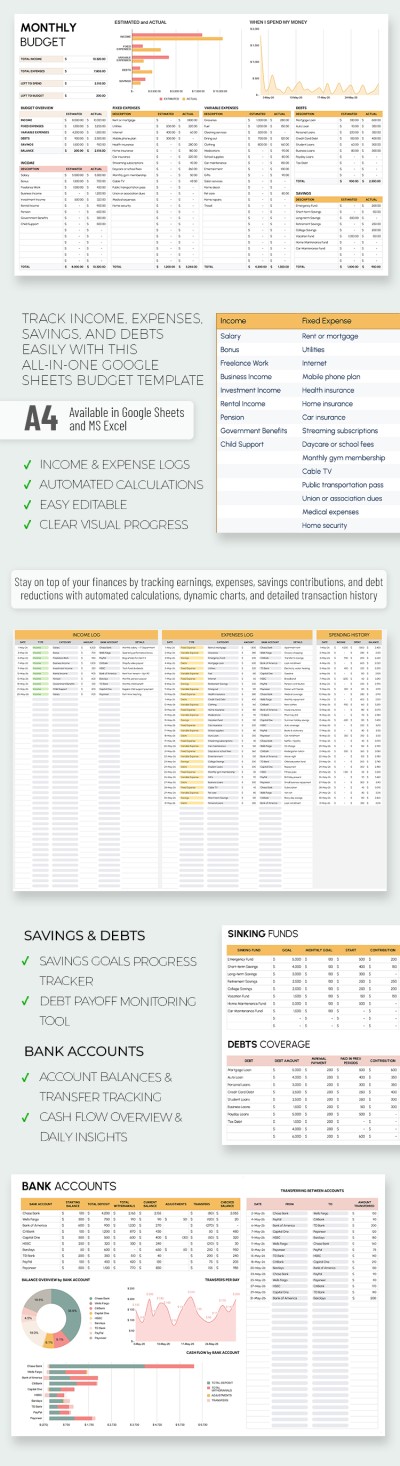
Editable Monthly Budget Tracker Template
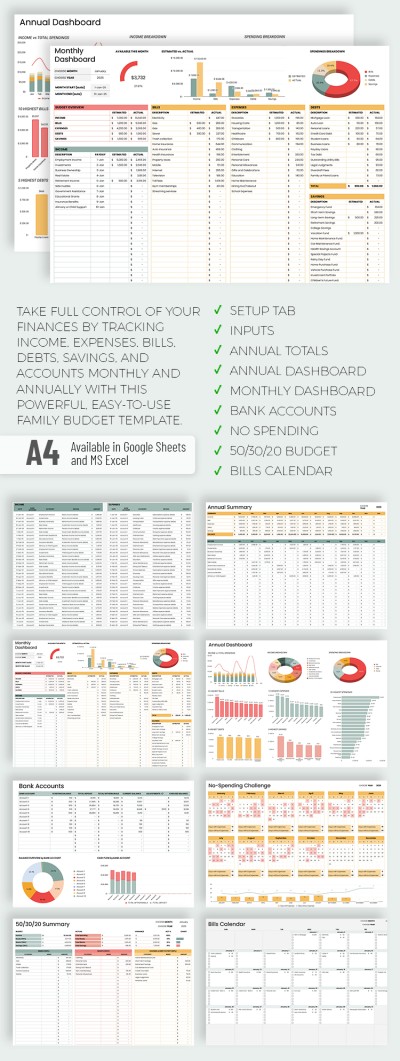
Easy-to-Use Family Budget Tracker Template
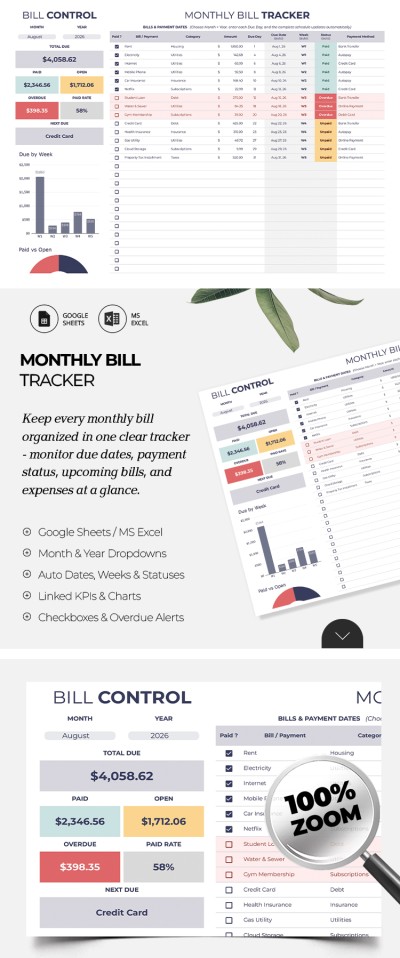
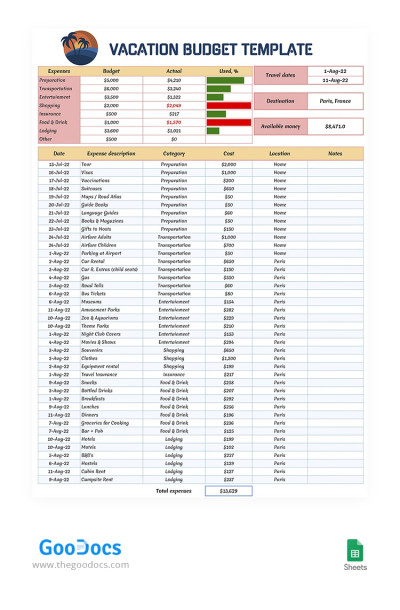
Vacation Tracking Budget
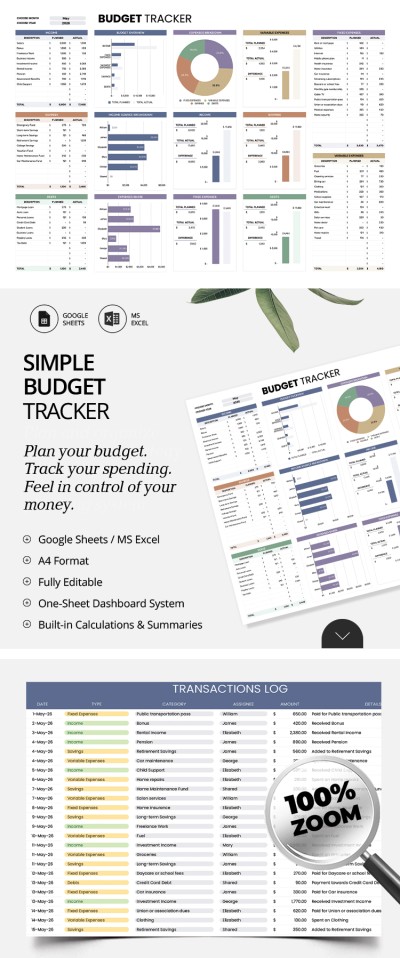
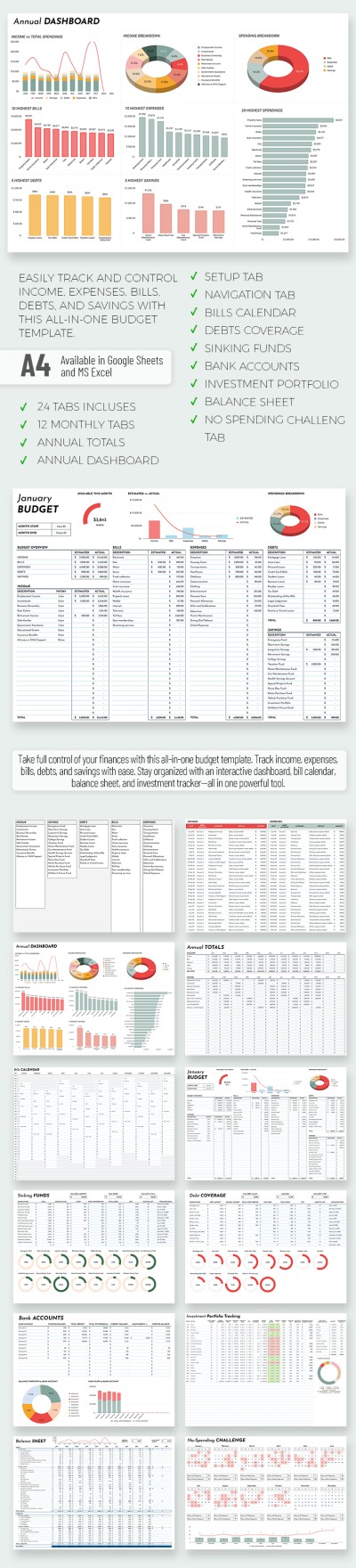
All-in-One Monthly Budget Template With Debt Tracker and Calendar
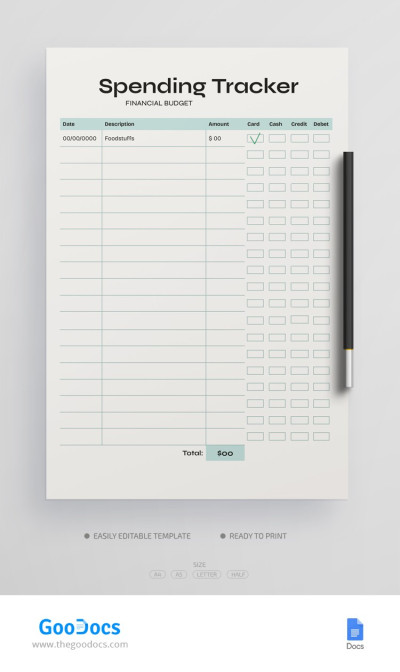
Personal Spending Tracker Budget
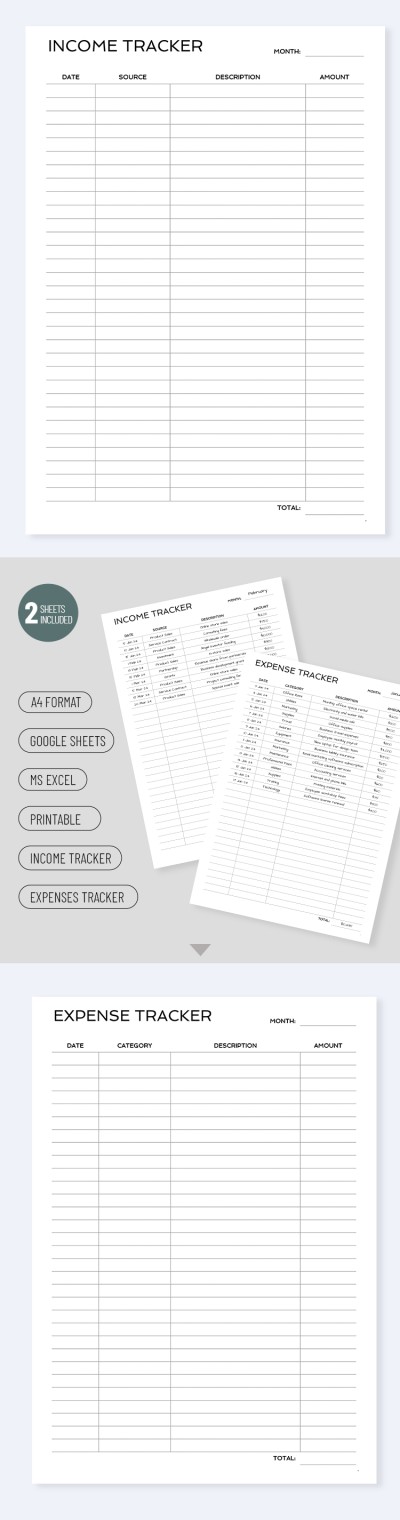
Business Income Tracker
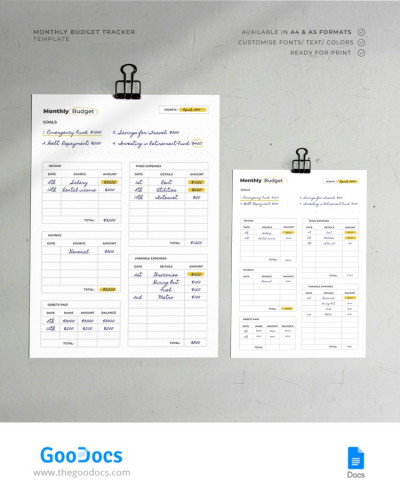
Printable Personal Monthly Budget Tracker
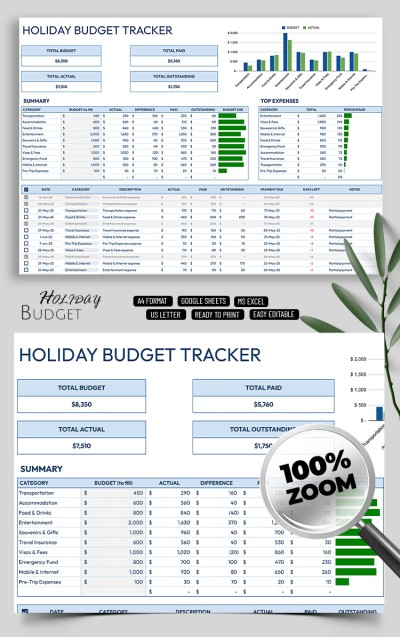
Easy Holiday Budget Tracker Template for Families
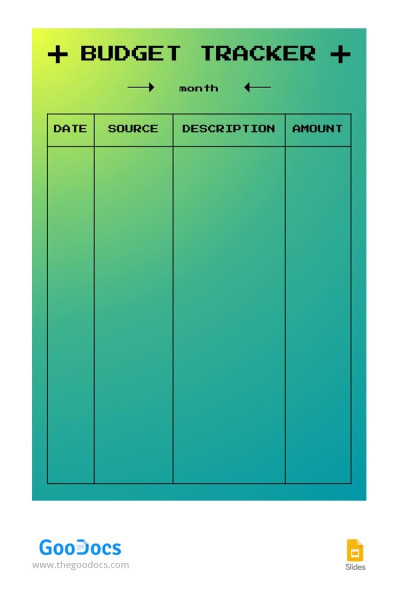
Gradient Budget Tracker
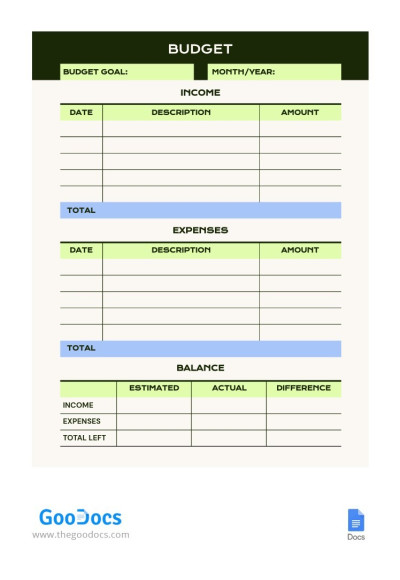
Simple Personal Monthly Budget Tracker
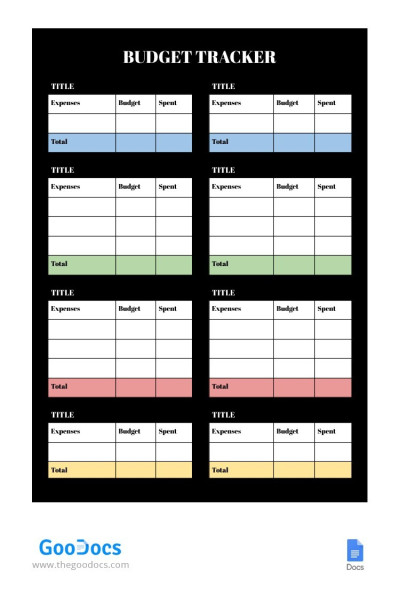
Black Budget Tracker
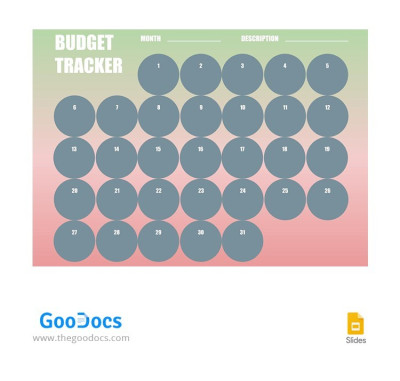
Green and Pink Budget Tracker
Please try different filters or clear all to start over.
Want to manage your personal finances more effectively, optimize business expenses, or keep travel spending in check? Our budget tracker templates will help you accomplish all of these tasks and more. Every template in our collection, regardless of its purpose, allows you to record and track your expenses and income.
More advantages of our budget trackers:
- The best format for working with numbers and budgets. You can easily find Google Sheets or Excel budget trackers on this page. These platforms allow you to use built-in formulas for instant, automatic calculations. We've prepared everything for your convenience, including automatic calculations of remaining funds and cost differences for various categories, charts showing expense-to-income ratios, and much more.
- Specialized templates for any occasion. You'll find both universal options suitable for any task and highly specialized templates on this page. Use trackers for recording vacation spending, business transactions, monthly or weekly income and expenses, and more. Each sample includes a pre-made structure, which you can easily customize. Type in new column names, expense categories, and adjust formatting to fit your needs.
- Convenient print-ready all-in-one spreadsheets. Our budget trackers allow you to work within a single document without cluttering your digital workspace. You can fill out tables, create new sheets within a single file, or simply print the template in A4 or US Letter size for reporting.
You can make your budget tracker effective and easy to use with our templates. Use thoughtful pre-made blocks for your entries to easily keep track of every digit. Start using our templates for free or find even more Excel tracker templates on our website.
Budget Trackers Templates FAQ
You can easily create a budget tracker in Google Sheets using pre-made templates from TheGoodocs. This approach saves you a ton of time. Just choose a fully editable spreadsheet and track your business, personal, family, or travel expenses.
Here’s how to set up a budget tracker that suits your needs:
- Choose the right template. Find specialized family, weekly paycheck, vacation, and even all-in-one budget trackers on this page.
- Customize the spreadsheet. Each template comes with a pre-made structure. You can enter your own income and expense categories or keep the defaults (the sample structure includes categories for fixed and variable expenses, debts, savings, and more).
- Set up your drop-down lists. We use drop-down lists for different expense and income categories. You can easily customize these values on a separate "Setup Sheet" or by clicking directly on the list cell.
- Add your actual income and expenses. Next to each category, there are columns for entering precise data. Simply enter your income and expenses for the week or month, and you're done. There also can be a separate transaction tracker where you can record all transactions, including the date, category, amount, and account name.
- Get automatic calculations. Our templates feature built-in formulas and charts, so you'll get a full overview of your spending history and will know for sure how much you've earned and spent, which categories cost the most, how much you've saved, and what your remaining debt is.
Stop wasting time creating spreadsheets from scratch. You can regularly use and review a pre-made Google Sheets budget tracker that logs every transaction.
The main difference between a budget and a budget tracker is that with a budget, you plan your income and expenses, while with a budget tracker, you record actual transactions.
Let's look at both options in more detail:
- A budget is a spreadsheet or document with separate categories for income and expenses, which you use to plan your personal, family, or business finances for a specific period (weekly, bi-weekly, monthly, or yearly). Each dollar of income corresponds to a specific category of spending and saving, even before you've received it.
- A budget tracker is a spreadsheet or document where you record your income and expenses after they occur. So, when you buy groceries, receive your salary or dividend payments, pay for utilities, or put money aside, you record each transaction in the budget tracker and get the total for that period.
You can use both tools at once to get the most detailed overview of your spending, or choose the one you find easiest to use. On this page, you'll find a variety of budget tracker templates for any personal and business needs.
It’s a good idea to update your budget tracker once a week. This timeframe is ideal because the number of transactions won't pile up like it would with a monthly update, but you still don't have to do it every day. Choose any day of the week that works for you to spend just a few minutes entering your transactions and updating your spending and income. Thanks to the pre-made budget trackers with automatic formulas on this page, this task becomes even easier since you won't need to spend time on calculations.