Get unlimited access to 5000+ Templates for Google Docs, Slides and Sheets
Unlimited Access
ADVERTISEMENT
ADVERTISEMENT

DIY Editable Back to School Brochure

Use this free template with Google Slides and Microsoft PowerPoint
4.25 (1 reviews)
Last updated Updated September 9, 2026
Type Trifold, Cute, Portrait, A4 / US Letter
ADVERTISEMENT

Template Specification

Format Google Slides, Microsoft PowerPoint
Created April 18, 2025
Last Updated September 9, 2026
Community Added to collections by 5 Users
Usage Stats 8 downloads this month

Key Features of This Template

Suitable For School Managers , Teachers
Holiday Back to School

About this template

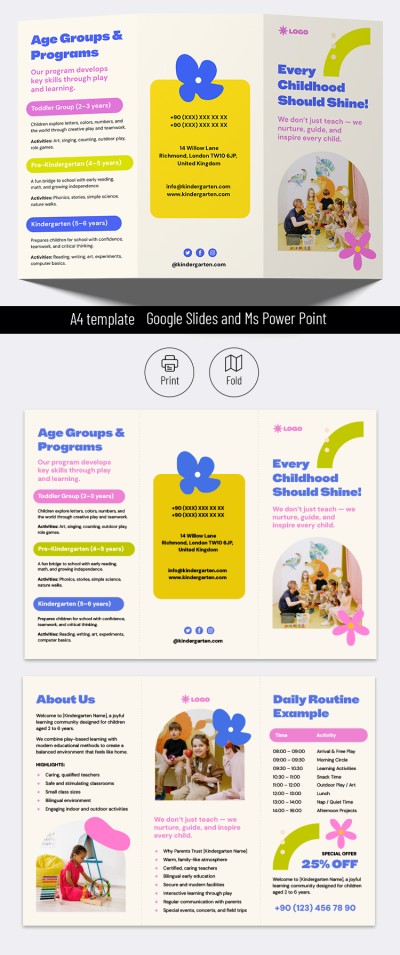
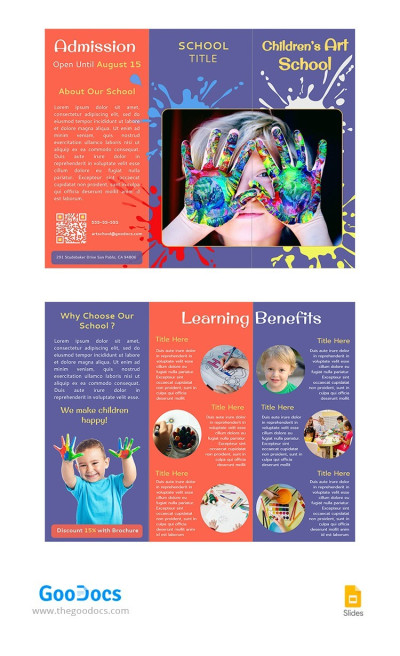
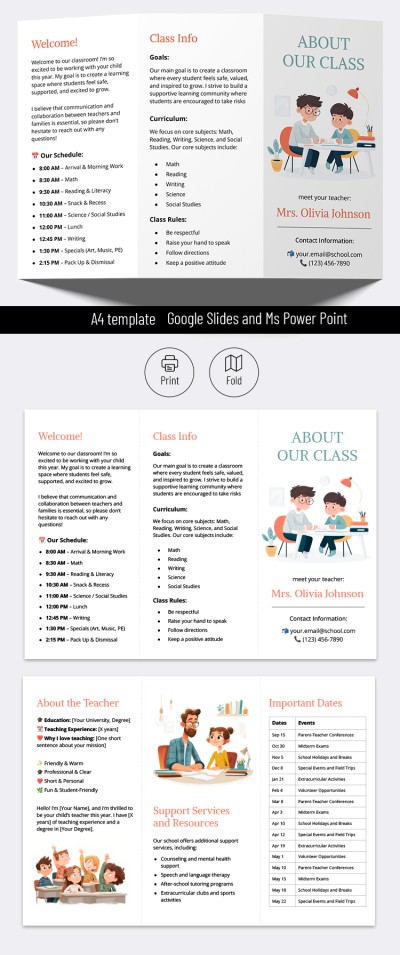
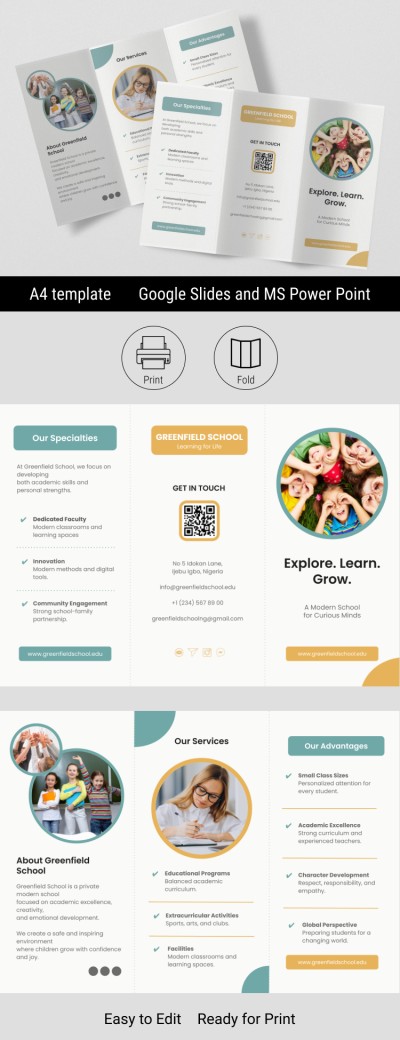
Inform your students and their parents about everything they need to know before the new school year with our DIY Editable Back-to-School Brochure. This brochure layout in Google Slides and PowerPoint is designed to help you share what to prepare for school, what subjects children will be studying this year, the class schedule, and other must-know details.

Ready-Made & Editable Brochure Example

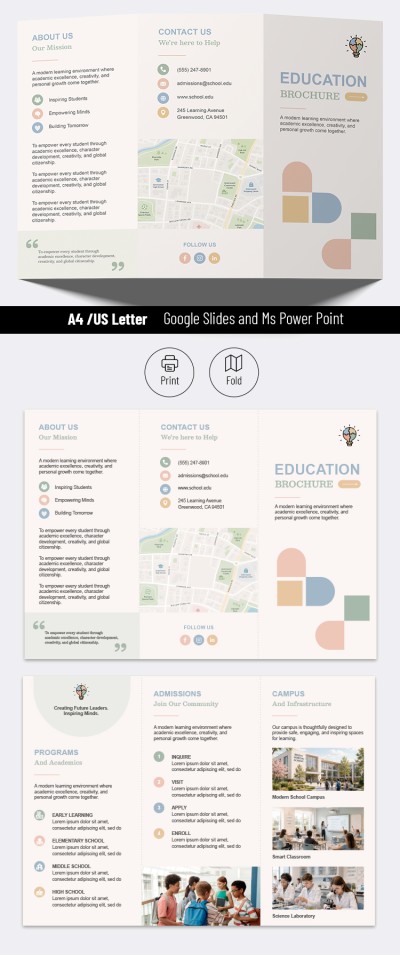
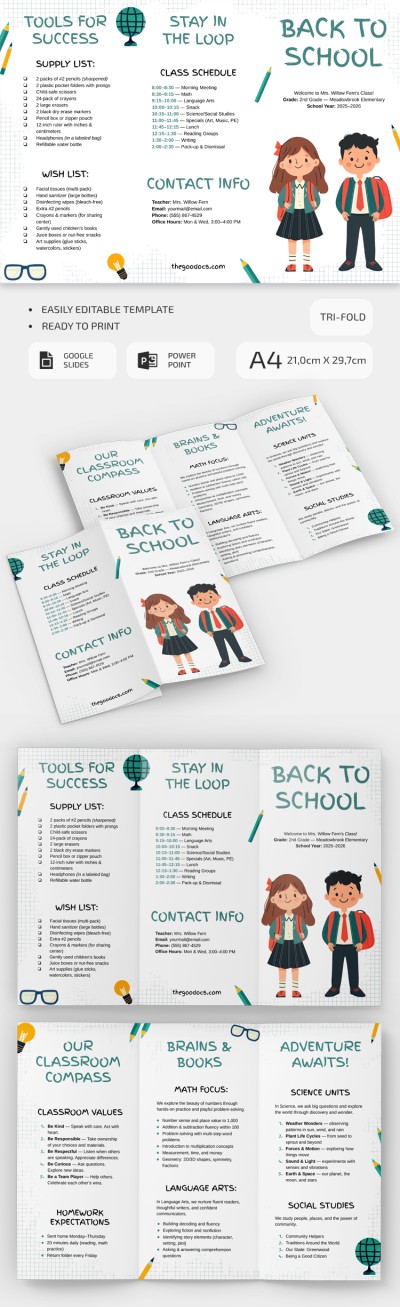
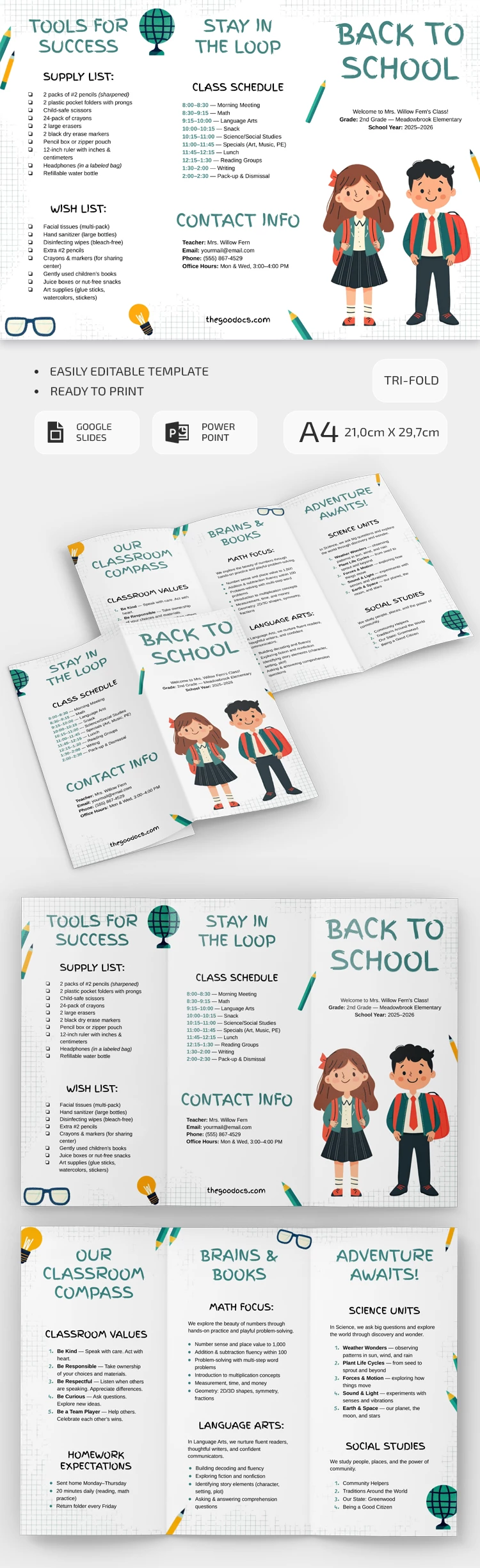
This template includes everything that needs to be covered before the new school year begins, so you can even use the sample text and structure to save time. The tri-fold layout is perfect for dividing all information into six panels, so parents and students can quickly find the details they need.

Start filling out this cute brochure template in a convenient format today:

  • The template includes sections such as Tools for Success, Stay in the Loop, Contact Info, and Back to School on one side.
  • On the other side of the paper are sections like Our Classroom Compass, Brains & Books, and Adventure Awaits.

Each category is further divided into items such as the Supply List, Homework Expectations, Class Schedule, and more. Using this editable layout or other options from our trifold brochure template in Google Docs collection, you can add any relevant information for your class. After customization, all our templates are ready to print!

ADVERTISEMENT
Free Template

Download Free Template

Choose your platform and start editing right away
PLATFORM

Google Slides

Opens in browser

Microsoft PowerPoint

.pptx
PAPER SIZE
A4
Google Slides – A4
Duplicate to Google Classroom
No account required • Attribution required

WHAT’S INCLUDED

Customizable sections for key information
Vibrant graphics and characters
Easy-to-read trifold format
Printable and editable design

Brochures & Pamphlet Tips

1
Personalize with school's name for added professionalism.
2
Include colorful images to capture attention.
3
Print on high-quality paper for durability.
4
Regularly update contact information.

FAQ

Is this template compatible with PowerPoint? Yes, it works with both PowerPoint and Google Slides.
Can I easily share it with parents? Absolutely, you can easily share the digital copy.
Is this template fully customizable? Yes, all sections can be edited to suit your needs.
Is this template free of charge? Yes, you can download and use it for free.
What grade level is this suitable for? It's designed for elementary school levels.
ADVERTISEMENT

How to Use and Edit This Template

Get Your Document

1

Get Your Document

Click the "Edit Template" button to create your own editable copy in Google Slides or download for Microsoft PowerPoint
Customize Everything
2

Customize Everything

Easily change colors, fonts, and layouts to match your unique style or brand identity
Add Your Content
3

Add Your Content

Fill in your data, upload images, and replace the placeholder text with your own information
Print, Export, or Share
4

Print, Export, or Share

Print, export as PDF, or share instantly

Related Templates

Recently Viewed