
Gradebook Templates in Google Sheets and Microsoft Excel
Create a custom gradebook for your classes and tasks regardless of the number of students. Our editable gradebook templates in Google Sheets and Excel provide a ready-made layout for tracking student progress. They also come with automatic GPA formulas, drop-down lists for attendance, and a layout designed for any number of subjects. Our templates are perfect for educators across schools, colleges, and training centers.
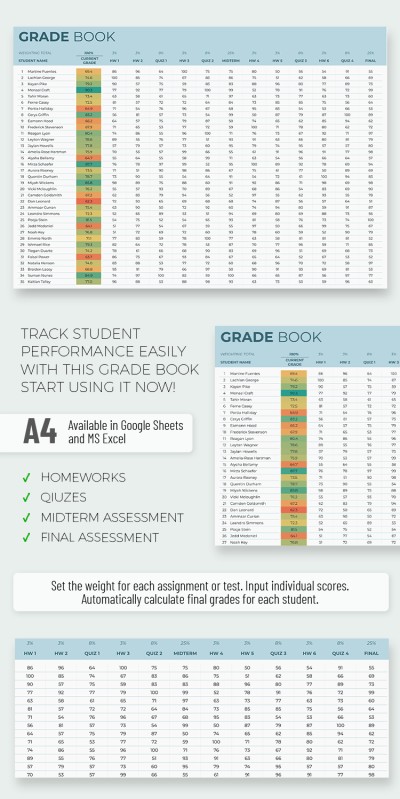
Grade Book
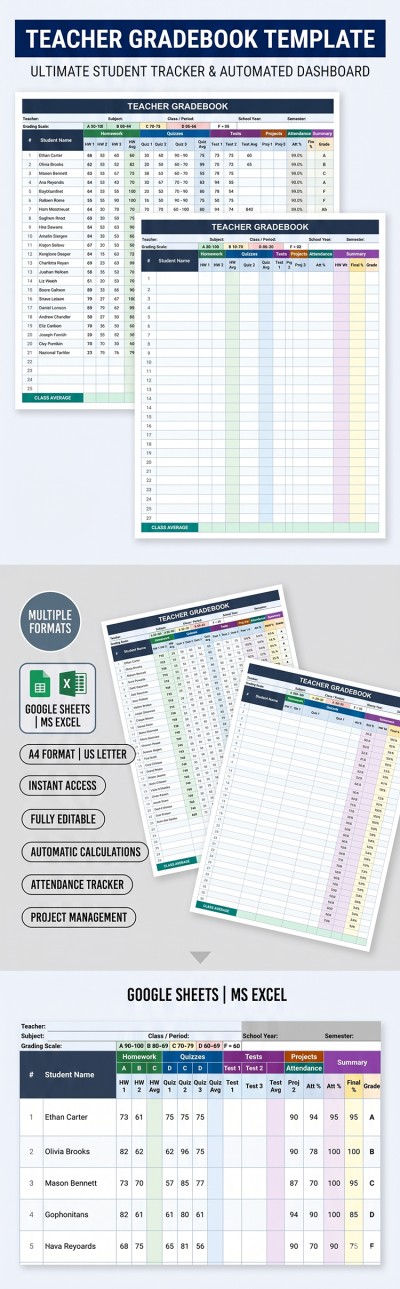
Teacher Gradebook Template
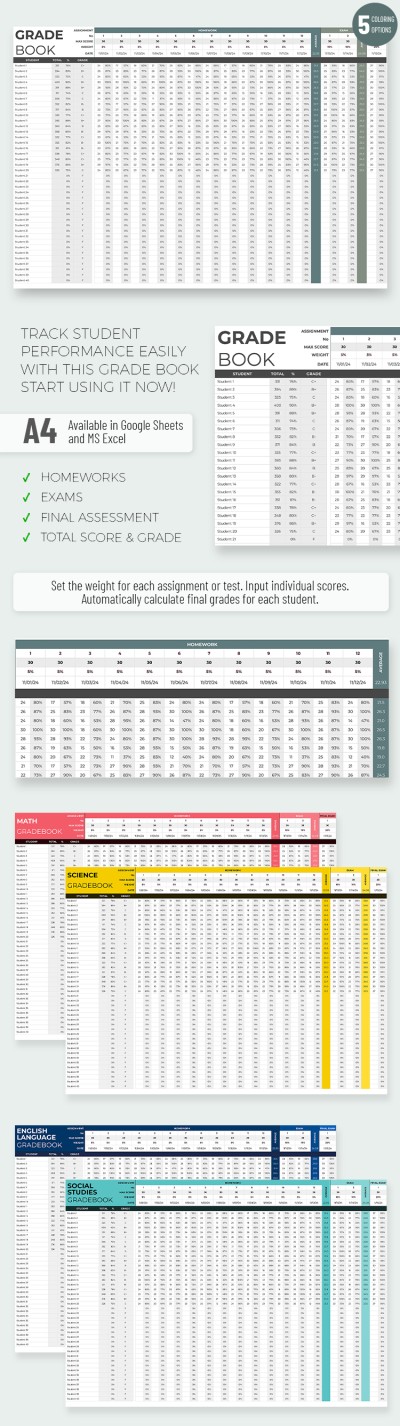
Editable Gradebook
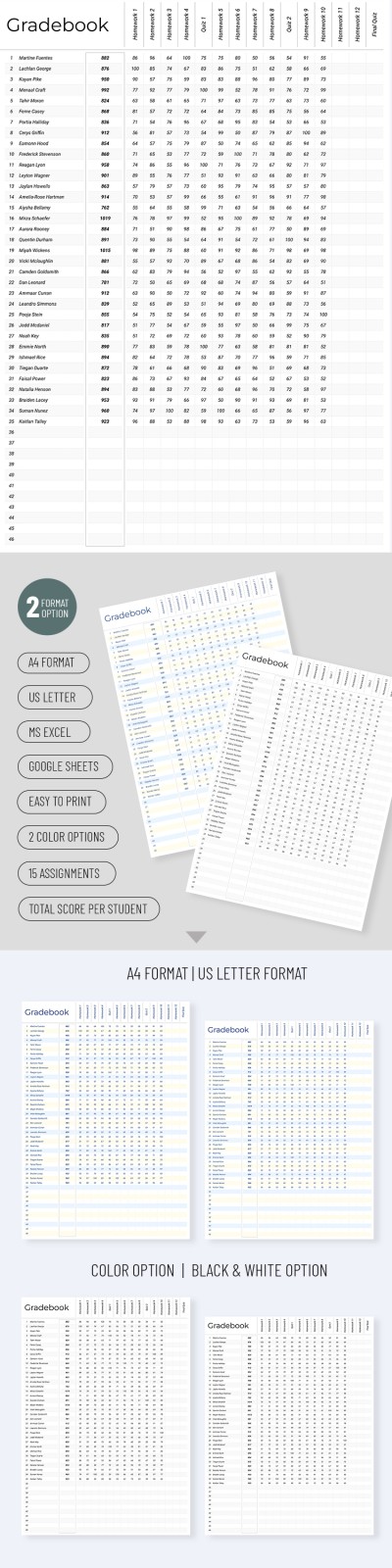
Simple Gradebook
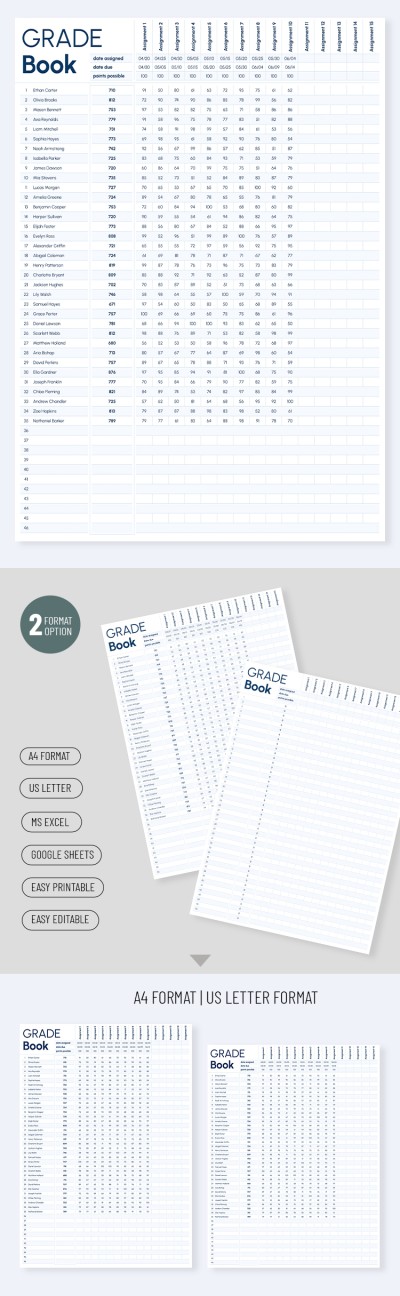
Gradebook Printable Template
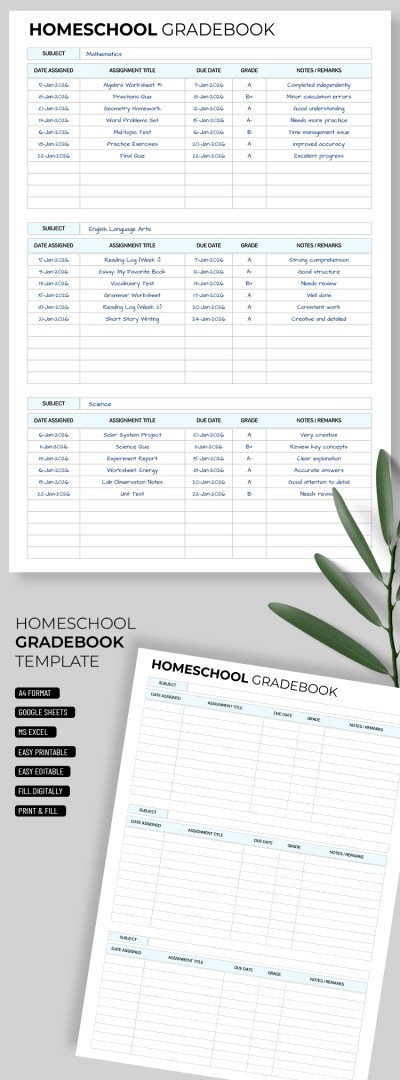
Homeschool Gradebook Template

Classic Grade Book
Khaki Gradebook
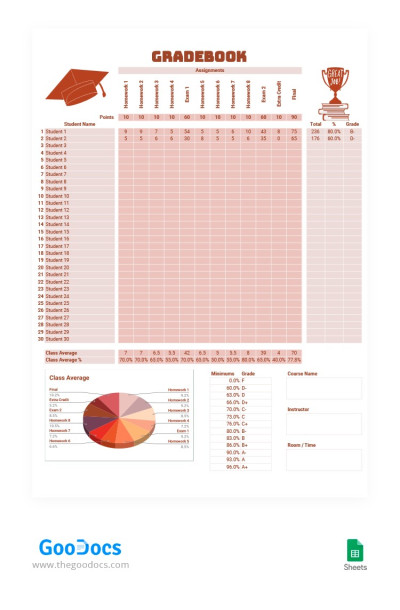
Brown Gradebook
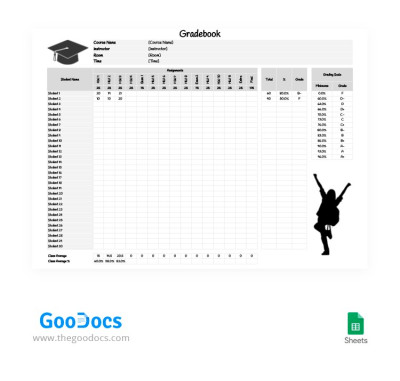
Black and White Gradebook
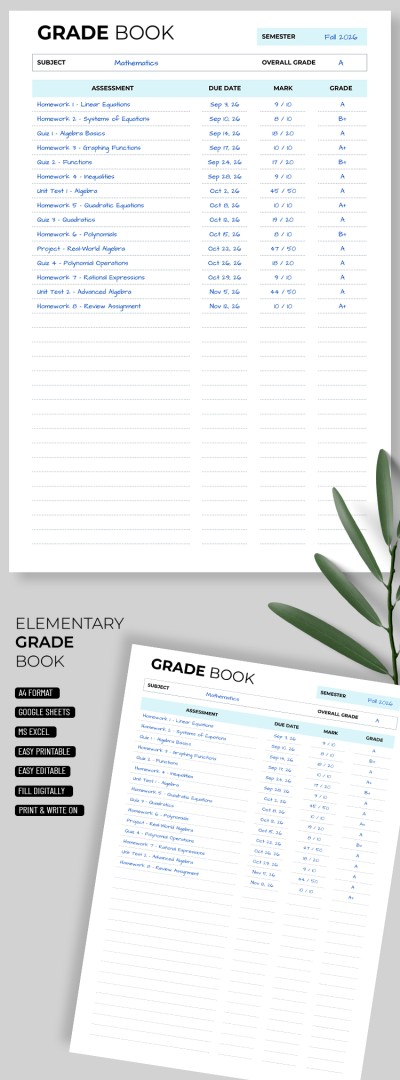
Elementary Gradebook Template
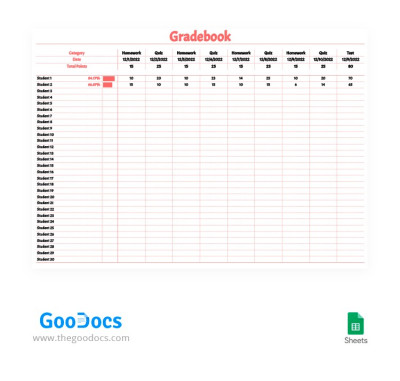
Light Red Gradebook
Please try different filters or clear all to start over.
Assigning grades isn’t simple, but summing them up, calculating averages, or locating specific student data is an even more complex task. This collection of gradebook templates helps eliminate routine paperwork. Our layouts provide a pre-made structure to filter students by name, select attendance status from drop-down lists, and apply automatic formulas.
Key benefits of grade book templates:
- Use automatic features to save time. A convenient structure and clean design are just the beginning. These spreadsheets simplify calculating GPA and tracking attendance. Automatic formulas update the average immediately after data entry for each student. There are also simple printable forms for offline reports.
- Fill out and customize the spreadsheet in your preferred format. These gradebook templates for Google Sheets and Excel are straightforward to use. They include sections for student names, assignments, due dates, and grades. Simply update the document after each assessment by entering the data into the designated cells.
- Store all class data in a single file. Most layouts have no limit on the number of students or classes. Use separate copies of the spreadsheet for different groups or manage everything on multiple sheets within one file. This makes it easy to respond to performance requests by sharing a specific sheet with all the necessary data.
Find dozens of unique gradebook templates on a single page to meet every classroom need. Start using them for free or with a premium subscription right away.
Gradebooks Templates FAQ
A gradebook template is a preformatted spreadsheet or document designed for Google Sheets and Excel. This tool allows teachers to enter student names, assignment titles, and quiz results into the structure and assign grades after that. They are very convenient because built-in search features help locate information on any student quickly, while automated formulas calculate GPA and final grades.
Using a gradebook template is much easier than creating a spreadsheet from scratch. You can follow these simple steps to get started:
- Choose the template you like. This page offers a variety of Google Sheets gradebooks.
- Add student names. Click the desired cell and type the name.
- Record and manage grades. Fill out the template regularly with results for quizzes, tests, and homework. Most layouts include enough columns to last an entire academic year.
- View automatic GPA and final grade calculations. Built-in formulas provide accurate results immediately after data entry.
Google Sheets gradebook templates save time and work perfectly for schools, colleges, and training centers. Try them for free on this page.
Yes, every gradebook template from TheGoodocs is easy to customize. Add student names and grades for each class by clicking a cell and replacing the placeholder content. These layouts are also flexible in terms of design and structure. Choose different fonts, add a school logo, or include the educator's name. It is also possible to create multiple copies of the template for different classes.
Our gradebook templates support tracking anywhere from 20 students on a single sheet to an unlimited number. You can easily expand your gradebook by adding rows to accommodate more students and grades without breaking the layout. Duplicate sheets within a single file to organize and separate data by class or subject.
Yes, most gradebook templates calculate grades automatically. Once you enter the data, the template will show the GPA for each student. This is possible due to built-in formulas that work in Google Sheets and Excel. You also have the flexibility to edit these formulas to include assignment weights or extra credit. Additionally, this page features simple templates without formulas that are ready for printing on A4 and US Letter paper without any extra adjustments.
Yes, a gradebook template works perfectly for multiple subjects. The easiest way is to make copies of the file or create separate sheets within a single spreadsheet. To copy the entire file, go to File, select Make a Copy, and enter the name of your subject. To manage different subjects in one file, right-click the sheet tab at the bottom and select Duplicate. These methods work for both Google Sheets and Excel templates.
Yes, you can find many free gradebook templates on this page. No registration or subscription is required to use them. Simply select a spreadsheet you like, click on the template header or preview, and choose your preferred format (press "Edit in Google Sheets" or "Download in Excel"). Your copy or download will begin automatically after a few seconds.