
Restaurant Inventory Templates
Use our restaurant inventory templates to manage and track stock in your storage areas and kitchen. Our Google Sheets and Excel versions feature automated formulas for cost calculations, allowing you to monitor usage, track expiration dates, and see exactly when you need to restock. Google Docs and Word templates are ideal for creating printable inventory reports. Choose the right template on this page, fill it out, and streamline the way you log and manage your restaurant inventory.
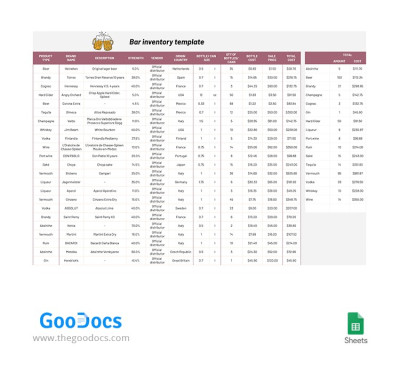
Bar Inventory
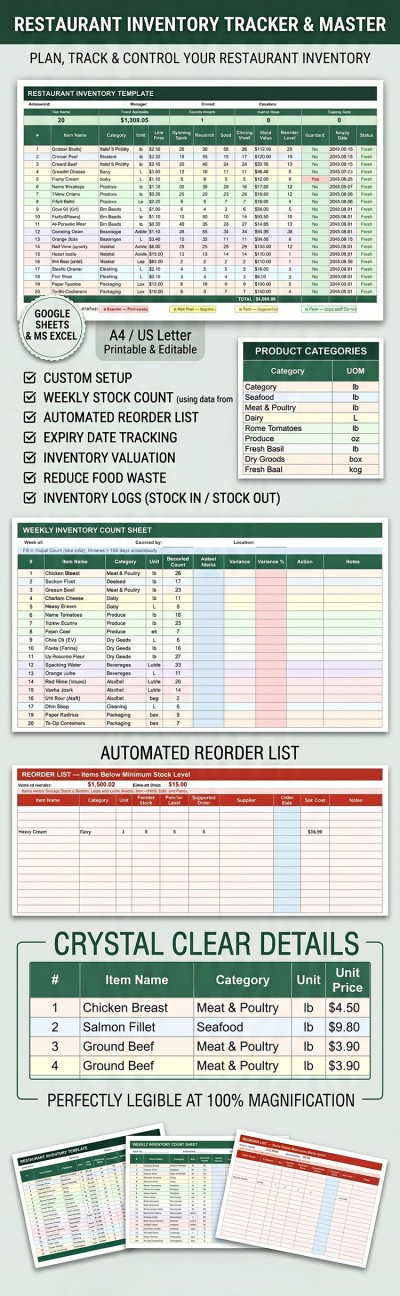
Restaurant Inventory Template
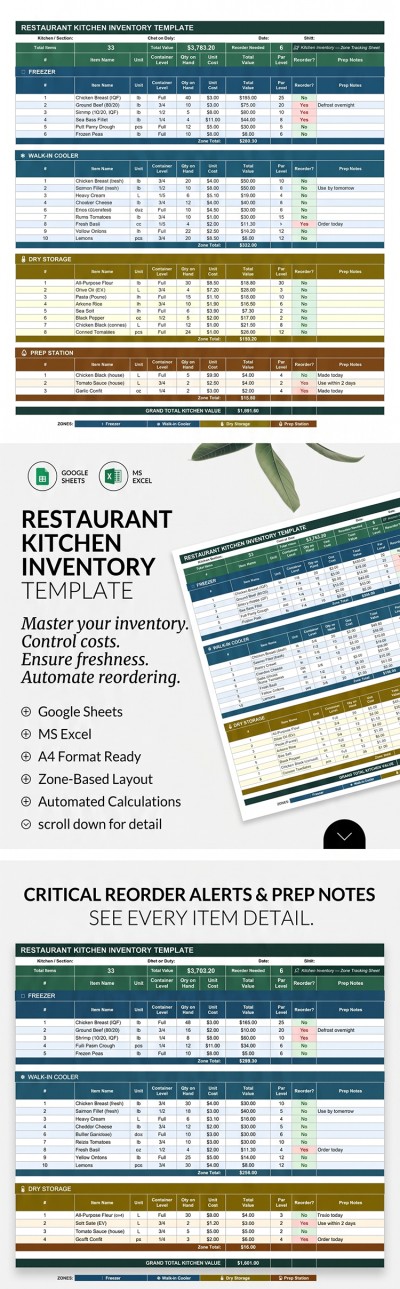
Restaurant Kitchen Inventory Template
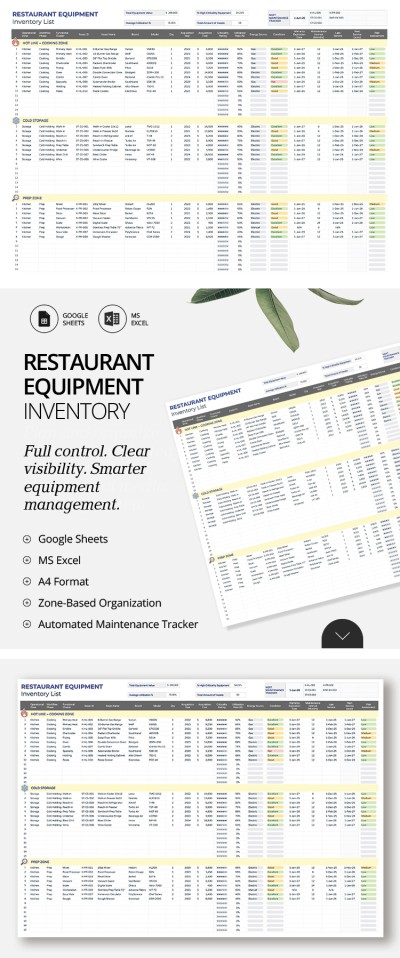
Restaurant Equipment Inventory List Template
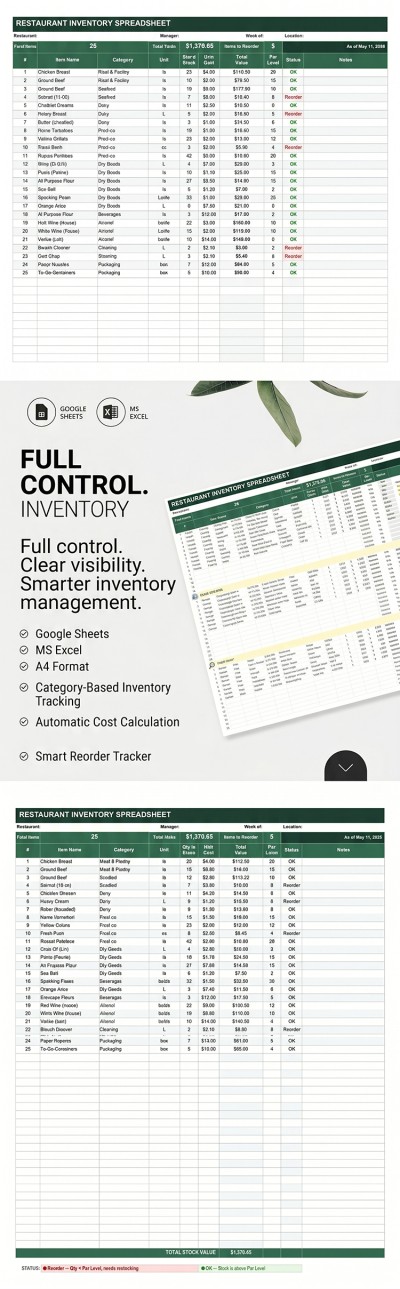
Restaurant Inventory Spreadsheet
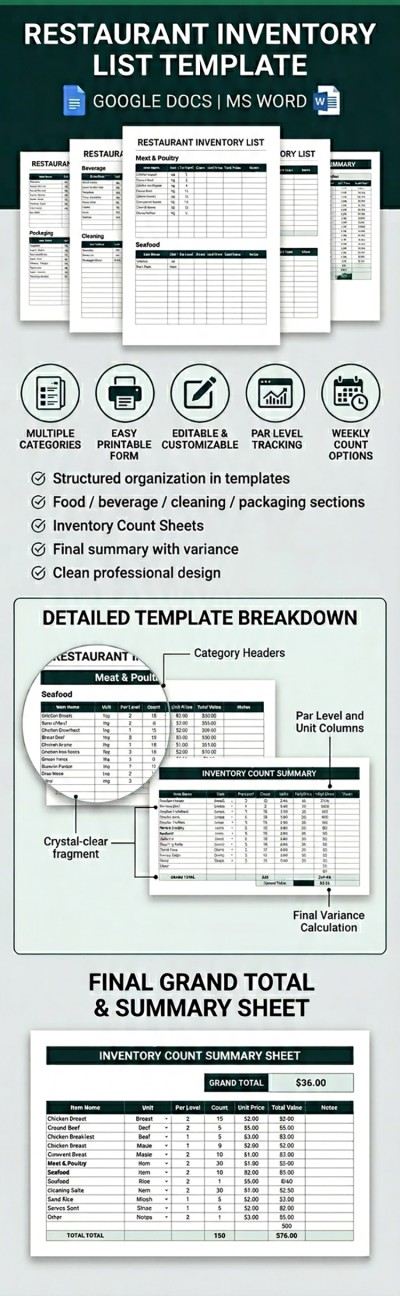
Restaurant Inventory List Template
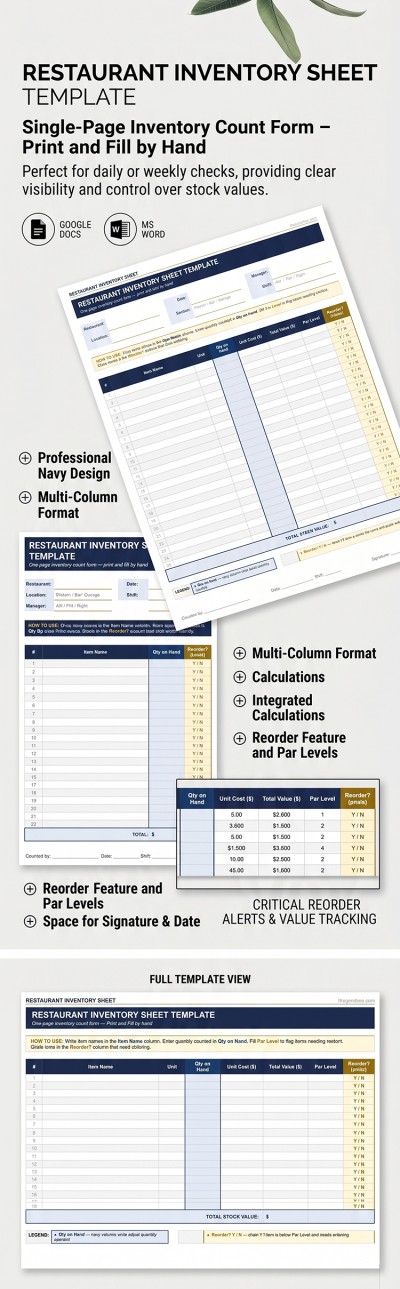
Restaurant Inventory Sheet
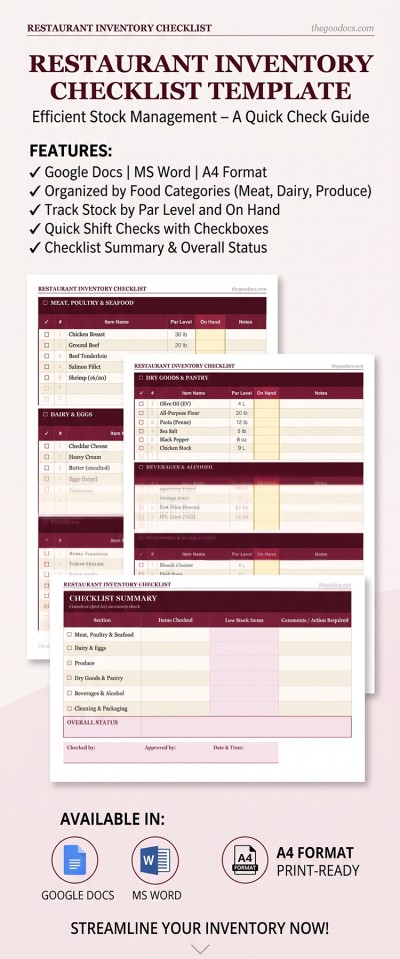
Restaurant Inventory Checklist
Please try different filters or clear all to start over.
Manage your stock and equipment with professional restaurant inventory templates. Our templates are divided into sections that you can customize based on your storage setup. List everything in your refrigerators, freezers, and bar area, and conduct regular audits without wasting time. You can manage your inventory digitally on any device or choose printable inventory templates for manual reporting.
Experience the benefits of our restaurant inventory templates:
- Templates are easy to use in familiar software. This page features various restaurant inventories, including options for Google Sheets, Google Docs, Excel, and Word. You don’t need to buy extra software or learn new tools to get started. Plus, the pre-set formatting keeps the design, fonts, and tables intact after you fill them out.
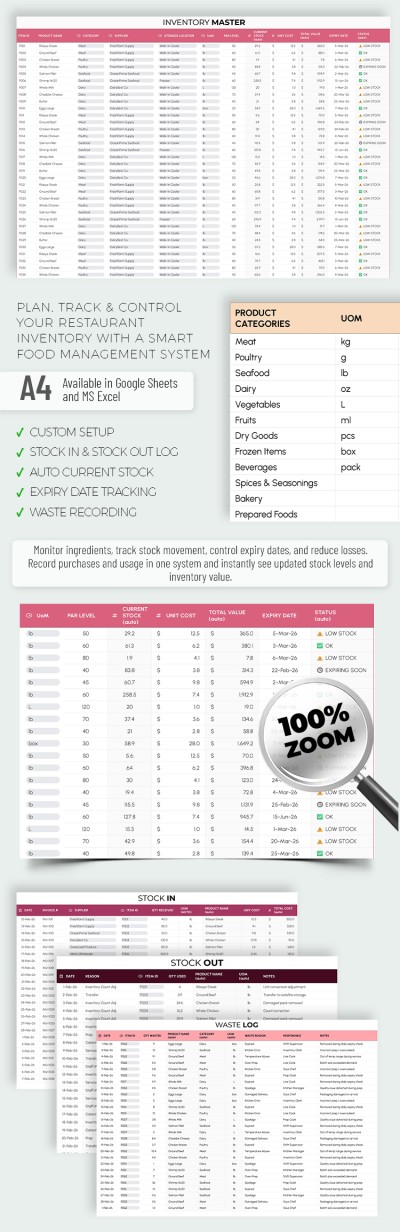
- Built-in automation is included. Our Google Sheets and Excel inventory lists come with formulas to automatically calculate the total value of each product and all items in a specific area. You’ll also get clear visual alerts for reordering when stock levels reach the minimum you’ve set.
- Staff workflows and reporting are much simpler. You can use a ready-made blank or spreadsheet as the standard for monitoring all shifts and storage areas. The layout provides clear columns for dates, staff in charge, notes, and more. All changes are saved automatically in digital formats, and files are ready for printing.
Streamline your purchasing, track expiration dates, and manage your equipment with our free restaurant inventory templates. You can find even more food inventory templates for any occasion on our website.
Restaurant Inventories Templates FAQ
A structured inventory spreadsheet simplifies regular inventory checks in your kitchen and storage areas.
Here's how you can create an inventory list:
- Create a new spreadsheet in Google Sheets or Excel. These formats are best for inventory because they provide helpful automation features.
- Create a reporting header. In this section, you can add fields for shift details, the staff member in charge, the date, and more.
- Organize your products into categories. You can group items by type (Meat, Alcohol, Dairy, etc.) or by storage zone (Freezer, Refrigerator, Dry Storage).
- Fill out your spreadsheet. Allocate each item to a separate row. Enter the item number, name, unit, unit cost, total cost, and expiration date, and include a column for notes.
- Implement automation. Instead of calculating the total value manually, use a simple formula: Quantity On Hand x Unit Cost.
You can also save time by using a ready-made restaurant inventory list from TheGoodocs. Our templates feature pre-built structures, automatic formulas, and even alerts for when to reorder. They are available in Google Sheets and Excel and are free to use right now.
Your restaurant inventory template should be organized by storage area or product type. Each category should list all items kept in your storage rooms or kitchen. Add the item number, name, unit, quantity on hand, unit cost, total value, par level, expiration date, and a reorder indicator. The header should also include details for easier reporting, such as the chef on duty, date, and shift. Such a structure allows you to manage all the supplies in your restaurant and quickly update your data.
A well-structured spreadsheet and regular checks are all you need to keep track of your alcohol and liquor inventory.
Here are a few tips to help you:
- Use a customizable alcohol inventory template. You can find plenty of them on our website.
- Organize the template to suit your bar's layout. Arrange the items in your spreadsheet so their order matches the way they are placed on your shelves.
- Don't just count full bottles. Instead of only counting unopened stock, include partial bottles as well. You can weigh them or estimate their volume using decimals (from 0.1 to 0.9) for more accurate results.
- Keep track of all alcohol purchases. By subtracting the number of servings sold from your starting stock, you can easily see if your inventory balance is correct.
- Perform regular counts. Doing an inventory check every week or two will help you determine exactly when a reorder is needed.
Combining a clear organization with an automated, editable template will help you get your inventory done much faster.
Restaurants should conduct inventory checks at least once a week. This approach allows you to accurately track stock levels, restock missing items, and monitor expiration dates. However, even in this case, it's best to check the quality of perishable items (such as meat, seafood, and produce) daily.
No, an inventory checklist and an inventory sheet aren't quite the same thing, although they are often confused. An inventory checklist helps you organize your checks so they are done consistently. For example, when inspecting different storage areas, an employee uses a checklist to stay on track and make sure nothing is missed. An inventory sheet, on the other hand, is a tool used to record and track data for your entire inventory, including product names, quantities, unit prices, total values, and more.