
Roadmap Templates
Creating a roadmap template can be challenging, even for seasoned project managers, marketers, and developers. But now you can use free and premium roadmap templates in Google Sheets and Excel from our platform. Our templates include a structure with a customizable timeline and phases that you can insert into pre-designed blocks. You can also edit the style and content in convenient formats.
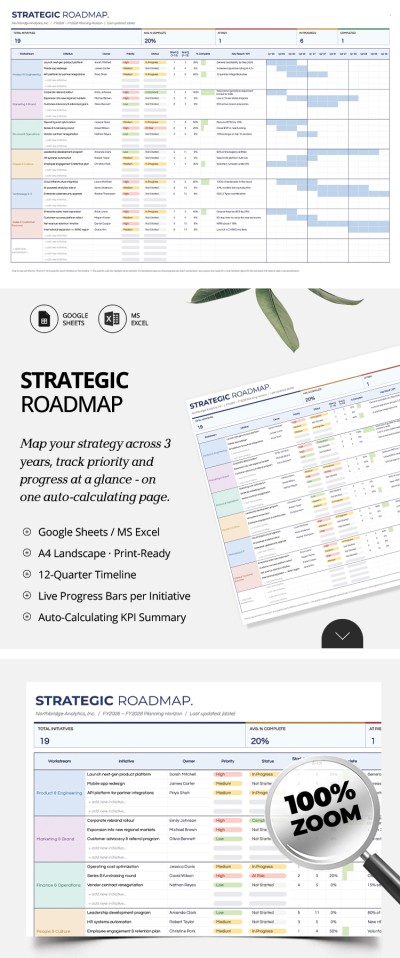
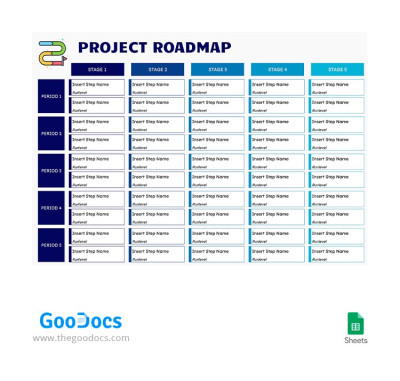
Blue Project Roadmap
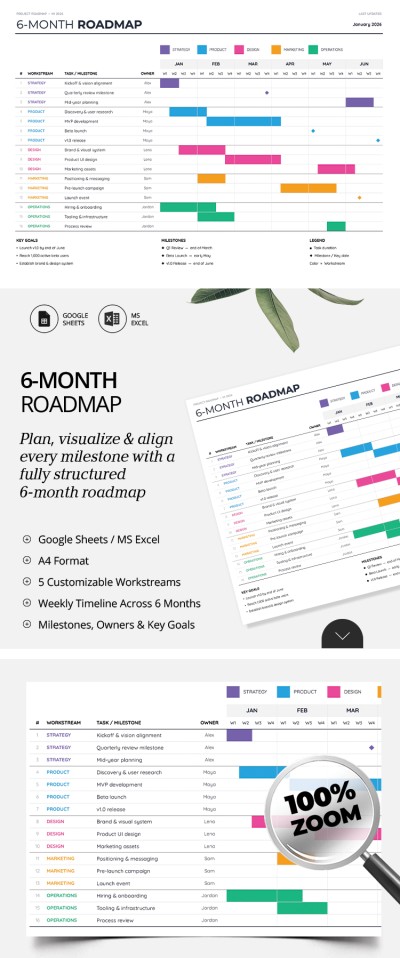
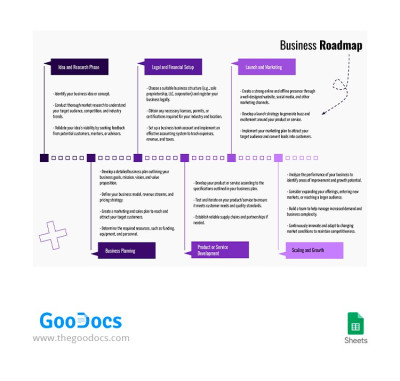
Basic Business Roadmap
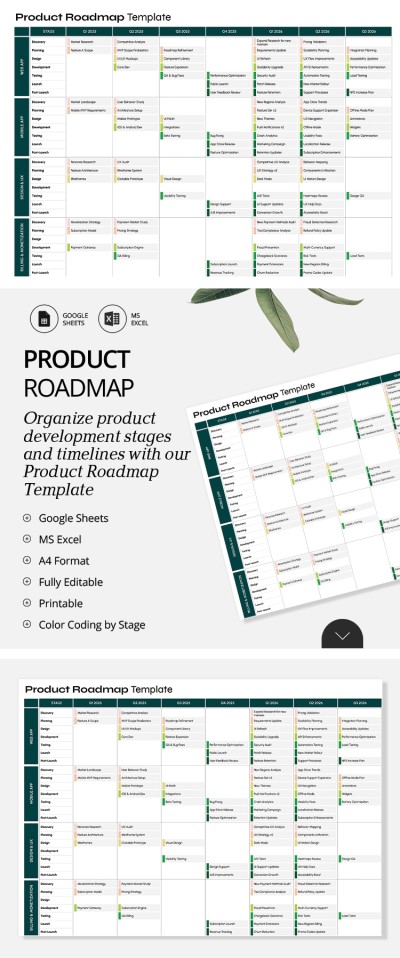
Editable & Printable Product Roadmap Template
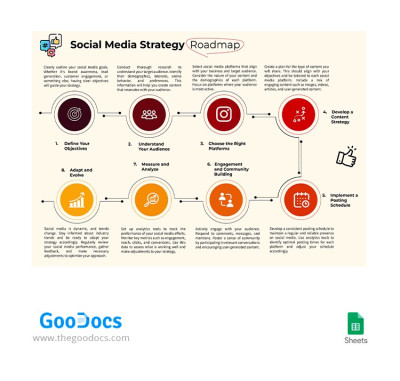
Social Media Strategy Roadmap
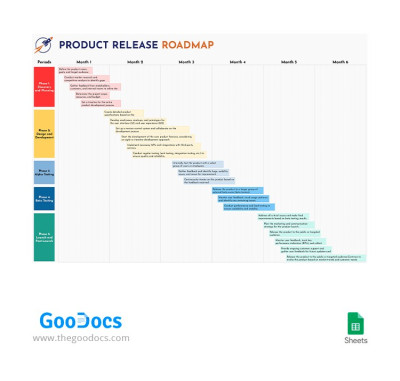
Product Release Roadmap
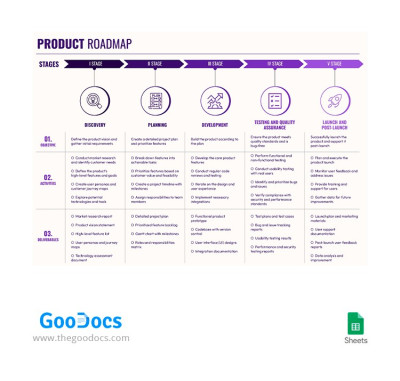
Lilac Product Roadmap
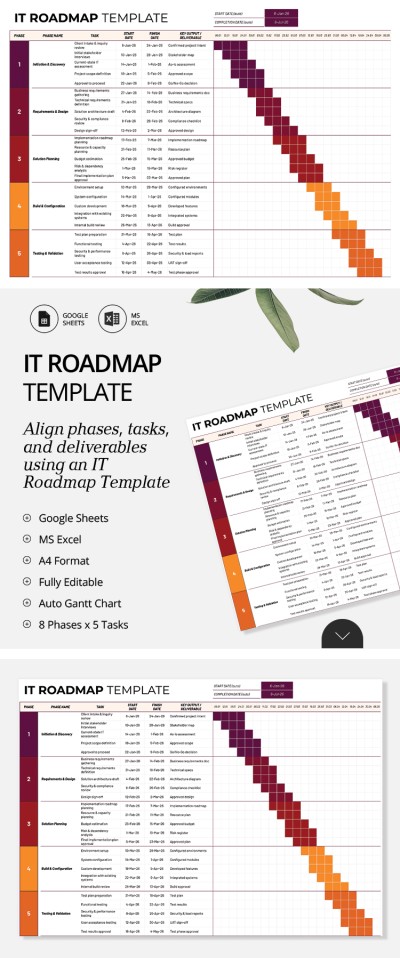
IT Roadmap Template
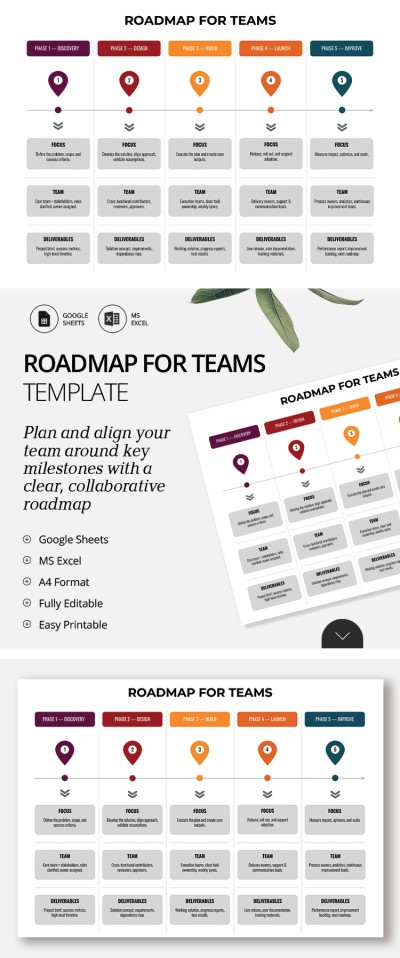
Roadmap Template for Teams
Please try different filters or clear all to start over.
Use roadmap templates for step-by-step planning of any project, strategy, or product. Our collection of free templates in various formats will help you visualize progress, even without specialized design or management skills.
Use a convenient free roadmap template:
- Our ready-made progress timeline tables offer everything you need. Inside the template, you’ll find fields for setting tasks and deadlines for each stage, visualizing progress and phases of completion, and tracking plan execution over a specified interval. Color coding and timelines are built in, so you’ll be all set.
- Our product roadmap templates are available in universal spreadsheet formats. Google Sheets and Excel offer the best built-in tools for customizing your roadmap template. We create a horizontal roadmap table right out of the box, and you can add your own tasks and goals for each stage.
- You’ll feel confident presenting your roadmap to senior management or clients. Choose from dozens of unique designs on this page. Easily customize colors and icons to match your company’s branding without leaving the editors. The initial design is also worth your attention, offering the best starting point.
This template collection is available in digital format and is also printable. You can edit and present a roadmap to your team, management, and clients with confidence. Even more Google Sheets timeline templates are available on our website.
Roadmap Templates FAQ
To create a roadmap template for any product, you need to:
- Outline all organizational issues. You must clearly understand the purpose of your product, what can be improved, and where your development is headed.
- Set goals and break them down into stages. Each goal should be fully achievable. The timeframe for achieving it should be determined jointly with all teams working on its implementation.
- Structure your roadmap. For this, you can use roadmap templates from TheGoodocs. We offer a ready-made structure and design where you can include goals, deadlines, and other organizational details.
- Customize the layout for public presentation. If your roadmap needs to be presented to customers, shareholders, or potential investors, you can customize the design and layout of each block in Google Sheets or Excel. Use your brand colors and add your logo.
Now your template is ready for presentation. Once you've finished your work in digital format, you can use it in Google Sheets or Excel, or print it out.
You can create a project roadmap in Google Sheets yourself or use ready-made templates. The second option is much simpler and more user-friendly, and you don't have to build the structure and design from scratch.
To use the project roadmap templates in Google Sheets from TheGoodocs, simply:
- Select the appropriate spreadsheet on this page and make a copy of it on your device.
- Use the default structure with sections such as phase, start and end dates, responsible parties, status, and notes to include goals, tasks, and a timeline for each project stage.
- Coordinate the timing of each stage with all teams involved in your project's development.
- View the charts that update automatically and are already added to the template.
- Review your project roadmap and submit it for approval.
We offer convenient roadmap templates in Google Sheets for project managers who want their roadmap to be user-friendly and fully achievable. Save time and achieve professional results.