
Asset Inventory Templates
Our asset inventory templates are designed to help you audit and track physical and digital assets within an office, department, or an entire company. Built-in formulas in Google Sheets and Excel automatically calculate total costs, depreciation, and even amortization. You can easily organize serial numbers, IT specifications, locations, responsible employees, and service dates in one convenient spreadsheet. Use our free digital templates or print them out for reporting.
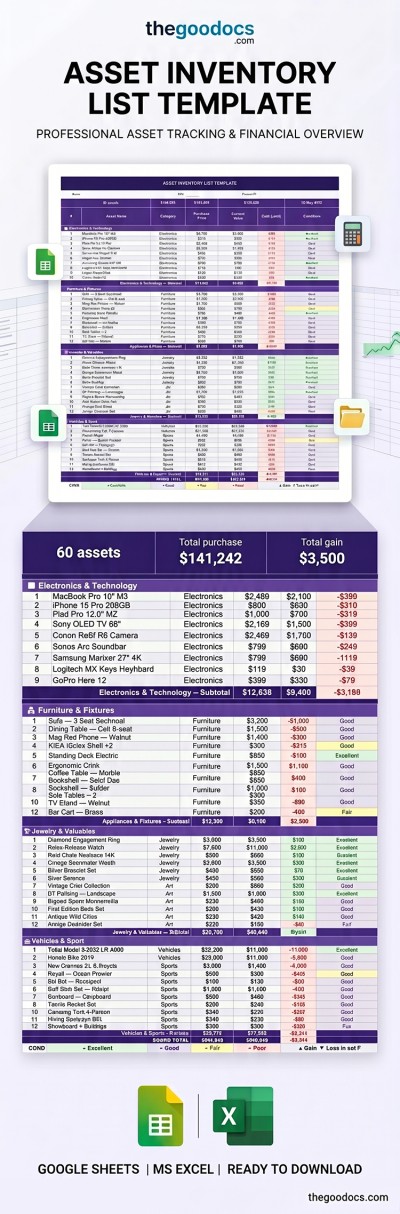
Asset Inventory List Template
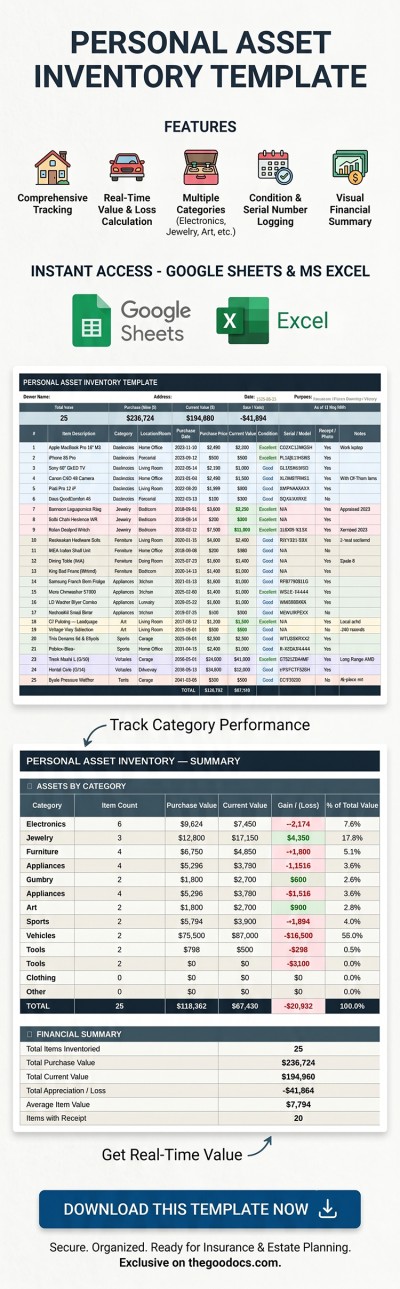
Personal Asset Inventory Template
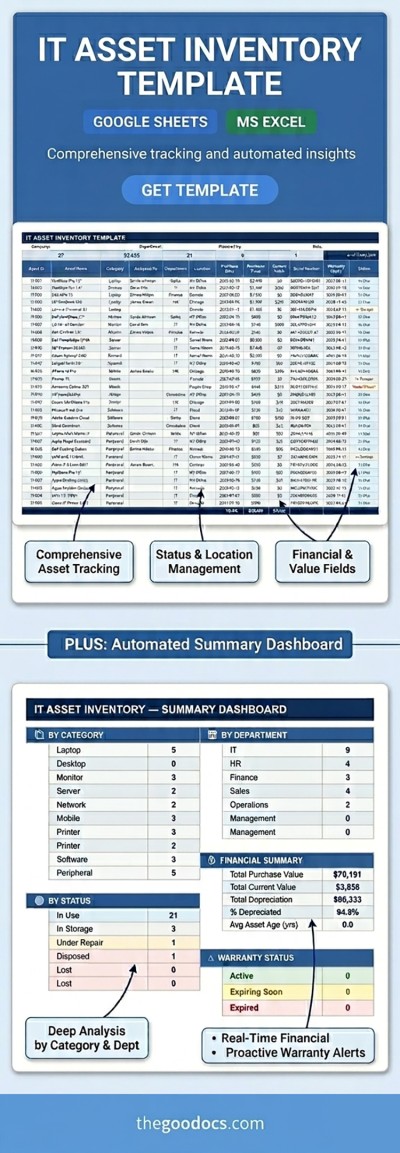
IT Asset Inventory Template
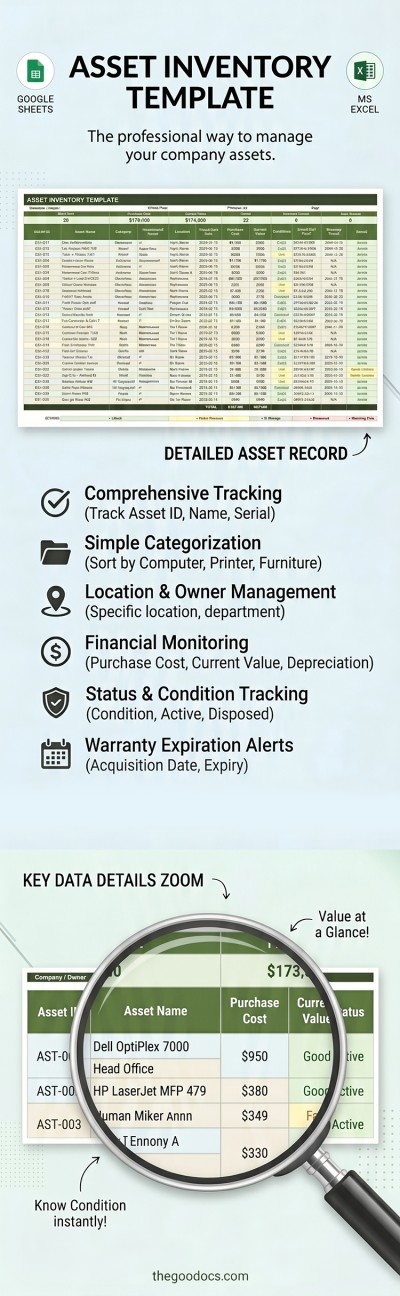
Asset Inventory Template
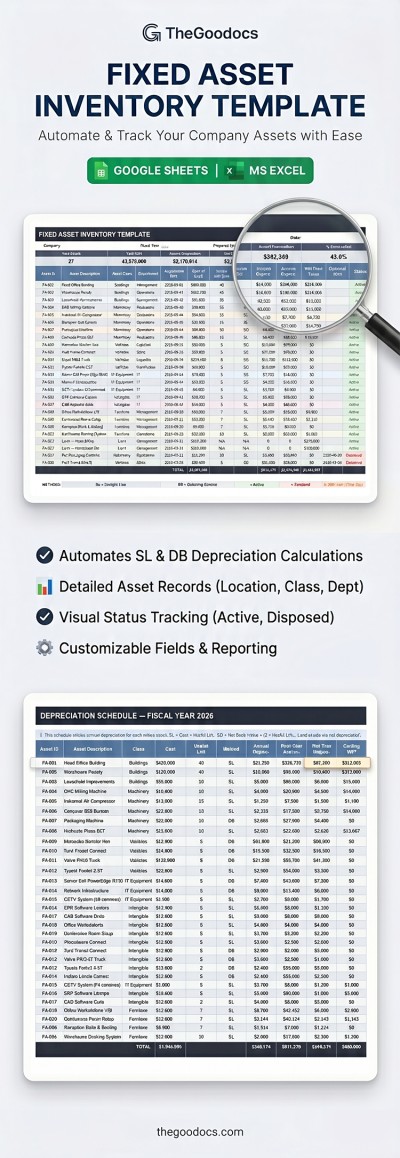
Fixed Asset Inventory Template
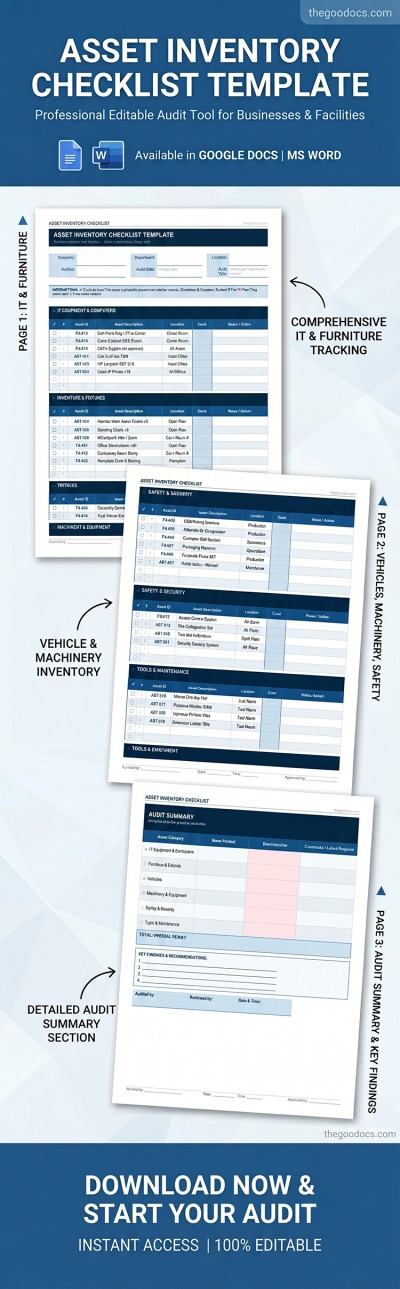
Asset Inventory Checklist
Please try different filters or clear all to start over.
Manage your company's acquisitions using our pre-made asset inventory templates. These templates significantly simplify and speed up the process of creating an organized spreadsheet to accurately track equipment, machinery, software, furniture, and other company property. Our pre-made templates will handle your core tasks seamlessly, and you can download your free copy right now.
More benefits of our asset inventory templates:
- Automated calculations and convenient features. Need an overview of the current value for each item? Our templates come with built-in formulas that show the current value of your equipment, taking into account depreciation, purchase dates, and other data you enter. Choose a status from a drop-down list or simply fill out the item details, and the spreadsheet will do the rest.
- Prevent financial losses and accounting confusion. You can enter the necessary data for each piece of equipment, software, machinery, or other items across all your company locations. Our spreadsheets include fields for serial numbers, inventory codes, models, locations, and more. With such a clear registry, handling reconciliations and preventing shortages is a breeze.
- Easy to use in familiar formats. Most of our asset inventory templates are available in Google Sheets and Excel. These tools not only support formulas, drop-down lists, and conditional formatting, but they are also very user-friendly. No extra software is required, as you can fill out the spreadsheet and you're done.
Choose a free or premium template on this page to track all your company's assets in a convenient layout. You can fill out our digital templates on any device and even collaborate with your team in real time. More Google Sheets inventory templates are available on our website.
Asset Inventories Templates FAQ
An asset inventory template is a structured spreadsheet or document used to record and track all assets owned by an organization or individual. Such a template features a pre-made table structure to record item names, serial numbers, locations, purchase costs, warranty information, and more. These spreadsheets list all types of assets, including physical (hardware, equipment, vehicles) and digital (software, licenses, databases).
Your asset inventory template should keep complete and detailed information about all the items you or your company owns.
To keep your asset inventory as complete as possible, you should include:
- Classifications. For easy searching within the spreadsheet, add the asset name, description, ID, category, and location.
- Financial information. For example, it's worth including the purchase cost and date, as well as the current value of the asset.
- Operational data. This includes the condition of the item (working, needs repair, lost, etc.), the next maintenance date, and warranty expiration details.
The most convenient way to organize this information is in a spreadsheet format, such as Google Sheets or Excel. You can use ready-made, free asset inventory templates from TheGoodocs, which include all the necessary fields, allowing you to start tracking right away.
A fixed asset inventory template is a spreadsheet or a document featuring a pre-made structure, formulas, and fields for recording all information regarding the long-term equipment and software owned and used by your company. Fixed asset inventory differs significantly from regular inventory intended for sale, as it includes only the assets used to run your business. In this type of inventory, you add information about equipment, vehicles, machinery, furniture, and digital assets (such as software licenses). Such templates include fields for the item's name, ID, description, location, category, purchase date and price, current value, and the responsible staff members.
An asset inventory is an indispensable tool for filing a successful claim after an insurance incident. This page contains asset inventory templates you can fill out right away. In the event of theft or damage to your property, you'll have clear documentation to back up your ownership and the value of all your items.
Here's how you can use an asset inventory template for insurance:
- Fill out the template with up-to-date information about all your assets. Add the name, description, model, serial number, purchase date, price, and estimated current value for each item.
- Collect proof of ownership. You can include links to digital receipts or credit card statements directly in a separate column of the template.
- Add photos or videos. We recommend taking 360-degree photos of high-value items to further verify ownership and the condition of your belongings.
Such a template should be updated once a year to keep the information current. Having an asset inventory spreadsheet on hand will help ensure your insurance claims are approved smoothly.
How often you update your asset inventory depends on your needs and the asset category. For example, physical fixed assets (machinery and equipment) should be audited once a year. IT and digital assets (licenses, software, and cloud resources) are best updated continuously. You can use automated scanners to track these resources in real time. On average, an asset inventory should be updated quarterly or annually, or at least often enough to ensure all equipment and software remain in proper working condition.