Get unlimited access to 5000+ Templates for Google Docs, Slides and Sheets
Unlimited Access
ADVERTISEMENT
ADVERTISEMENT

Modern Bi-fold School Brochure Template

Use this free template with Google Docs and Microsoft Word
4.42 (2 reviews)
Last updated Updated July 9, 2026
Created by Ella Taylor
Type Bifold, Creative, Portrait, A4 / US Letter
ADVERTISEMENT

Template Specification

Format Google Docs
Created December 11, 2022
Last Updated July 9, 2026
Community Added to collections by 1 Users
Usage Stats 0 downloads this month

Key Features of This Template

About this template

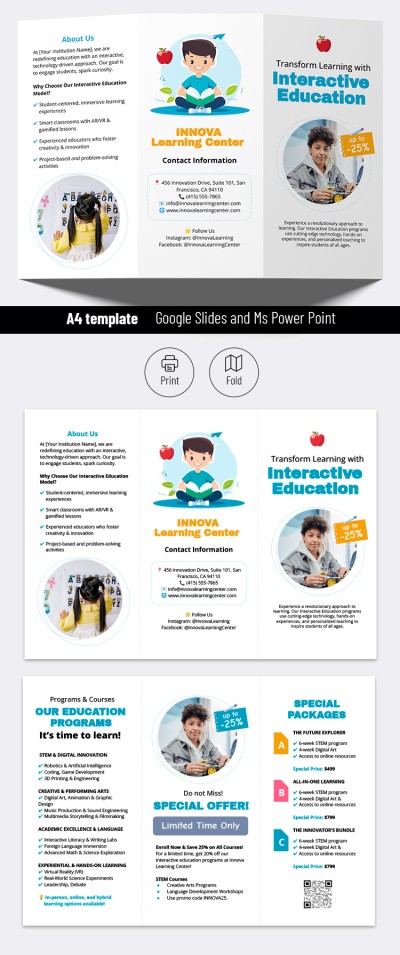
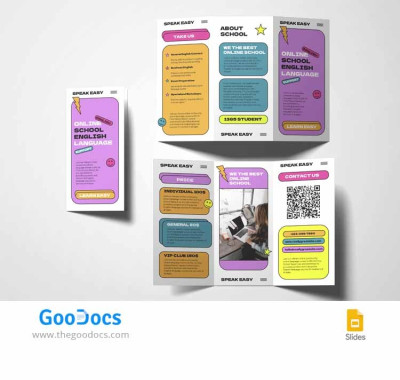
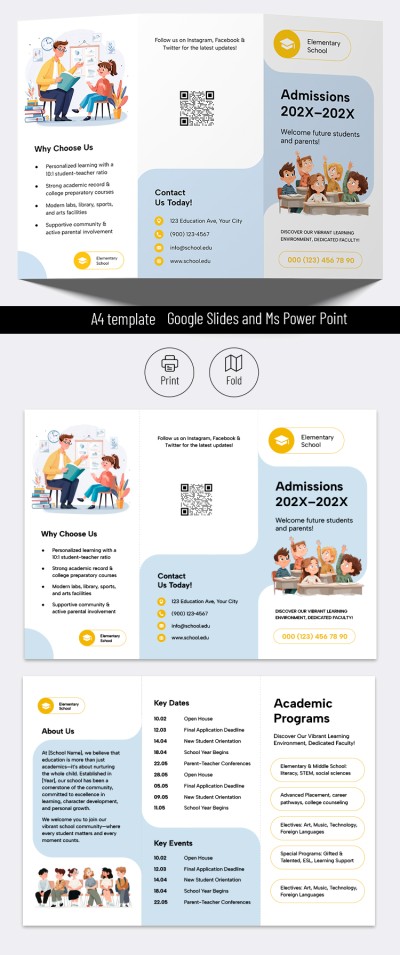
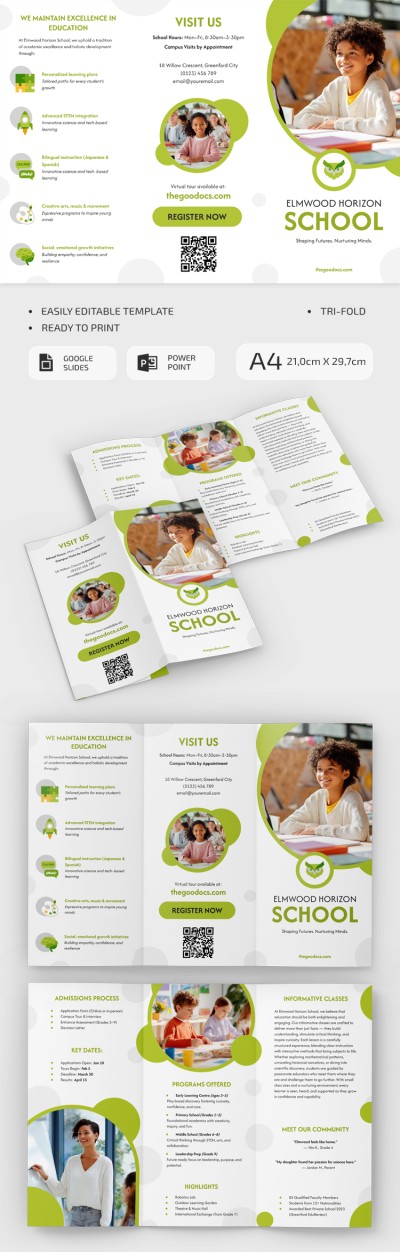
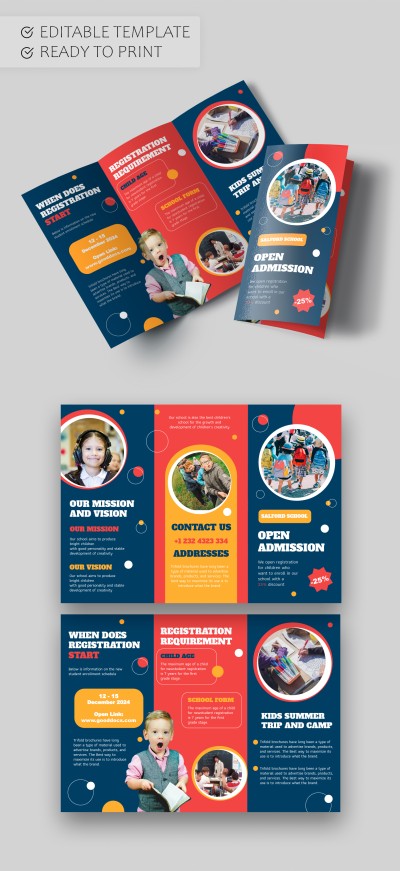
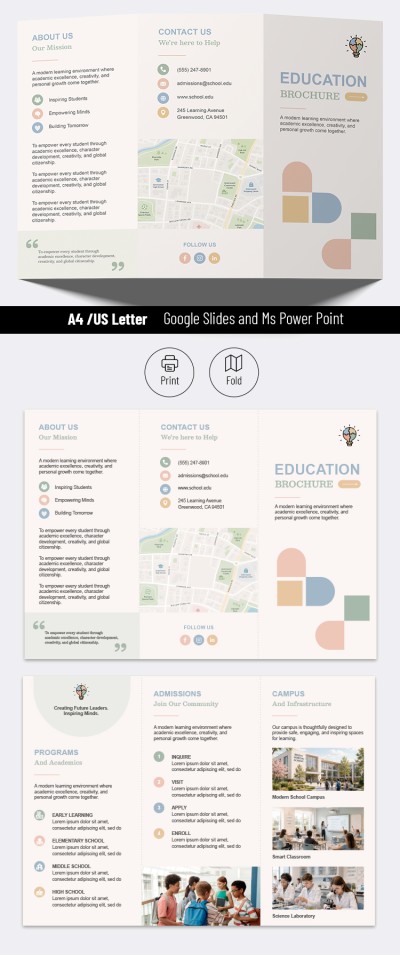
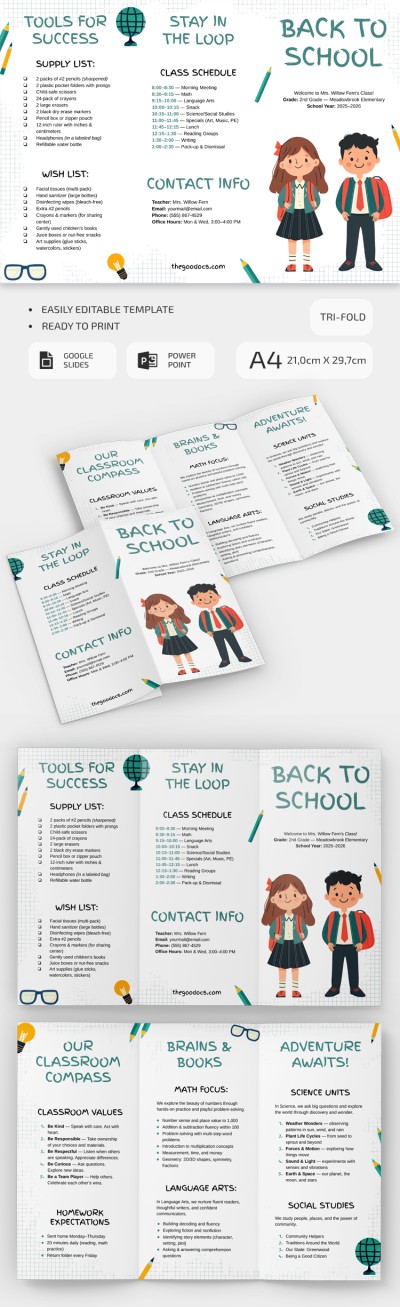
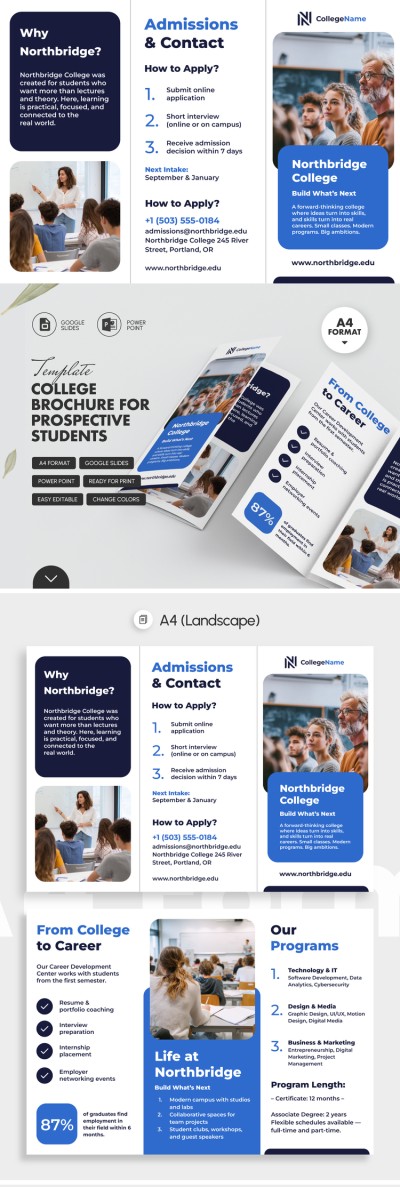
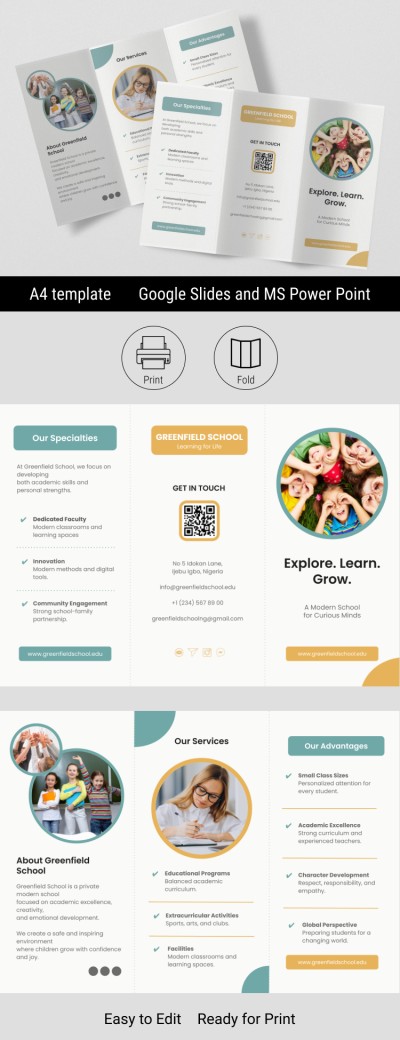
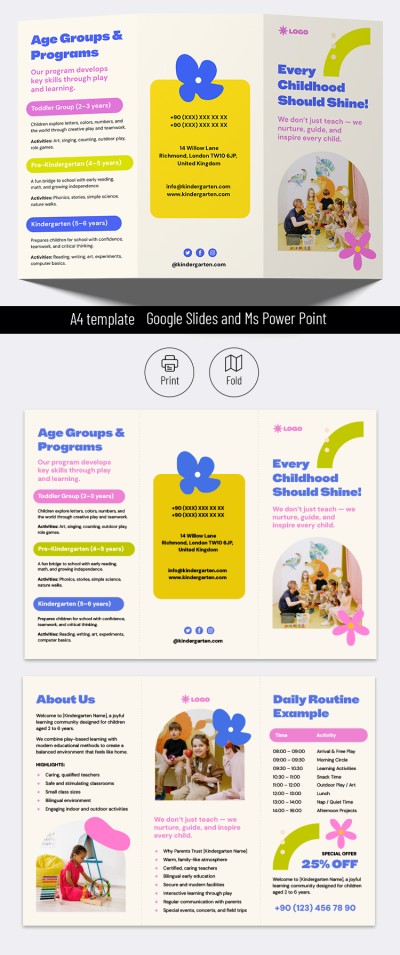
Are you looking for a modern, editable, and printable brochure for your school? You can utilize our Modern Bi-fold School Brochure Template! download a brochure template or get a copy of this layout in Google Docs for free and start customizing without limitations.

Bright Two-Page Layout for a Bi-Fold Brochure

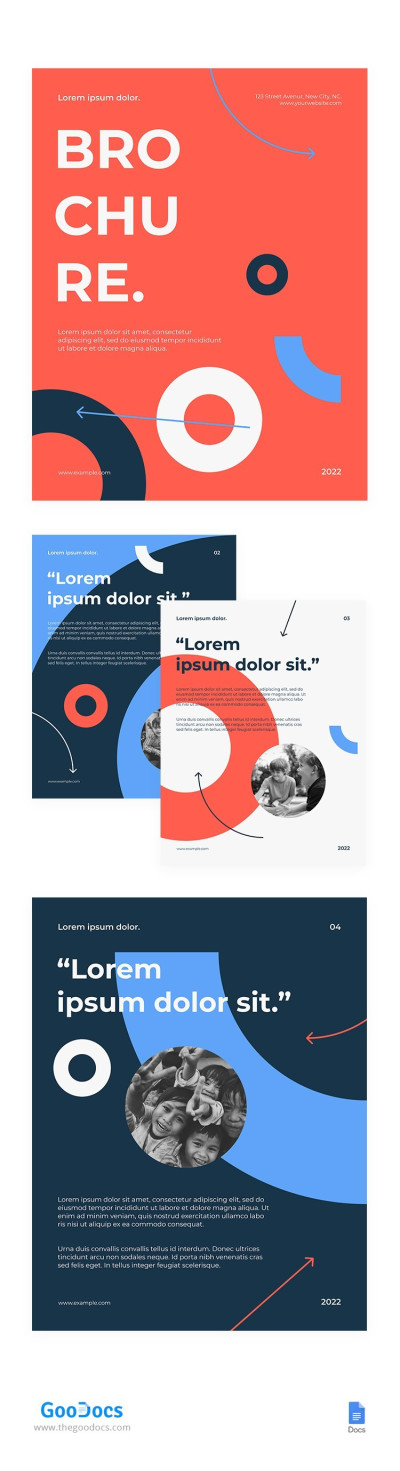
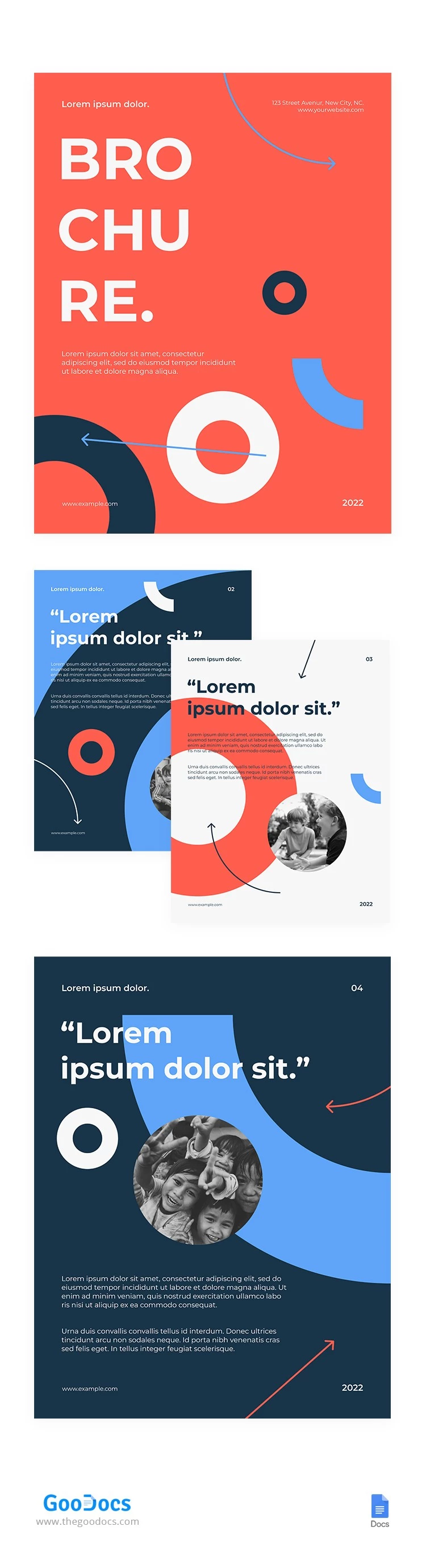
Eye-pleasing and bright colors will catch the attention of potential students and their parents at first sight. The cover is made in a modern style with large letters for headings and many abstract elements. All the most important things immediately catch the eye: placeholders for your website, title, year, school address, and annotation.

The remaining pages also have placeholders for headings, text, and illustrations. You can add any relevant details about your offer to the school pamphlet using Google Docs.

You can also easily find a PowerPoint and Google Slides brochure template on our website. All our samples can be customized via the convenient editors. Find the right option for your school in a few clicks!

ADVERTISEMENT
Free Template

Download Free Template

Choose your platform and start editing right away
PLATFORM

Google Docs

Opens in browser
PAPER SIZE
A4
Google Docs – A4
No account required • Attribution required

WHAT’S INCLUDED

Editable text and image placeholders
Bright, eye-catching color schemes
Modern typography and layout
Easy export to PDF format

Brochures & Pamphlet Tips

1
Add school achievements to build credibility with parents.
2
Personalize images to reflect your school’s community.
3
Regularly update contact information and website links.
4
Highlight unique programs to attract prospective students.

FAQ

Is this template compatible with Word? Yes, it works with both Google Docs and Microsoft Word.
How easy is it to customize? It's very easy with editable text and image placeholders.
Is this template free to use? Yes, you can download and use it for free.
Can I add my own images? Yes, you can easily replace existing images with your own.
Does it include special fonts? Yes, it includes modern, readable fonts for clear communication.
ADVERTISEMENT

How to Use and Edit This Template

Get Your Document

1

Get Your Document

Click the "Edit Template" button to create your own editable copy in Google Docs or download for Microsoft Word
Customize Everything
2

Customize Everything

Easily change colors, fonts, and layouts to match your unique style or brand identity
Add Your Content
3

Add Your Content

Fill in your data, upload images, and replace the placeholder text with your own information
Print, Export, or Share
4

Print, Export, or Share

Print, export as PDF, or share instantly

Related Templates

Recently Viewed