
Certificate of Achievement Templates
Find professional certificate of achievement templates in Google Docs, Word, and other formats. Choose from green, brown, multicolored, black and yellow, dark, and more color palettes. Customize and download ready-made designs online and offline.
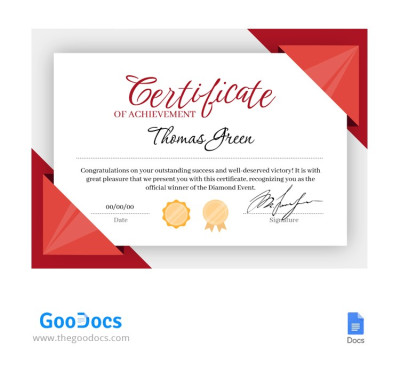
Elegant Winner Certificate
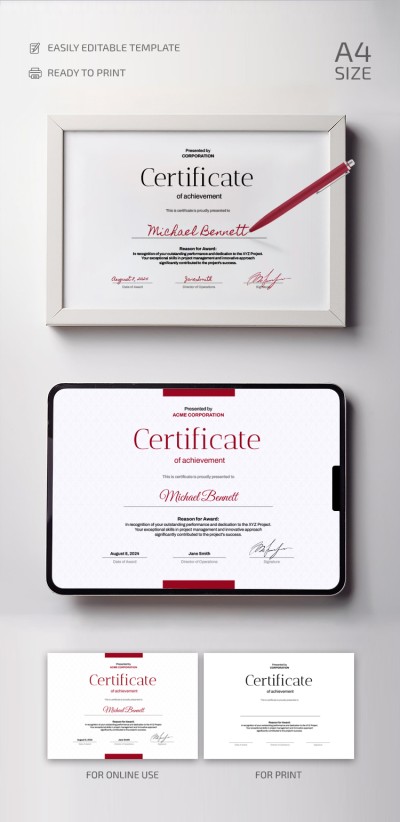
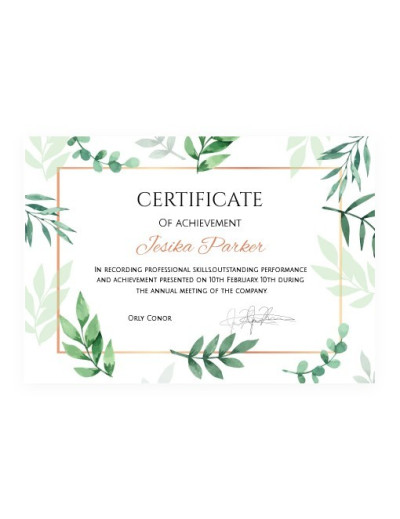
Green Leaves Certificate of Achievement
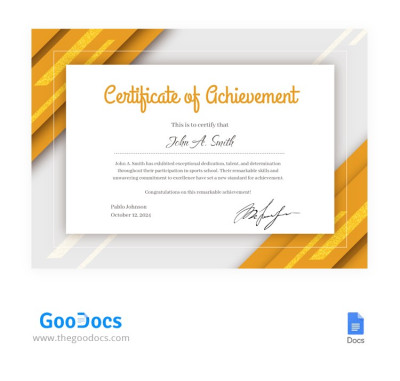
Yellow Certificate of Achievement Template
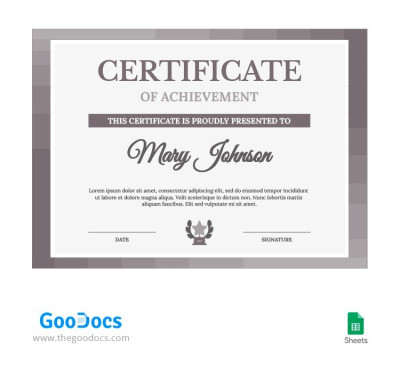
Brown Elegant Certificate of Achievement
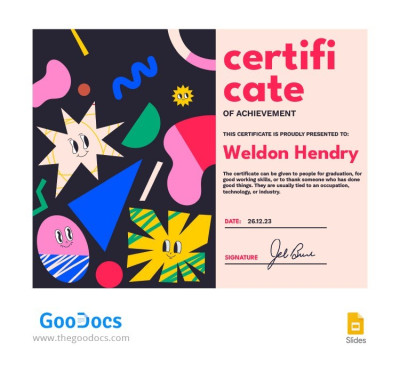
Colorful Funny Certificate
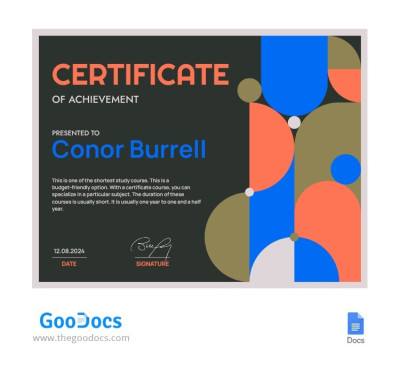
Geometric Certificate of Achievement Template
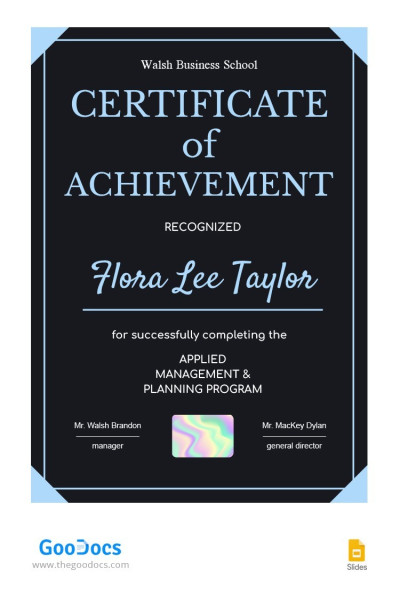
Dark Achievement Certificate
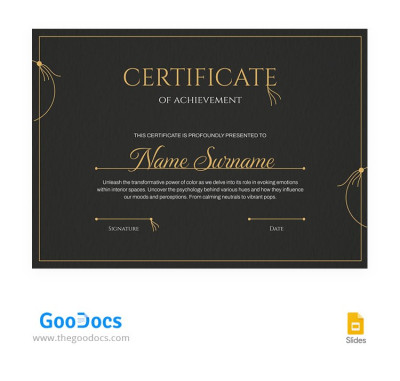
Elegant Dark Certificate of Achievement Template
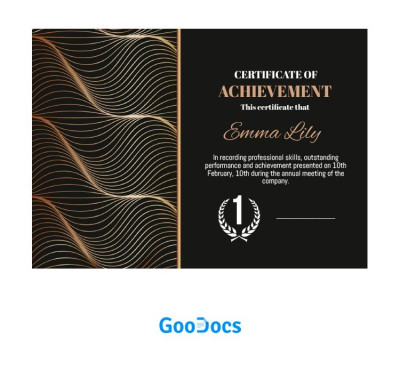
Luxury Achievement Certificate
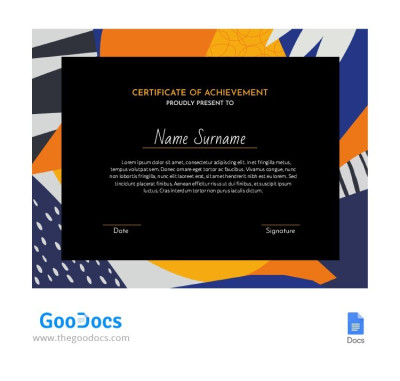
Certificate Of Achievement
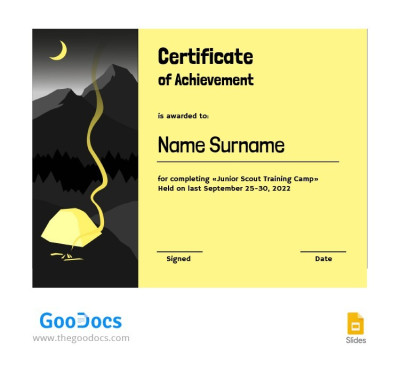
Black and Yellow Certificate
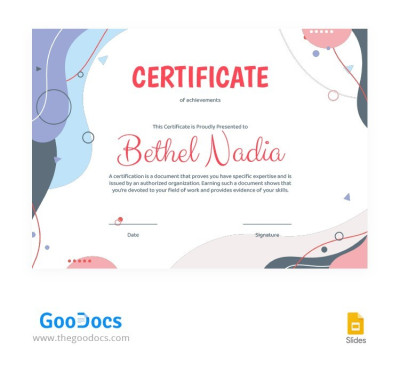
Bright Funny Certificate
Please try different filters or clear all to start over.
Choose from dozens of stylish certificate of achievement templates on this page. We've prepared a range of elegant and modern designs that you can download and edit for free. You'll easily find a layout to recognize academic, business, or athletic achievements and create an official award. We also offer additional certificate of completion templates for courses and schools.
Check out the benefits of our certificate of achievement templates:
- Customize your templates in minutes. Our files come with pre-made blocks for the recipient's name, award statement, date, signatures, and additional details. All you have to do is fill in the placeholders with your text. Our templates are compatible with Google Docs, Word, Google Slides, and PowerPoint, where you can not only fill out the certificate but also customize the design.
- Choose from a variety of ready-made designs. Our layouts feature proper alignment, heading hierarchy, and decorative elements, from leafy borders to elegant gold and black color palettes. You can also use placeholders for your company logo, watermarks, and stamps, while carefully selected fonts complement each design.
- Print or share final versions of your certificates online. Our templates come in standard A4 and US Letter page sizes in portrait and landscape orientations with appropriate proportions. All bleeds, text areas, and borders are pre-configured to ensure your certificate looks great both digitally and in print, without the need for additional setup.
Creating a high-quality certificate of achievement is easy with ready-made templates from TheGoodocs. Download a free template from this page now or browse even more certificate templates on our website.
Achievement Certificates Templates FAQ
A certificate of achievement template is a ready-to-use, printable layout with placeholders for the award title, recipient's name, description, date, stamp, and signature. Our templates also feature additional text blocks and come in ready-made modern or elegant designs with frames, organized headings and text, and carefully selected fonts.
Our certificate of achievement templates can be used to create school, corporate, and sports certificates. You can choose a suitable option in Google Docs, Word, Google Slides, or PowerPoint formats and start filling it out right away without wasting time creating a layout from scratch.
To write a certificate of achievement, you need to include the following sections:
- The logo or name of your company, school, or sports federation.
- The main heading, indicating that this is a certificate of achievement and the award title.
- A placeholder for the recipient's name (left blank for quick adaptation to multiple recipients).
- A detailed description of the achievement.
- Date, signature, and seal at the bottom.
You can use a ready-made certificate of achievement template from TheGoodocs, where all these blocks are already logically arranged with proper spacing, text formatting, and design. All you have to do is replace the placeholder text, add the name and award details, and print or share your certificate online.
The easiest way to create a certificate of achievement in Word or Google Docs is to use templates from TheGoodocs:
- Choose a suitable option on this page, download it, or make a copy. Most templates are compatible with Google Docs and Word, so you can choose based on your certificate design preferences.
- Open the template in your chosen editor and save the master version. Open the file in MS Word from the Downloads folder or find it in Google Docs in the automatically opened tab. Make a copy of the template (File > Make a copy) so you have an untouched master version, just in case.
- Replace the placeholder text and add the recipient's name. Use preset placeholders to add a logo or organization name, enter the award title, achievement description, recipient's name, date, and add a signature and seal.
- Save the final version in a format suitable for printing and digital sharing. After completing and reviewing your certificate of achievement, save it as a PDF (File > Download > PDF Document). All other print settings are already set.
With templates from TheGoodocs, you can create a professional certificate of achievement in Word or Google Docs in a few easy steps. Try our free, fully editable, and print-ready versions today.
A student's certificate of achievement should include sections such as a header with the certificate title, presentation details, the student's name, a detailed description of the achievement, the date, the name or title of the issuer (such as a school, sports federation, or university), and proof of authenticity (a signature and seal). All certificates of achievement follow this basic structure, and you can view and download ready-made editable examples in Google Docs and Word on our website.