Get unlimited access to 5000+ Templates for Google Docs, Slides and Sheets
Unlimited Access
ADVERTISEMENT
ADVERTISEMENT

Architecture Courses Brochure Template

Use this free template with Google Slides and Microsoft PowerPoint
4.62 (2 reviews)
Last updated Updated July 9, 2026
Created by Lily Perez
Type Bifold, Modern, Portrait, A4 / US Letter
ADVERTISEMENT

Template Specification

Format Google Slides
Created December 17, 2022
Last Updated July 9, 2026
Community Added to collections by 5 Users
Usage Stats 0 downloads this month

Key Features of This Template

Suitable For School Managers

About this template

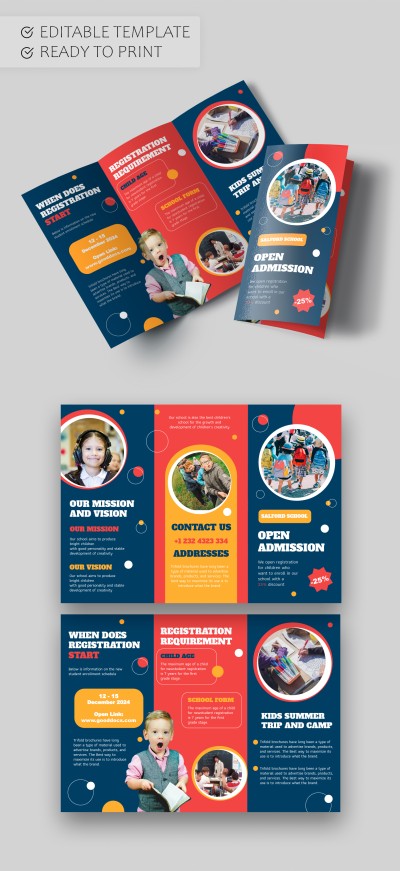
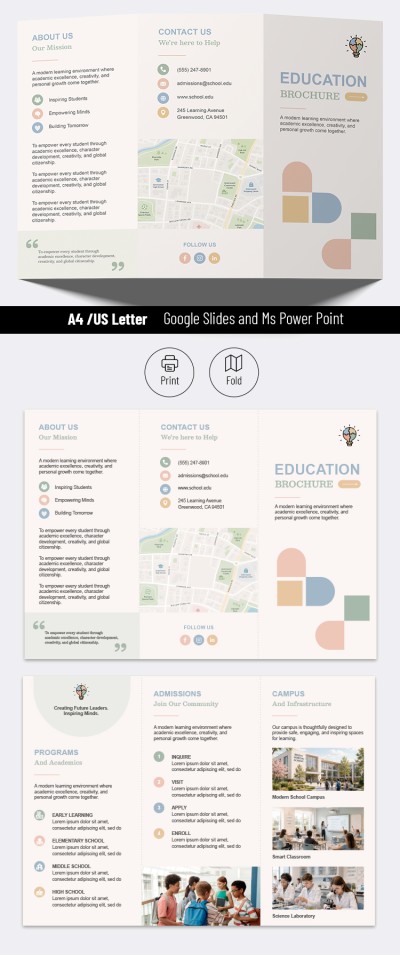
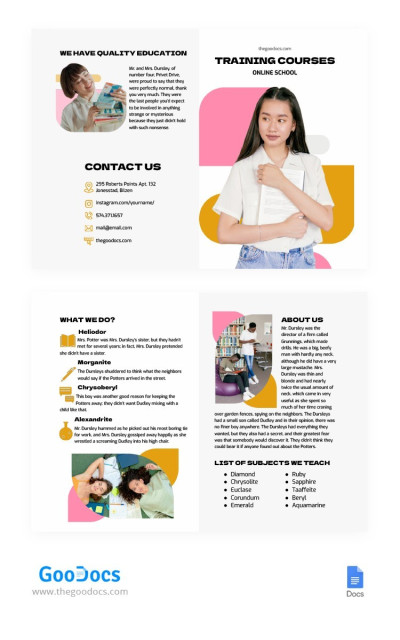
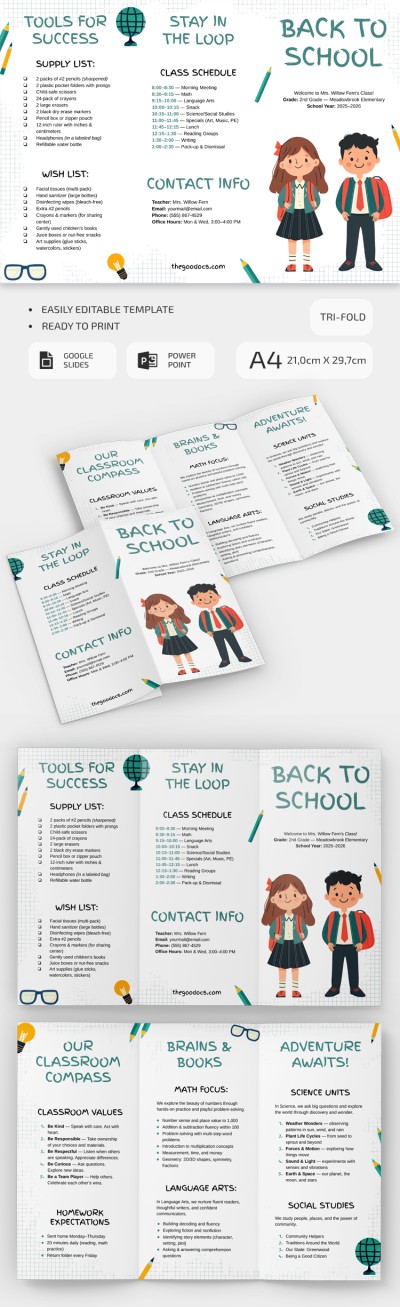
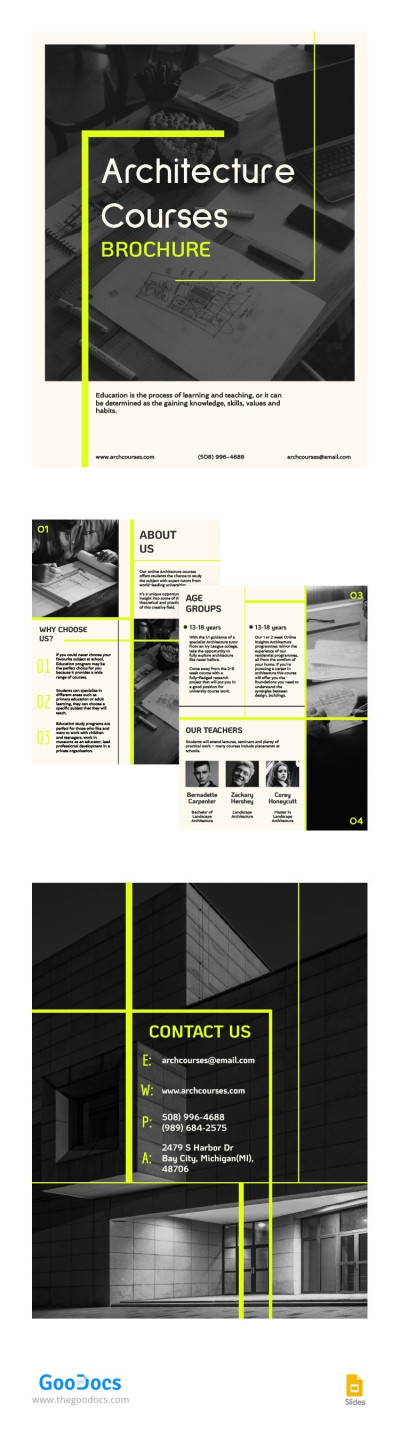
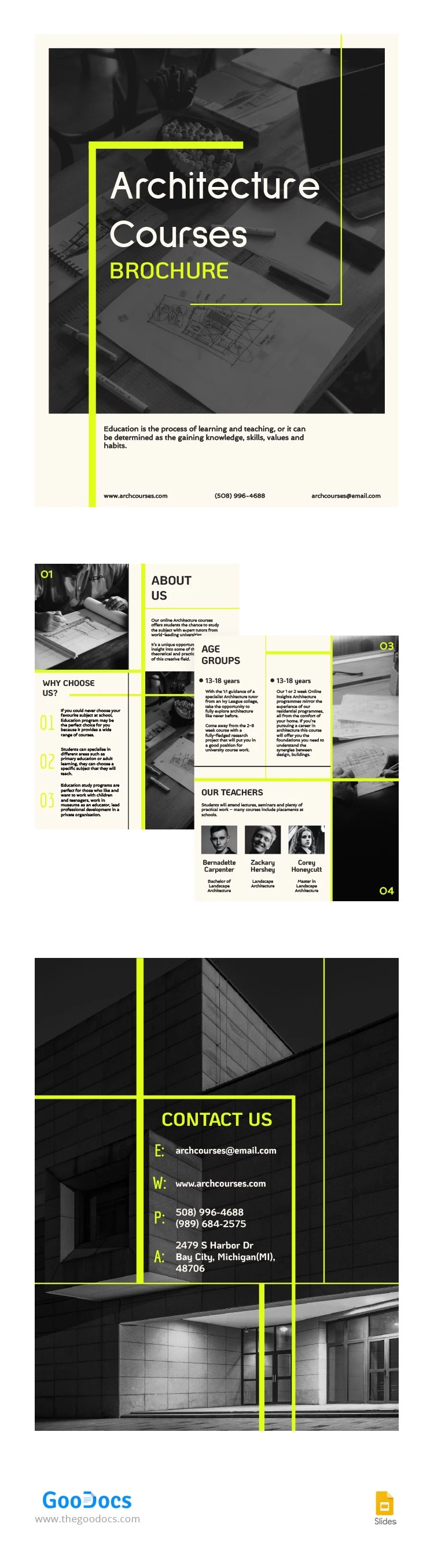
Were you looking for additional ways to promote your architecture courses or school? We offer our Architecture Courses Brochure Template to make your task work more efficient. With its modern design and professional structure, this template for a brochure will help to achieve maximum reach.

Universal & Consistent Layout

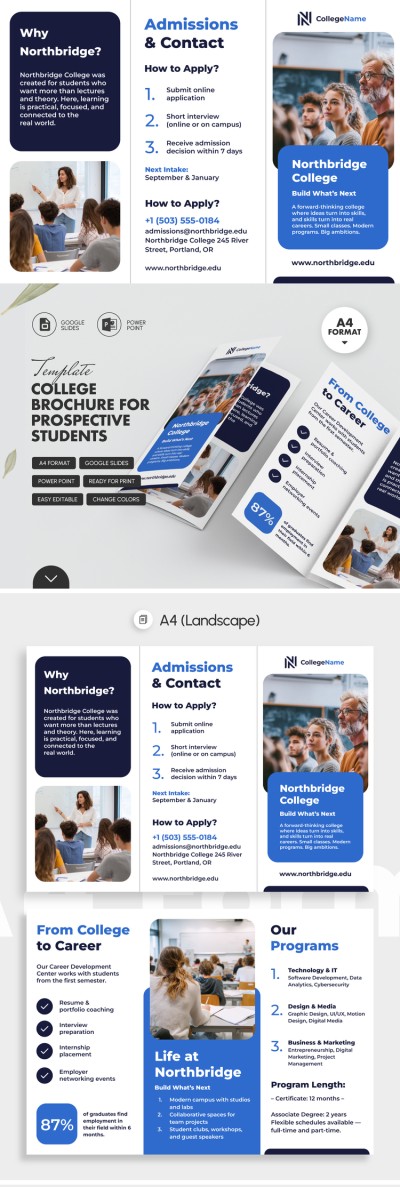
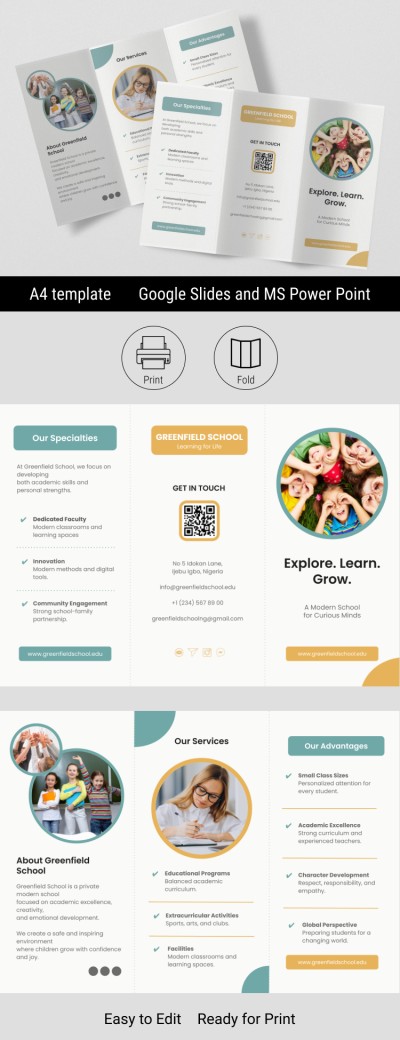
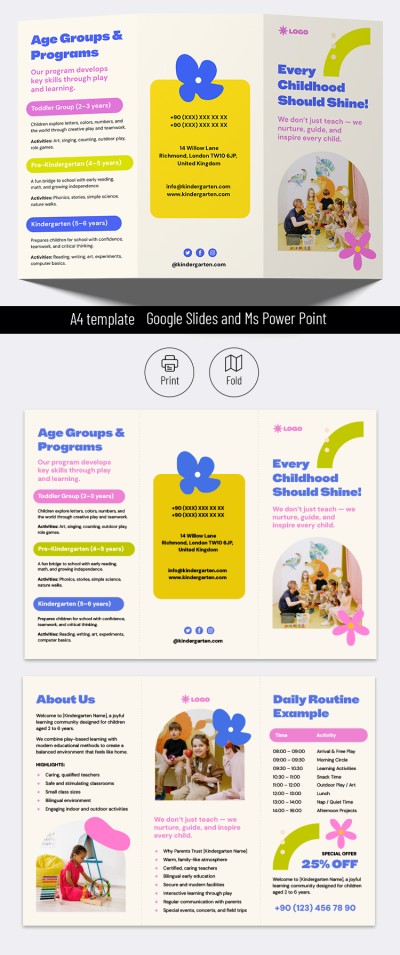
Our school brochure template consists of four sheets that you can arrange in any order in your finished brochure. You can use them to create a bifold layout or any other.

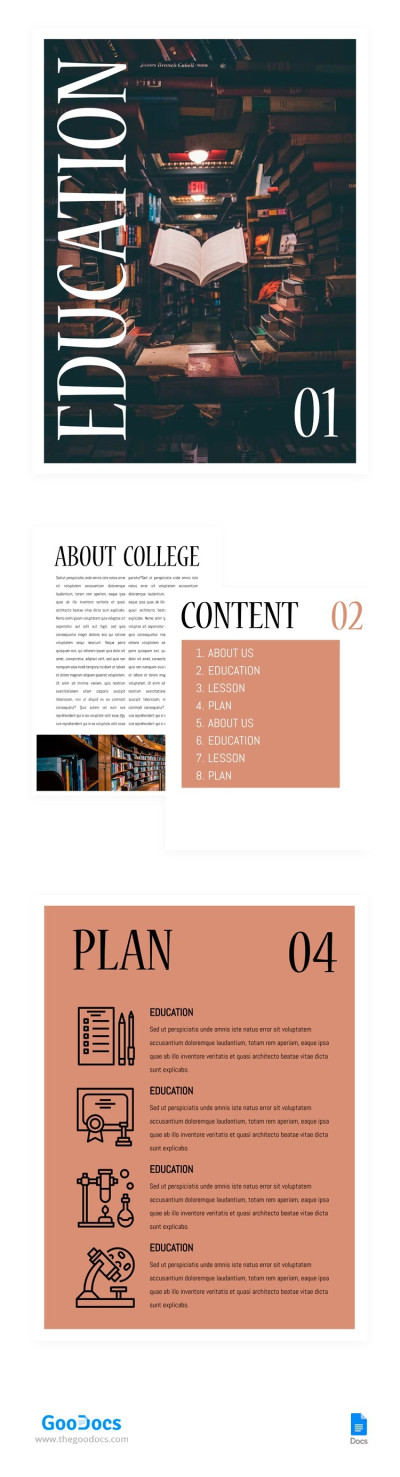
Also, our template includes a cover with illustrations of architectural design work in the background, a clearly readable title, and a placeholder for annotation. You can also enter contact information, a link to the site, or a QR code.

Ideal Structure for Promoting Courses

The template consists of standard and time-tested blocks, including Why Choose Us, About Us, Age Groups, Our Teachers, and Contact Us sections. Yet, our brochure templates in Google Slides are 100% editable and ready to print. You can add new titles and personalize sample text without restrictions!

ADVERTISEMENT
Free Template

Download Free Template

Choose your platform and start editing right away
PLATFORM

Google Slides

Opens in browser
PAPER SIZE
A4
Google Slides – A4
No account required • Attribution required

WHAT’S INCLUDED

Four sections: About, Teachers, Contact, Age Groups
Customizable text and images placeholders
Printable design, easy to share
Professional layout for architecture courses

Brochures & Pamphlet Tips

1
Customize images to reflect your actual courses.
2
Use the contact section for easy inquiries.
3
Highlight unique course features in the 'Why Choose Us' section.
4
Update teacher bios with recent achievements.

FAQ

Is this template compatible with PowerPoint? Yes, it can be used in both Google Slides and PowerPoint.
Is the template easy to customize? Yes, it is fully editable and easy to personalize.
Is the template free to download? Yes, it is free to download and use.
Can I use this for online courses? Yes, it's perfect for both online and offline course promotion.
Does it include visual elements? Yes, it includes places for images and graphics.
ADVERTISEMENT

How to Use and Edit This Template

Get Your Document

1

Get Your Document

Click the "Edit Template" button to create your own editable copy in Google Slides or download for Microsoft PowerPoint
Customize Everything
2

Customize Everything

Easily change colors, fonts, and layouts to match your unique style or brand identity
Add Your Content
3

Add Your Content

Fill in your data, upload images, and replace the placeholder text with your own information
Print, Export, or Share
4

Print, Export, or Share

Print, export as PDF, or share instantly

Related Templates

Recently Viewed