
Food Menu Templates
Our food menu templates will make your restaurant's menu irresistible. These templates are ideal for any culinary business, offering a ready-made solution that eliminates the time and expense of design. You can edit each template in a convenient and familiar editor, including Google Docs, Microsoft Word, Sheets, Excel, and even presentation software like Slides or PowerPoint. All you have to do is choose a design that matches the vibe of your establishment and fill it with dish photos, descriptions, and prices.
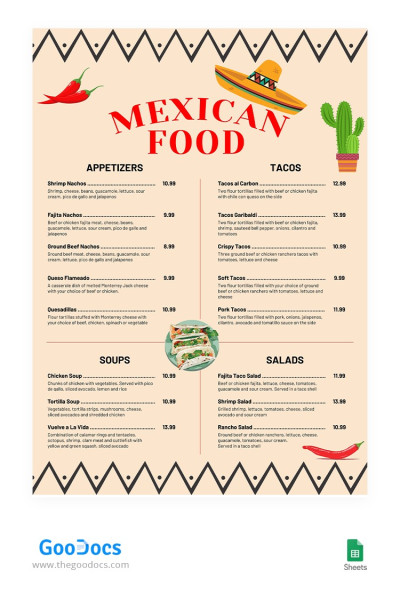
Mexican Food Restaurant Menu
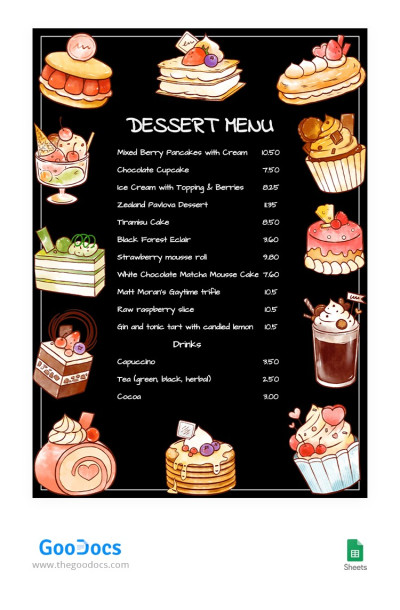
Black Dessert Menu
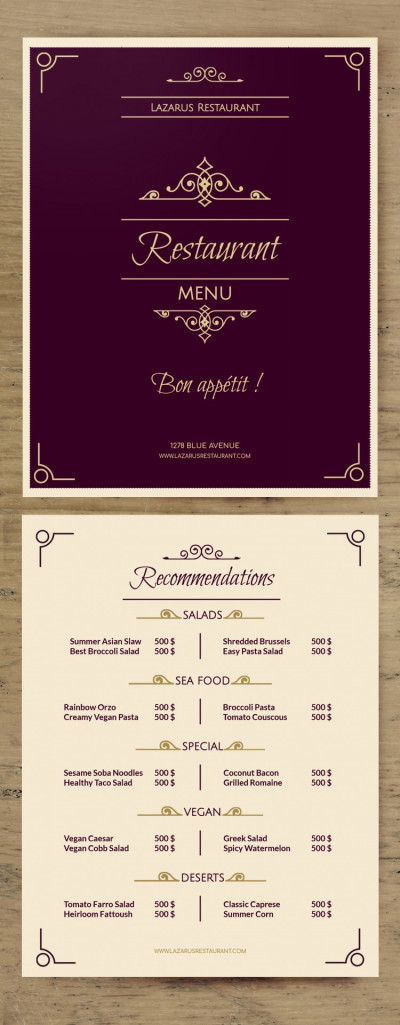
Fancy Menu
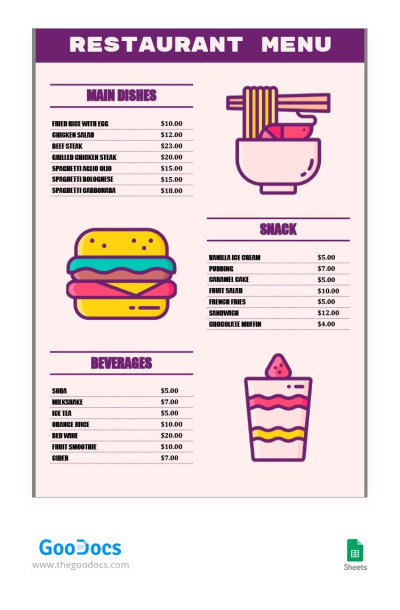
Simple Purple Restaurant Menu
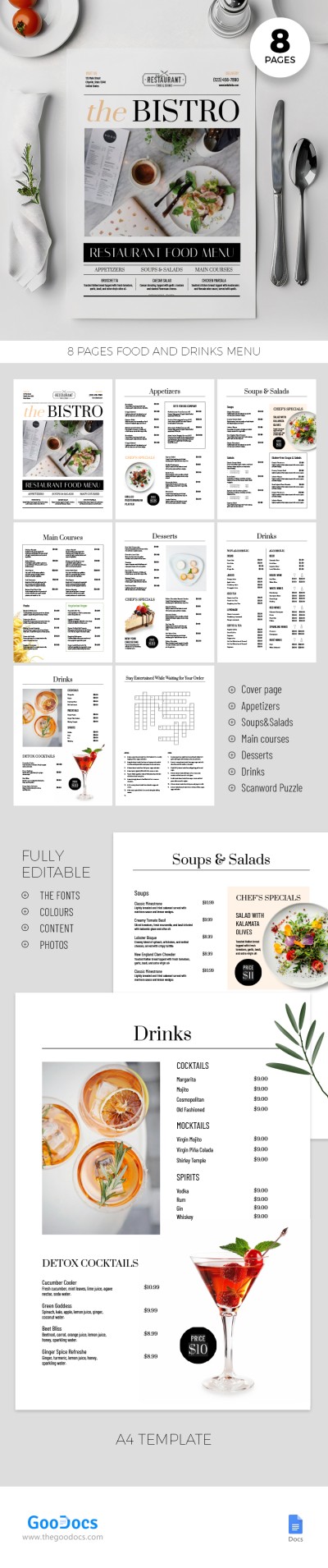
Simple Restaurant Menu
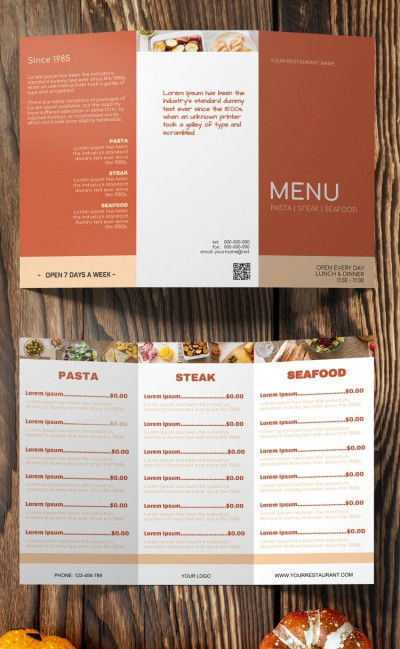
Tri fold Food Menu
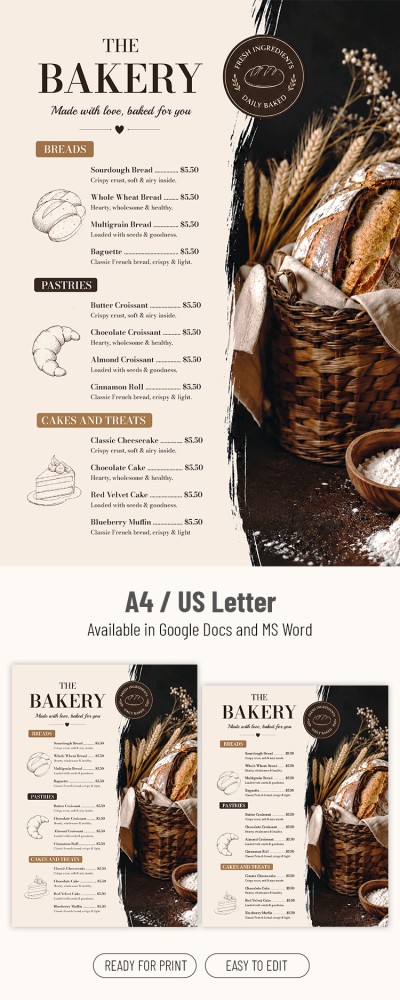
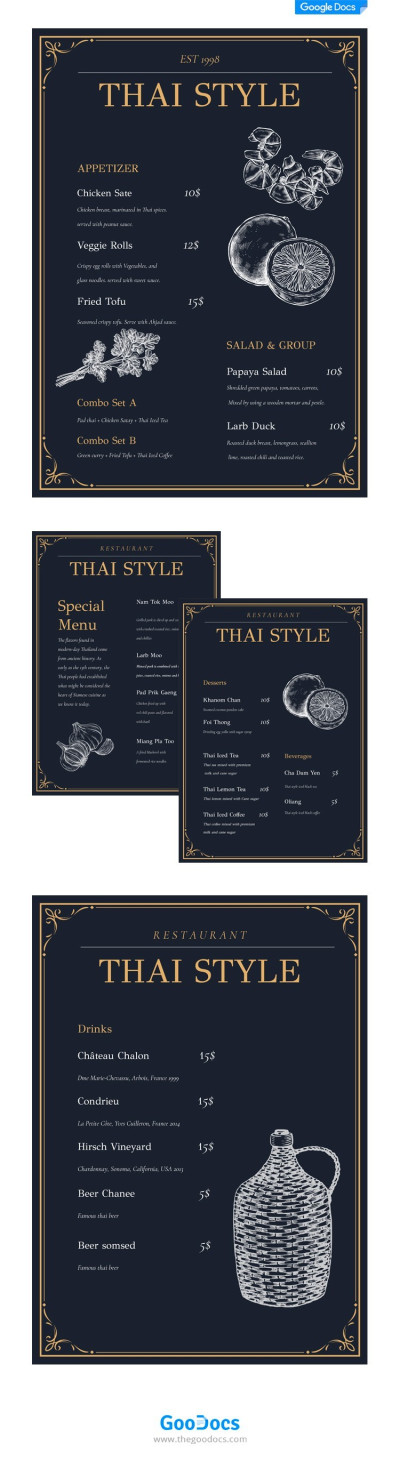
Thai Style Menu
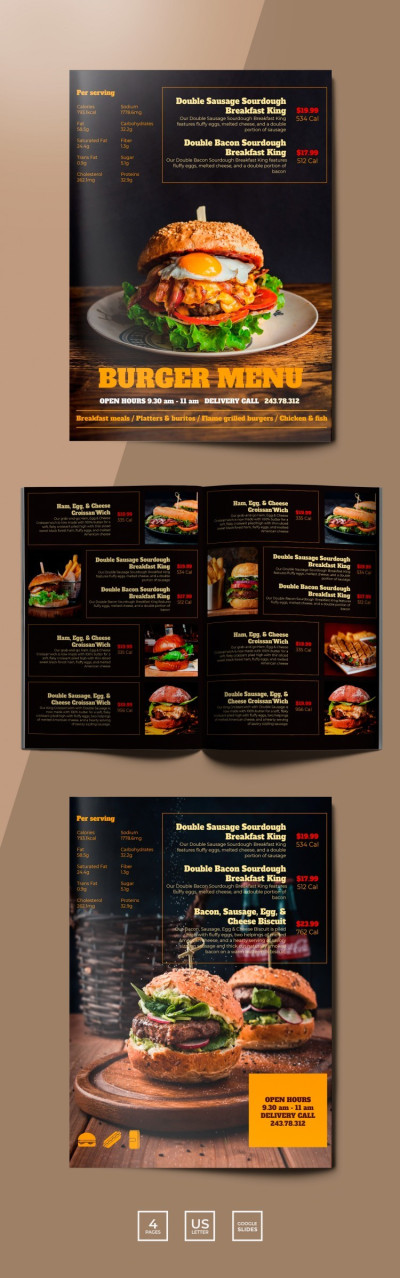
Burger Menu Restaurant
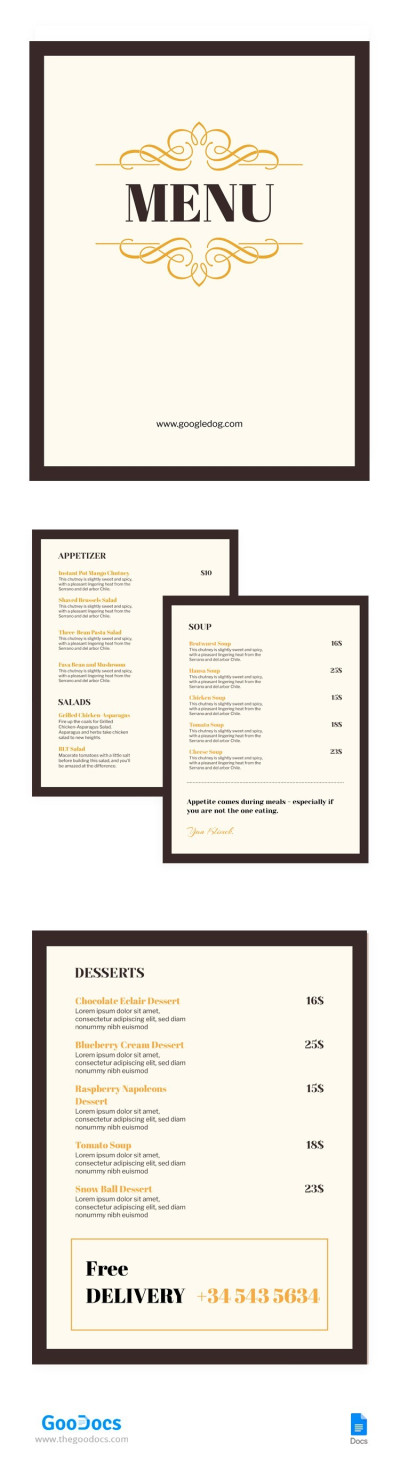
Classic Cafe Menu
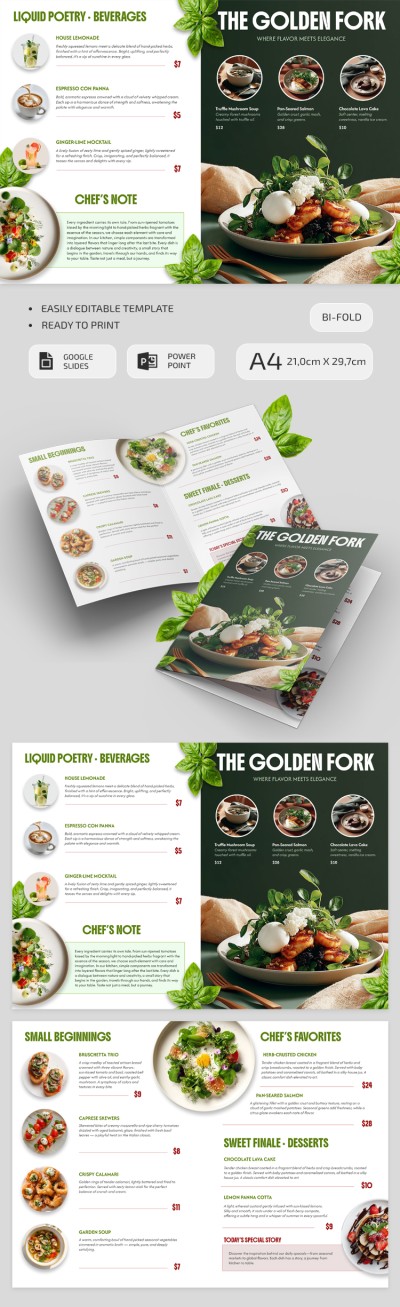
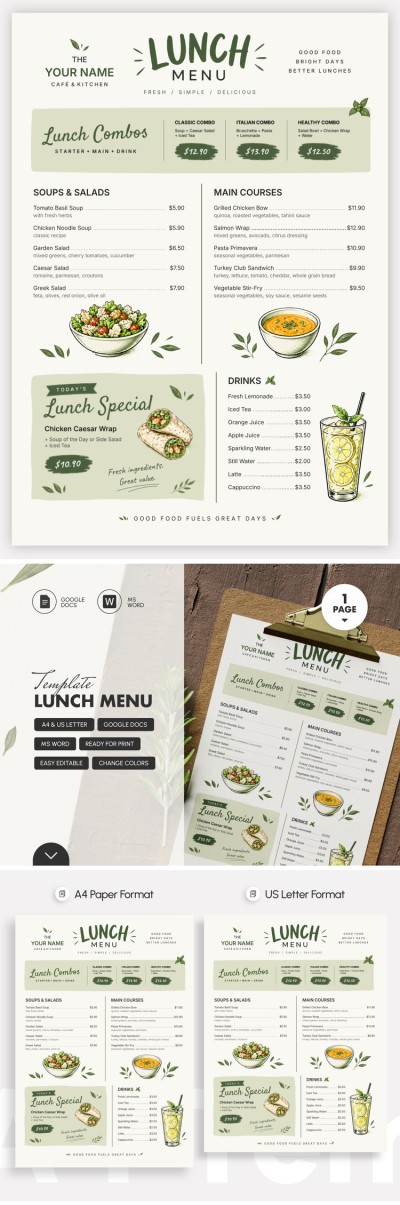
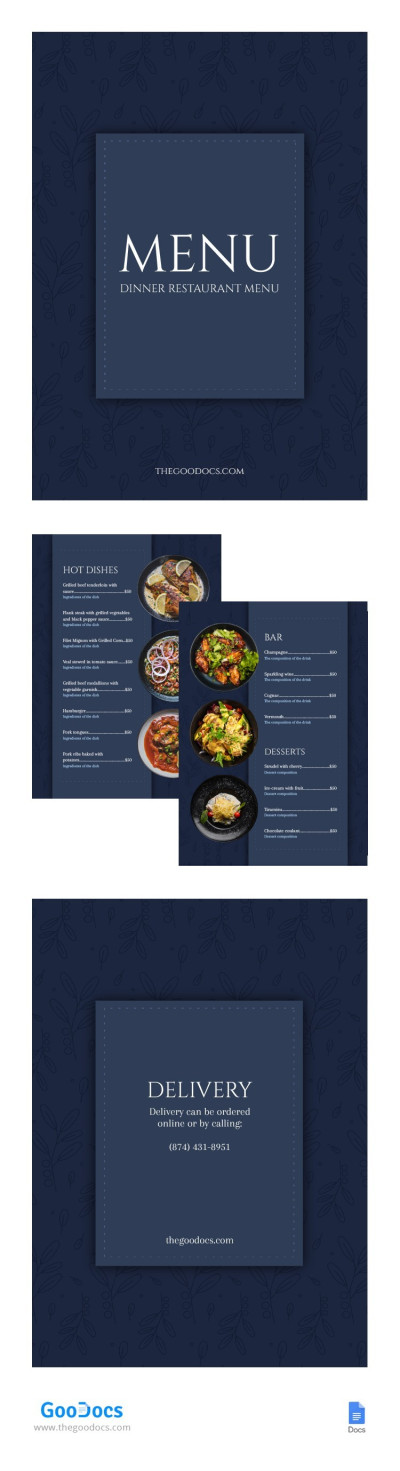
Elegant Dinner Restaurant Menu
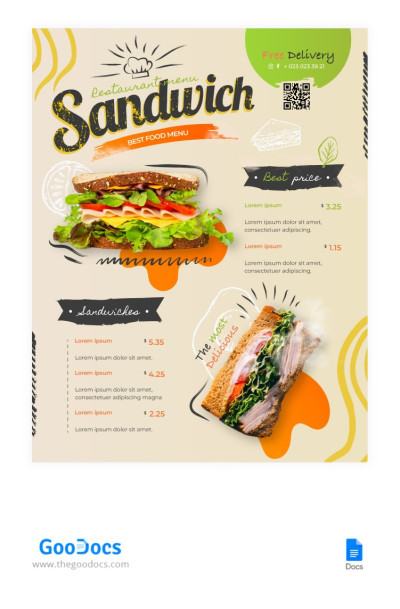
Modern Sandwich Restaurant Menu
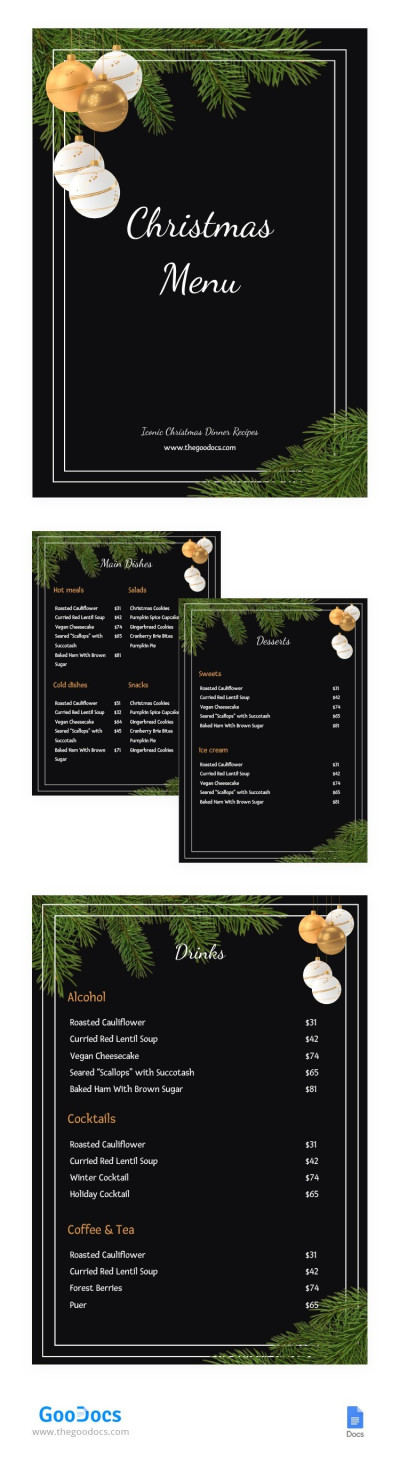
Christmas Restaurant Menu
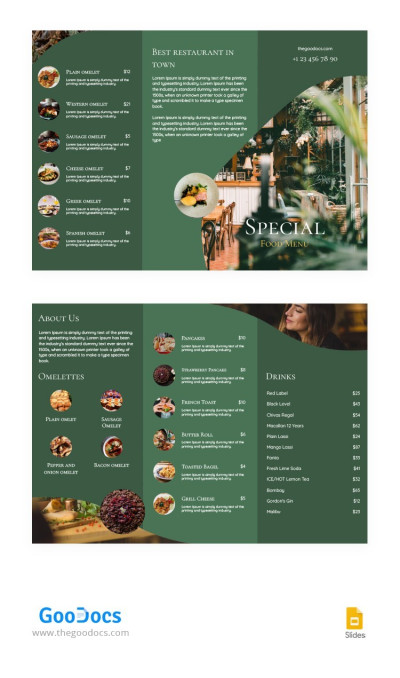
Tri-fold Restaurant Brochure
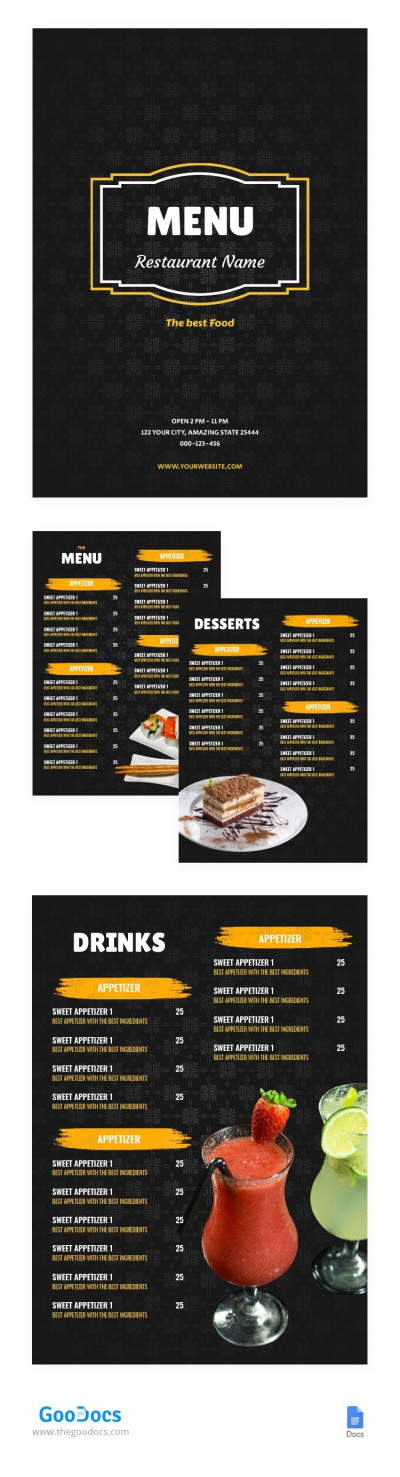
Black Elegant Restaurant Menu
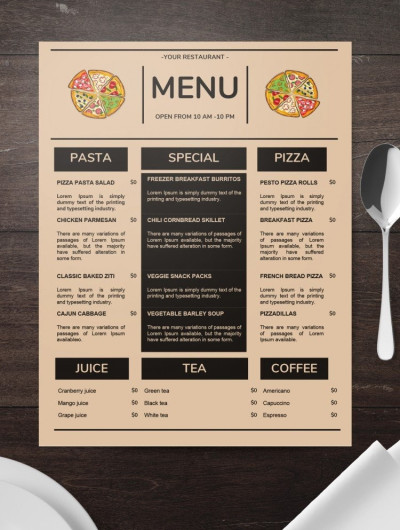
Minimalistic Pizza Restaurant Menu
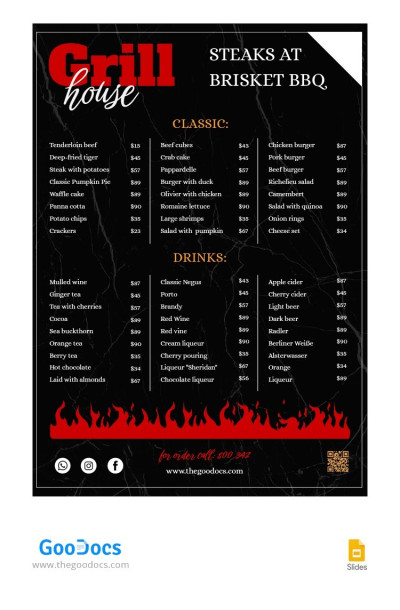
Dark BBQ Restaurant Menu
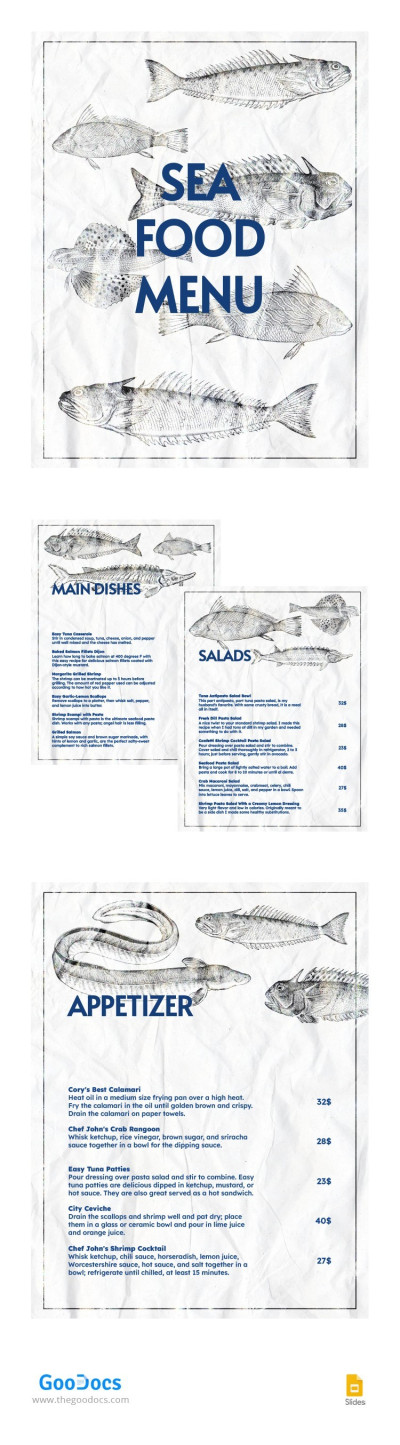
Hand Drawn Seafood Restaurant Menu
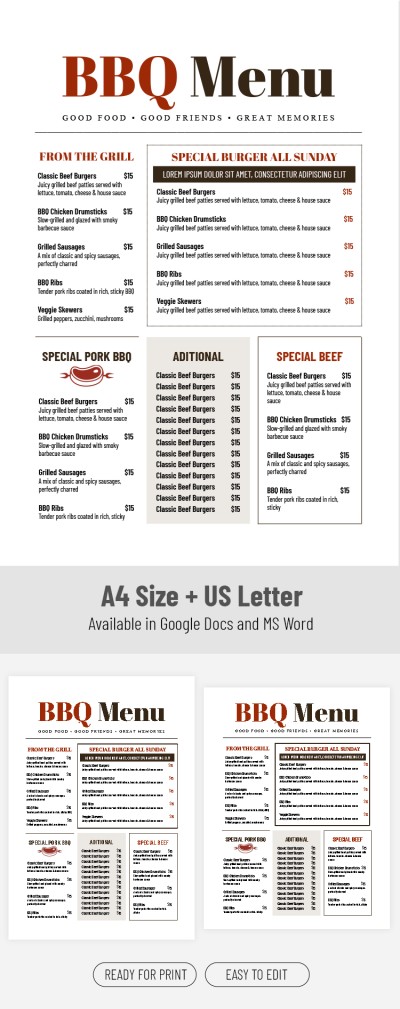
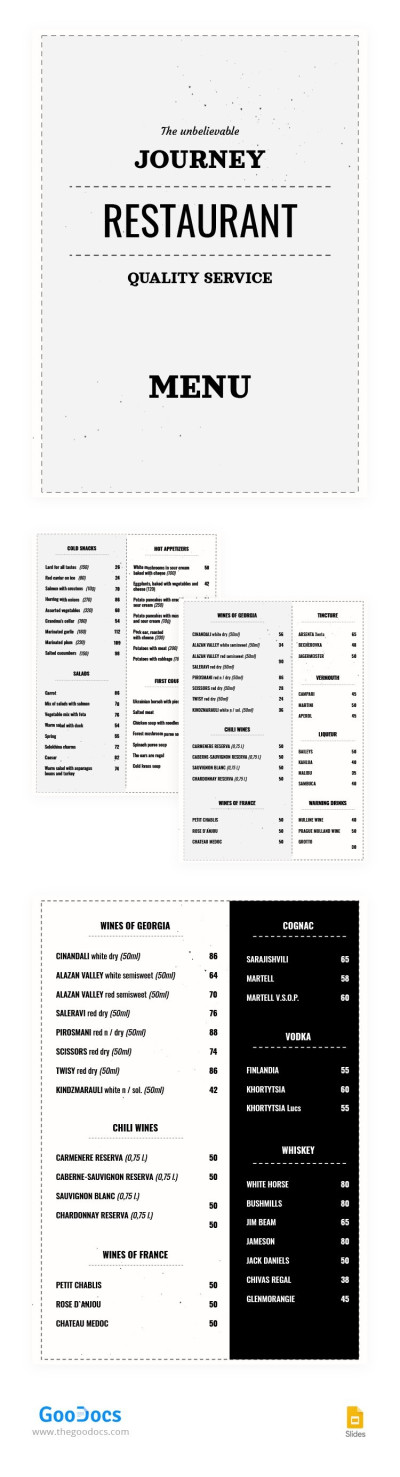
Minimalist Restaurant Menu
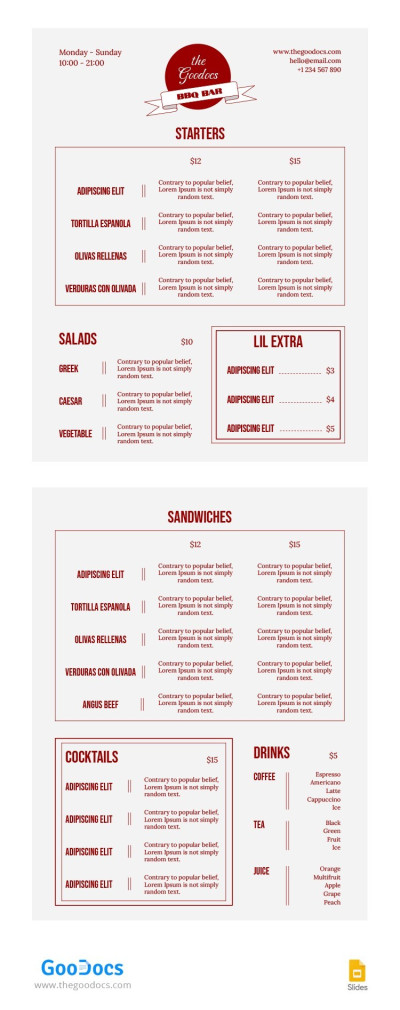
Classic BBQ Restaurant Menu
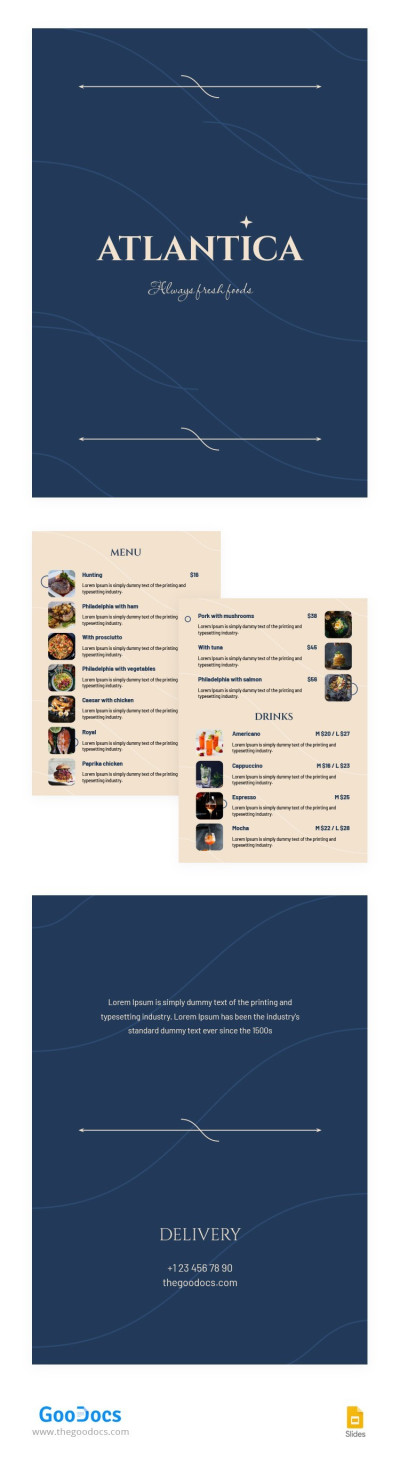
Elegant Restaurant Menu
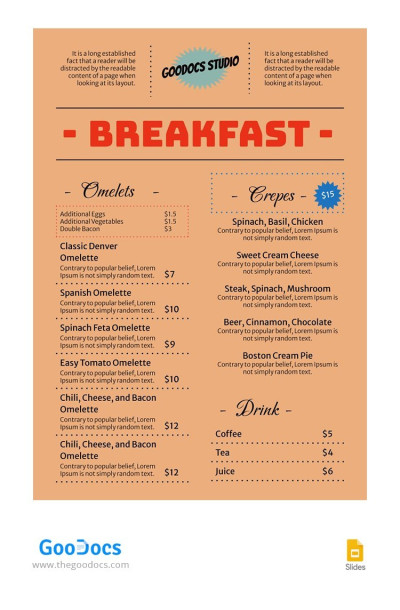
Classic Breakfast Restaurant Menu
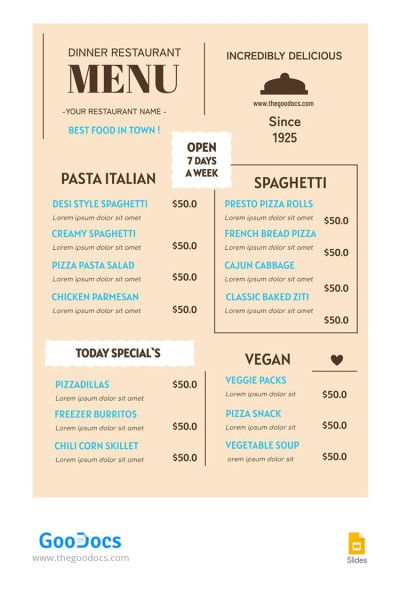
Vintage Dinner Restaurant Menu
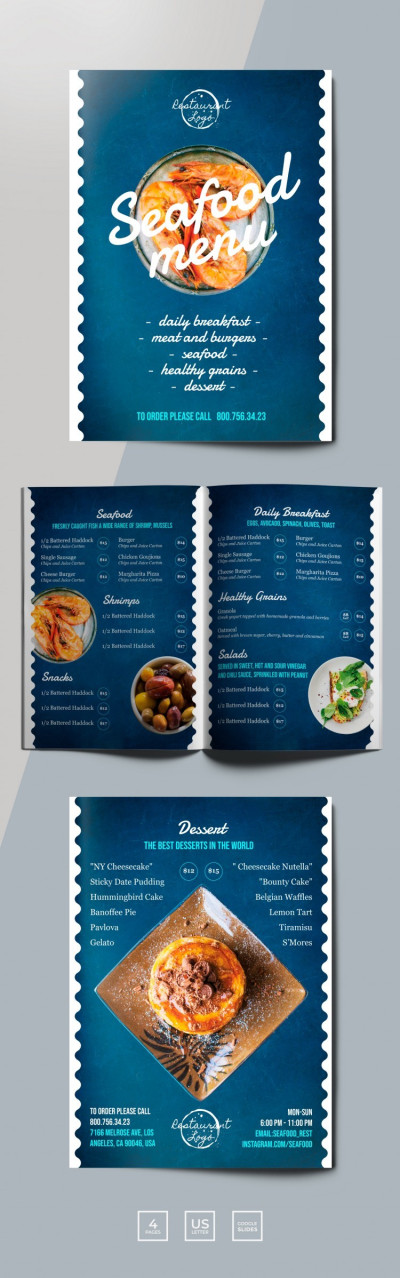
Seafood Restaurant Menu
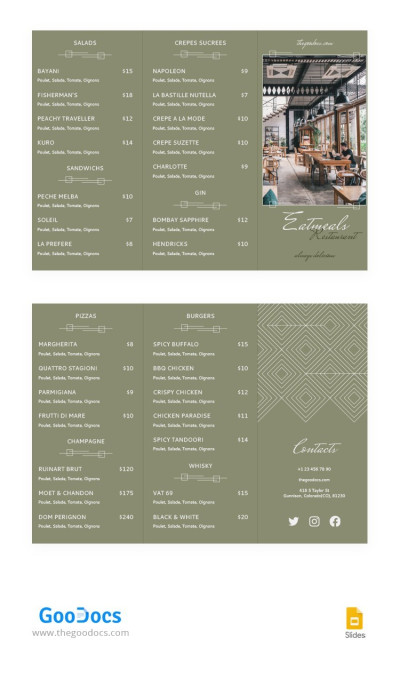
Green Elegant Restaurant Brochures
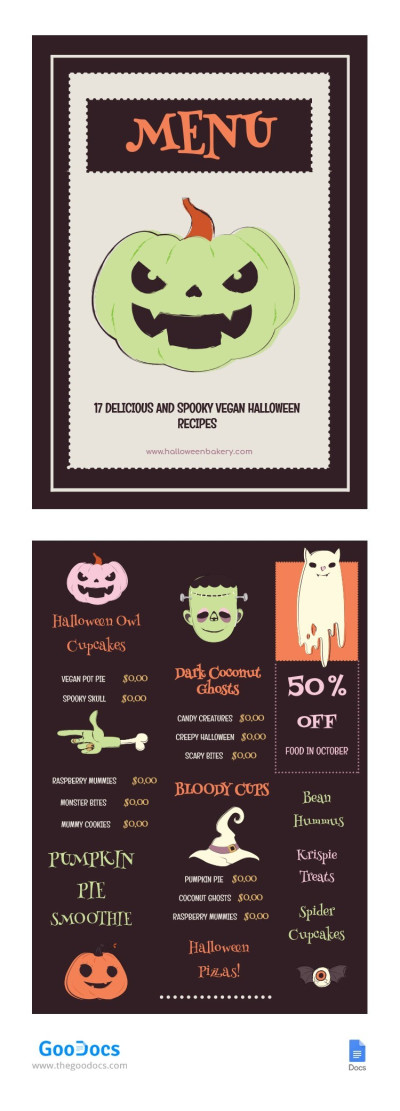
Halloween Menu
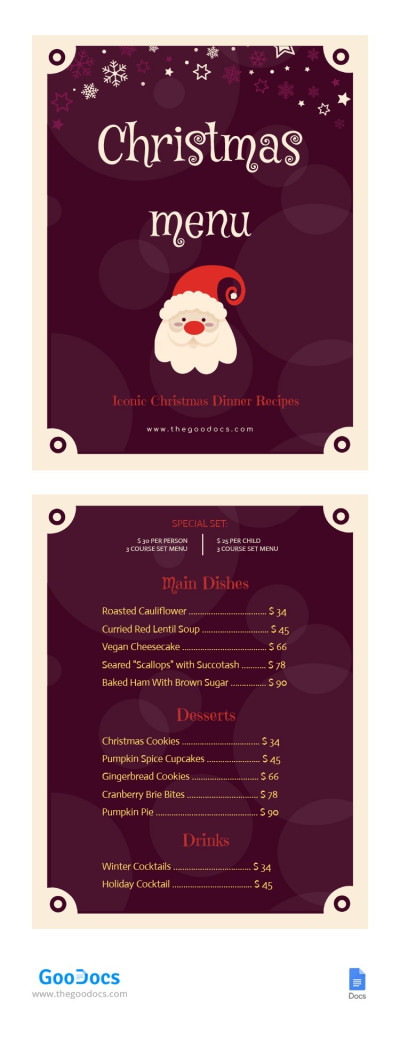
Christmas Menu
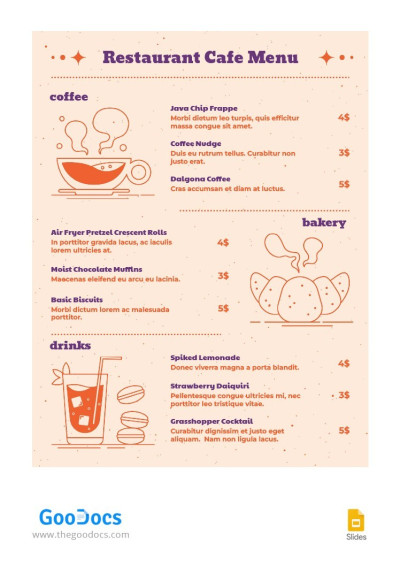
Peach Restaurant Cafe Menu
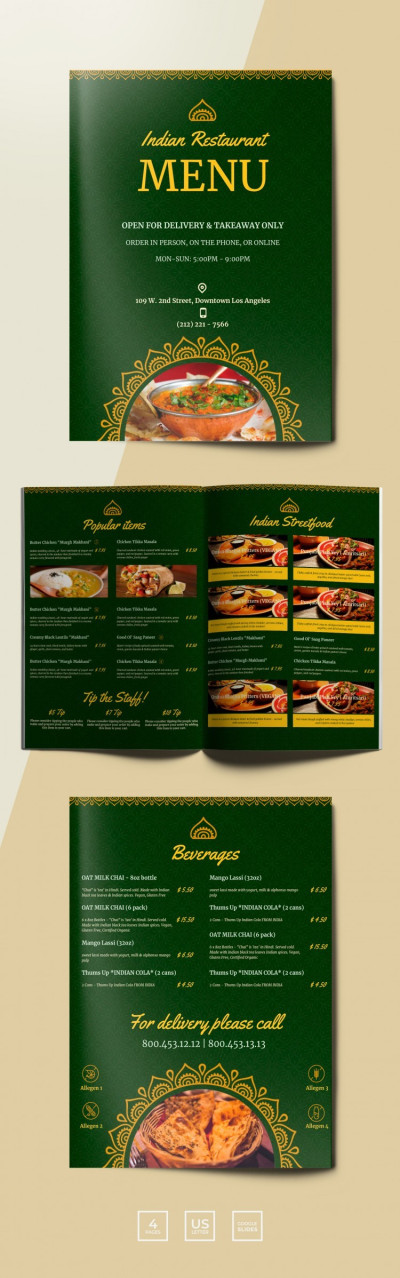
Traditional Indian Restaurant Menu
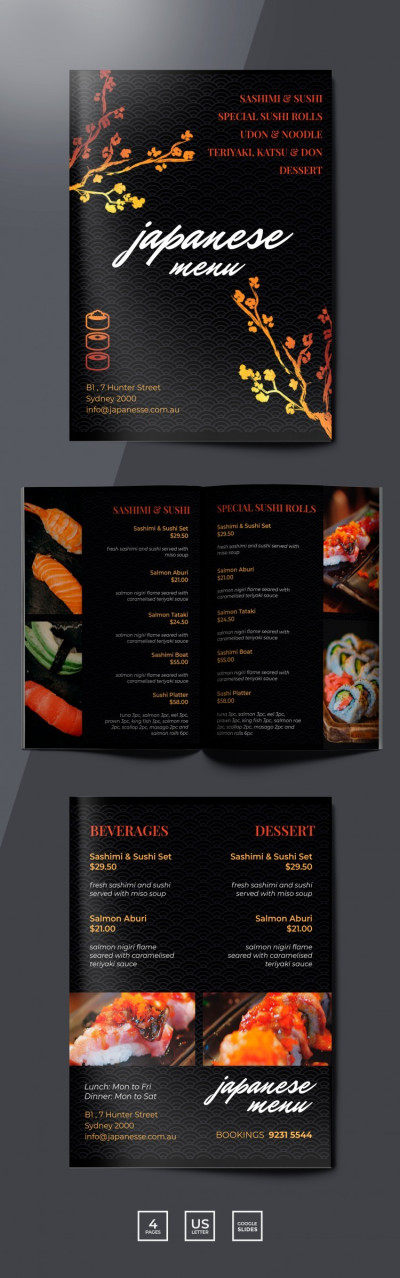
Sushi Restaurant Menu
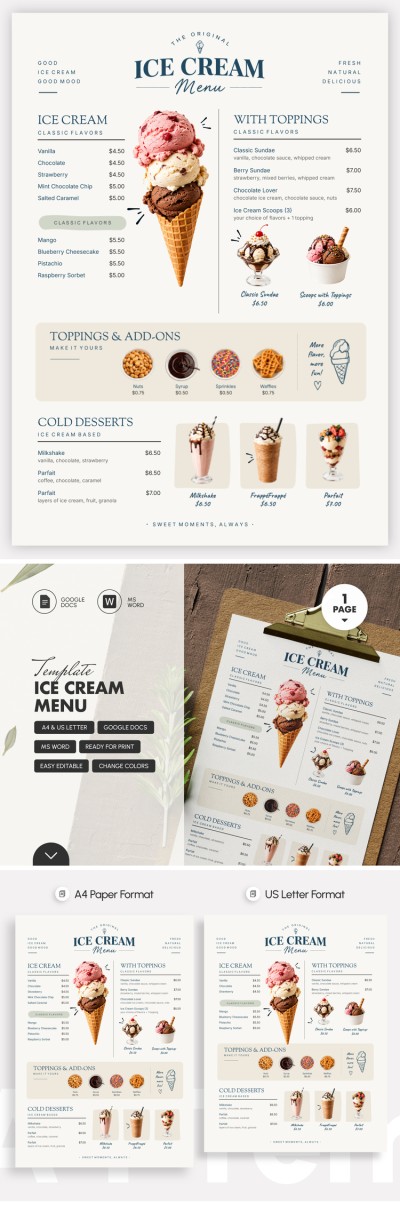
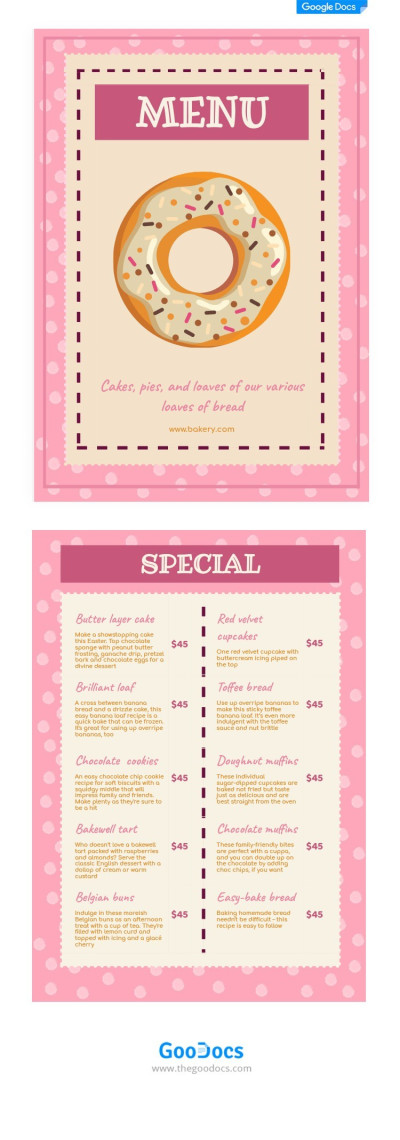
Baking Menu
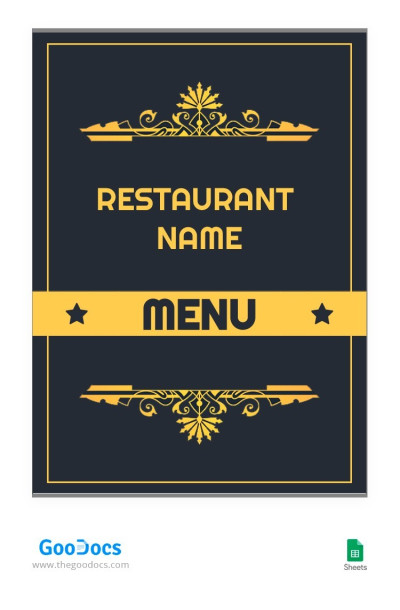
Classic Restaurant Menu Template
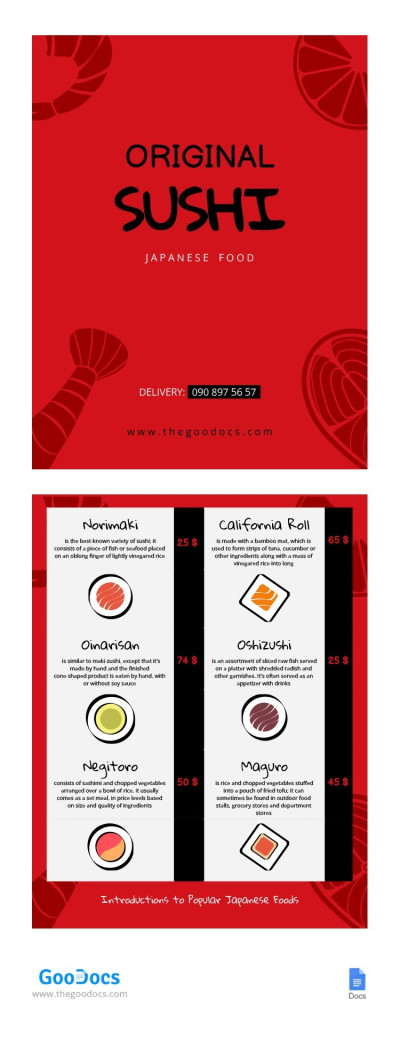
Sushi Menu
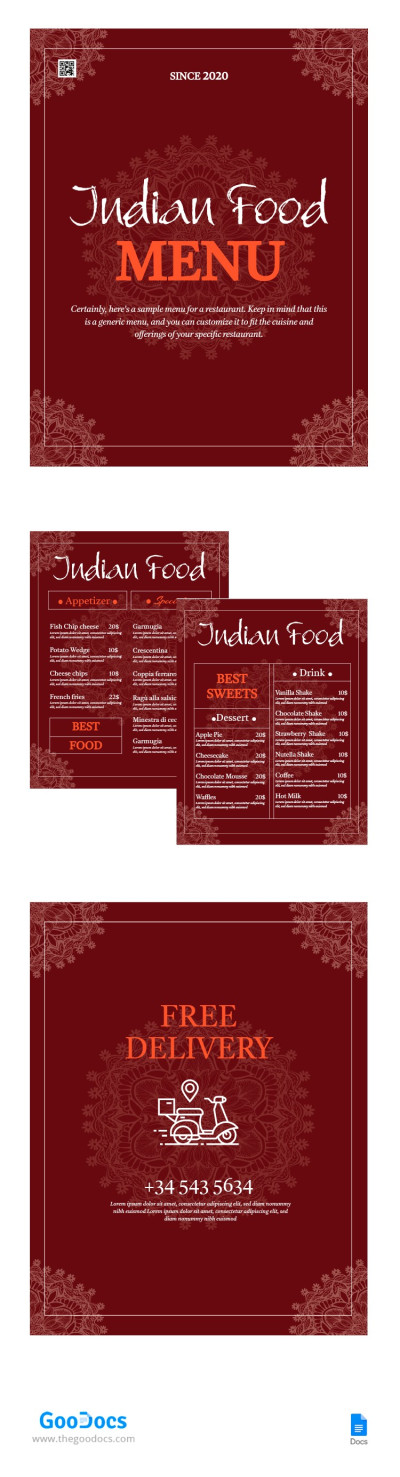
Red Indian Menu
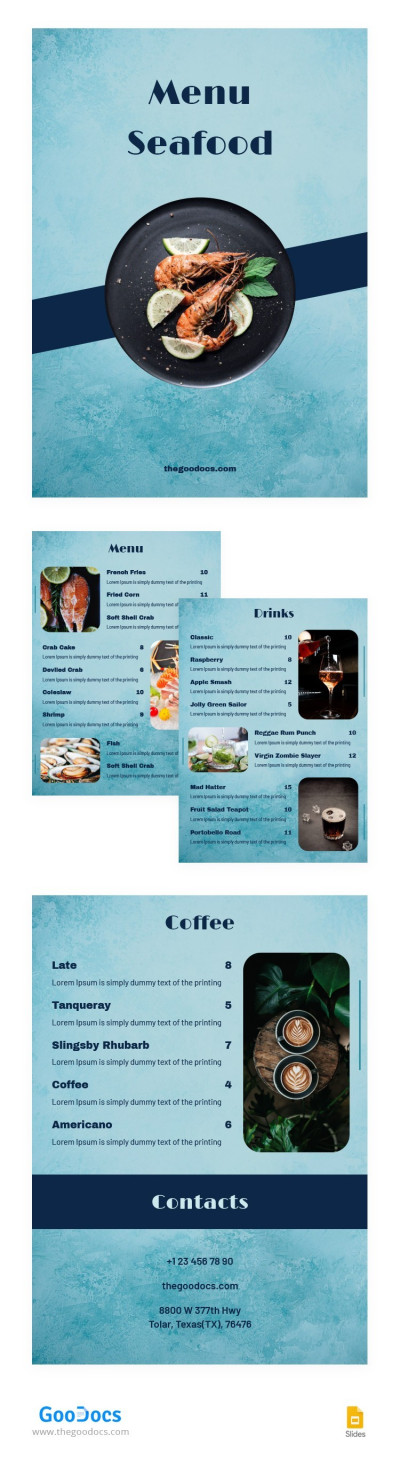
Stylish Restaurant Menu Seafood
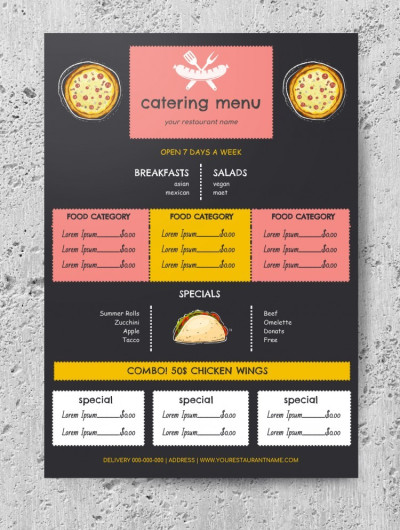
Catering Menu
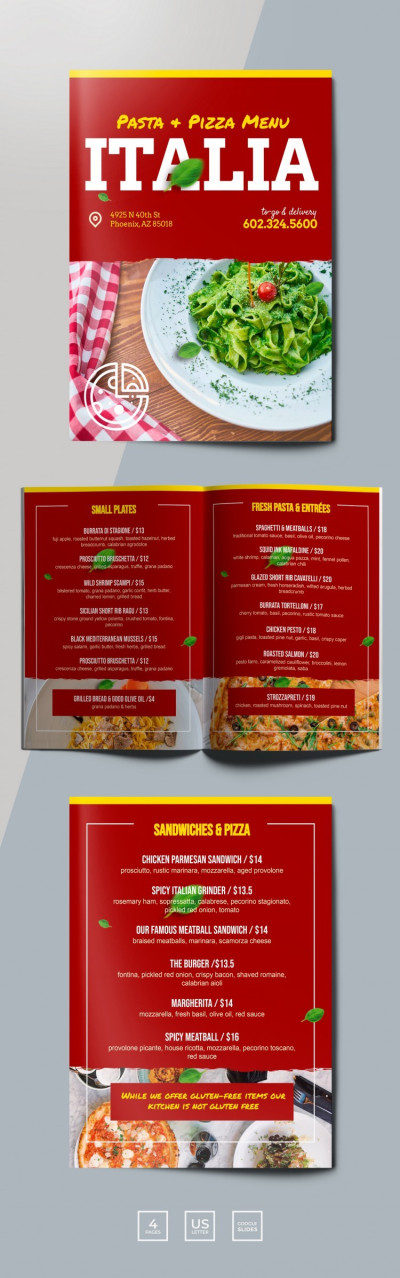
Red Italian Restaurant Menu
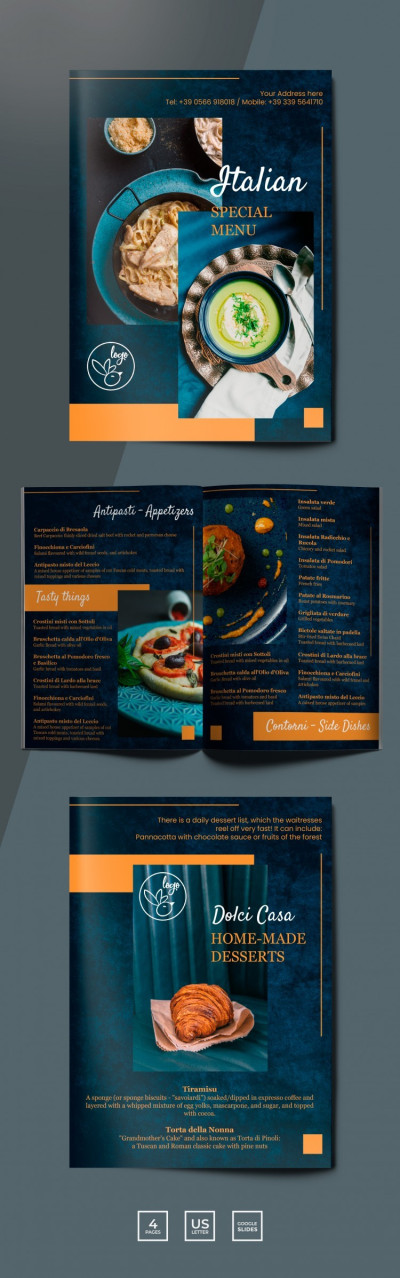
Dark Italian Restaurant Menu
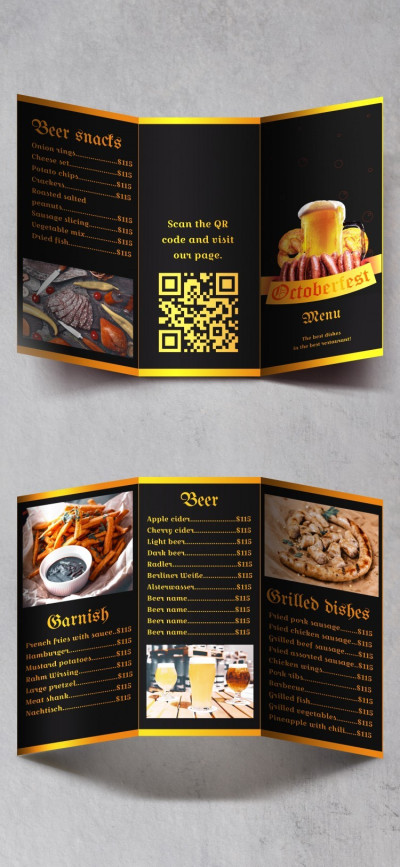
Oktoberfest Menu
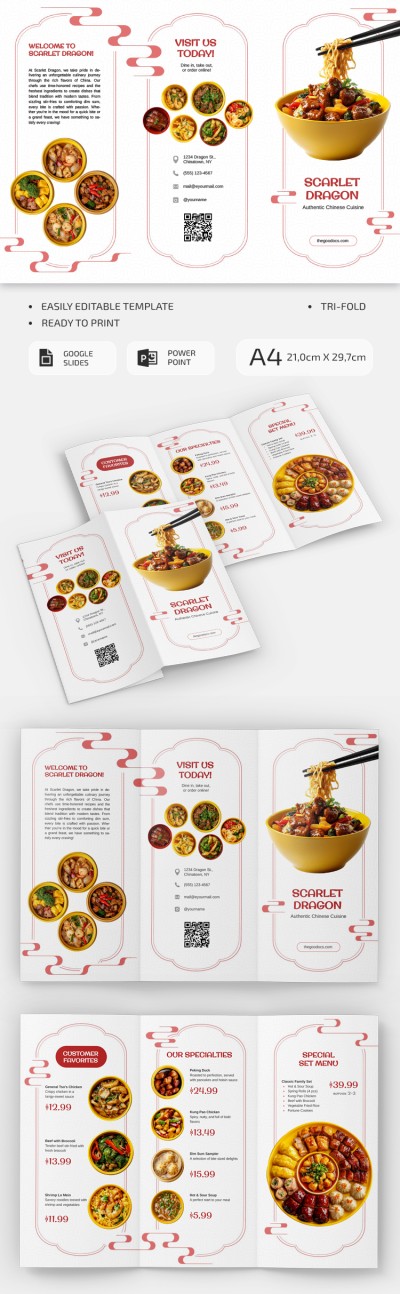
Editable Chinese Restaurant Brochure
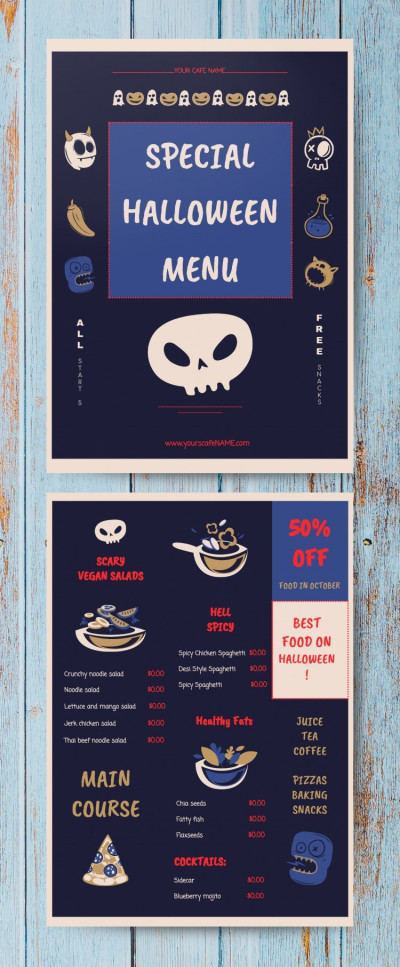
Special Halloween Menu

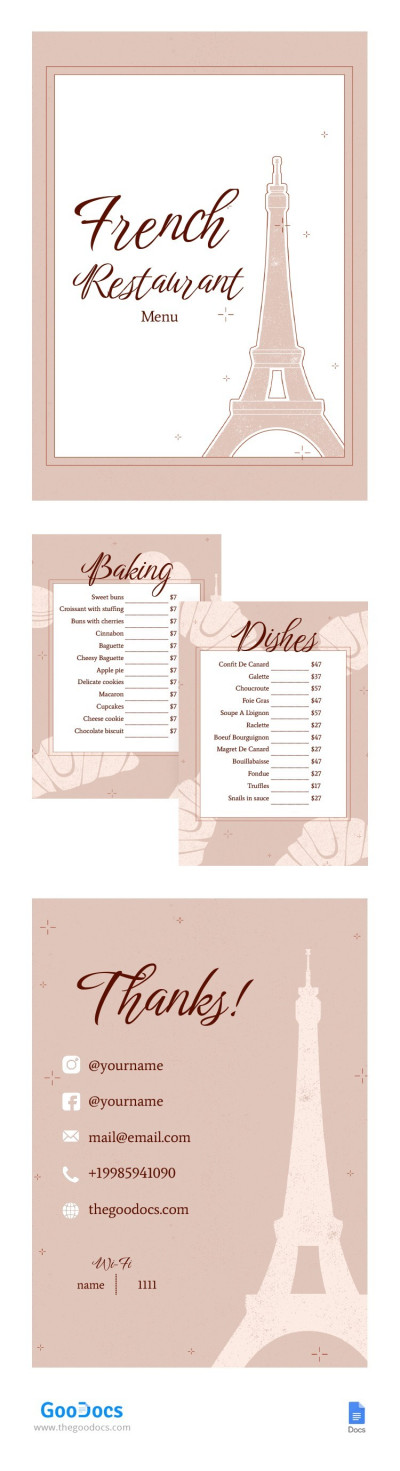
Elegant French Restaurant Menu
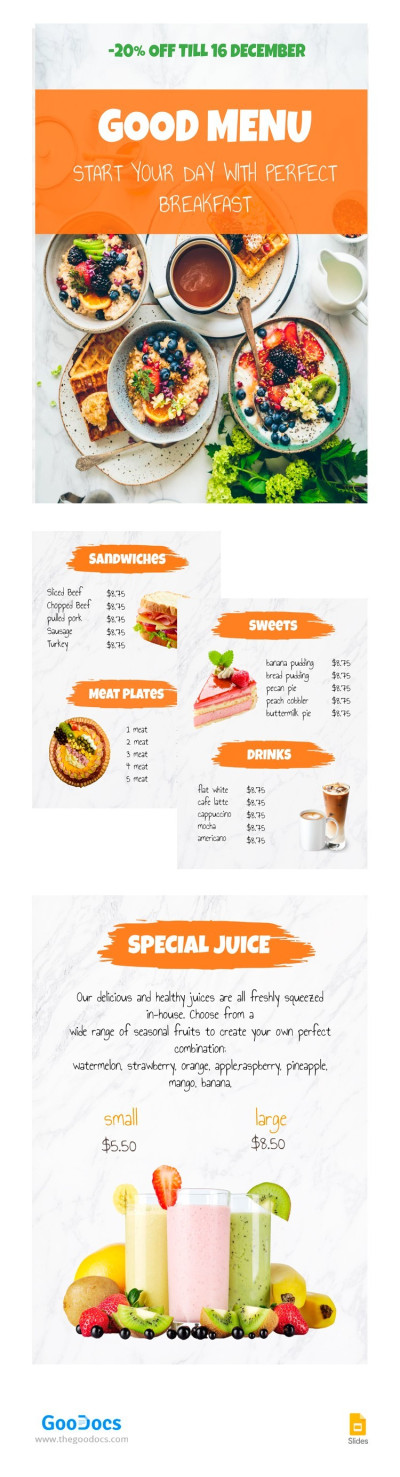
Good Breakfast Menu
Download or get copies of our food menu templates for free to showcase your culinary offerings without wasting time creating a design and structure from scratch. Our templates come with everything you need to create and quickly update your menu. No need for graphic design services or additional software thanks to our ready-made, stylish, and effective layouts.
Here are more useful features of our templates:
- Use professional menu design. Each menu is developed with modern restaurant industry trends in mind, so your layout won't look outdated even years from now. Font pairings, margins, dividers, background colors for different dish categories, and more are carefully selected to create the layout. The resulting design looks stylish, and you can choose from a variety of themes, from simple menus for pizzerias, BBQ, and Chinese food eateries to elegant options.
- Add branding and easily update your menu. Our templates are available in a variety of editors, all of which are easy to use and feature a familiar interface. Instead of using complex Photoshop tools, you can customize your menu in Google Docs, Word, Google Slides, or PowerPoint. Change color palettes, add your logo, restaurant name, prices, and photos using built-in placeholders. Update prices and add seasonal offers in just a few clicks.
- Print without additional settings or create a QR code for your menu. Our food menu templates are configured for printing on standard paper sizes, including A4, US Letter, and others. You can print the completed file on any office printer, laminate it, or send it to a print shop. Furthermore, layouts can be exported as PDF files that can be uploaded to your website, social media, or linked to QR codes on tables for contactless viewing.
Our templates will save you time and money without sacrificing design quality or menu versatility. Choose layouts with clear categories, from appetizers and main courses to desserts and a bar menu, or find a design suitable for a restaurant that only serves pizza and burgers. More restaurant menu templates are available on our website.
Food Menus Templates FAQ
Creating a food menu layout from scratch is much more difficult than using ready-made options from TheGoodocs, so we recommend starting with one of our templates instead of a blank page:
- Download or get a copy of the template from this page. There's a wide variety of free food menu templates available for Google Docs, Word, Google Slides, and PowerPoint. You can choose from options tailored to various establishments, including Mexican and Asian restaurants, pizzerias, burger joints, and more.
- Implement your branding and visuals. Each layout is professionally crafted, allowing you to easily add your own branding and finishing touches. Our menus come with placeholders for your logo and restaurant name, and you can easily change fonts, background colors, and more.
- Fill the template with content. Use the pre-made structure and go page by page, filling in your different dish categories. For each item, enter the name, a brief description, ingredients, and the price, then add a photo. Many layouts include dedicated photo placeholders where you can insert your images.
- Save the master version of your food menu template. After completing all the steps, save the file as a master copy for future reference. If you ever need to change prices or add new items, you can open the file, make updates in a few minutes, and print the menu again.
Our ready-made food menu layouts come with a pre-built structure, placeholders for each item, and a polished design. This allows you to easily edit them instead of spending hours formatting pages and trying to create a layout from scratch.