
Educational Brochure Templates in Google Docs and Word
Take advantage of our free educational brochure templates in Google Docs, Word, Google Slides, and PowerPoint formats. Our layouts are fully editable and printable, designed to simplify formatting and design for any academic assignments. Focus on your research and key facts while working on your educational project, and simply insert them into a ready-to-fill, print-ready layout. You can choose from bifold and trifold educational brochure examples, with most templates available completely free.

Blank Brochure Template For Students
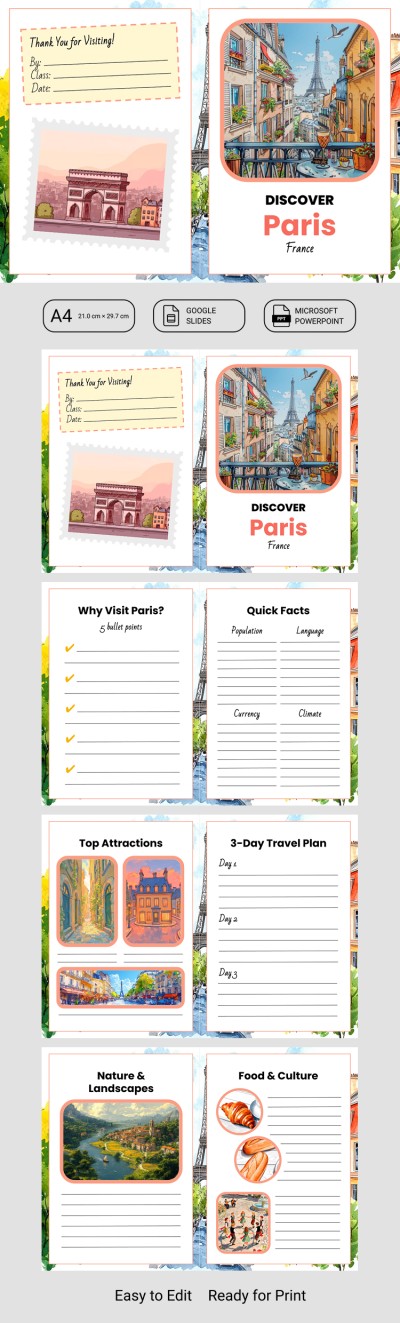
Editable City & State & Country Travel Brochure Template

School Project Trifold Brochure
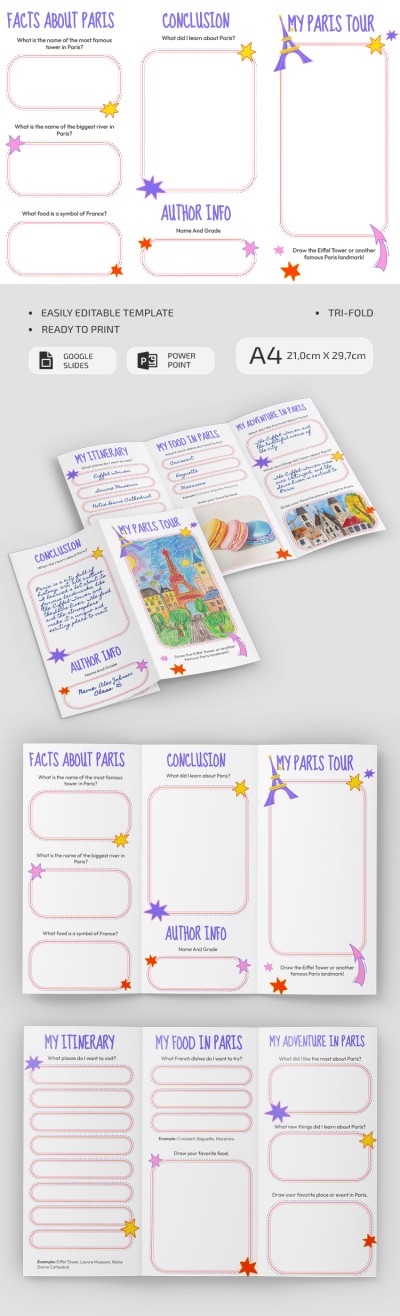
Travel to Paris School Project Brochure
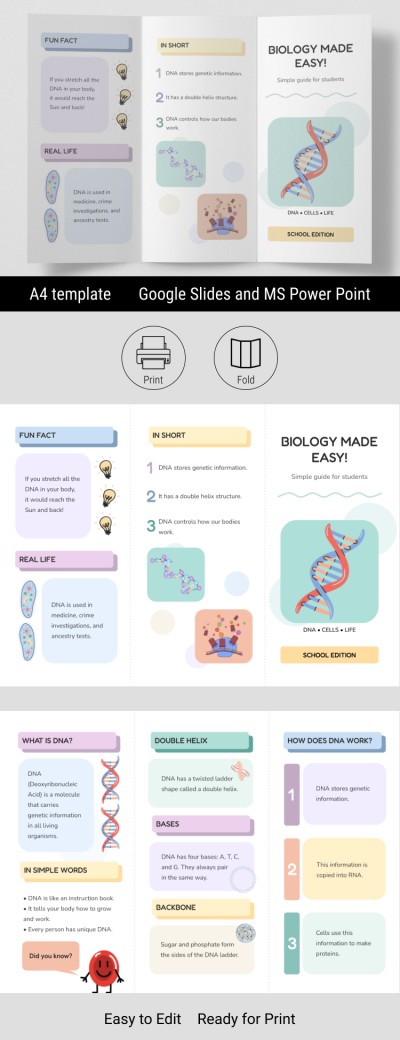
Biology Brochure Example for School Project
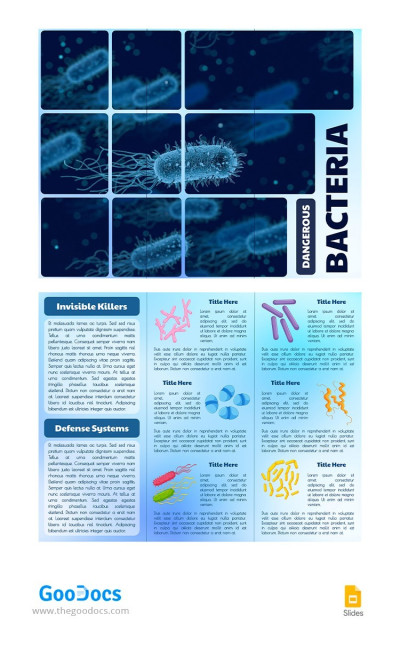
School Project Example
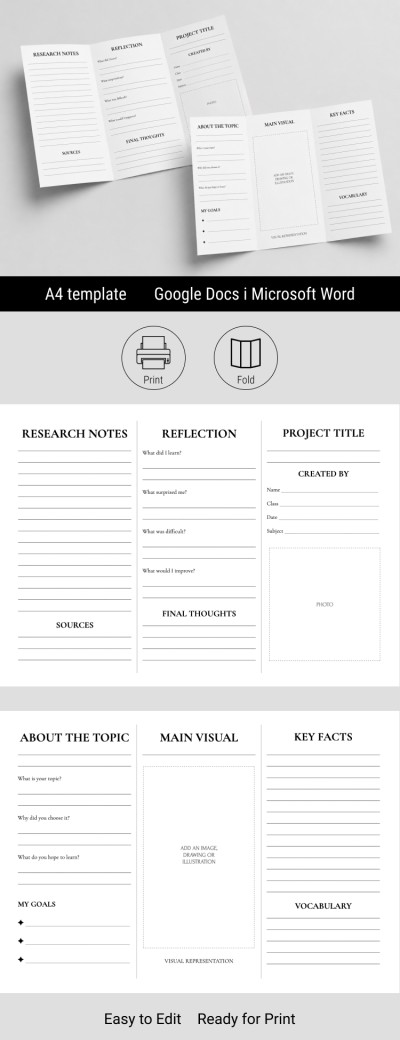
Printable Brochure Template for Students
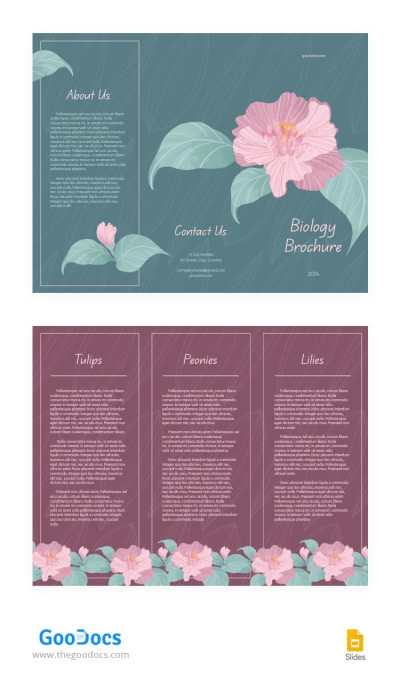
Biology School Project Example
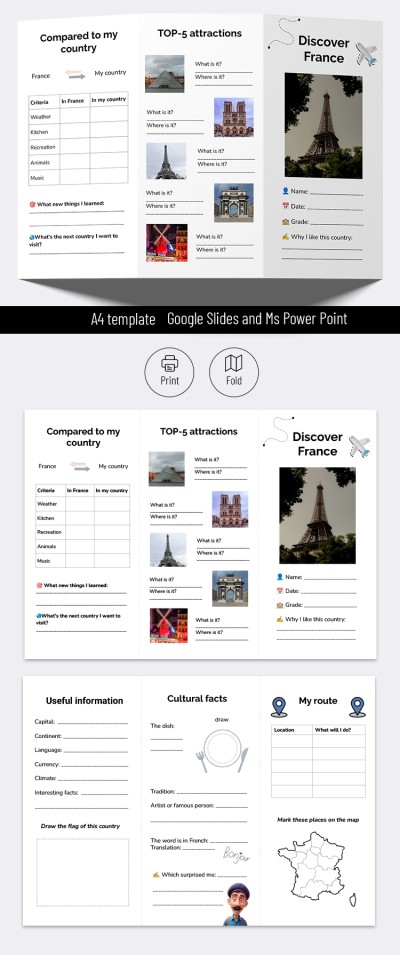
Travel Brochure School Project - Printable and Editable Template
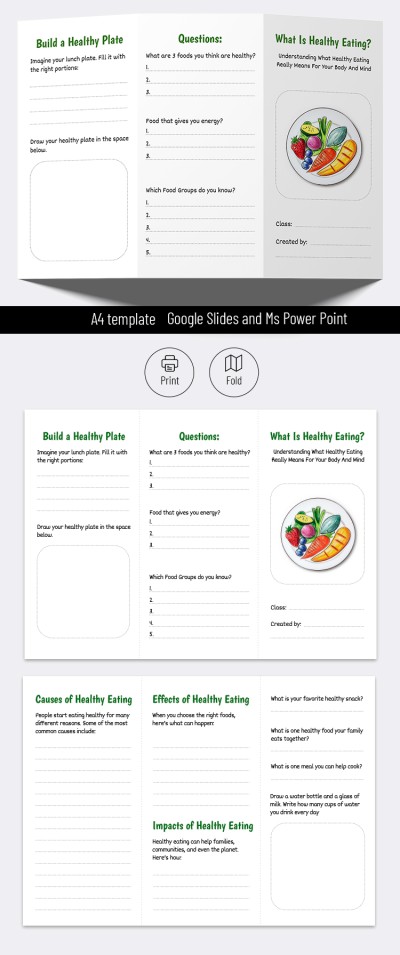
Brochure for School Project
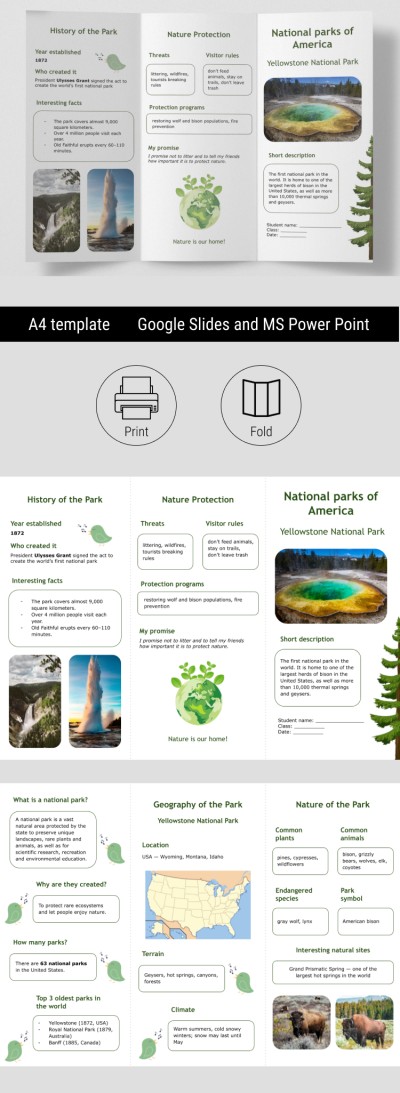
Educational National Parks Brochure for Classroom
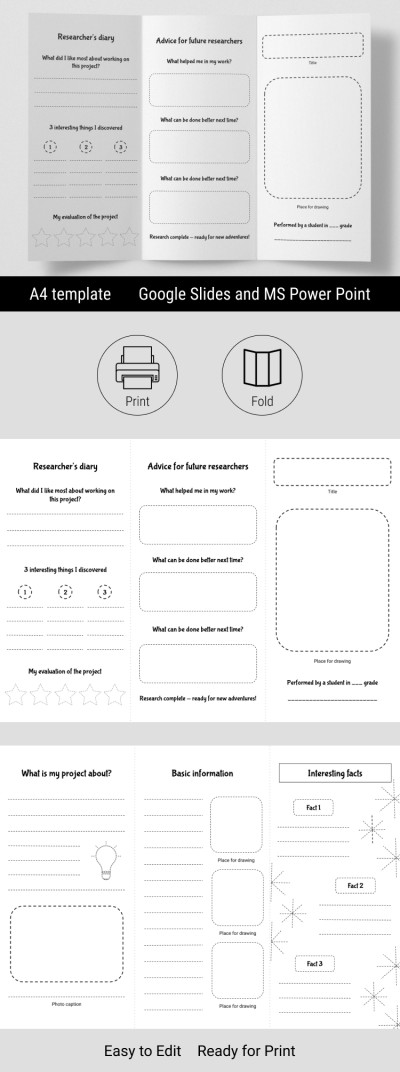
Editable Blank Brochure Template & Research Project
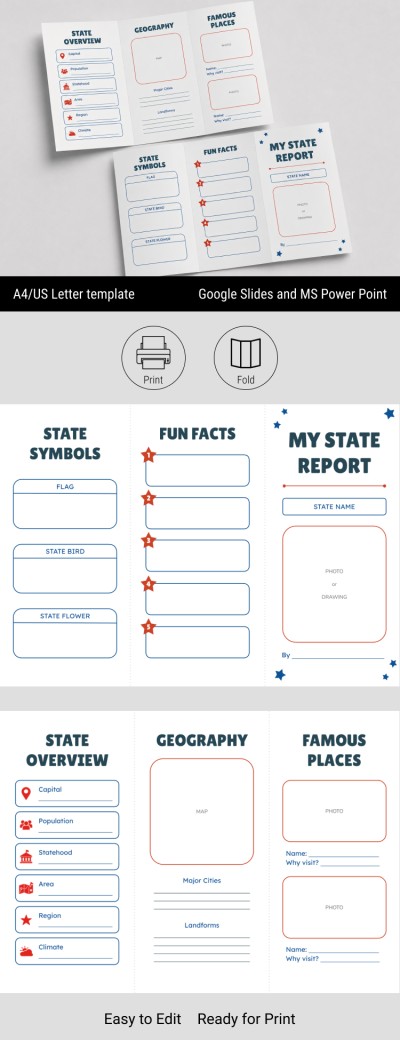
US State Report Brochure Template
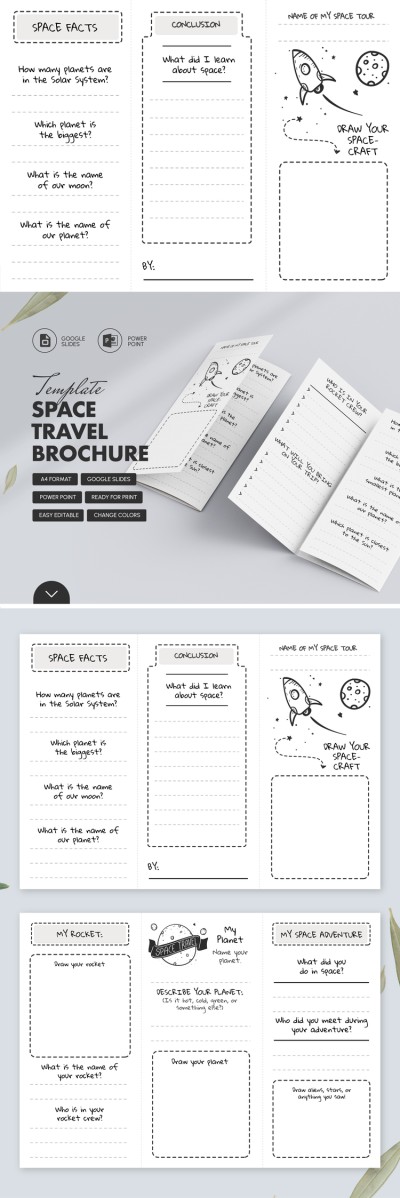
Space Travel Kids Educational Brochure
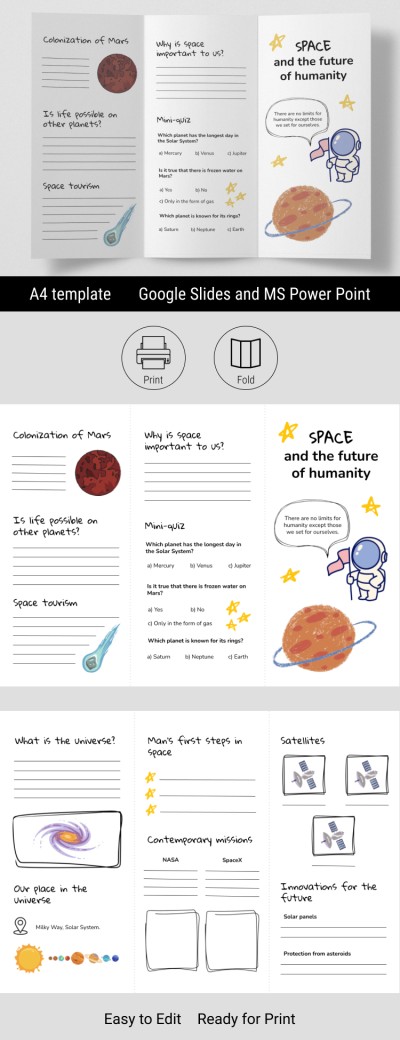
Printable Brochure Examples for Student Projects
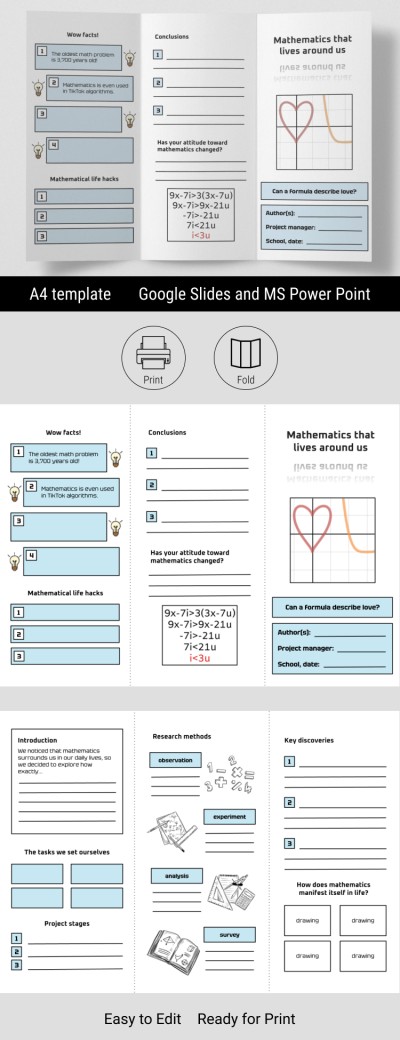
Blank Trifold Brochure Template for School Project
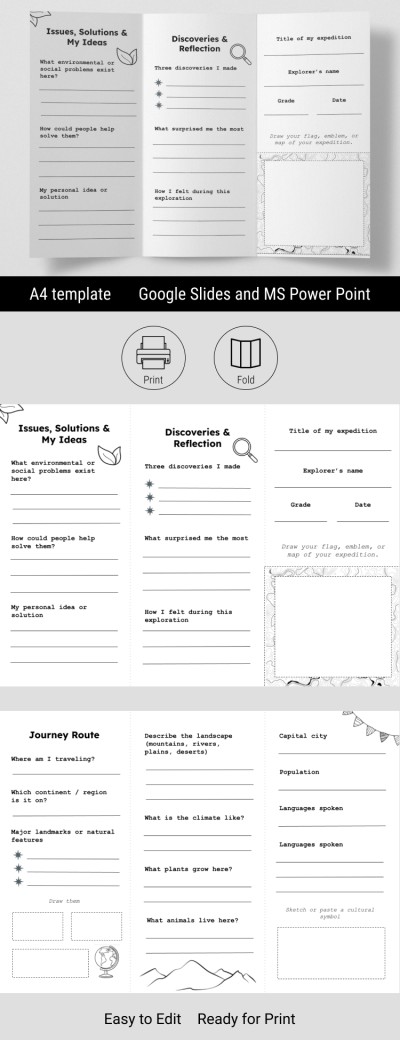
Geography Brochure for Students Projects
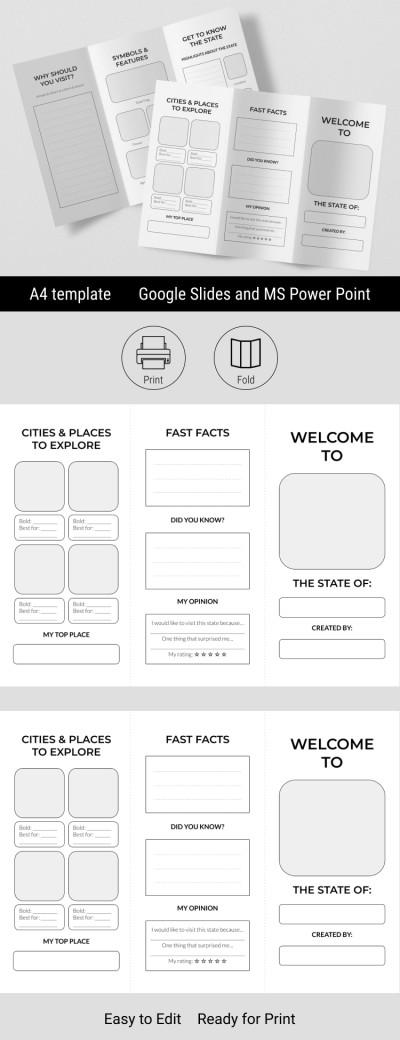
State Travel Educational Brochure Template
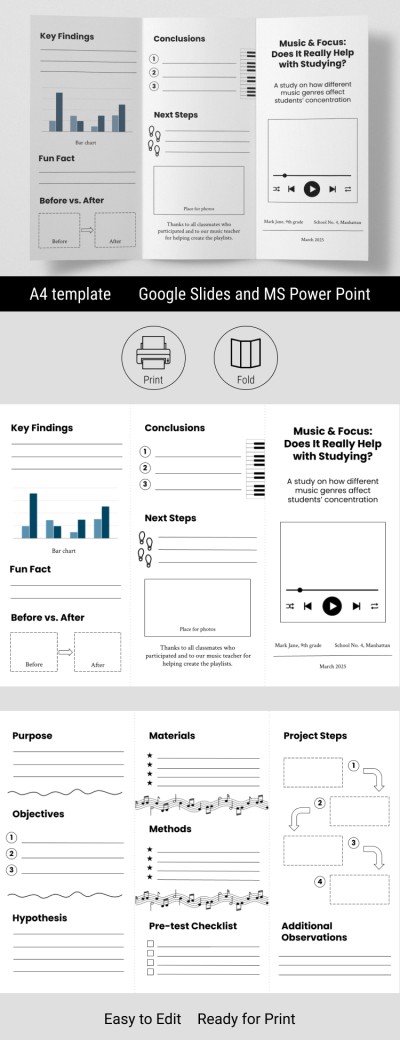
Student Research Brochure – Creative School Project Layout
Start using free educational brochure templates to give your project a professional look. Our layouts are unmatched for everyone who wants to present complex information on any topic in a simple and clear brochure. This page features ready-made templates for both teachers and students. They'll help you create high-quality educational brochures without wasting time designing a layout from scratch. You can also use our school brochure template to advertise and provide information about your educational institution.
Discover more advantages of our educational brochure templates:
- Use a pre-defined structure. Present any information, from student research to a science project, in a clear and organized manner. Our bifold and trifold brochure templates are designed according to clean design principles. You can divide information across six panels, each containing blocks for facts, step-by-step instructions, conclusions, and more.
- Download designs for any educational purpose. Our collection features a wide variety of brochure ideas for a school project tailored to various academic needs. Among dozens of options, you can pick a classic black-and-white student brochure template, a vibrant layout with an ocean theme, educational travel layouts, and more. Each template comes with carefully selected fonts, colors, clean margins, editable infographics, and illustrations.
- Edit brochures in convenient formats. No specialized software is required to work with our educational brochure examples. Our designs are available in standard office formats such as Google Docs, Google Slides, Word, and PowerPoint. To customize, simply make a copy or download the editable template to any device, then use the intuitive interface to fill it with your text and images.
Choose a suitable option from dozens of brochure examples for students and start customizing it right now, completely free. After editing, all that's left to do is save the final version as a PDF and print it double-sided, as all the technical formatting is already taken care of. Also, you can get a suitable bifold pamphlet for any task on our website.
Educational Brochure Templates FAQ
Where to start when creating an educational brochure? The first thing you need to do is choose a brochure format. The most popular are trifold and bifold pamphlets. They are convenient because they allow you to structure information on separate panels.
Further steps to create a brochure:
- Choose a template. Our website already has examples that will suit different topics. Just select the one you like.
- Fill out the front (outer) panel: type your name, add an illustration or image related to the topic, and write a couple of sentences about what will be inside the brochure (annotation).
- What to include on the inner sides? Use each panel for a separate piece of information. For example, one panel is a definition of the topic, another is its history, a third is its modern meaning, etc. Structure the material according to the logic of "introduction - details - conclusion".
- How to design a back panel? Briefly summarize all the information and highlight the main points. Add what else can be read or studied on the topic if someone wants to know more.
With our templates, you do not need to worry about the design! We offer professionally selected fonts, high-quality illustrations, and stylish layouts for various purposes, from biology to history and art. Choose from dozens of educational brochure templates for free with TheGoodocs!