
Book Review Templates
Our versatile book review templates and examples make it easy to create detailed and well-structured reviews for any book. Each layout includes dedicated sections for summarizing the plot, evaluating character arcs, recording memorable quotes, sharing your thoughts, and writing a thoughtful final assessment. Use our fully editable, ready-to-print book review templates in Google Docs and Word for free, customize them to fit your needs, and use the sample content for inspiration. Choose from dozens of unique book review layouts for blog posts, reading journals, academic assignments, and more.


Please try different filters or clear all to start over.
Use our free book review templates to create a detailed and clear analysis of the book you have read. This page contains a variety of ready-to-use templates for book club discussions, academic reviews, blogs, and more. Our book review examples will help you organize your thoughts, outline the plot, and share your impressions in a single document.
Discover more features of our book review templates:
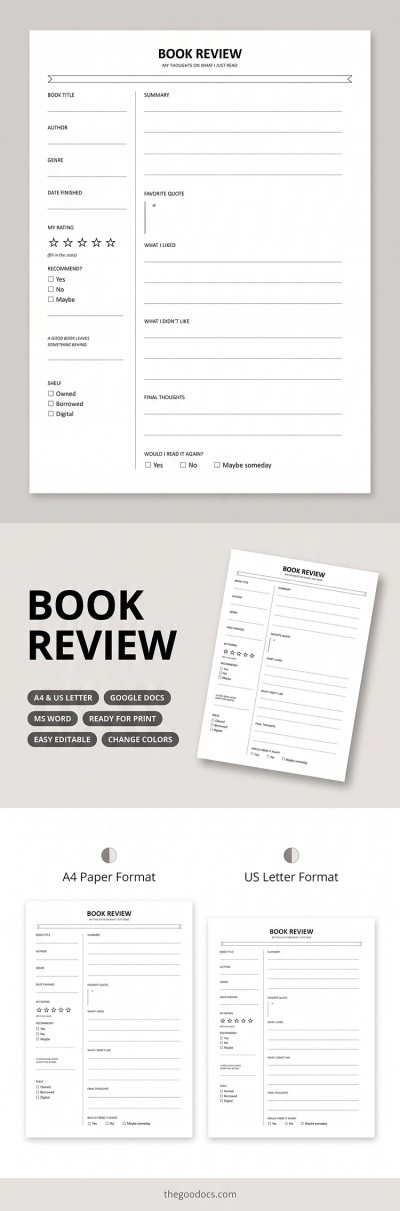
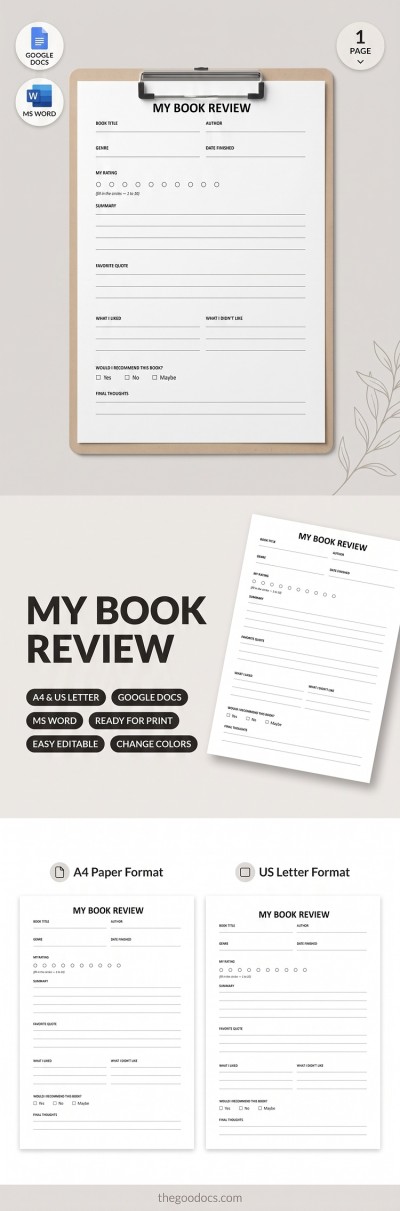
- Utilize ready-made designs and structures. Our templates help you overcome the fear of the blank page. Use a pre-made layout to include all necessary details in your review. Our templates feature dedicated sections for basic book information (title, author, genre), overall ratings, summaries, favorite quotes, key plot points, and final thoughts.
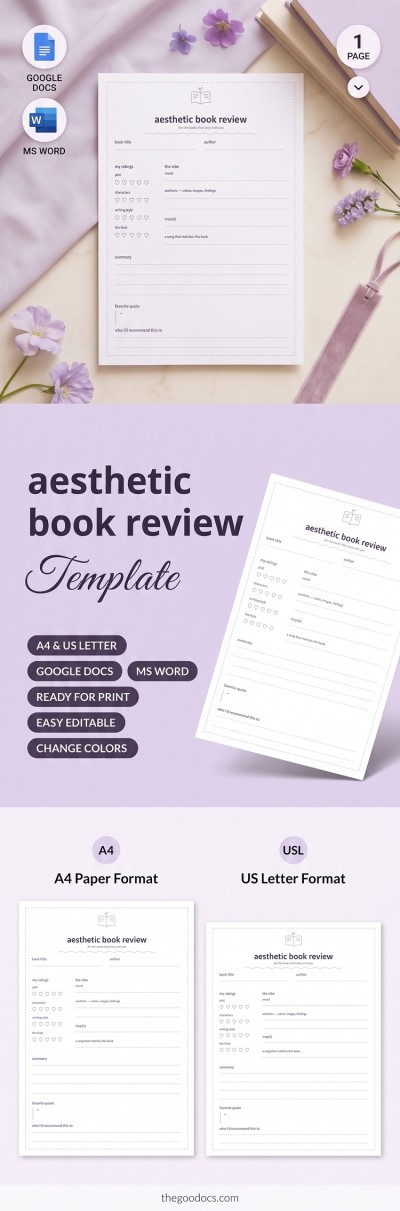
- Choose from dozens of unique book review templates. Our collection includes options for a wide range of purposes and age groups. You can use visual layouts with simple summary blocks for elementary and middle school students, or choose academic forms for high school and college students. There are also aesthetic designs highlighting favorite quotes, character arcs, and final ratings for content creators and book clubs.
- Edit your review in a convenient format. Our templates are fully editable in Google Docs and Word, two of the most popular text editors. Simply click on a section and enter your text. You can also easily choose new fonts, replace placeholder text and headings, change background colors, and fully customize the layout to suit your needs.
Use our collection of book review templates to find and edit a professionally crafted layout for free. Complete it in a convenient editor, print it without any extra setup, or share your review on a blog or social media. On our website, you will find the perfect book template in Google Docs for any task.
Book Reviews Templates FAQ
To structure your book review using a pre-made layout, you only need five essential sections:
- Add a book introduction. In this section, include the title, author's name, genre, date finished, and your overall rating.
- Fill in the plot summary. A brief 2–3 sentence overview is enough to outline the plot. State the premise and central themes, but make sure to keep your summary completely spoiler-free.
- Write your analysis. A solid analysis means diving a bit deeper: evaluate character development, the author's writing style, and the main strengths and weaknesses of the book.
- Include favorite quotes and discussion questions. Write down key passages and your favorite quotes. You can also write a few reflection questions, especially if this review is meant for a book club or blog.
- Draw a conclusion. Share your personal recommendation, suggest similar titles, and mention who would enjoy reading this book the most.
If you want to save time and avoid creating a layout from scratch, check out pre-designed book review templates for Google Docs and Microsoft Word from TheGoodocs. You can save any file, customize section headings, reuse it as often as you like, and print it right away with no extra setup required.
A book review template is a pre-structured layout designed to help you analyze, describe, and evaluate a book's content, writing style, and key details. Our book review templates come with separate sections where you can organize your thoughts: from an introduction (title, author, genre, and a brief overview) and plot summary (how the story unfolds) to your in-depth analysis (writing style and character development) and personal evaluation (strengths, weaknesses, and your overall verdict).
Our book review templates are available in Google Docs and Microsoft Word formats, so you can easily edit them on any device. Easily print out blank templates as classroom handouts for students or print your finished review whenever you are done.
A book review template for kids is a structured layout that makes it easy to create engaging book review handouts for elementary students. Our templates feature simple or even fun designs with sections where kids can fill in basic details about their reading. Blanks for kids focus on straightforward sections like title and author, short plot summaries, favorite characters, and personal thoughts.
In addition to standard text blocks, our book review templates include drawing boxes for scenes or characters, star ratings, and more. You can use a free, ready-made layout to print on US Letter or A4 paper and create custom handouts for your young students in just a few minutes.
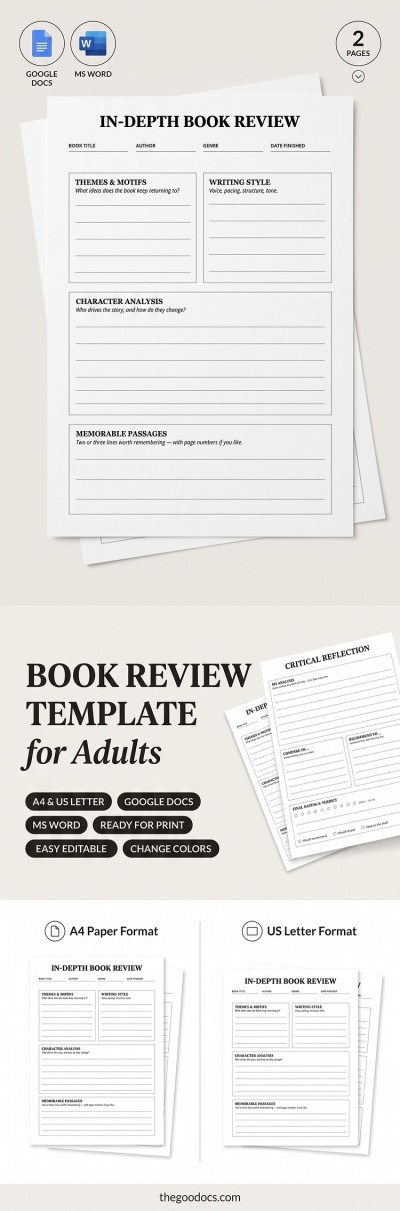
At TheGoodocs, you will find a wide variety of book review templates for adults, ideal for structuring reviews for college assignments, personal blogs, social media posts, and more. Our templates feature a pre-designed layout, with book details, plot summary, in-depth analysis, and recommendations sections. Use them to jump straight into writing your review instead of building a layout from scratch. You can stick with a default structure or easily customize it with your own headings to better suit the specific book you are reviewing. Moreover, our book review templates for adults are ready to print on A4 and US Letter paper with no additional formatting required and can be shared digitally.
Yes, you can use our book review templates for your book club meetings. Just select the design you like on TheGoodocs and use it to guide your meeting discussions. It's simple: just jot down your ratings, key takeaways, favorite quotes, and discussion questions on a single fully-structured sheet. Our templates are available in Google Docs and Microsoft Word formats, so you can also customize them, fill them out online or print them with no extra setup required.