
Home Inventory Templates
Free home inventory templates for Google Sheets and Excel. Printable home inventory spreadsheets for insurance, moving, and rental. Download and edit instantly.
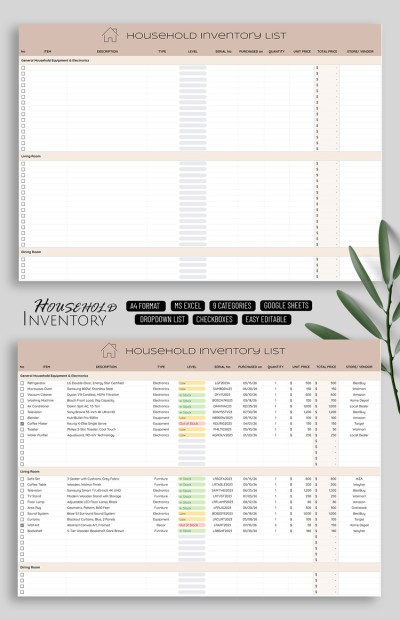
Household Inventory List
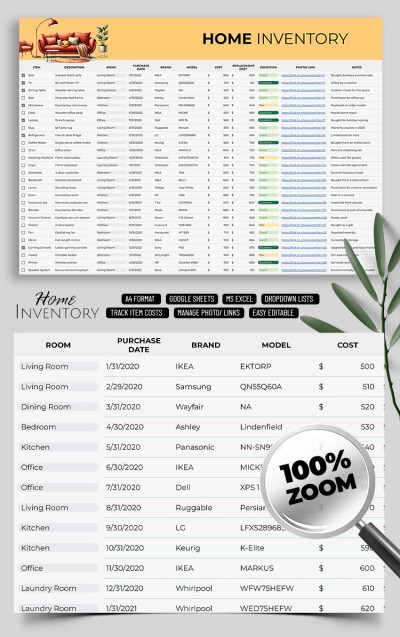
Home Inventory List
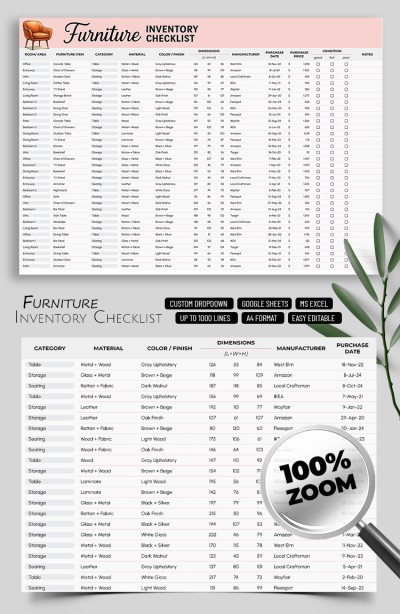
Furniture Inventory Checklist Template
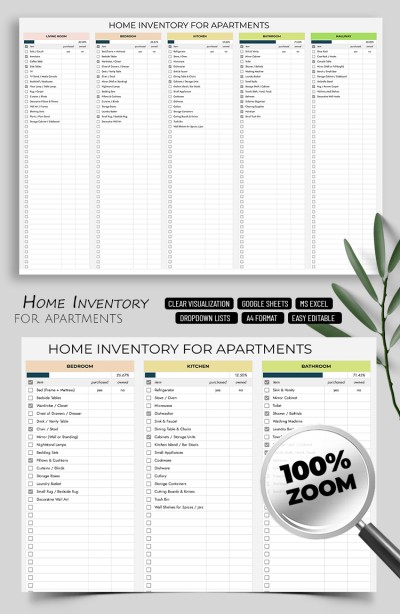
Simple Home Inventory Template for Apartments

Personal Property Inventory Spreadsheet
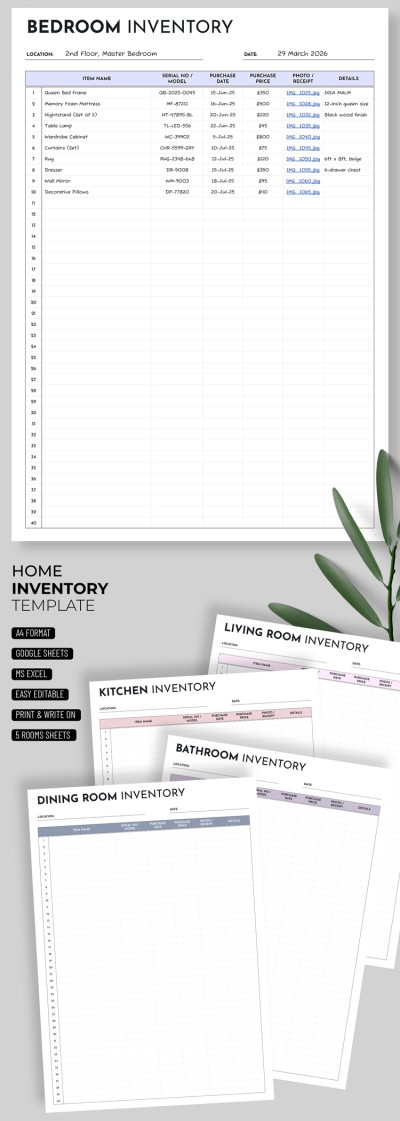
Minimalist Home Inventory
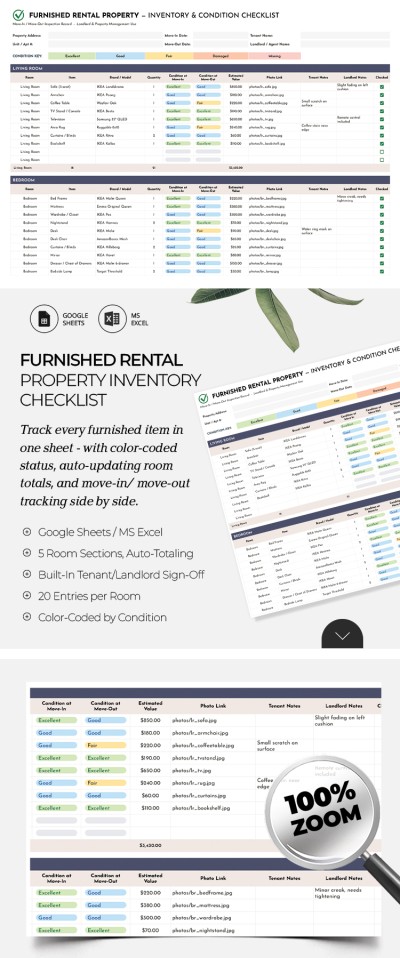
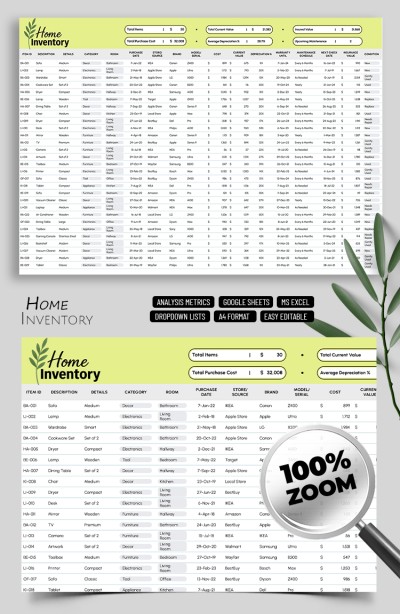
Total Loss Inventory List
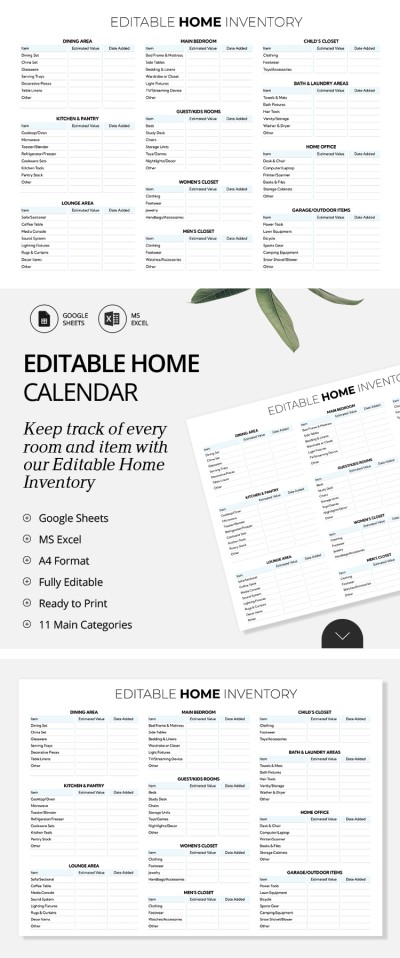
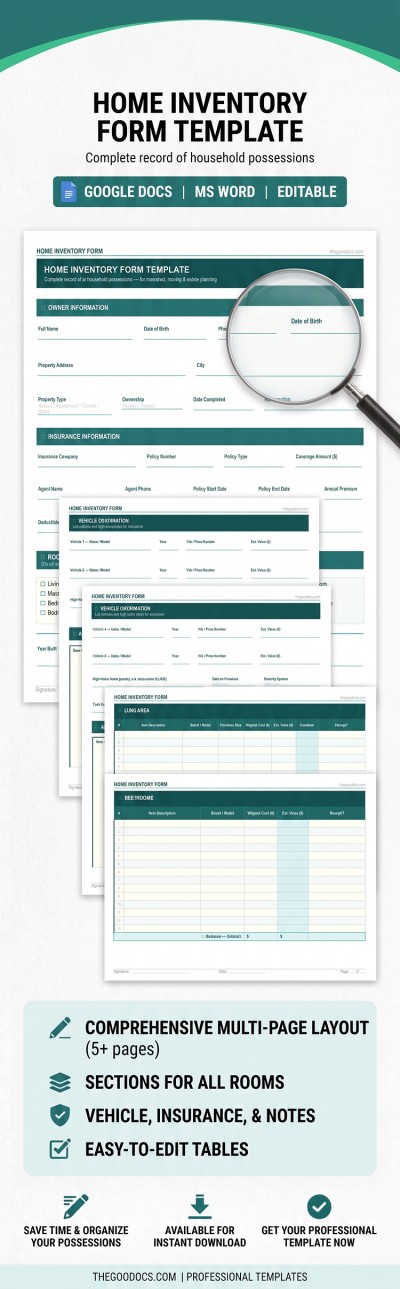
Room-by-Room Home Inventory
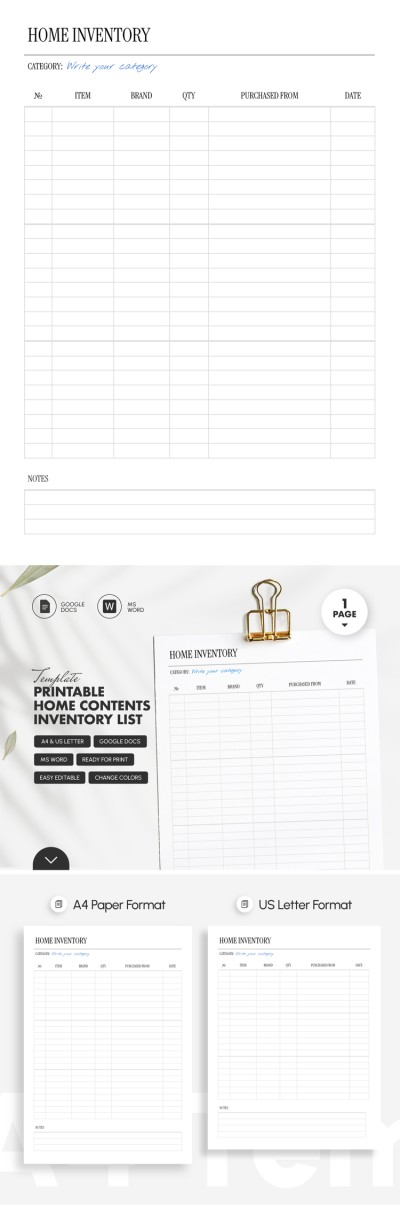
Printable Home Contents Inventory List Template
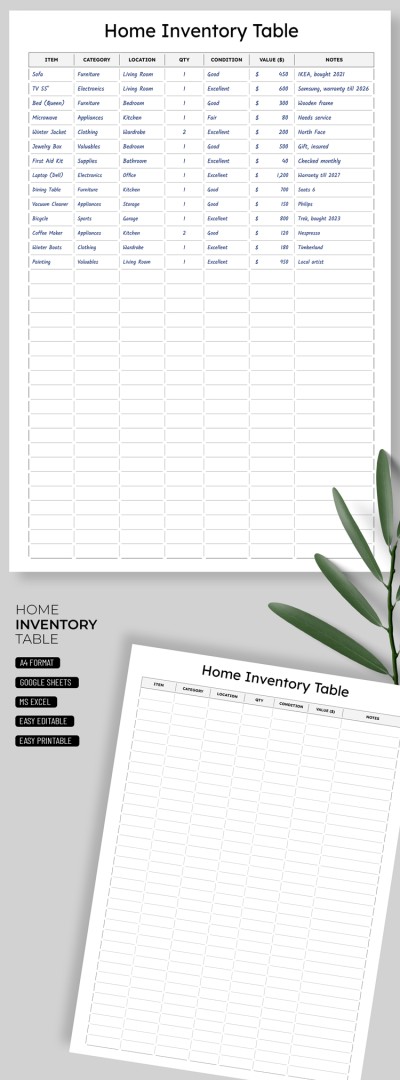
Home Inventory template
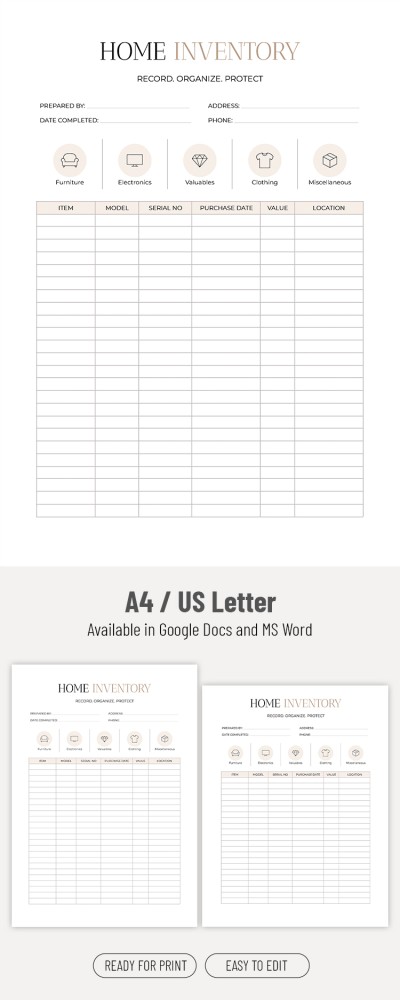
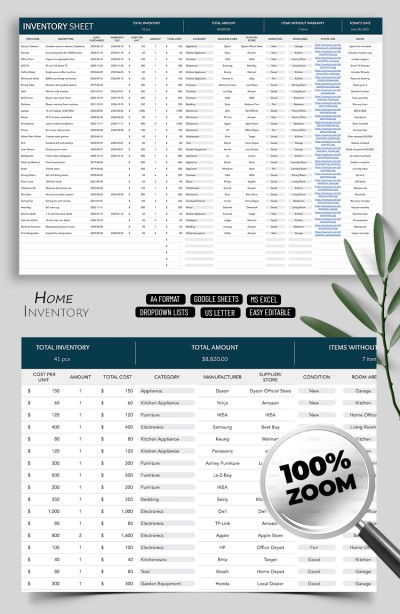
Simple Inventory Sheets for Home Use

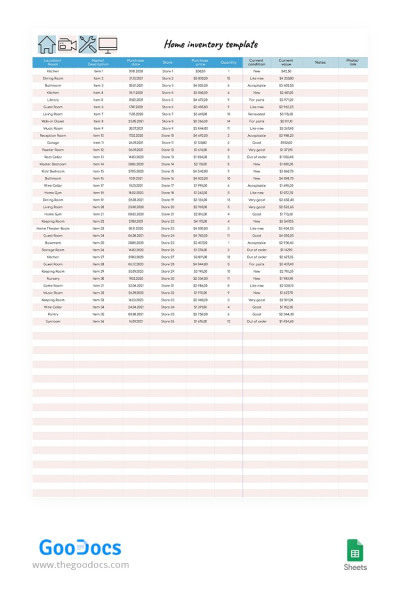
Pink Home Inventory
What is a Home Inventory Template?
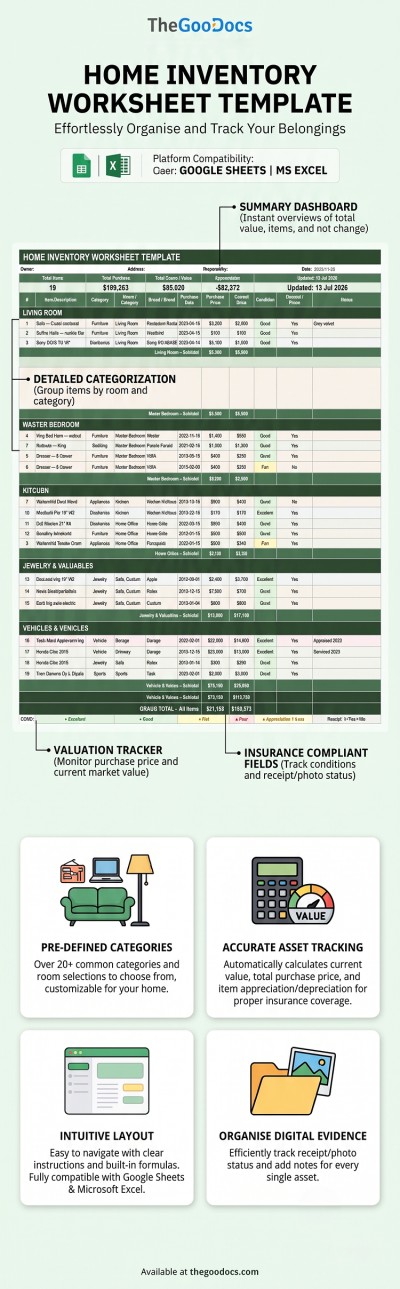
A home inventory template is a ready-to-use document that helps you create a complete record of your personal belongings. Our templates allow you to skip creating an inventory from scratch and get straight to filling out information about each item. Our home inventory templates come with every section you could need to keep detailed records, including item names, locations, categories, purchase dates, actual costs, serial numbers, warranty information, and photos.
A well-organized home inventory makes it much easier to document everything in your home, estimate the total value of your belongings, prepare for insurance claims, and even organize your assets before moving. Our collection includes a variety of editable and printable templates that can be filled out and saved in both digital and printed formats.
Home Inventory Spreadsheets for Google Sheets and Excel
A home inventory spreadsheet makes recording and tracking your items incredibly simple. With our templates, you can quickly update, sort, and search for specific personal property. Furthermore, our Google Sheets and Excel spreadsheets feature ready-made formatting, automatic cost calculation formulas, and drop-down lists. Make a copy or download a file to start filling it out on any device for free.
Printable Home Inventory List Templates
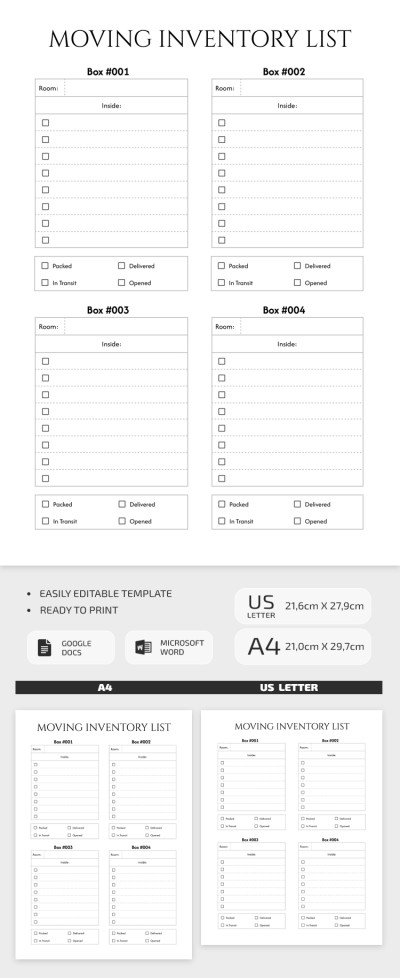
Our printable home inventory list template is a go-to choice for those who prefer keeping physical records. We design these print-friendly layouts from scratch, offering structured sheets in minimalist, simple, or professional designs. Fill out the forms digitally before printing, or just save the template as a PDF to get a physical copy.
Home Inventory Templates for Insurance
Creating a home inventory for insurance is one of the easiest ways to protect yourself financially, and our templates help you with this task. The insurance claim process in the event of theft, fire, or other emergencies becomes much simpler with a detailed list of your assets. Our layouts include all the fields required to build a solid insurance inventory. Simply fill in item descriptions, dates, and replacement costs, and attach digital receipts and photos to a ready-made document.
How to Use a Home Inventory Template
Using our home inventory templates is incredibly simple because you don't have to build anything from scratch:
- Choose the Google Sheets and Excel printable template that works best for you.
- Walk through your home to inspect your items and enter their details in the pre-made fields.
- Add photos of your belongings along with digital copies or links to your receipts.
- Save the completed template to the cloud, download it to your device, or print it out.
Having an up-to-date home inventory helps you stay organized and prepare for insurance claims, moving, estate planning, or household budgeting. Also, choose from dozens of ready-to-use inventory list templates on our website today.
Home Inventories Templates FAQ
Follow these simple steps to create a detailed home inventory:
- Walk through your home with a camera and take photos or videos. Capture each room and create separate folders to make it easier to find needed files later.
- Create a spreadsheet or use a ready-made home inventory template. The spreadsheet should definitely include several columns, such as Room, Items, Quantity, Brand and Model, Purchase Date, and Purchase Price. You can find a template offering a suitable structure and design on this page.
- Add details about all the items you have in your home. You can create separate tables via the file or include extra sections for each room. After that, list all your equipment, decor, etc. For example, if you have a fireplace, make sure to list it in your home inventory. Flooring, televisions, stereo systems, jewelry, silverware, designer clothing, and other valuable items should also be included.
- Attach supporting media. After filling in the basic details, add photos or a video. You can upload these files to cloud storage or to your computer, and then include links to them directly in your Google Sheets or Excel document.
Once your home inventory contains all the required information, save the file. This document will be extremely helpful when filing an insurance claim, particularly if you rent out your property.