
Kids Menu Templates
You can easily make dining fun for your youngest guests with our kids menu templates. There are dozens of playful designs made to keep children entertained while they choose their meals. Each template also offers placeholders for you to include a list of dishes, drinks, and a detailed description of each menu item. Include pictures, type in text, and customize the design in Google Docs or Word.
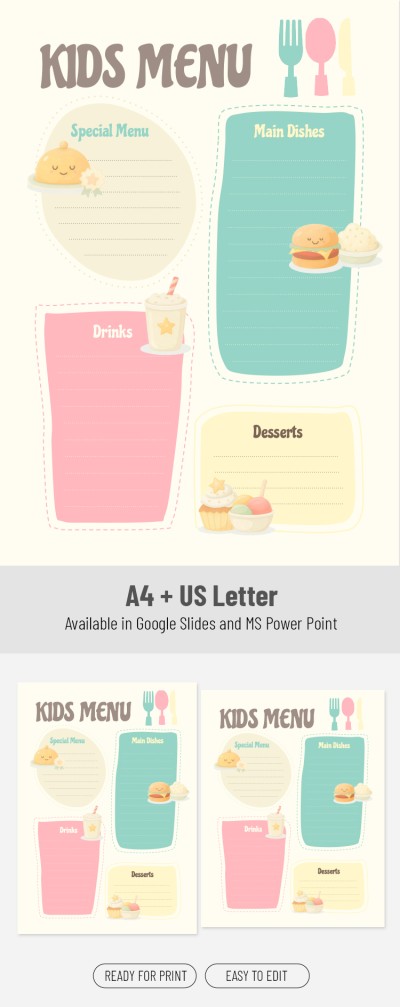
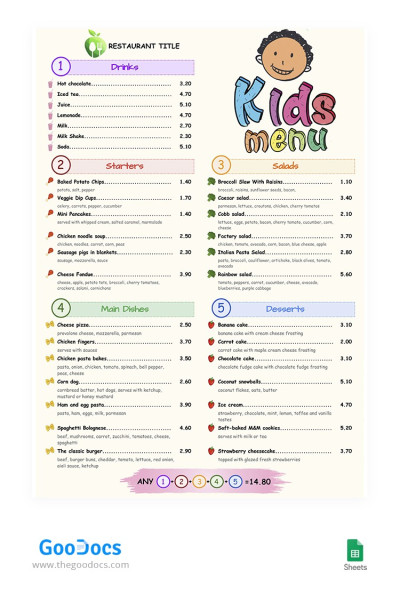
Colorful Kid's Menu
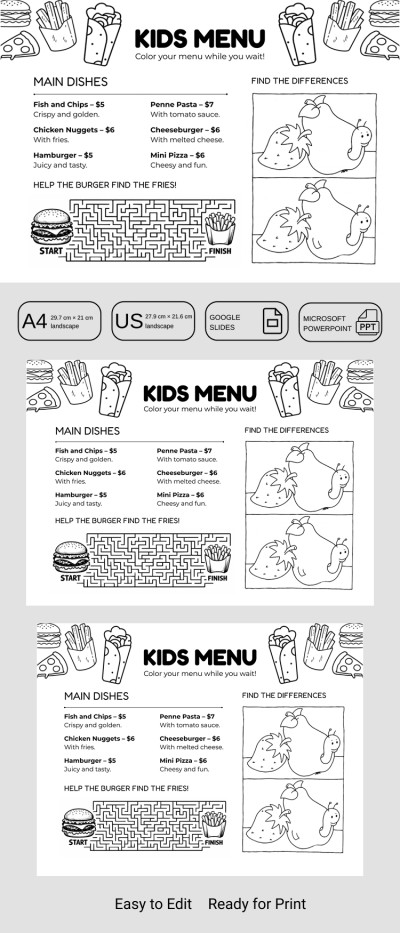
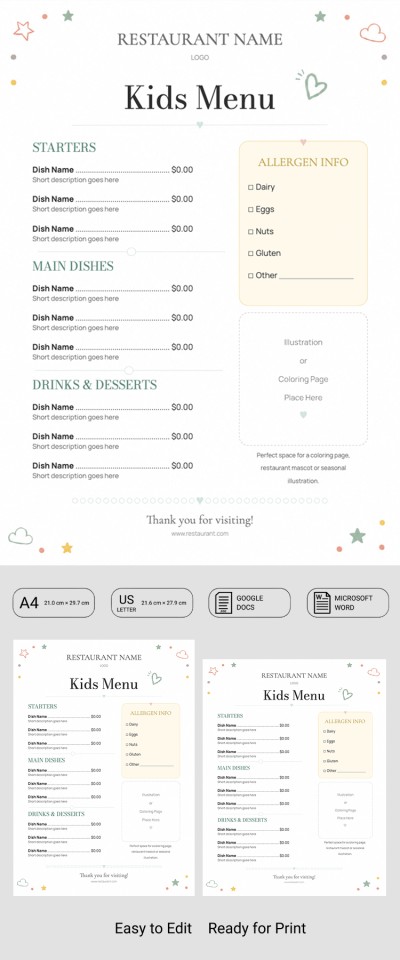
Kids Restaurant Menu
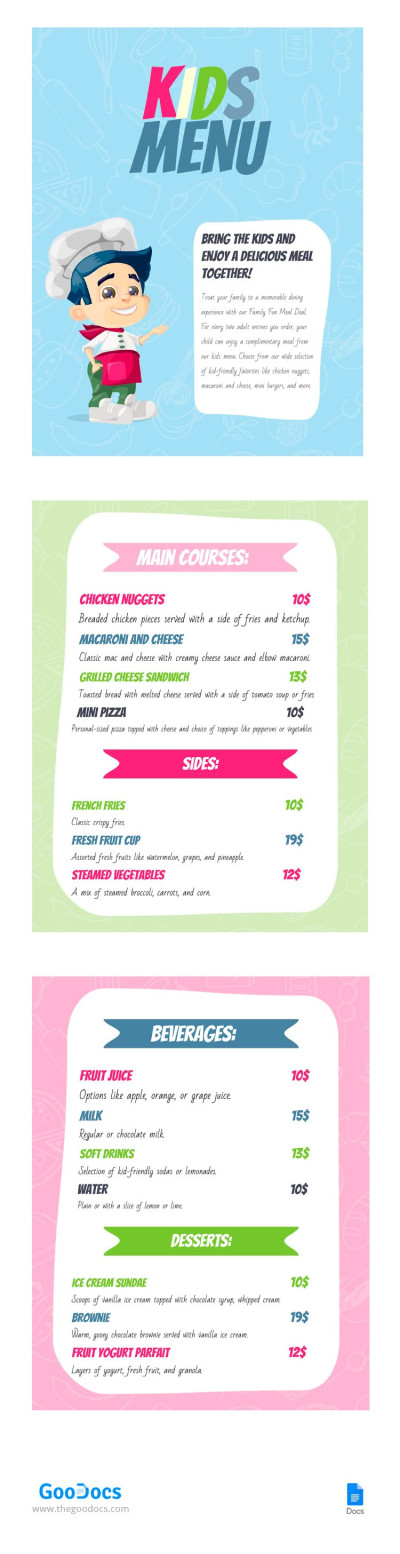
My Kids Menu
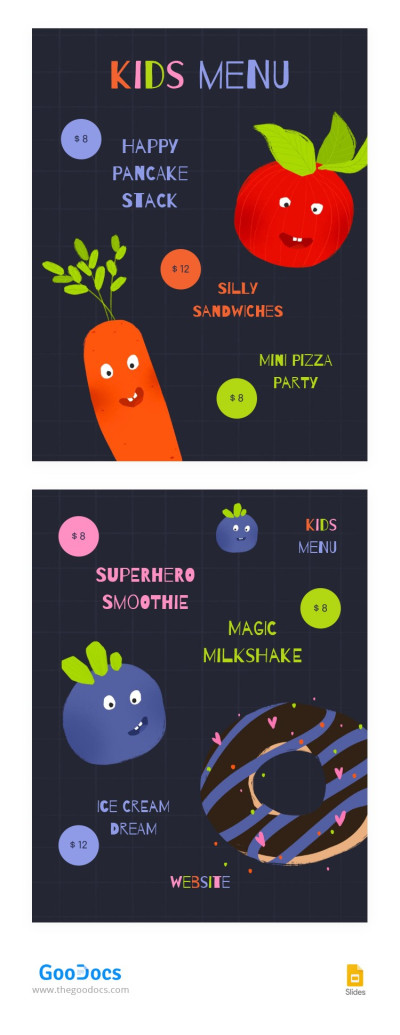
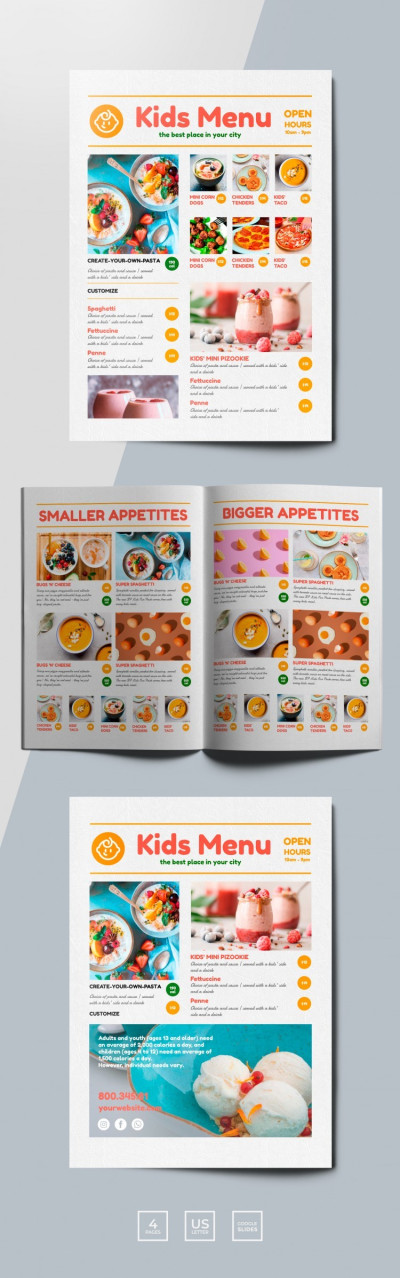
Bright Funny Kids Restaurant Menu
Please try different filters or clear all to start over.
Our kids' menu templates feature bright and engaging designs that children love, while remaining easy to fill out and print. You can use these ready-made templates for free and edit them in a convenient format without any extra design software. Launch and update your kids' menu instantly without paying regular designer fees.
Here are more benefits of our kids' menu templates:
- Create a vibrant, playful design for your little guests. Designing children's menus requires a special touch, and that is reflected in every layout on this page. The templates use a friendly pastel color palette, cute built-in illustrations, and large fonts that are easy to read and instantly capture a child's attention. This design makes choosing a dish engaging and helps keep kids occupied while parents place their order.
- Update items, photos, and prices in a couple of clicks. With a digital copy of the template, you can easily edit the list of dishes, add seasonal ingredients, prices, photos, and descriptions. You can instantly replace old text or images using Google Docs, Word, Google Slides, or PowerPoint, depending on the template format. Making edits takes just a few minutes, and the file is ready to print right away.
- Use templates with a well-thought-out structure. Behind the attractive design and vibrant layout is a perfectly organized grid. There are pre-designed blocks for dish names, prices, and descriptions, arranged so parents can quickly navigate and select a meal for their child. The templates also feature separate sections for different categories, from breakfasts and desserts to soups and sandwiches.
Just add your current items to the free, ready-to-edit kids' menu template that best suits your establishment, and you're ready to go. After filling out the template, you can save it as a PDF to print in various sizes. No additional margin adjustments or formatting are required. More menu templates for restaurants and cafes are available on our website.
Kids Menus Templates FAQ
A kids' menu template is a pre-made layout specifically designed to display children's meals in restaurants and cafes. Such a template includes a ready-to-use grid with sections for different dish categories, along with placeholders for images, dish names, prices, and ingredients. But the main difference between a kids' menu and a regular menu is its playful design. Our kids' menu templates feature plenty of vibrant illustrations, pastel or bright background colors, and large fonts to create a fun and engaging experience for children.
The paper size for printing a children's menu depends on the number of dishes your establishment offers and other factors, but you can choose from these common options:
- Placemat children's menu. To create a placemat menu, you can use A4 or US Letter sizes, or go larger with A3 and Tabloid dimensions. This is a popular interactive format that allows you to combine a list of dishes with coloring pages, mazes, or puzzles.
- Compact card with a few items. If you need a compact menu, an A5 or Half-Letter size is a great fit. Such a paper size allows you to design a small card that is easy for a child to hold.
- Square children's menu. To create a square format, use 200 x 200 mm or 8" x 8" paper. This is a modern and stylish option, ideal for family cafes and pastry shops. Also, large photographs or illustrations of dishes will look great on a square grid.
To avoid layout formatting from scratch, you can use our children's menu templates, which already come with all the print settings for A4, US Letter, and other paper sizes. This page offers a variety of editable and print-ready templates.
Your establishment's children's menu should balance classic dishes with healthy options. It's also crucial to maintain proper portion sizes and include all the information visitors need to place their order.
Here is a useful guide on what to include on a kids' menu:
- Clear food categories. If you have plenty of options on your menu, divide them into straightforward sections like finger foods, simple entrees, healthy alternatives, drinks, and desserts.
- Visual elements. Kids choose with their eyes, so it's preferable to include bright illustrations or photos for each item. You can also use large fonts and playful names for dishes, such as "Dinosaur Trees" for broccoli or "Cloud Cakes" for waffles.
- Interactive features. This is optional, but you can print the menu as a disposable placemat and add coloring pages, simple mazes, puzzles, and spot-the-difference games.
- Information for parents. Parents appreciate clear ingredient lists, allergen icons, and convenient, fixed-price meals.
Including all these elements vastly increases the chances that children and their parents will leave your restaurant full and happy. If you are not sure how to design a menu like this, you can always use the ready-made kids' menu templates from TheGoodocs.