
Baptism Certificate Templates
Make your child's baptism certificates unique and personalized with our baptism certificate templates in Google Docs and Word. We offer to download and customize ready-to-use forms using convenient formats. Use austere, gray, simple, gradient, and even more designs!
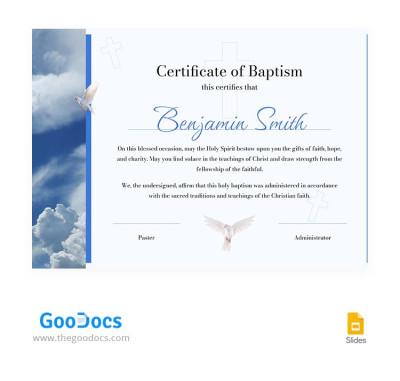
Austere Baptism Certificate
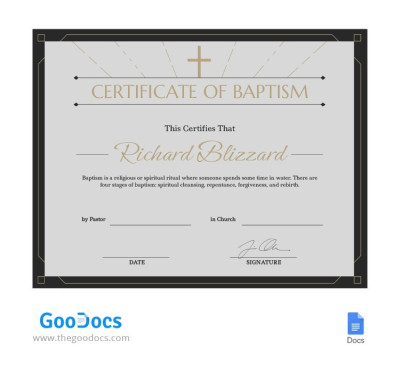
Grey Baptism Certificate
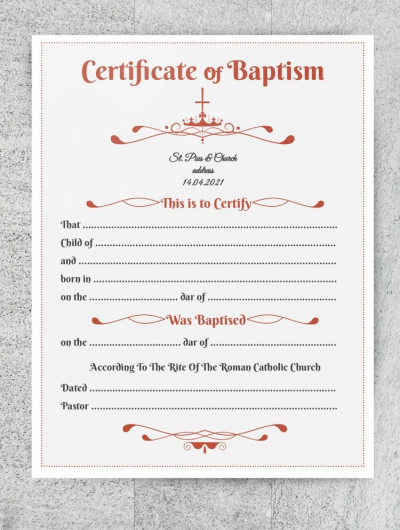
Baptism Certificate
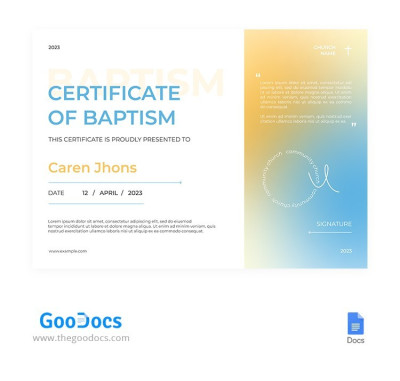
Gradient Baptism Certificate
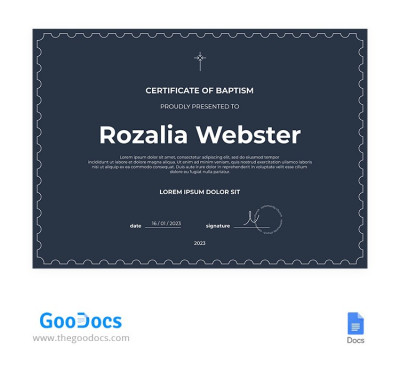
Simple Baptism Certificate
Please try different filters or clear all to start over.
Choose from dozens of baptism certificate templates available for free on this page. Create a certificate that will be a memorable addition to your church ceremony and will serve as proof of its completion. Prepare aesthetic and properly formatted documents for baptismal ceremonies effortlessly. Just customize our free editable certificate templates using familiar editors.
Learn more about all the benefits of our certificate of baptism templates:
- Use an elegant or modern pre-made design. Baptism is an important and solemn event, so our template designs reflect solemnity and restraint. They feature elegant frames, crosses and doves as church symbols, stylized ornaments, and carefully selected fonts. The layouts themselves are understated yet emphasize the importance of the event.
- Get free editable baptism certificate templates. Each template includes placeholders for the certificate and church name, the baptism date, the name of the person being baptized, the pastor, a signature, and even a seal. Most options come with sample text to help you fill out the certificate. You can also easily add details and personalize the template in Google Docs and Word, or use Google Slides and PowerPoint.
- Explore ready-made settings for high-quality printing. You can choose from portrait and landscape baptism certificates, all ready to print on standard A4 and US Letter paper. Simply fill out the template, save the final version as a PDF, and send it directly to your printer. Margins, color settings, and proper spacing between text and certificate blocks make the printing process quick and easy.
Download baptism certificate templates today to create professional certificates using ready-to-fill forms. Save time without sacrificing design quality with our blanks. Baptism invitation template collections are also available on our website at the link.
Baptism Certificates Templates FAQ
A baptism certificate is a document a church issues to confirm baptism. It contains basic information about the baptized person and the church, and must also bear the pastor's signature or the official church seal for verification. This proof can then be used to confirm baptism before receiving further sacraments, such as becoming a godparent or marrying in the church. Currently, this document serves mainly this purpose, but in the past, it was also used in place of birth certificates.
To create a baptism certificate template in Word or Google Docs, you don't have to start from scratch. Instead, you can use ready-made templates from TheGoodocs:
- Choose a suitable template on this page. Most of our templates are available in Google Docs and Word, so you can choose the one that best fits your design and layout preferences.
- Download the template in .docx format or make a copy to your Google Drive. Go to the template page, select the desired format, and click the corresponding button below. The download or copy process will start automatically.
- Personalize the information. Fill in the placeholders with relevant text, including the name of the baptized person, dates and places of birth and baptism, and the name of the church.
- Save the final version as a PDF. To do this, go to File > Download > PDF Document.
- Print the template and sign it. All print settings are pre-configured, so the PDF version can be sent directly to the printer. The pastor can then sign the printed copy.
Instead of dealing with technical formatting, you can use a ready-made form that you just fill out in Word or Google Docs. This way, you'll get a finished certificate in just a few minutes and can easily personalise it to create new copies.
The main details that should be included on a baptism certificate are the document title, the name of the person being baptized, the name and location of the church, the date of baptism, and the name and signature of the pastor. Additionally, the certificate can be stamped with an official church seal.
Yes, you can download or make a copy of an editable and printable baptism certificate for free on this page. Simply choose a design, go to the template page, and download it to your device. Our templates are also fully editable in Google Docs, Word, Google Slides, and PowerPoint, and all print settings are included. To print your completed certificate, just save it as a PDF (File > Download > PDF Document).