
Thousands of free templates, one click away — right inside Google Docs, Sheets & Slides
Stop switching tabs. Browse, search, and insert templates from the largest free library on the web, without ever leaving your file.
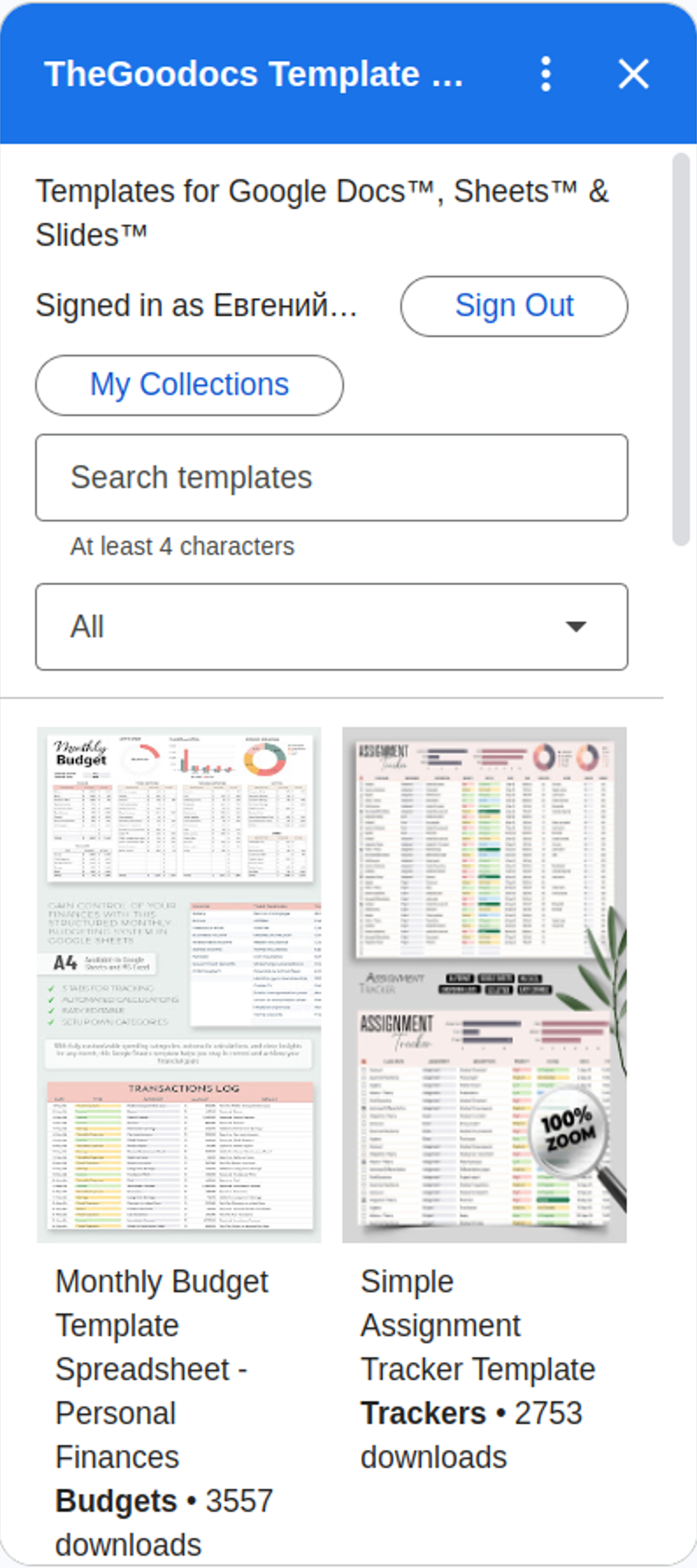
Your template library, docked next to your document
Click the icon in the side panel, search, then get a copy — the same flow as the real add-on.
Click the pulsing icon on the right edge to open the sidebar →
Get started in under a minute
Workspace add-ons live in the right-hand side panel — not in the Extensions menu. Panel collapsed? Click the small arrow in the bottom-right corner.
Everything you need, without leaving your document
A huge free library, filtered in seconds
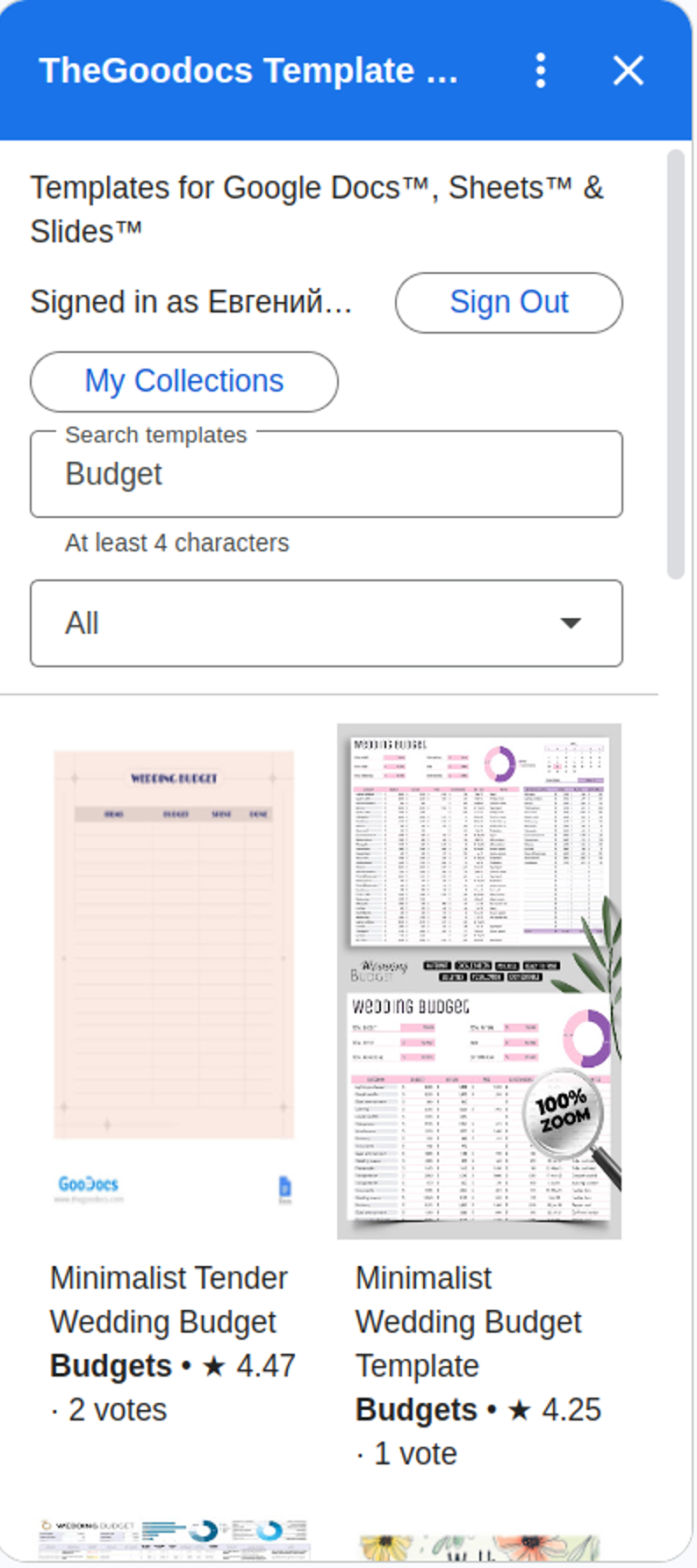
One of the largest free template collections for Google Docs™, Sheets™, and Slides™ — resumes, invoices, budget trackers, newspapers, planners, and more. Instant search and category browsing, right inside the sidebar.
One-click copy to Drive
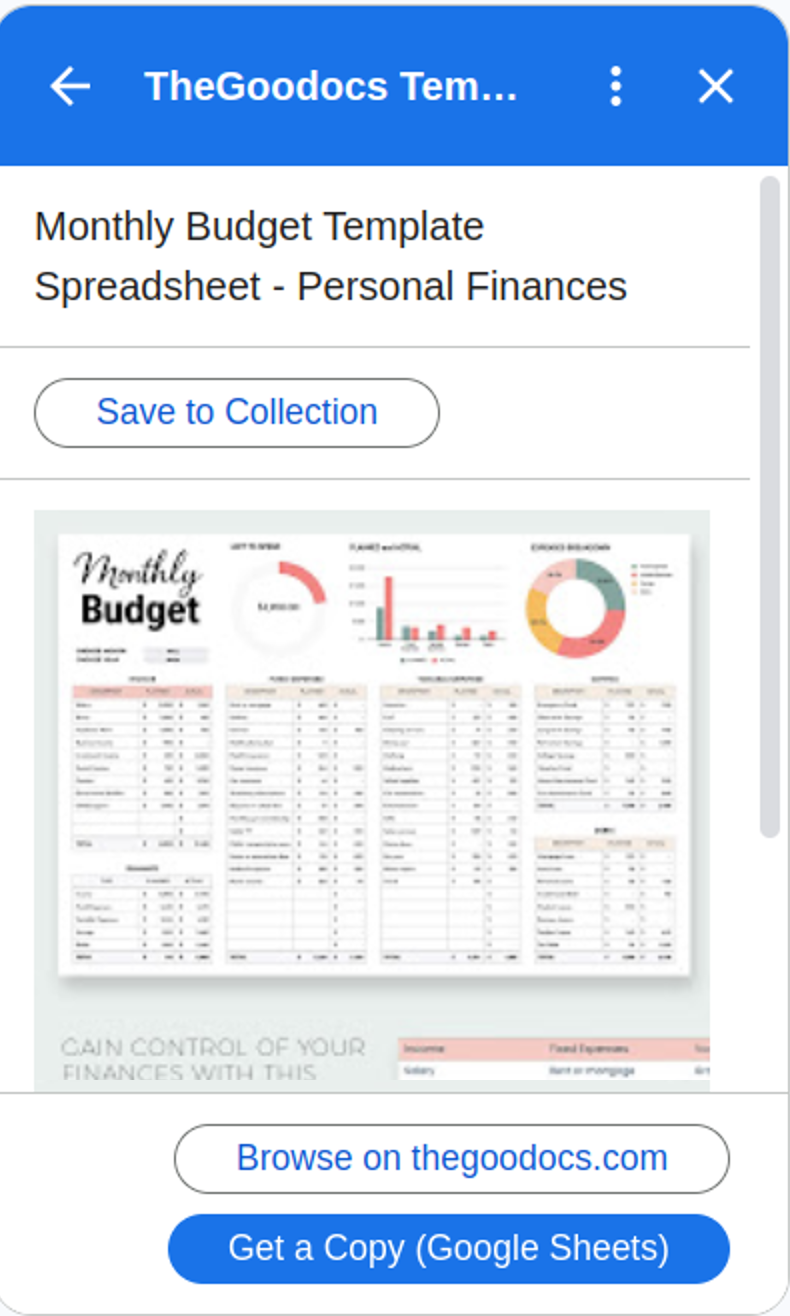
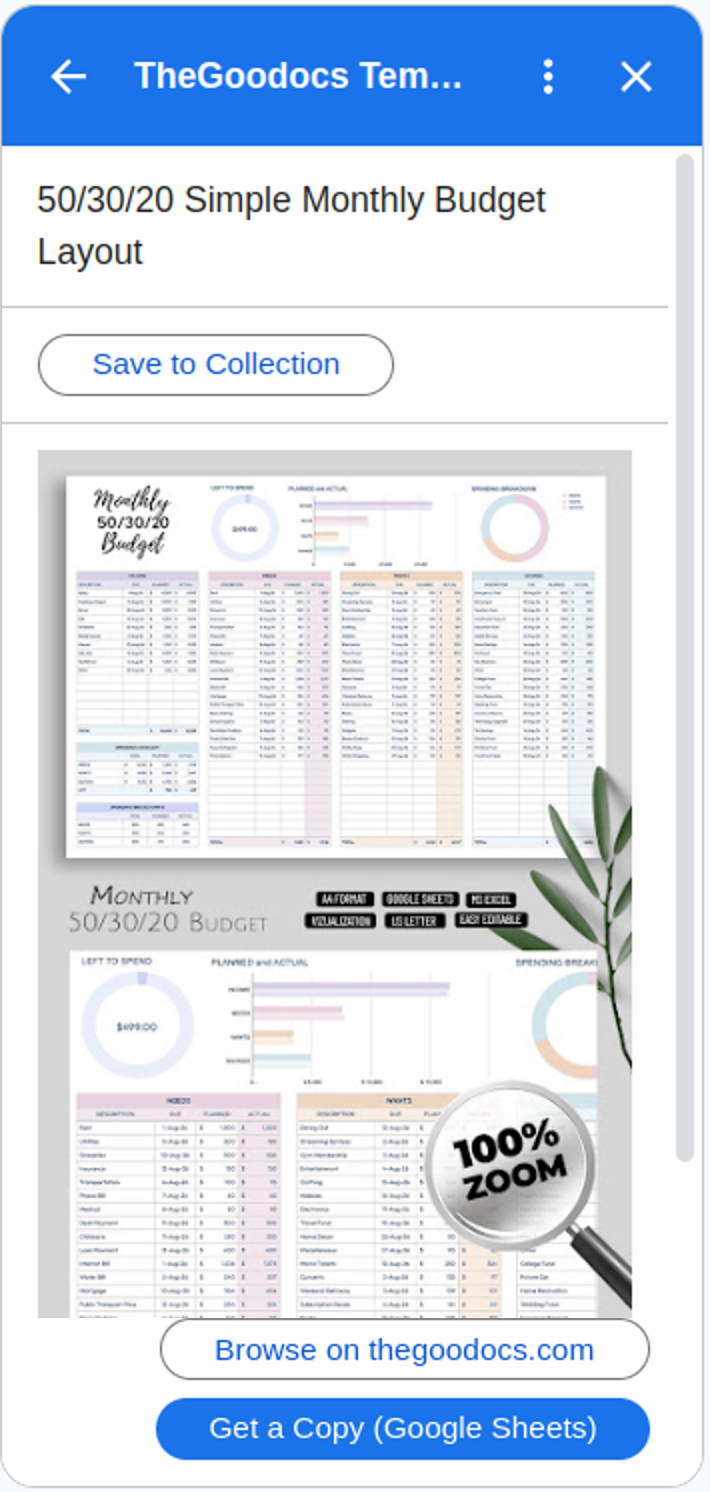
Found the template you need? Get your own editable copy in Google Drive™ with a single click — no downloads, no manual copy-pasting.
Keep your favorite templates organized
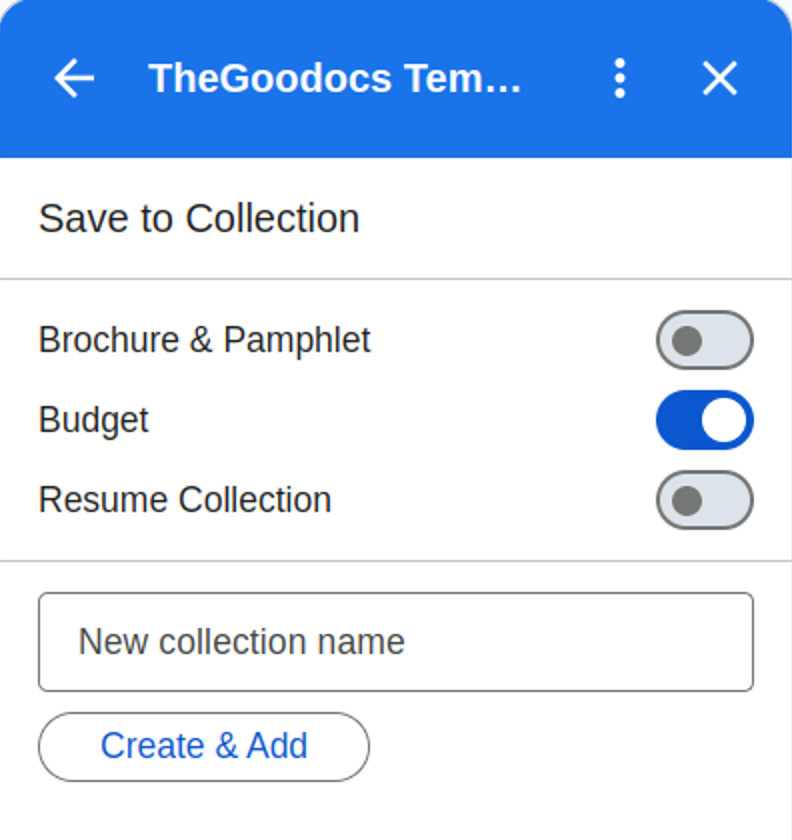
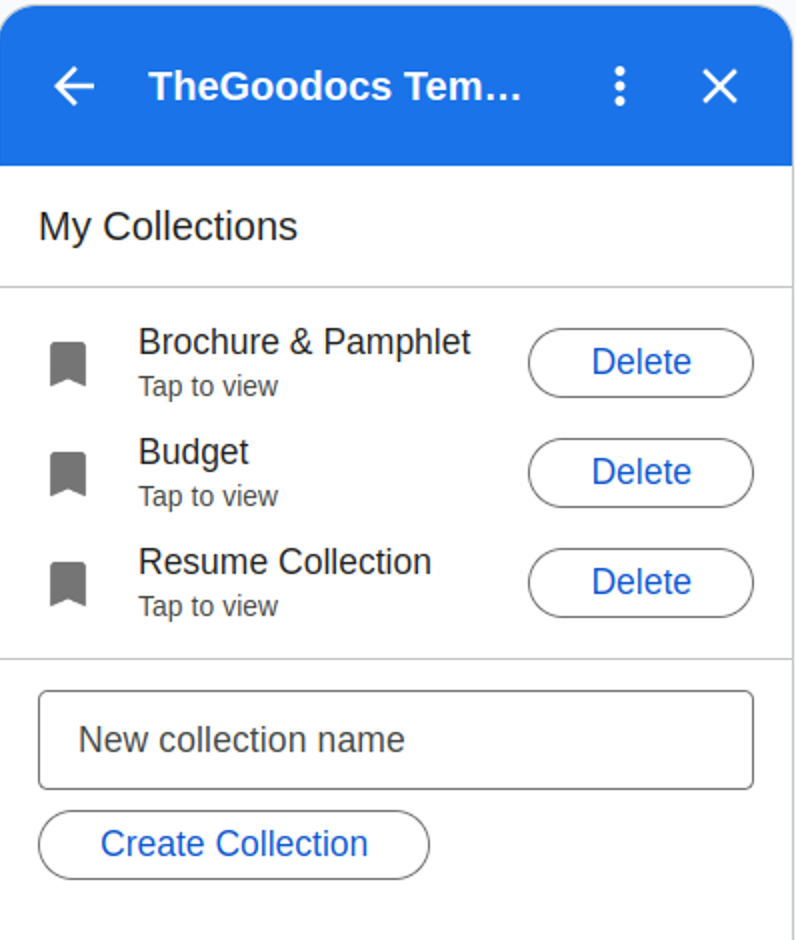
Not ready to use a template today? Sign in with your Google account and save it to a collection — a personal board for templates. Create as many as you like and come back anytime, from any document.
Collections are tied to your Google account, so they follow you across devices.
Browser tab vs. sidebar
Same library either way. The add-on just removes the trip out of your file.
| TheGoodocs.com in a new tab | The add-on | |
|---|---|---|
| Where you browse | Separate browser tab | ✓ Sidebar next to your file |
| Getting an editable copy | Open template, make a copy, switch back | ✓ One click: Get a Copy |
| Saving favorites | ✗ Browser bookmarks | ✓ Collections in your Google account |
| Price | 95% free | ✓ 95% free, free to install |
The add-on is new. The library behind it isn't.
It's the TheGoodocs.com catalog, now built into Google Workspace. Here's what people say about the site.
For a free service The Good Docs is fantastic! They have countless templates that you can edit under so many different categories.
They have saved me hours of work trying to create templates myself.
I am starting my first year of uni… used one of your assignment trackers, and it's really useful!
Extensive library of templates to choose from. Highly recommend checking it out!
Reviews and TrustScore are for TheGoodocs.com as shown on Trustpilot, September 2026 — not for the add-on specifically. Read all reviews
Frequently asked questions
Is the add-on free?+
Yes. 95% of the template library is completely free — no account or subscription required to browse and use templates.
Do I need a Google account to use it?+
No — browsing, searching, and copying templates works without signing in. Signing in with your Google account is only needed to save templates to collections.
I installed it but can't find it — where is it?+
Look for the TheGoodocs icon in the vertical panel on the right edge of your Google Docs, Sheets, or Slides screen, next to Calendar and Keep. If the panel is collapsed, click the small arrow to expand it.
Does it work in Google Docs, Sheets, and Slides?+
Yes — there are three versions of the add-on, one for each app. Install the one(s) you need from the links on this page.
Where does my copy of a template go?+
Get a Copy saves your own editable copy to your Google Drive. No downloads, no copy-pasting.
Will my saved collections sync across devices?+
Yes — collections are tied to your Google account, so they're available wherever you sign in.
Start using free templates today
Install the add-on for the app you work in — it takes less than a minute.