Personal Asset Inventory Template
Use this free template with Google Sheets and Microsoft Excel
Template Specification
Key Features of This Template
About this template
Our Personal Asset Inventory Template is your go-to tool for verifying ownership during insurance claims or simply summarizing your net worth. Use this compact, pre-made format to save time and start recording all your assets right away. Customize, fill out, and use our inventory template for free.
Personal Asset Inventory Template for Net Worth
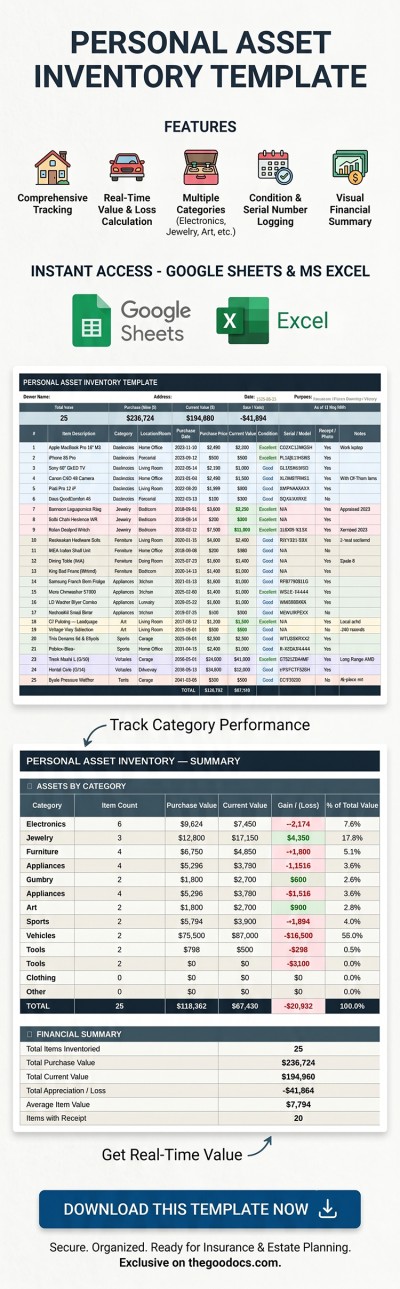
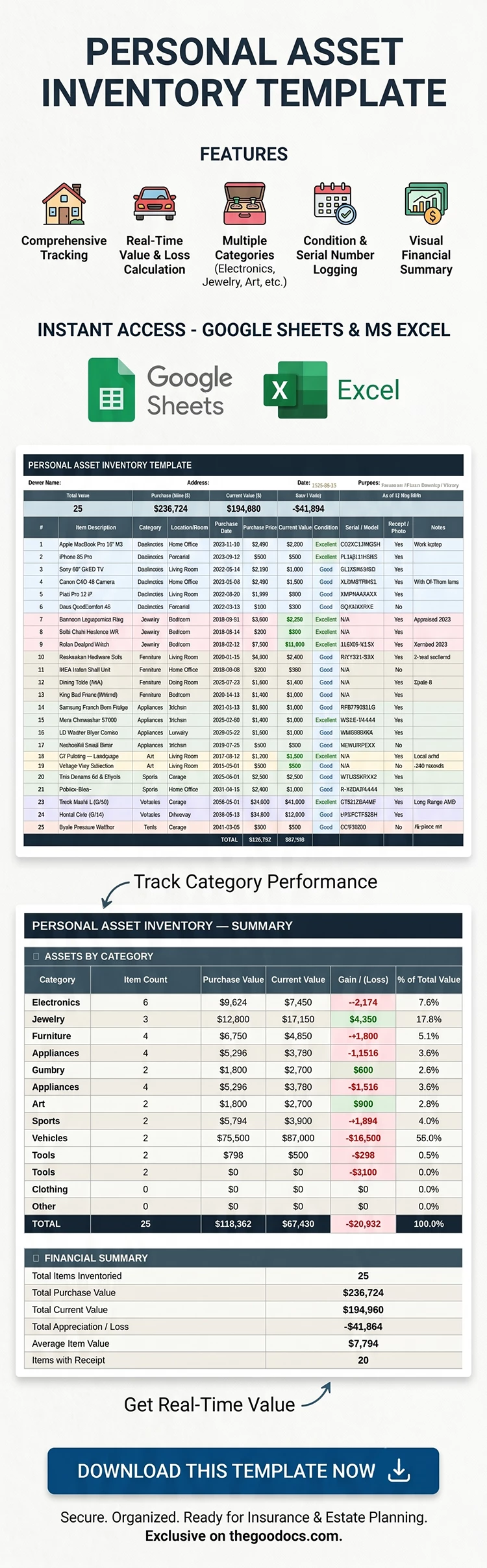
The layout is clean and automatically displays key information. Simply fill out the table with details about each item in your home, office, garage, and other locations. Each item has its own row in the table, with 11 columns for info.
A separate summary sheet displays a report about all your assets, including the item count, total purchase price, current value, gain/loss amount, and the percentage of total value for each category.
Using this Google Sheets and Excel asset inventory template is easy:
- Fill out the spreadsheet with the asset number, description, location, purchase date and price, current value, model, photos or receipts, and notes.
- Select a category (electronics, jewelry, sports, vehicles, etc.) and condition (excellent, good, fair, or poor) using customizable drop-down lists.
- Check the automatic overview on a separate Summary page to instantly see the total net worth of your assets.
Choose the best free inventory spreadsheet template for your needs on our website.
Download Free Template
Google Sheets
Opens in browserMicrosoft Excel
.xlsxWHAT’S INCLUDED
Inventory Tips
FAQ
How to Use and Edit This Template

Get Your Document

Customize Everything

Add Your Content

Print, Export, or Share
Related Templates
Recently Viewed