Fixed Asset Inventory Template
Use this free template with Google Sheets and Microsoft Excel
Template Specification
Key Features of This Template
About this template
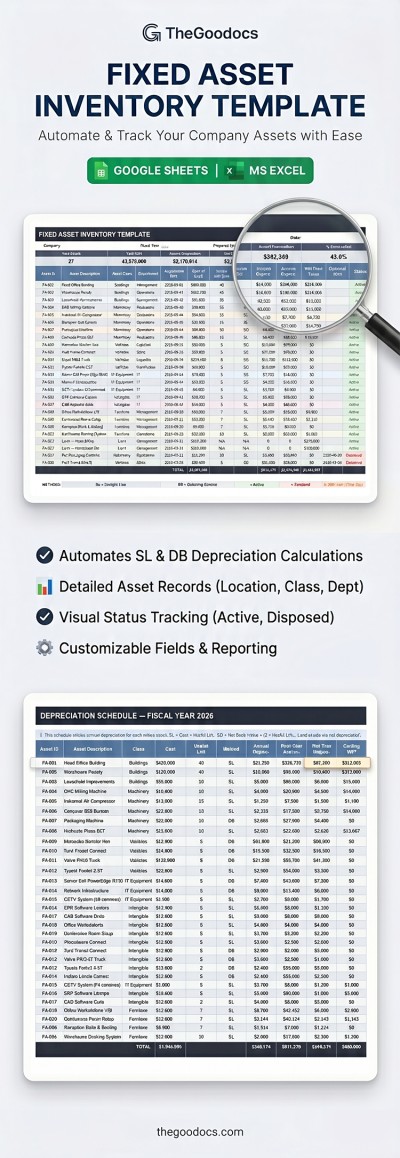
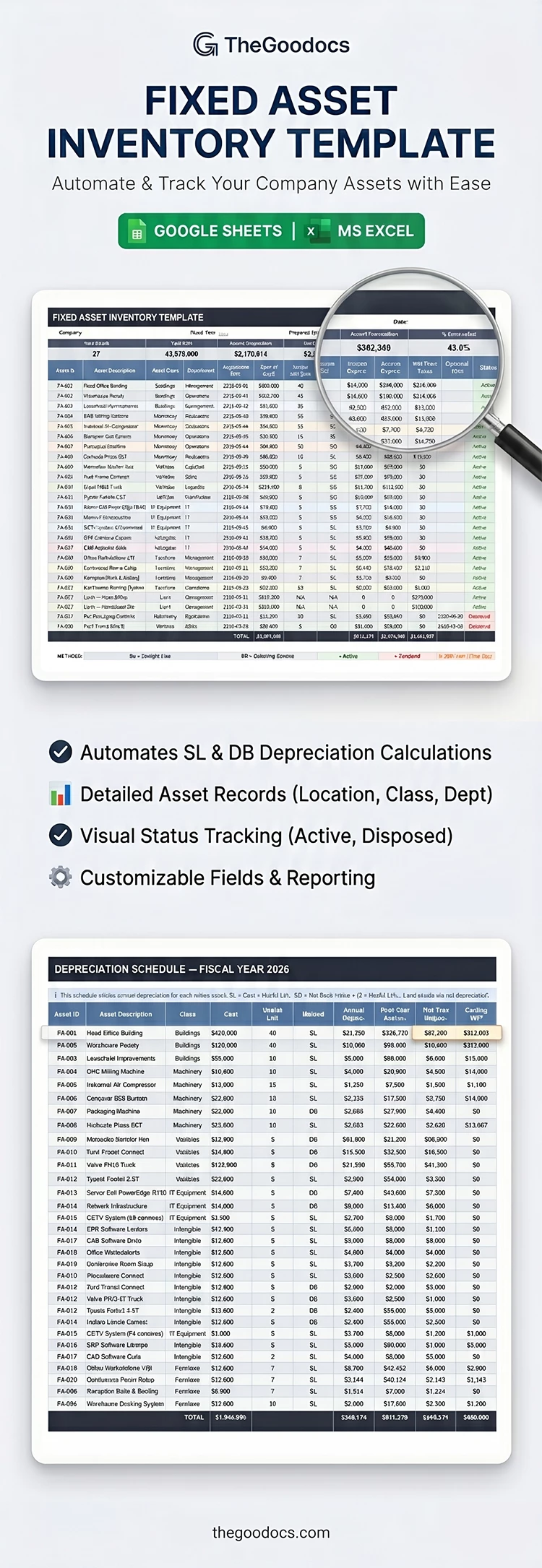
Our Fixed Asset Inventory Template features a convenient table, built-in formulas, customizable drop-down lists, and more. You can fill out this Excel and Google Sheets inventory template for free right now. The file contains two sheets: a Fixed Asset Register and a Depreciation Schedule.
Manage Asset Depreciation Quickly With This Template
Use a convenient, professionally formatted table with built-in formulas and drop-down lists instead of creating a layout from scratch. In the main table, you can list all your company's assets, including both physical and digital ones.
You only need to fill in the asset ID, description, acquisition date, cost, useful life, and depreciation method in the separate table columns. The remaining calculations will automatically appear in the header and on the Depreciation Schedule sheet.
How our fixed asset inventory template works:
- Automatically calculates total cost, accumulated depreciation, net book value, annual depreciation, and other metrics.
- Offers customizable drop-down lists from which you can select the asset class, depreciation method (SL or DB), and asset status.
- Can be customized and completed on any device, making it easy to collaborate with your team.
This inventory spreadsheet template offers a user-friendly and professionally designed layout that significantly simplifies calculating your assets' value and depreciation.
Download Free Template
Google Sheets
Opens in browserMicrosoft Excel
.xlsxWHAT’S INCLUDED
Inventory Tips
FAQ
How to Use and Edit This Template

Get Your Document

Customize Everything

Add Your Content

Print, Export, or Share
Related Templates
Recently Viewed