Asset Inventory Checklist
Use this free template with Google Docs and Microsoft Word
Template Specification
Key Features of This Template
About this template
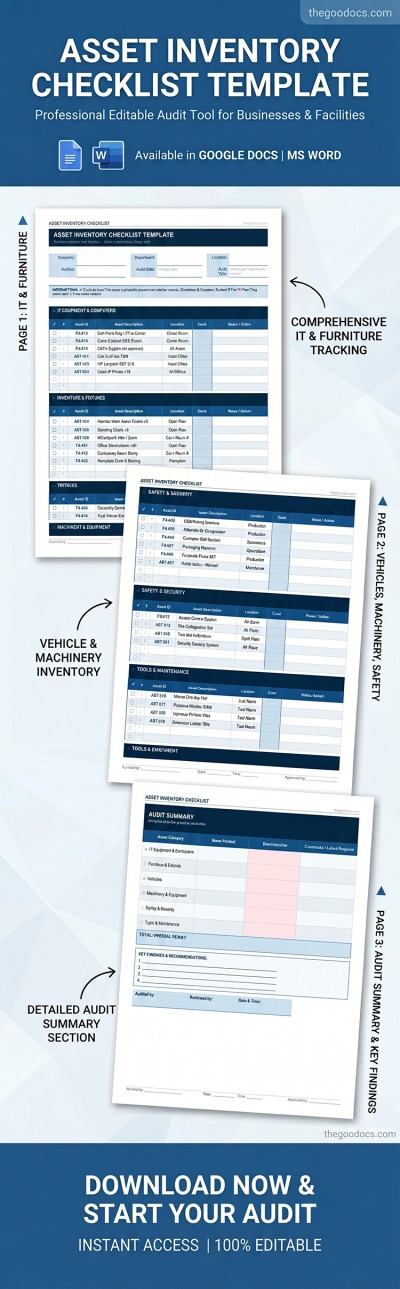
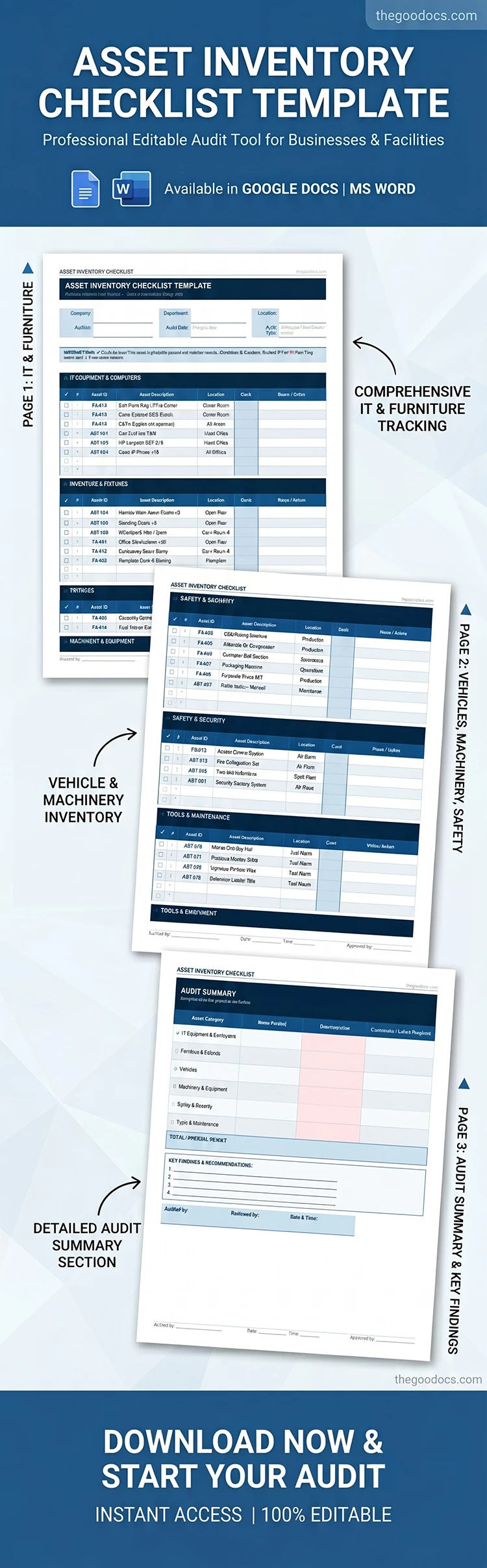
Take advantage of our printable Asset Inventory Checklist for free. List all your assets using convenient, separate tables across this three-page template. Each asset belongs to a specific category, making it easy to track and find the items you need. Use the digital version or print our free inventory template in A4 or US Letter size.
Track Company Property Using Our Free Asset Inventory
This editable and fillable template features a clean design that doesn't distract from the main task. You can specify the company name, audit date, responsible staff, as well as the department, branch, and location in the header section. Then, simply fill out the tables for each item category.
Track your property easily with our asset inventory checklist template:
- Fill out separate tables with the name, description, ID, location, condition, and notes for each item.
- Check the boxes after the audit to mark all present items that match your records.
- Complete the summary section, specifying the number of items verified by category, discrepancies, and required actions.
After completing each page, simply add the name of the person responsible for the audit, the reviewer, signatures, and the date. Download the inventory checklist template for free here.
Download Free Template
Google Docs
Opens in browserMicrosoft Word
.docsWHAT’S INCLUDED
Inventory Tips
FAQ
How to Use and Edit This Template

Get Your Document

Customize Everything

Add Your Content

Print, Export, or Share
Related Templates
Recently Viewed