IT Asset Inventory Template
Use this free template with Google Sheets and Microsoft Excel
Template Specification
Key Features of This Template
About this template
Our IT Asset Inventory Template will help you organize a complete list of IT equipment assigned to employees, in the office, or in warehouses. In addition to phones, laptops, and other hardware, you can also track detailed information about software, licenses, and databases using this one convenient spreadsheet. Fill out our inventory template in Google Sheets or Excel to start tracking your assets right now.
Manage Software Licenses & IT Equipment Quickly
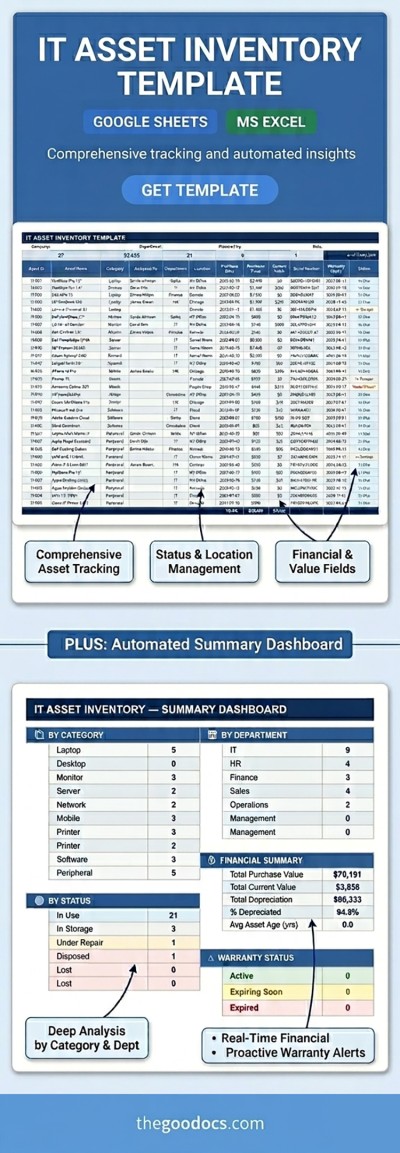
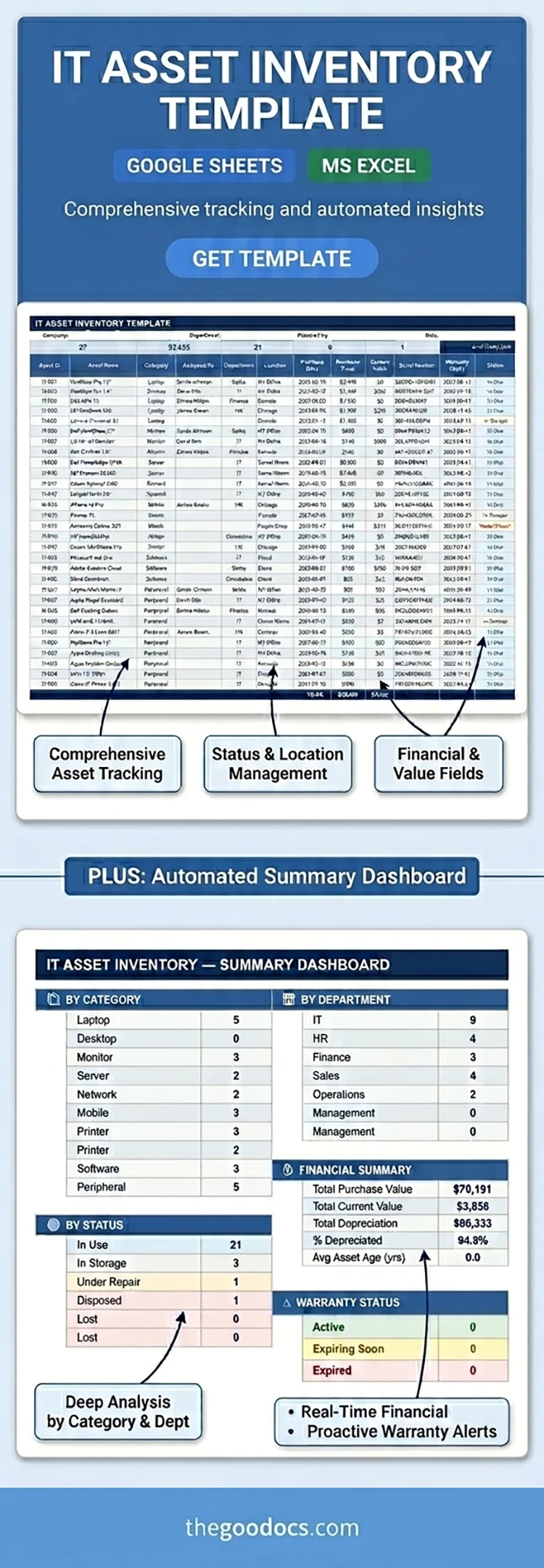
Our template is designed as a convenient table. For each item, you can specify the ID, name, category, assigned user, department, location, purchase date and price, current value, serial number, warranty details, and status.
Drop-down lists for categories, departments, and statuses will speed up the process and eliminate potential errors. A separate Summary Dashboard sheet is included, providing an overview of all assets by category, department, status, and active warranty, as well as a full financial summary.
More features of our IT asset inventory Excel template:
- Automatically calculates the total asset count, current value, items in use, and more.
- Below the main table is a status breakdown chart, which you can modify for your specific tasks.
- You can fill out the template together with your team or responsible staff in a single file from multiple locations.
Take advantage of this professional inventory spreadsheet template for free, with premium options available exclusively on our website.
Download Free Template
Google Sheets
Opens in browserMicrosoft Excel
.xlsxWHAT’S INCLUDED
Inventory Tips
FAQ
How to Use and Edit This Template

Get Your Document

Customize Everything

Add Your Content

Print, Export, or Share
Related Templates
Recently Viewed