Editable City & State & Country Travel Brochure Template
Use this template with Google Slides and Microsoft PowerPoint
Template Specification
Key Features of This Template
About this template
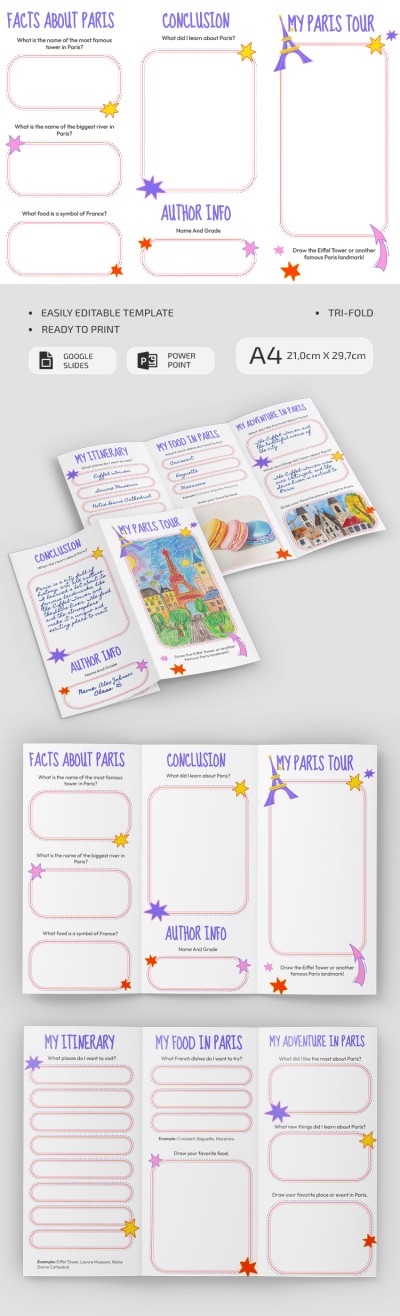
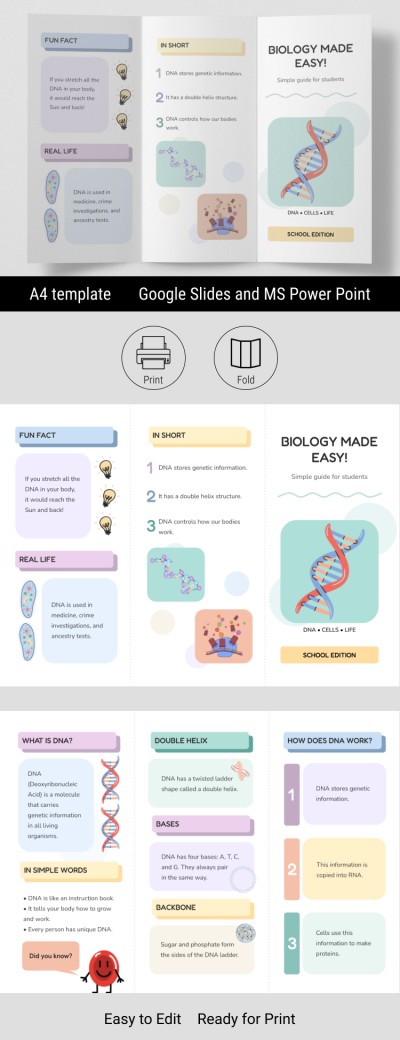
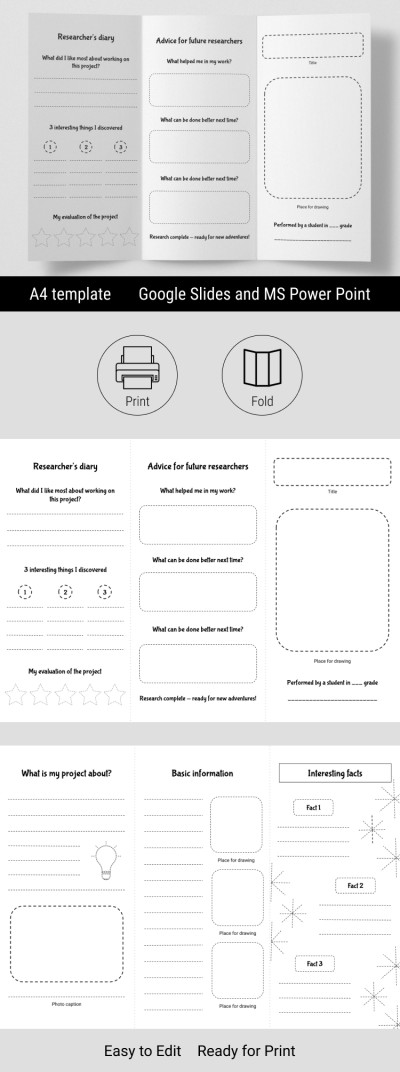
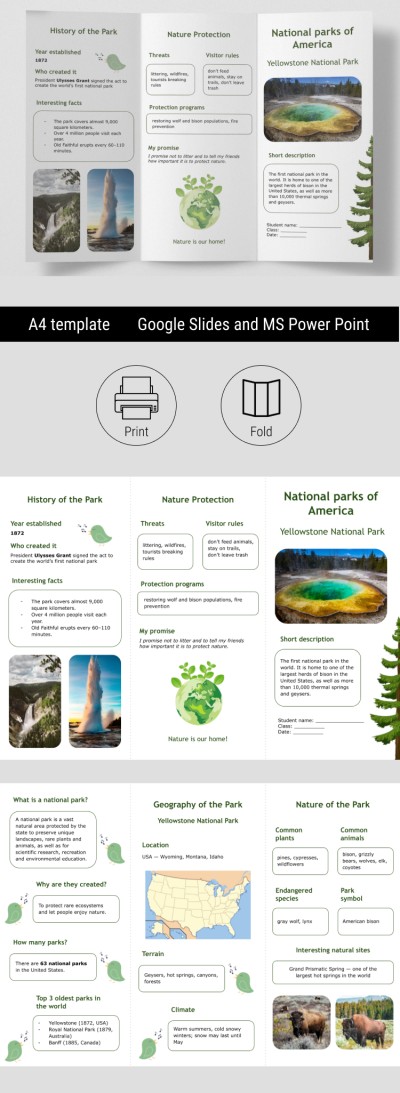
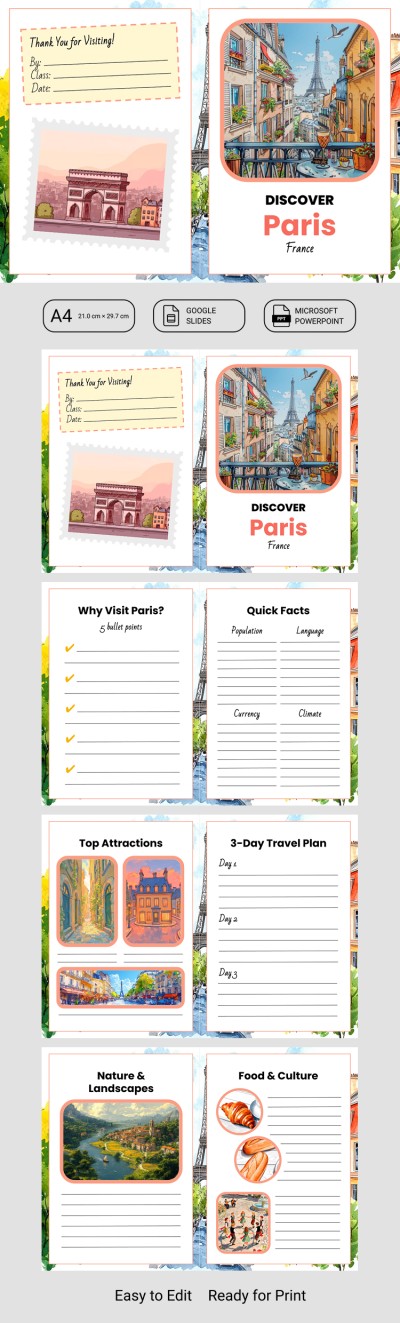
Use our Editable Travel Brochure Template to highlight the best attractions of a city, state, or country. This template includes four slides in Google Slides and PowerPoint. You can combine them to create a bifold brochure or a booklet-style layout. It's perfect for students, and you can find even more brochure ideas for a school project on our website.
Create a Detailed School Project Travel Brochure
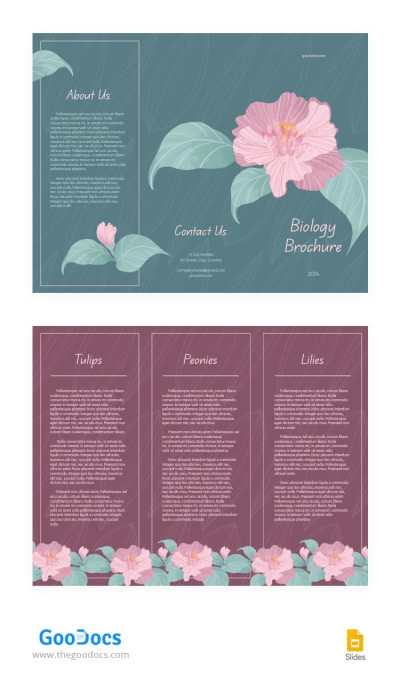
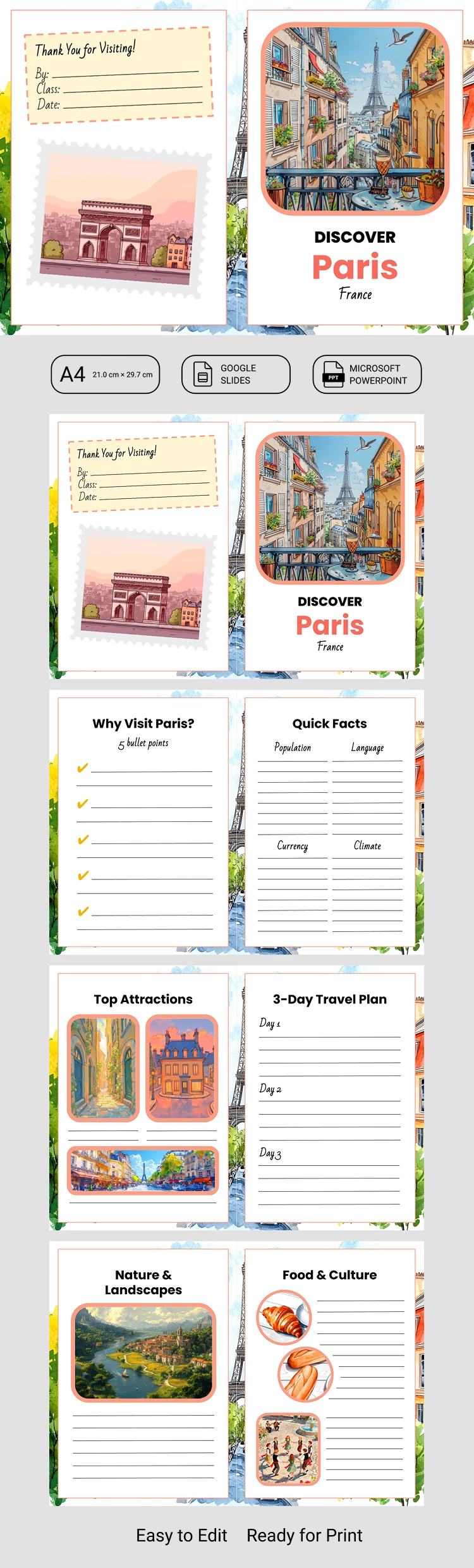
Our template features a cute design with pastel tones, unique illustrations and backgrounds on each slide, and a ready-to-fill structure. We've prepared editable blocks that you can fill out right away after making a copy or downloading the template to your device.
Use the four slides in our brochure template to:
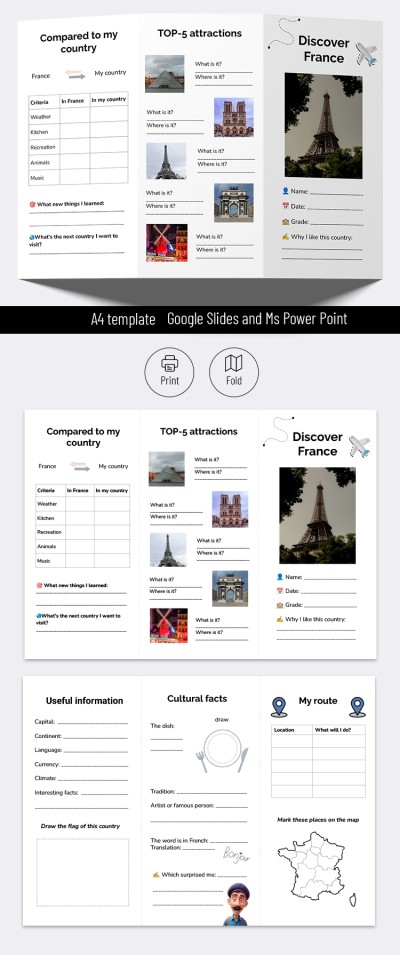
- Create front and back covers with the city and country name, a photo or illustration, and student details.
- Explain why the city is worth visiting using five bullet points and key facts (language, population, currency, and climate).
- Add photos and descriptions of the top three attractions and outline a three-day travel itinerary.
- Describe the local nature, landscapes, cuisine, and culture.
You can use the placeholder blocks and sections as they are or change the titles to fit your needs. All photos and design elements are fully customizable, so you can create a completely personalized brochure. Find a cute brochure template for any purpose on our website!
WHAT’S INCLUDED
Brochures & Pamphlet Tips
FAQ
How to Use and Edit This Template

Get Your Document

Customize Everything

Add Your Content