Get unlimited access to 5000+ Templates for Google Docs, Slides and Sheets
Unlimited Access
ADVERTISEMENT
ADVERTISEMENT

School Project Example Template

Use this free template with Google Slides and Microsoft PowerPoint
4.22 (2 reviews)
Last updated Updated July 18, 2026
Created by William Harris
Type Trifold, Professional, Portrait, A4 / US Letter
ADVERTISEMENT

Template Specification

Format Google Slides
Created June 16, 2023
Last Updated July 18, 2026
Community Added to collections by 12 Users
Usage Stats 8 downloads this month

Key Features of This Template

Suitable For Healthcare , Students , Teachers

About this template

Were you looking for a brochure template that can accommodate your school project about bacteria or other microorganisms? It's great that you've landed on this page. Our School Project Example Template will earn you an A+! The unique design is perfect for the topic, and the editable layout allows you to customize the content to suit your needs.

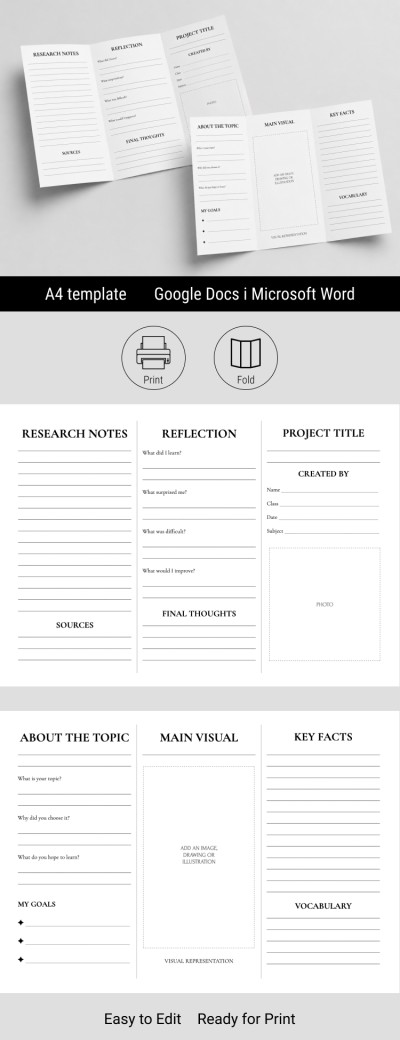
Double-Sided Brochure Template with Unique Design

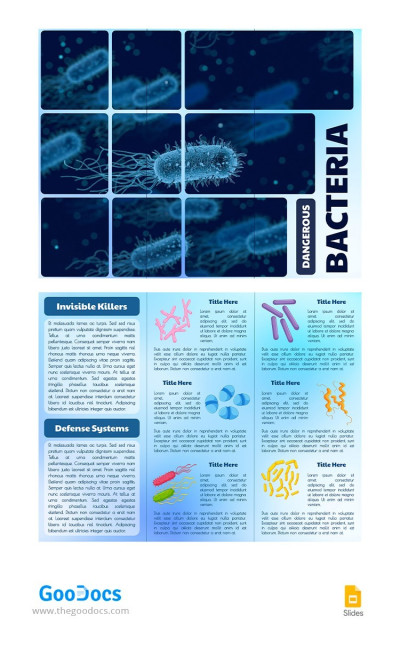
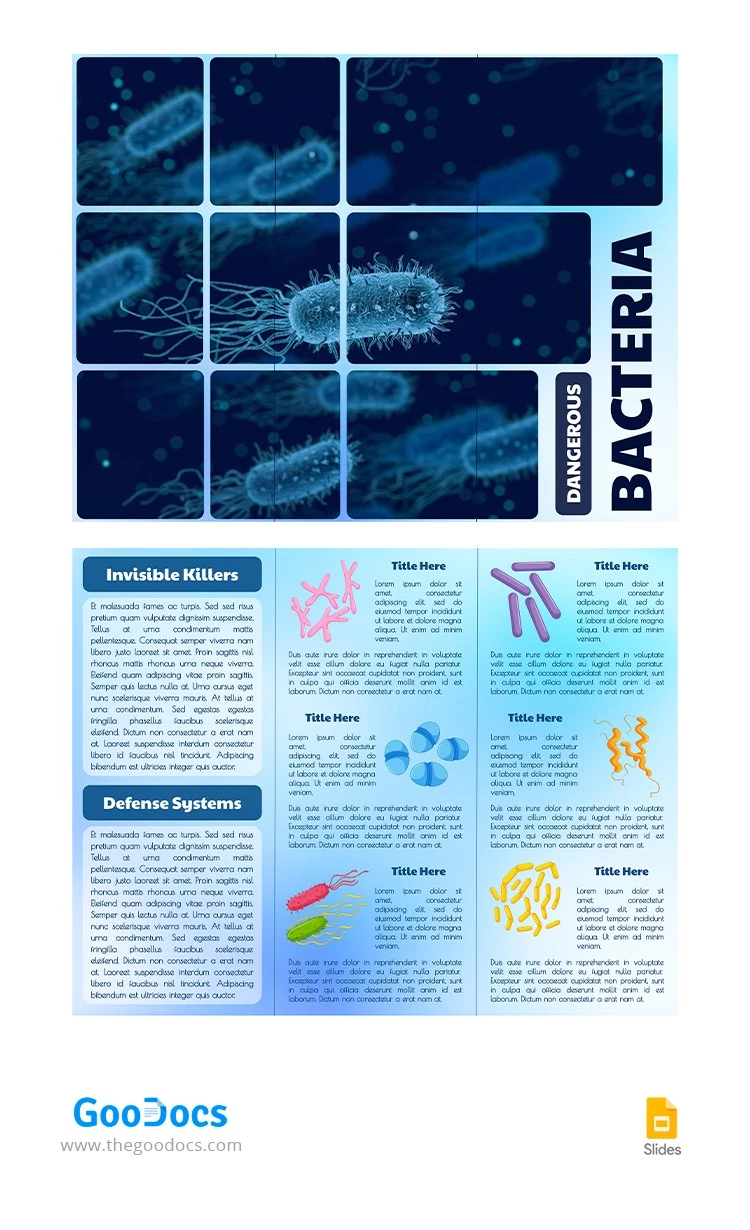
The amazing cover design is located on the first side of this template for a brochure. It shows bacteria in their natural habitat. In the lower right corner, there is a place where you can write the name of your project or a title.

On the other side, you will find a variety of sections. For example, use the Invisible Killers and Defensive Systems headings and graphic elements to structure your text. Remember that our brochure examples for students are 100% editable and ready to print? All this makes this option convenient and easy to use - just try it now for free!

ADVERTISEMENT
Free Template

Download Free Template

Choose your platform and start editing right away
PLATFORM

Google Slides

Opens in browser
PAPER SIZE
A4
Google Slides – A4
Duplicate to Google Classroom
No account required • Attribution required

WHAT’S INCLUDED

Eye-catching bacteria-themed cover design
Sections with editable content blocks
Graphic elements for visual storytelling
Printable double-sided layout for projects

Brochures & Pamphlet Tips

1
Customize each section to fit your project's theme.
2
Use images to enhance understanding and retention.
3
Print in high quality for best presentation.
4
Separate ideas into clear and concise sections.

FAQ

Is this template compatible with Google Slides? Yes, it's compatible with Google Slides and PowerPoint.
Is this template easy to use? Absolutely, the layout is intuitive for quick editing.
Can I customize the text and images? Yes, you can easily customize all text and images.
Is this brochure template free to use? Yes, it's free to download and use for your project.
Can I print the brochure in color? Yes, it's designed for high-quality color printing.
ADVERTISEMENT

How to Use and Edit This Template

Get Your Document

1

Get Your Document

Click the "Edit Template" button to create your own editable copy in Google Slides or download for Microsoft PowerPoint
Customize Everything
2

Customize Everything

Easily change colors, fonts, and layouts to match your unique style or brand identity
Add Your Content
3

Add Your Content

Fill in your data, upload images, and replace the placeholder text with your own information
Print, Export, or Share
4

Print, Export, or Share

Print, export as PDF, or share instantly

Related Templates

Recently Viewed