Get unlimited access to 5000+ Templates for Google Docs, Slides and Sheets
Unlimited Access
ADVERTISEMENT
ADVERTISEMENT

Biology School Project Example Template

Use this free template with Google Slides and Microsoft PowerPoint
4.28 (2 reviews)
Last updated Updated July 18, 2026
Created by Michael Allen
Type Trifold, Elegant, Portrait, A4 / US Letter
ADVERTISEMENT

Template Specification

Format Google Slides
Created June 13, 2023
Last Updated July 18, 2026
Community Added to collections by 14 Users
Usage Stats 1 downloads this month

Key Features of This Template

Suitable For Students , Teachers

About this template

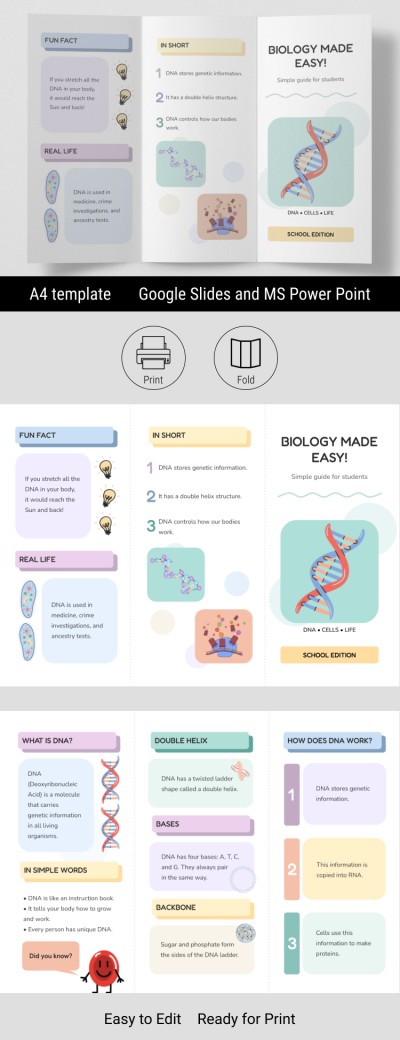
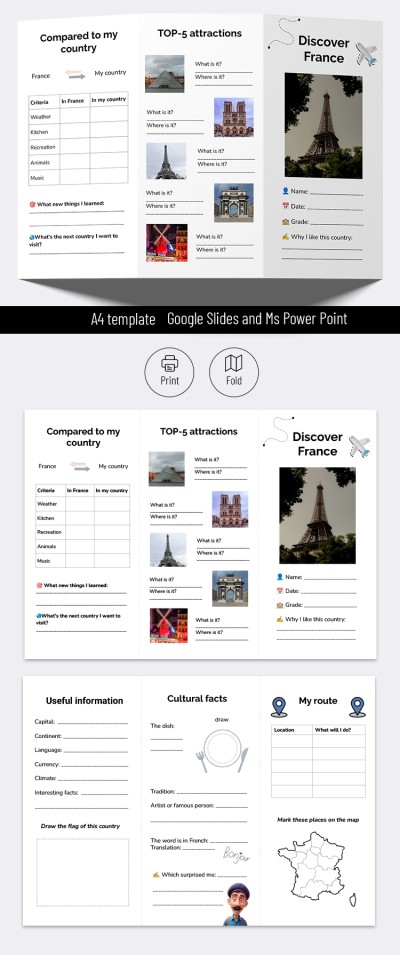
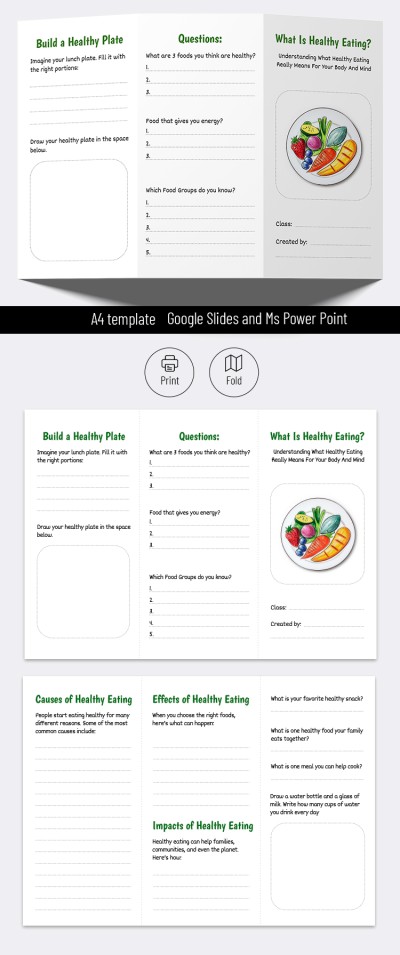
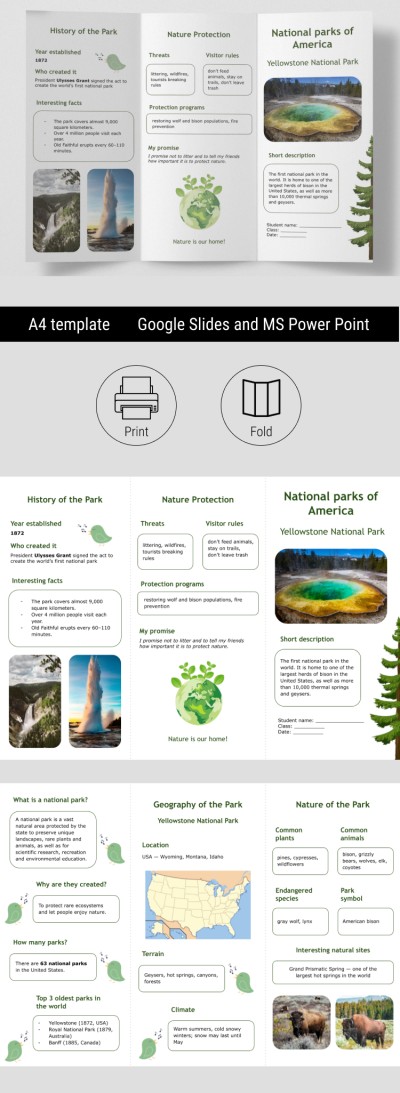
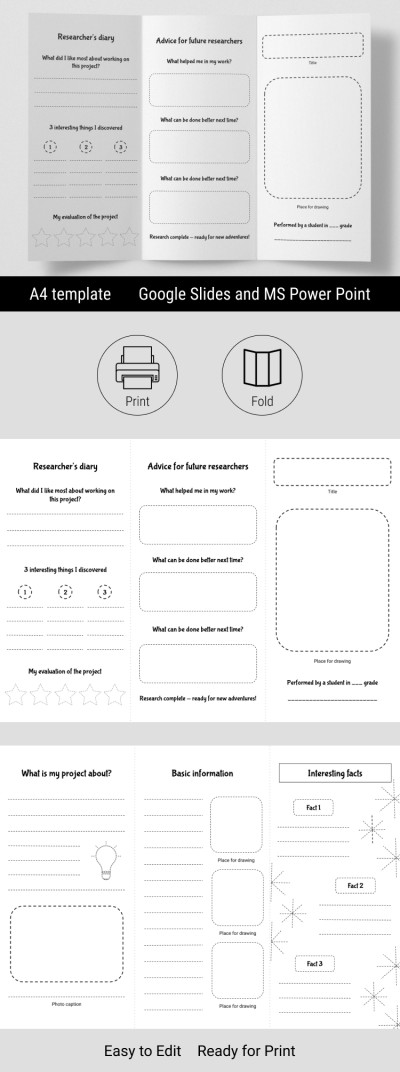
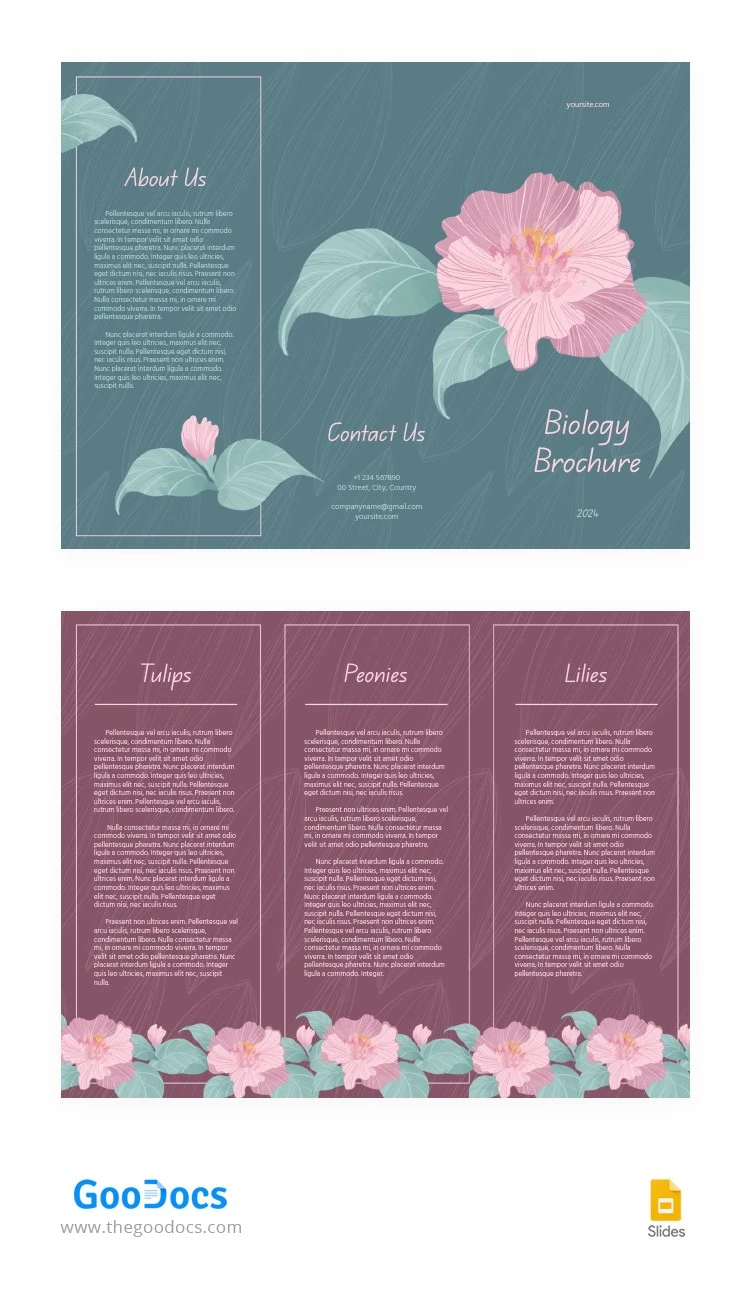
Were you looking for a pamphlet template that will perfectly suit your biology project? Check out this unique and attractive Biology School Project Example Template in Google Slides and PowerPoint. This option will complement your science work and make your project stand out!

Editable & Printable Brochure Template

We offer free, editable, and printable brochure examples, and this option is no exception. You can easily use the ready-made layout to add new text and include illustrations. Customization is available in Google Slides, one of the easiest editors, which provides many tools to personalize our brochure.

Our trifold layout is convenient for structuring information. You can add one topic to each of the panels. The title panel will serve as a place for an introduction to the topic and general information about the project. Find only the best brochure examples for school projects for free on our website!

ADVERTISEMENT
Free Template

Download Free Template

Choose your platform and start editing right away
PLATFORM

Google Slides

Opens in browser
PAPER SIZE
A4
Google Slides – A4
Duplicate to Google Classroom
No account required • Attribution required

WHAT’S INCLUDED

Trifold layout with three sections
Editable text for custom content
Attractive floral-themed design
Contact and about us sections

Brochures & Pamphlet Tips

1
Use high-quality images for a polished look
2
Customize fonts for unique branding
3
Add diagrams to illustrate key points
4
Make sure all info is concise

FAQ

Is this template compatible with PowerPoint? Yes, it works with both PowerPoint and Google Slides.
Can I personalize the color scheme? Absolutely, you can change colors to match your theme.
Is there a cost to use this template? No, this template is completely free to download and use.
Is this template easy to edit? Yes, it's user-friendly and requires no advanced skills.
Is it suitable for digital presentations? Yes, it's designed for both print and digital use.
ADVERTISEMENT

How to Use and Edit This Template

Get Your Document

1

Get Your Document

Click the "Edit Template" button to create your own editable copy in Google Slides or download for Microsoft PowerPoint
Customize Everything
2

Customize Everything

Easily change colors, fonts, and layouts to match your unique style or brand identity
Add Your Content
3

Add Your Content

Fill in your data, upload images, and replace the placeholder text with your own information
Print, Export, or Share
4

Print, Export, or Share

Print, export as PDF, or share instantly

Related Templates

Recently Viewed