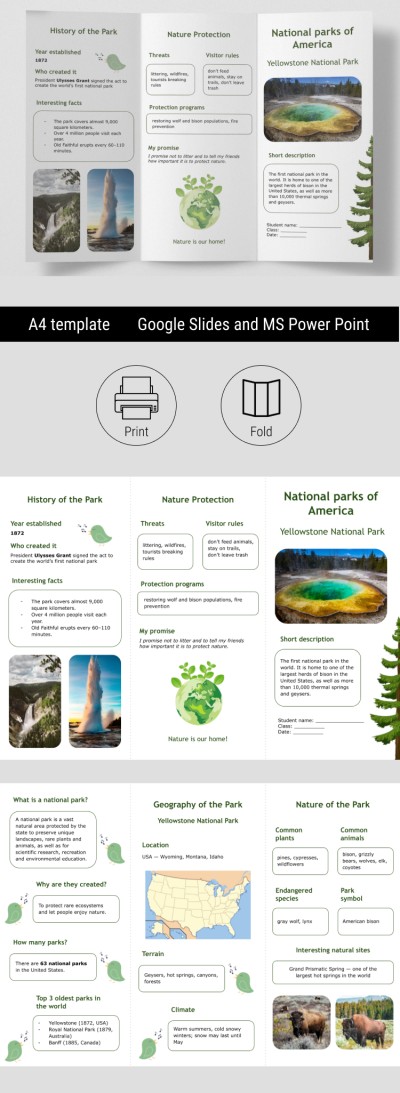
Educational National Parks Brochure for Classroom
Use this free template with Google Slides and Microsoft PowerPoint
Template Specification
Key Features of This Template
About this template
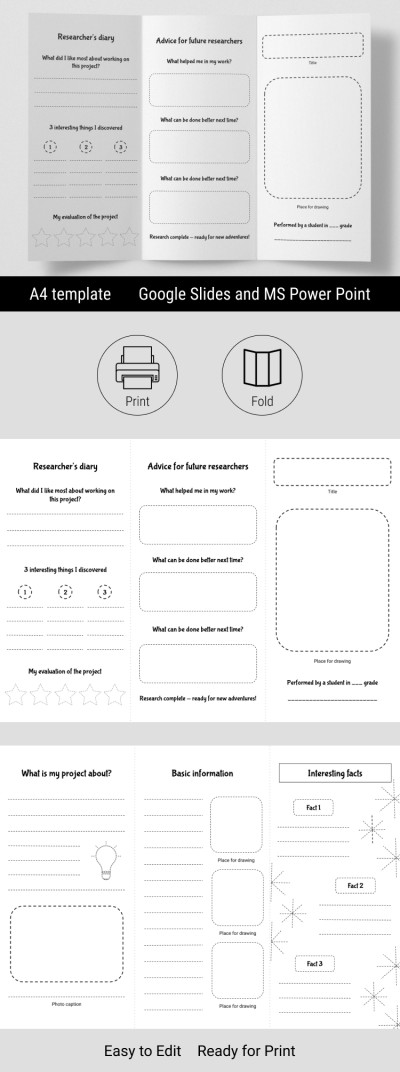
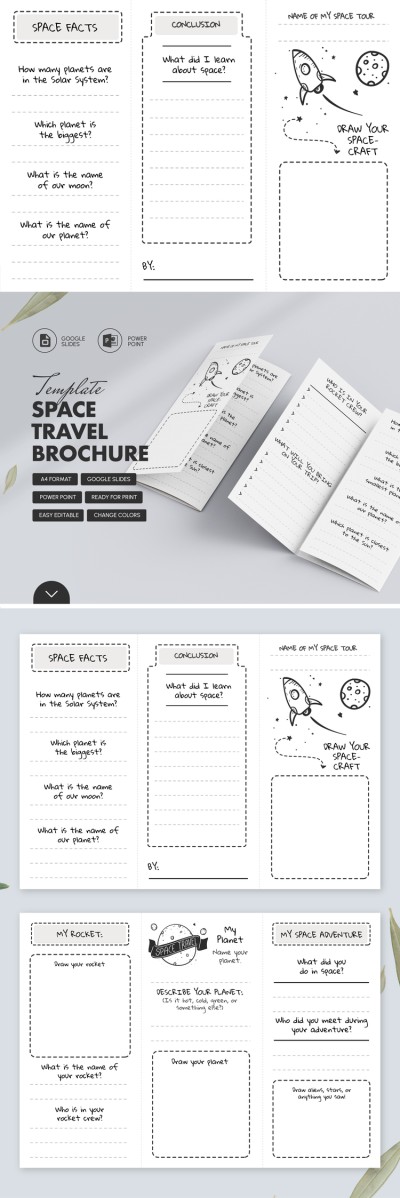
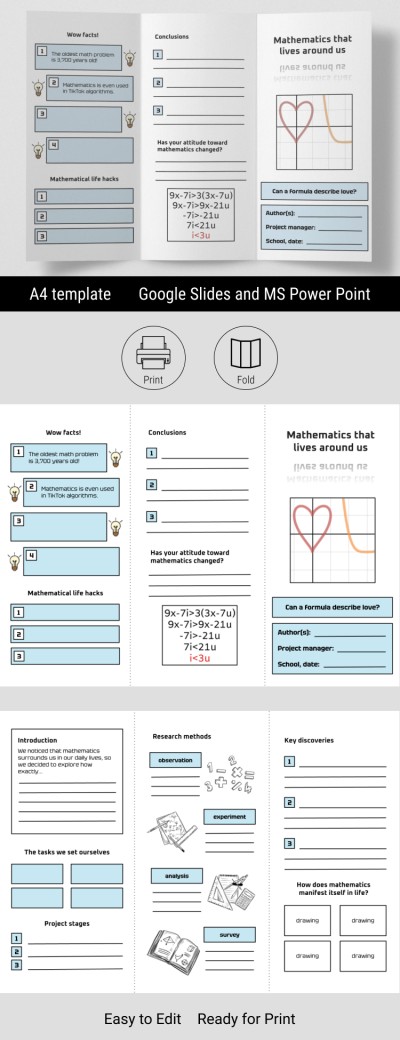
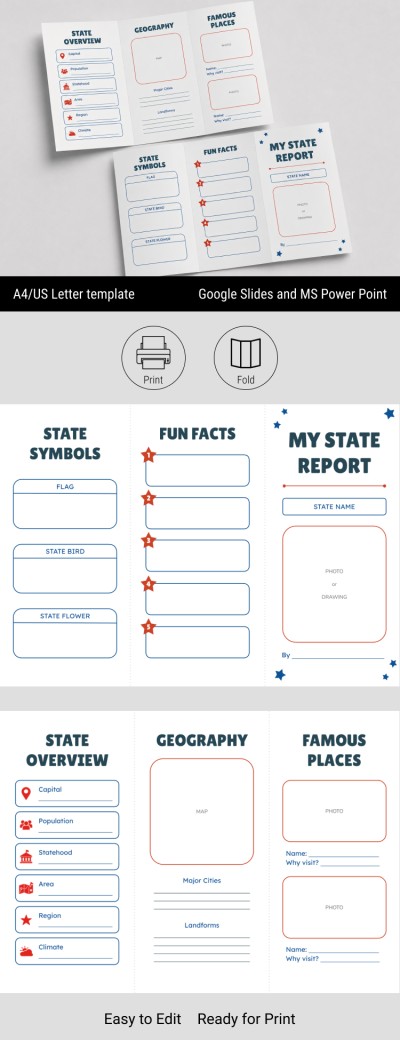
Tired of boring brochures? Create one that truly engages students. This Education National Parks Brochure for Classroom use is an excellent choice. The premade layout allows you to focus more on content than on design. Ready-made fields, sample content, and a fully editable structure are among the template’s key advantages.
Create an Engaging and Attractive Classroom Brochure
Our brochure ideas give you complete creative freedom. Want to add more details about the Grand Canyon and Yellowstone, or provide information about endangered species and the regulations designed to protect them? Download or get a copy of the tri-fold brochure template and include any content you find useful.
The template is available in Google Slides and PowerPoint, which means:
- You can easily edit text, images, and the overall layout.
- The initial design can be customized in just a few clicks.
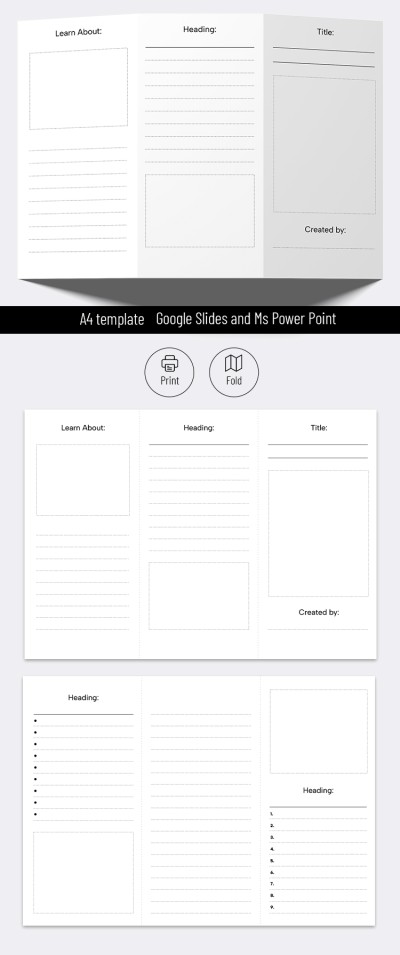
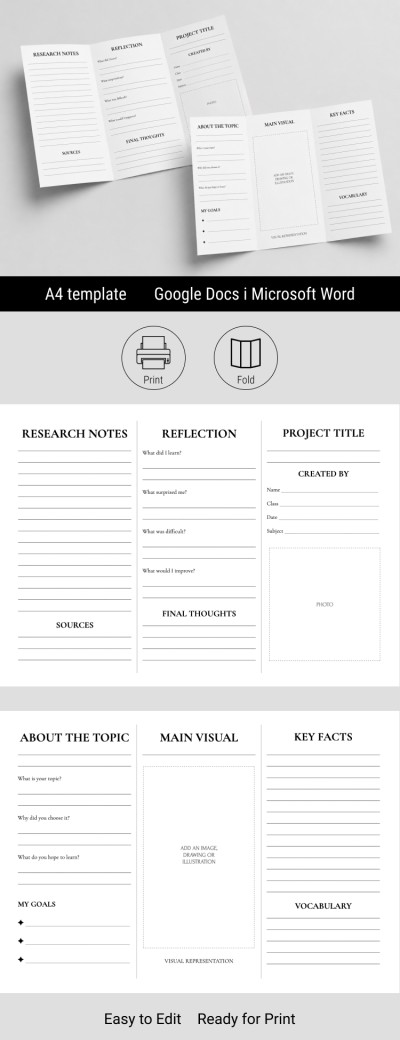
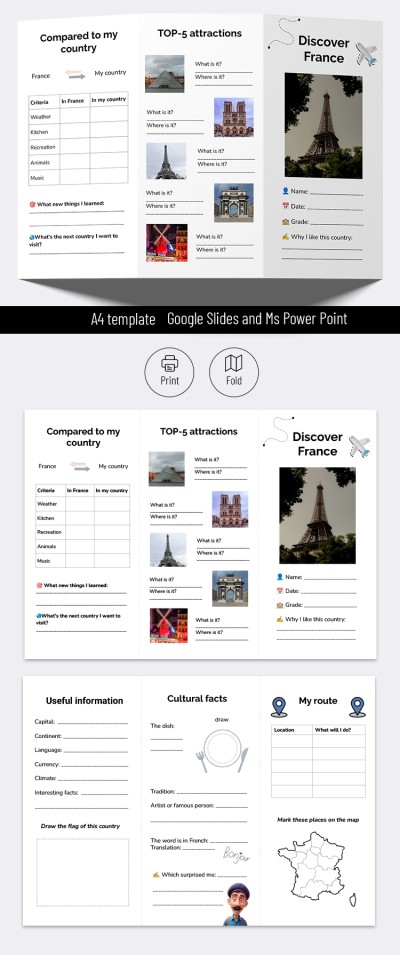
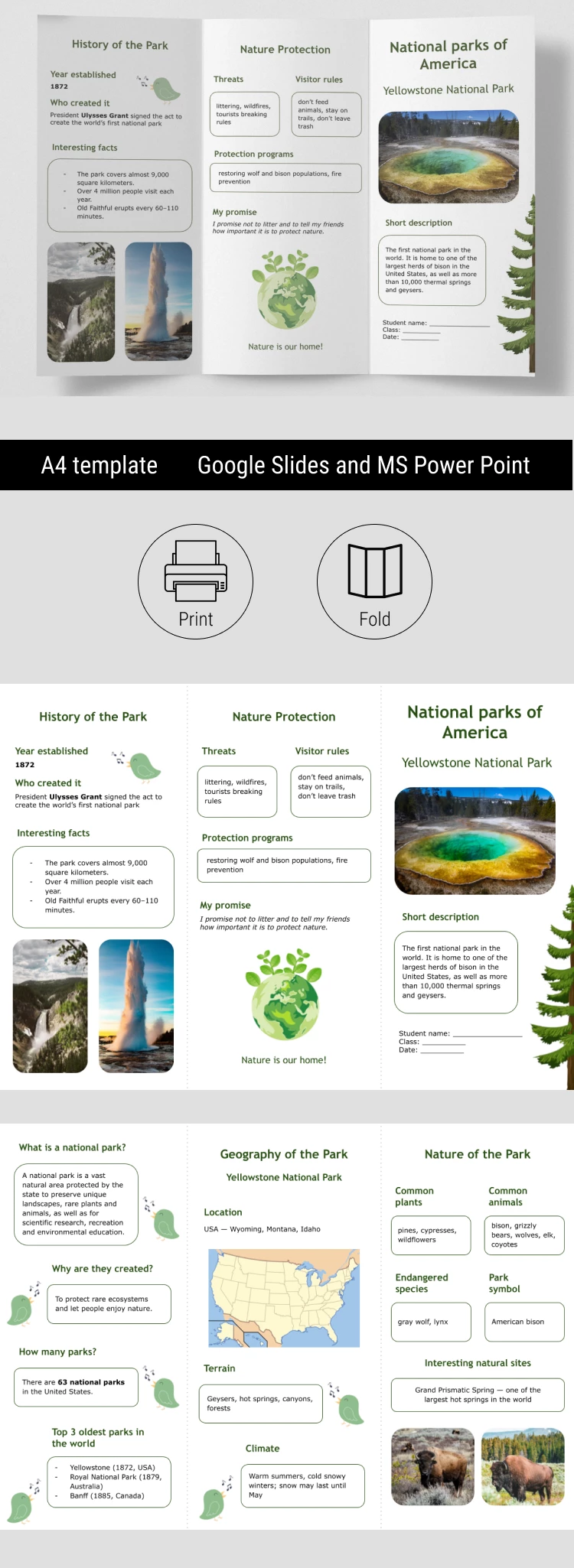
- The template is print-ready in A4 landscape format, with folding guidelines.
- You can share it online on a school website or in a classroom group chat.
We offer brochure examples for students and teachers. Click the link to choose from the best available options.
Download Free Template
WHAT’S INCLUDED
Brochures & Pamphlet Tips
FAQ
How to Use and Edit This Template

Get Your Document

Customize Everything

Add Your Content